Turn Story Books into Audiobooks with AI.
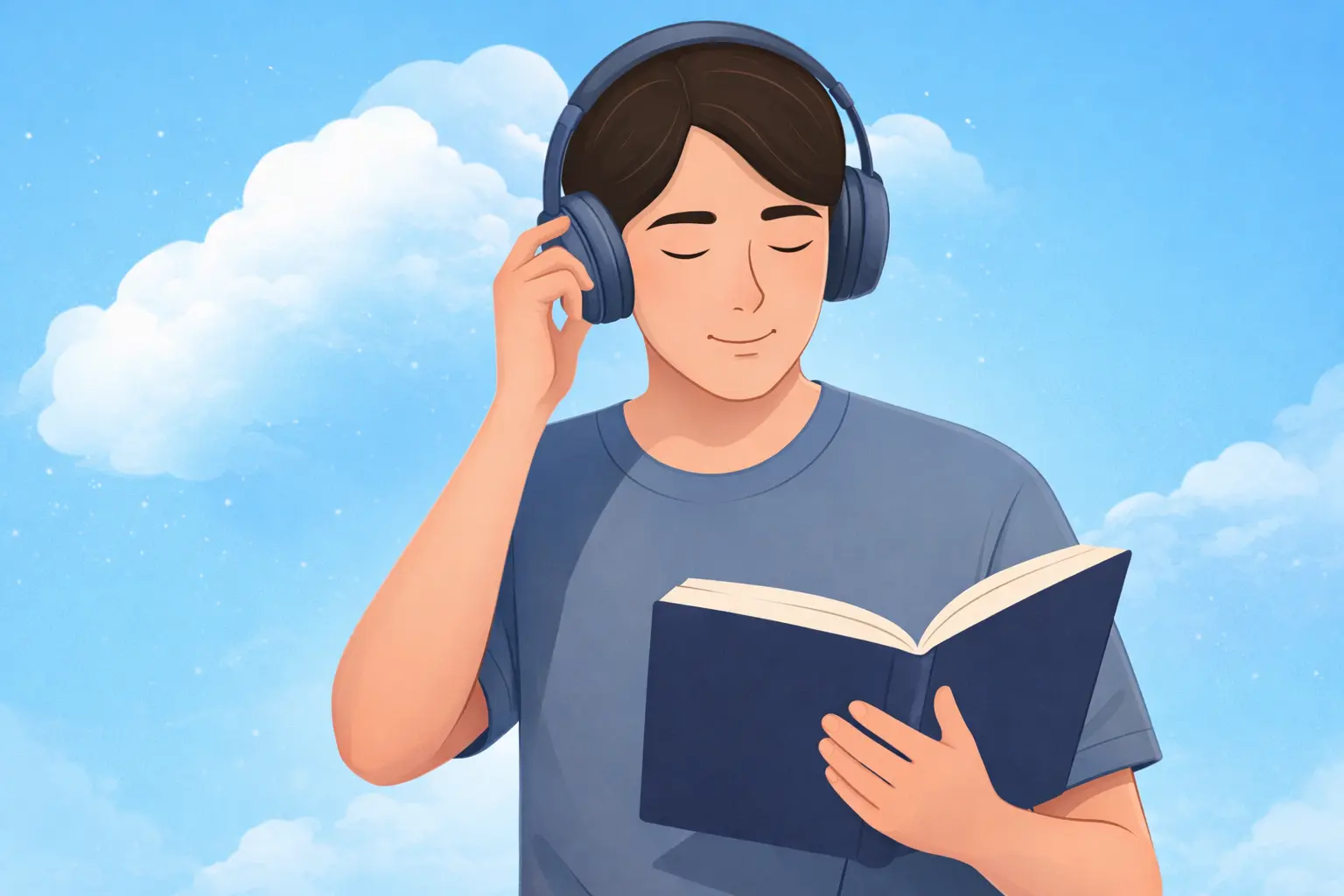
Convert novels, fiction PDFs, and story collections into natural narration in minutes. Our AI audiobook generator helps you listen on the go, reduce screen time, and enjoy more books every week.
Key Features and Benefits
Why Readers Choose This AI Audiobook Maker
From faster book consumption to hands-free listening, this story book to audiobook converter is built for modern reading habits.

Convert Written Stories into
Rich Voice Narration.
This AI audiobook generator is optimized for narrative content, chapter flow, and clear pacing. It helps students, parents, readers, and creators turn text into high-quality listening experiences.
How It Works
Turn a Story Book into an Audiobook in 3 Steps
Upload your file, choose your narrator settings, and start listening in minutes with zero production effort.
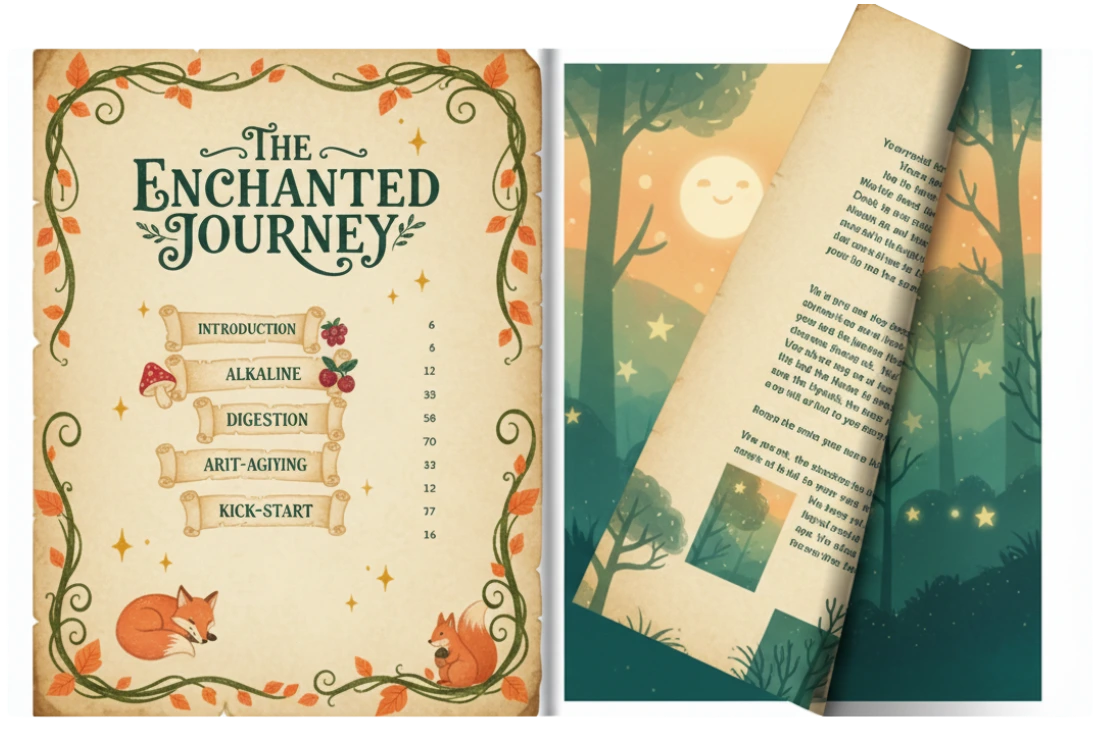
1. Upload Story File
Add PDF, EPUB, DOCX, or TXT story content to your reading workspace.
2. Choose Voice Settings
Select language, narration style, and playback speed that match your story mood.
3. Listen and Export
Press play instantly and export audio for offline listening on any device.
Use Cases
Built for Students, Parents, Readers, and Creators
This story book to audiobook converter supports different goals, from learning and bedtime routines to publishing and audience engagement.
Students
Turn assigned novels and fiction readings into audio to revise faster and retain plot details better.
Parents
Create engaging bedtime storytelling audio from children's books with natural, gentle narration.
Readers
Enjoy more books during commutes, workouts, and walks with hands-free story listening.
Content Creators
Repurpose written stories into voice content for podcasts, demos, and audience previews.
Advantages of AI-Powered Audiobook Generation
Why AI Audiobook Generation Scales Better
AI narration helps you generate quality audio faster, lower production costs, and publish story audio across devices with minimal setup.
Publish Story Audio Faster with
Consistent Voice Quality.
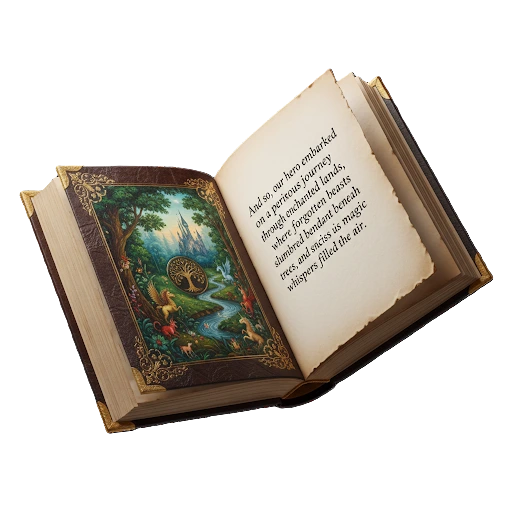
ReadLoudly's AI audiobook generation engine helps you turn written stories into polished narration quickly. Instead of long recording workflows, you get consistent output, flexible voice settings, and faster distribution.
High-Contrast Audio Mode Active
Breaking Barriers: Audiobooks for Dyslexia & Visual Impairment.
At ReadLoudly, we believe every story should be accessible. Our audiobook maker for dyslexia helps listeners bridge the gap between text and understanding — without the fatigue of traditional reading. Designed for the neurodivergent community, visually impaired readers, and anyone who learns better through listening.
-
spellcheckDyslexia-Friendly Fonts & UI
-
flareReal-Time Focus Highlighting
-
hearingHands-Free, Eyes-Free Consumption
Full Creative Control
Tailor the Audio to Your Story.
Whether you're listening to a gritty thriller or a lighthearted romance, take full control over how your stories sound.
Your Story, Your Sound —
Perfectly Tuned.
No two readers are the same. ReadLoudly's AI audiobook customization engine gives you granular control over every aspect of your listening experience. Adjust voice pitch, warmth, and speed to match your preference — whether you're listening to a fast-paced thriller, a slow literary novel, or a children's bedtime story.
Frequently Asked Questions
Answers to common questions about AI story narration, audiobook creation, and offline listening.
Upload your story file in PDF, EPUB, DOCX, or TXT format, choose a voice, and generate narration instantly. No recording setup or studio workflow is required.
Look for natural voice quality, chapter flow control, and export options. ReadLoudly combines these in one workflow designed for long-form storytelling.
Yes. Parents can convert children's stories into gentle, repeatable narration and use voice settings to create a bedtime-friendly listening pace.
Yes. Writers and creators can generate sample story audio to share excerpts, launch content campaigns, and test audience response faster.
Yes. You can export generated audio and listen offline while commuting, traveling, or studying without a constant internet connection.
Ready to turn your next story into audio?
Start with one book and build a complete audiobook-ready library with AI narration that scales.

Start listening smarter today
Join 4M+ users who've transformed how they consume content. Turn any document into an engaging audio experience in seconds.