

Scanned PDF Reader
OCR + Text to Speech
Listen to your Scanned PDFs like audiobooks, chat with content, track progress, highlight key points, and save bookmarks — all in one place.
Opens in the ReadLoudly reader. Free, no signup.
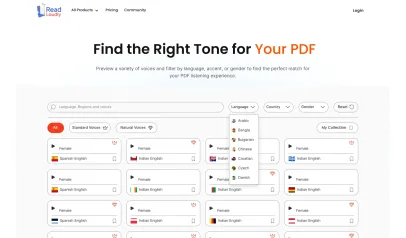
Hear the voices before you listen
Popular Tools
All-in-one PDF reader and document tools to read, convert, compress, scan, and manage files online—fast, secure, and easy to use.







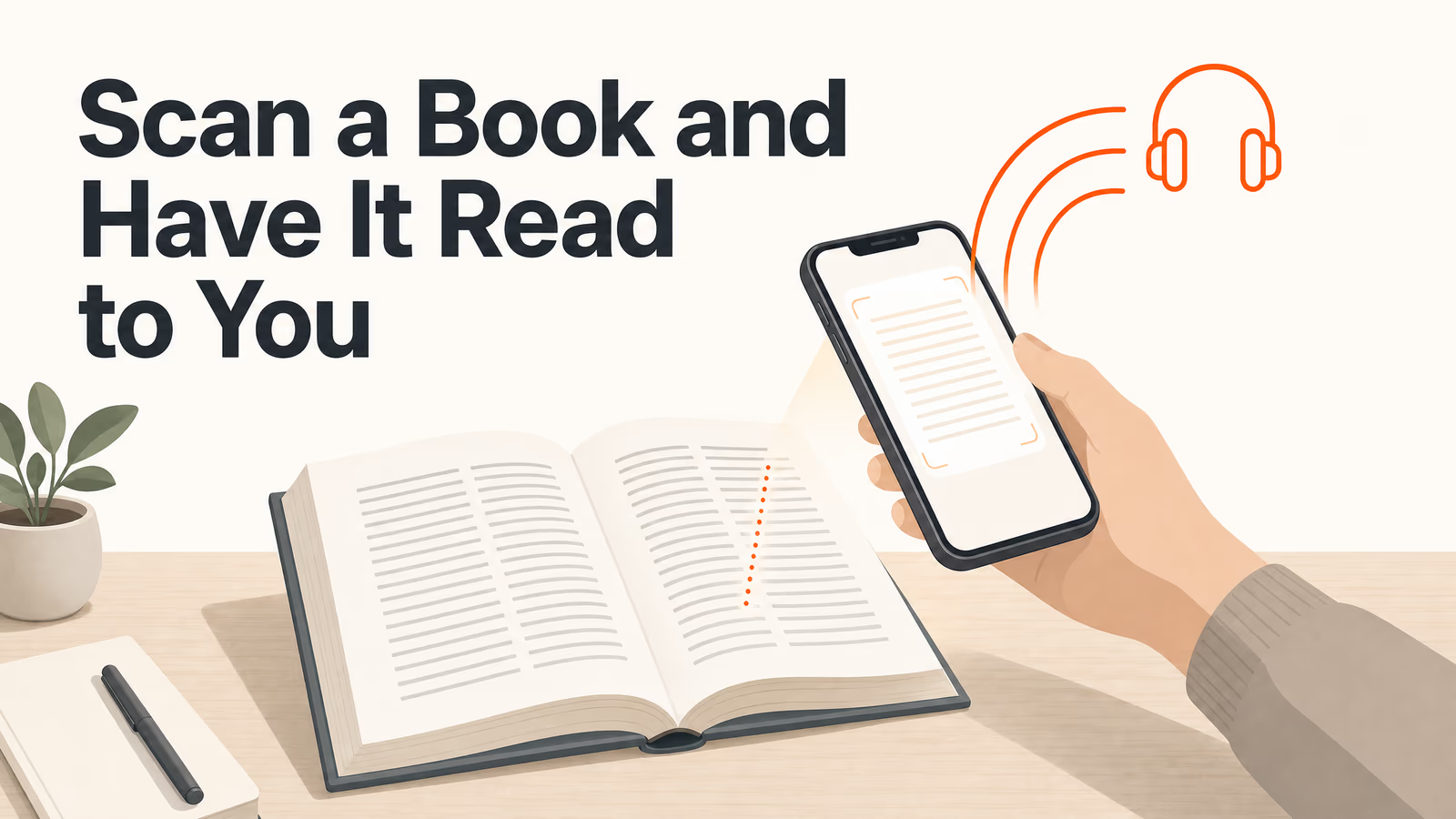
How to listen to your Scanned PDFs.
Listening to your Scanned PDFs hands-free is simple with ReadLoudly.
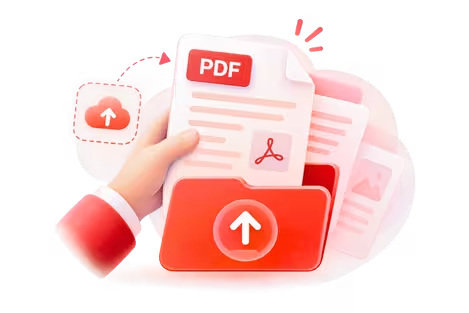
Upload Your File
Upload the Scanned PDFs you want to listen to.
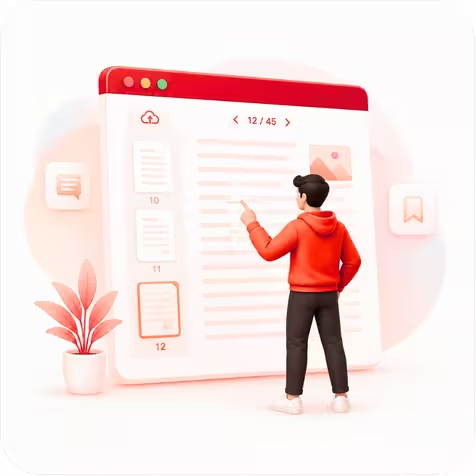
Choose Your Page
Open your file and jump to the page you want to hear.

Press Play & Listen
Hit play and let ReadLoudly read it aloud—hands-free.
Everything you need for PDF mastery
Our suite of tools is designed to handle high-volume document workflows with military-grade security and precision.
Advanced OCR
AI OCR to extract text from handwritten notes, images, and PDFs instantly.
Lossless Compression
Compress PDFs and images up to 90% with no quality loss for fast storage and sharing.
Secure Infrastructure
End-to-end encrypted processing. We never store your files—private and secure by default.
Real-World Stories
Discover how ReadLoudly empowers professionals, researchers, and students to unlock insights from scanned PDFs with AI-powered OCR and digital document intelligence..
Scholars
Digitize scanned PDFs, archival documents, and handwritten research notes into searchable text for faster academic analysis. Bridge centuries-old manuscripts with modern OCR tools and searchable digital databases.
Students
Scan textbook pages, lecture slides, and scanned PDFs to generate AI-powered summaries, study guides, and flashcards instantly. Convert lengthy reading into searchable notes for faster, more efficient learning.
Professionals
Extract structured data from scanned receipts, contracts, and legal PDFs using advanced OCR. Automate expense reports and document processing while ReadLoudly converts scanned files into searchable, editable data.
Authors
Convert typed or handwritten manuscripts from scanned PDFs into editable digital text while preserving original formatting. Digitize historical documents with OCR and keep your legacy searchable and ready for the modern era.
Listen With Voices That Feel Real



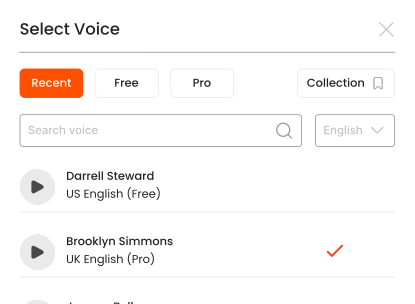



With ReadLoudly.com, you can easily upload any PDF document and read.
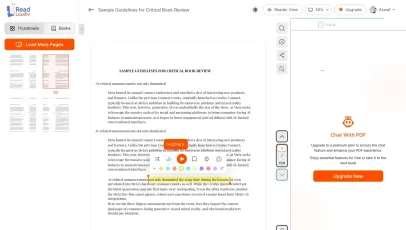
Once you're done reading or listening to a document, you can easily share.

Share with Ease
Once you're done reading or listening you can easily share.

Multilingual AI Chat
Chat with PDFs, adjust voice, and translate to your language.

No Downloads Required
You don't need to download any software or plugins to use.
Similar Readers
Looking for alternatives? Check out these tools to suit your needs.
Frequently Asked Questions
Everything you need to know about Scanned PDF Reader.
Upload your scanned PDF here. The OCR engine automatically extracts text from the scanned pages, then you can read or listen to it with AI text-to-speech. No software installation needed.
ReadLoudly's OCR engine supports 40+ languages including English, Spanish, French, German, Chinese, Arabic, Hindi, Japanese, Portuguese, and more.
Clean, high-resolution scans (300 DPI or higher) typically achieve 95%+ accuracy. Low-quality scans, handwriting, or unusual fonts may have lower accuracy. You can edit extracted text before listening.
Try selecting a line of text in your PDF viewer. If the text highlights, it is a normal PDF and the standard PDF Reader is faster. If nothing selects, the pages are images and you need this OCR-based Scanned PDF Reader.
Yes. Reading and listening to scanned PDF files is free, with no account required to start and no watermark on anything. Paid plans — Core at $5/month, Plus at $10/month, Pro at $19/month — raise the upload size limit, unlock all 1,200+ AI voices, add MP3 downloads and offline listening, and remove ads.
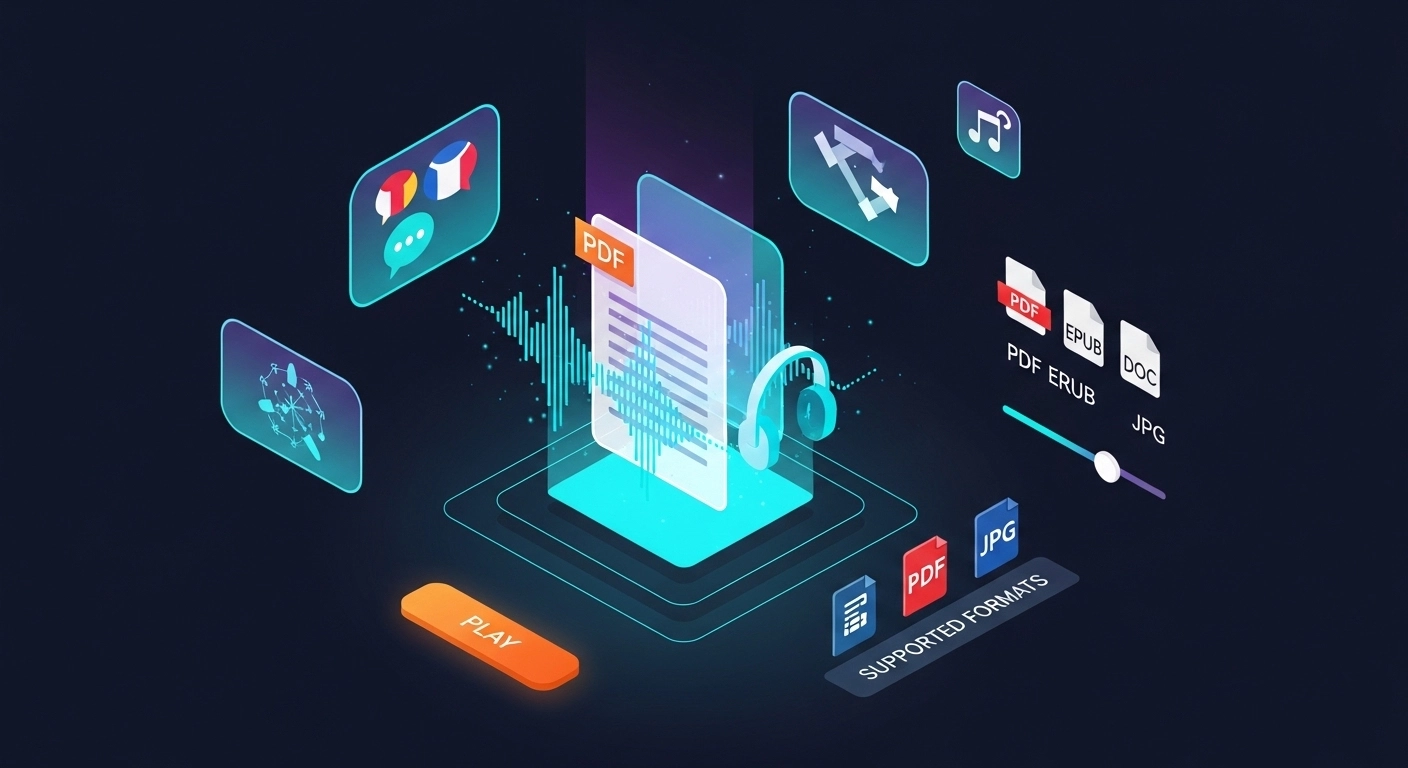
Yes — scanned PDF is fully supported on this page, and it is one of 24 formats ReadLoudly reads aloud: documents (PDF, DOCX, ODT, RTF), ebooks (EPUB, MOBI, AZW, FB2, CHM, LRF, LIT, PDB, RB), text and web files (TXT, HTML), comics (CBR, CBZ), and images (via OCR) (JPG, PNG, GIF, BMP, WEBP, TIFF, SVG). Upload a scanned PDF file here and it opens straight away; any other format on that list has its own reader page.
Yes. This reader runs in the mobile browser on iOS and Android — nothing to install — so you can open a scanned PDF file straight from your phone's Files app, an email attachment or a cloud drive. Playback continues in the background, and your position syncs to any other device you sign in on.
It is processed for OCR and text extraction, then removed. ReadLoudly does not train models on your files, does not share them with third parties, and does not make them visible to anyone else. Signed-in users can choose to keep a scanned PDF file in their own private library instead; a guest upload is discarded when the session ends.
Scanned PDF is a PDF whose pages are images of text rather than selectable text, so it needs OCR before it can be read aloud. ReadLoudly opens it directly in the browser, so you do not need the original software that created it.
Every format gets its own reader page rather than being funnelled into one generic uploader, so nothing loses its format-specific handling. Nearest neighbours to scanned PDF among ReadLoudly's documents: DOCX, ODT, RTF, PDF. The Tools page lists all of them.
Read more on the blog
Guides and comparisons from the ReadLoudly blog on getting more out of listening to your documents.


Start listening smarter today
Join 4M+ readers who've transformed how they consume content. Turn any document into an engaging audio experience in seconds.