
DOCX to PDF
Converter
Convert Word DOCX files to PDF online for free. Keep fonts, images, and formatting intact. No signup required — works directly in your browser.
Opens in the ReadLoudly reader. Free, no signup.
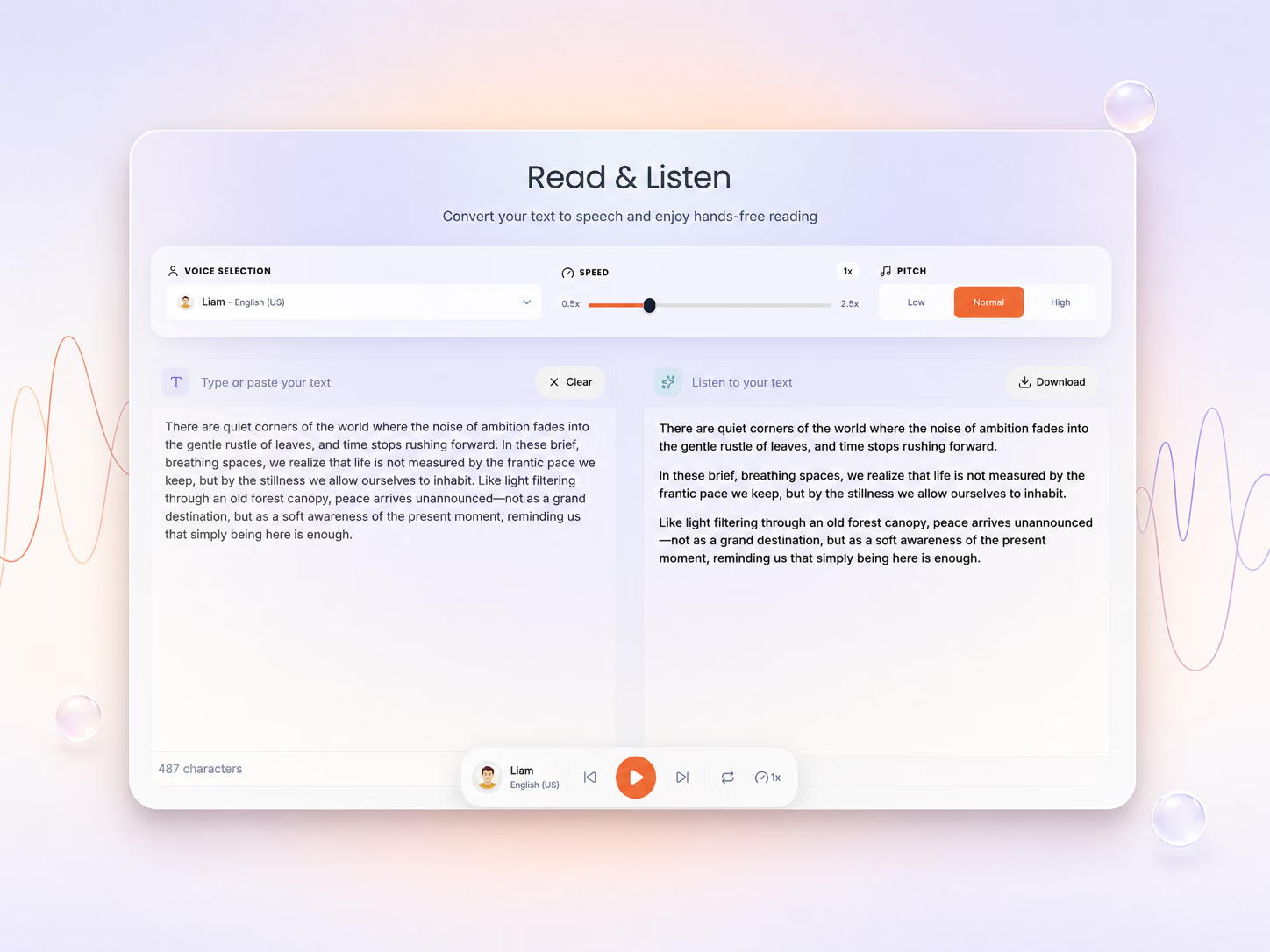
Hear the voices before you listen
Your file is ready for conversion
Review the settings below and click Convert to continue.
Congratulation
Your Docx is Successfully Converted to PDF
File will be automatically deleted after 8 hours
How to Convert DOCX to PDF
Three steps in your browser — no software to install and no signup.
Upload Your File
Choose the DOCX file you want to convert, or drag it onto the page.

Adjust the Settings
Set your options, then click Convert DOCX to start.
Download the Result
Click Download PDF to get your new file.
About DOCX to PDF Conversion
DOCX is Microsoft Word's default document format, widely used for creating and editing text documents. Converting DOCX to PDF creates a fixed-layout version that looks identical on every device and cannot be accidentally edited.
This conversion is essential for sharing final versions of reports, contracts, resumes, and academic papers. PDF ensures your formatting, fonts, and images appear exactly as intended regardless of the recipient's software.
When to convert DOCX to PDF
- Sending resumes and cover letters to employers
- Submitting final versions of reports and proposals
- Sharing contracts that shouldn't be edited
- Archiving documents in a long-term stable format
DOCX to PDF — Frequently Asked Questions
Everything worth knowing before you convert a DOCX file to PDF.
Headings, lists, tables, images and page breaks are preserved. Fonts that are not embedded in the DOCX are substituted with the closest available match, which is the usual source of small layout shifts.
No. The document is rendered as it would appear with changes accepted and comments hidden, which is what you normally want in a shareable PDF.
Upload your DOCX above, adjust any DOCX-to-PDF options you need, and press Convert. The finished PDF is ready to download as soon as processing completes — no software to install and no account required.
Yes. DOCX to PDF conversion is free with no signup, and there is no watermark on the output. Signing in raises the file size limit and puts your jobs into the priority processing queue.
Guests can convert a DOCX of up to 50 MB into PDF. Signed-in users get higher ceilings — 200 MB on Core, 350 MB on Plus and 500 MB on Pro — which matters most when the source DOCX is image-heavy or book-length.
Your DOCX upload is encrypted in transit, converted, and then deleted automatically along with the PDF output. ReadLoudly does not read, retain long-term, train on, or share the contents of a DOCX file you convert here.
Most DOCX files finish in under 30 seconds. A large, image-heavy or multi-hundred-page DOCX can take a minute or two before the PDF is ready — the page updates on its own, so there is no need to refresh or resubmit.
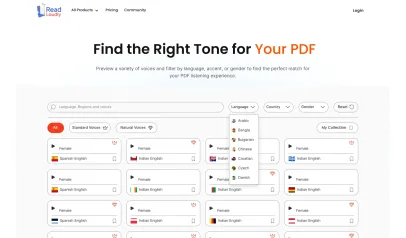
Yes. Open the converted PDF in ReadLoudly's PDF reader and it can be narrated with 1200+ AI voices across 40+ languages. Going DOCX to PDF first is often the whole point — it puts the content into a format the reader handles natively.
No. ReadLoudly runs the DOCX to PDF conversion on its own servers with the same industry-standard tooling (Calibre and ImageMagick) you would otherwise install yourself, so it behaves identically on Windows, macOS, Linux, iOS and Android straight from the browser.
More on reading and listening to your documents
Guides and comparisons from the ReadLoudly blog on getting more out of listening to your documents.
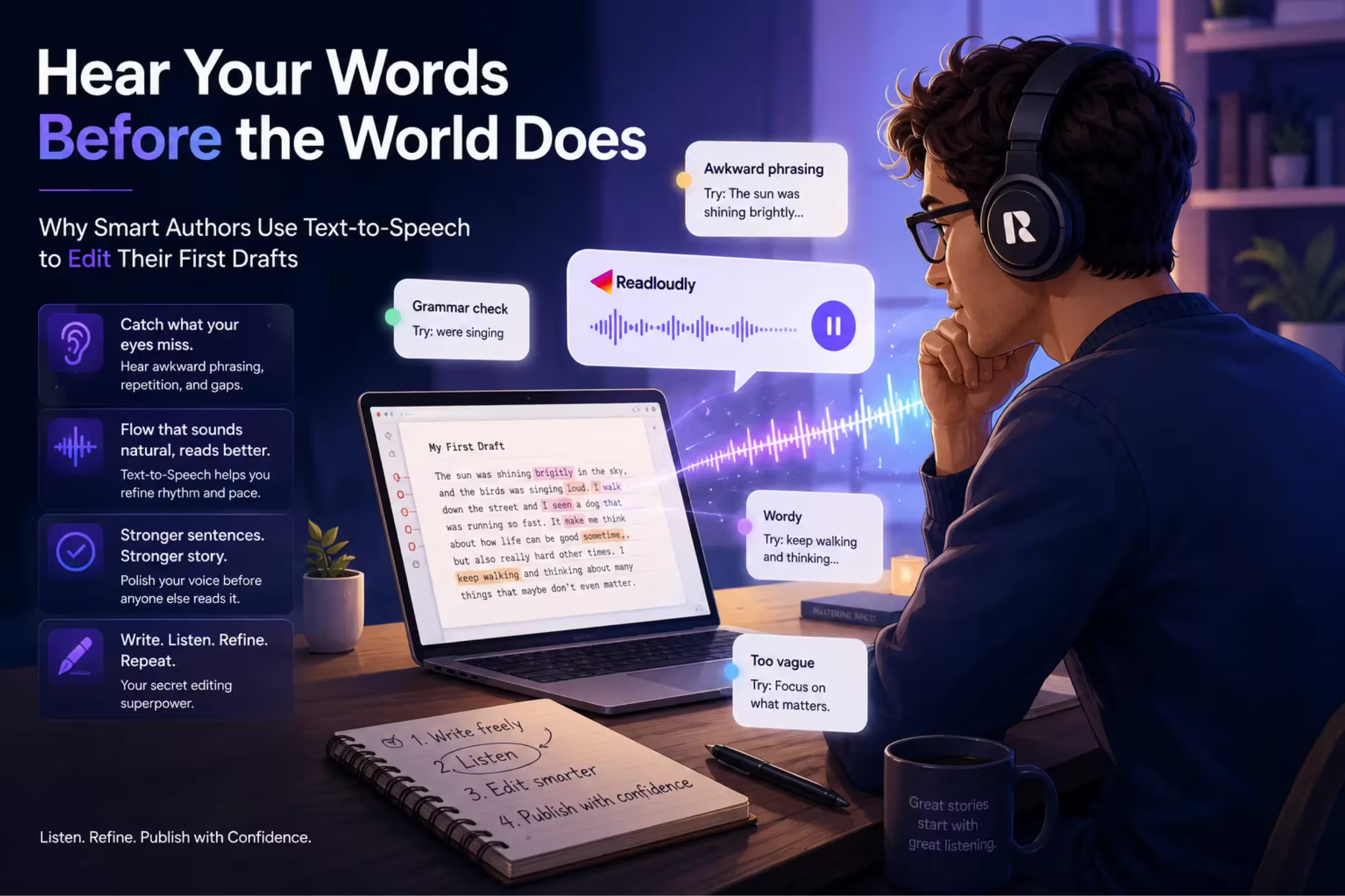
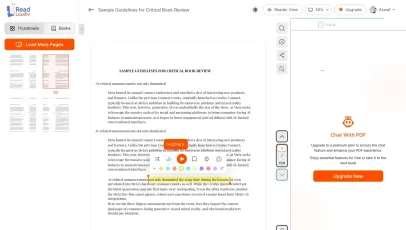
With ReadLoudly.com, you can easily upload any PDF document and read.
Once you're done reading or listening to a document, you can easily share.

Share with Ease
Once you're done reading or listening you can easily share.

Multilingual AI Chat
Chat with PDFs, adjust voice, and translate to your language.

No Downloads Required
You don't need to download any software or plugins to use.

Best Quality
Converted files maintain excellent quality and fidelity using industry-standard tools like Calibre and ImageMagick.
High fidelity
Free & Secure
This tool is free and works on any web browser. Files are protected with 256-bit SSL encryption and deleted automatically after a few hours.
Private & safe
Works Anywhere
Our converter runs in the browser so it works on Windows, Mac, Linux and mobile — no installation required.
Cross-platformSimilar Readers
Looking for alternatives? Check out these tools to suit your needs.