


AZW3 to PDF
Converter
Convert DRM-free Kindle (AZW3 / KF8) ebooks to PDF online. Free, no signup, no watermark. Converted on our servers with Calibre, so there is nothing to install.



Opens in the ReadLoudly reader. Free, no signup.
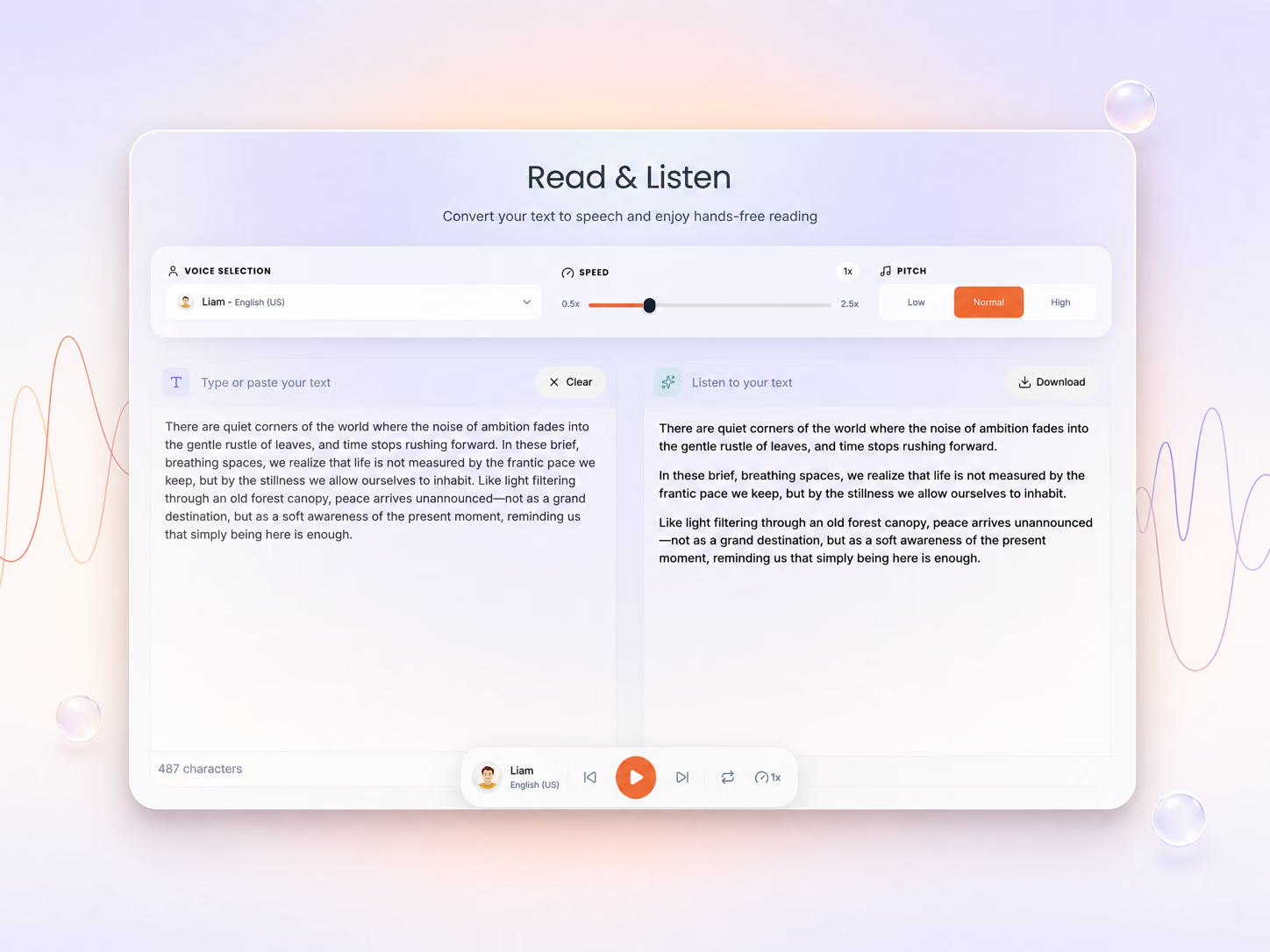
Hear the voices before you listen
- Free, no signup
- No watermark
- Files deleted after 8 hours
Your file is ready for conversion
Review the settings below and click Convert to continue.
Congratulations
Successfully converted AZW3 to PDF.
File will be automatically deleted after 8 hours
How to convert AZW3 to PDF
Converting AZW3 to PDF takes three steps in any browser, free and with no account.
Upload your AZW3
To start, click Upload File or drag a DRM-free .azw3 file onto the converter. The AZW3 to PDF converter runs in Chrome, Safari, Edge and Firefox on Windows, Mac, iPhone and Android, so there is nothing to install.
- Guests and free accounts can upload files up to 50 MB; paid plans allow up to 500 MB.
- No signup is needed for a single conversion.
- DRM-protected Kindle Store books cannot be converted by any standard converter.
- Free, no signup. No account needed and no watermark on the file you download.
Choose the page size, font and margins
AZW3 is reflowable and PDF has fixed pages, so the settings decide how each page looks. Pick A4, Letter or Legal paper, a 10 to 15 pt base font size, margins in centimetres and whether to add a table of contents, or keep the defaults.
- Default output: US Letter pages with a 12 pt base font.
- The book cover, if it has one, becomes page 1.
- A table of contents with page numbers is added unless you untick it.
- Deleted after 8 hours. An hourly cleanup deletes the upload and the result once they are 8 hours old.
Download the PDF
Click Convert File and ReadLoudly converts the AZW3 on its servers with Calibre, the open-source ebook tool. When it finishes, click Download Converted File to save the PDF.
- The text, chapter headings and inline images are carried over in reading order.
- A single conversion is stopped after 10 minutes, so very long books may not finish.
- Both the uploaded file and the PDF are deleted automatically after 8 hours.
Works in any browser
The conversion runs on our servers, so it works from any browser, phone included.
- Upload from your phone. Tap Upload File in Safari or Chrome on iPhone or Android and pick the AZW3 file from Files.
- Save it to your phone. Tap Download Converted File and the PDF saves to your phone, with no watermark.
Will my Kindle file convert?
Only DRM-free .azw3 files convert. Check your file's extension in the table below.
This converter works with DRM-free AZW3 files. Most books bought from the Kindle Store are protected by DRM (digital rights management) and can't be converted by any standard converter, including this one. You can still read them in Amazon's Kindle apps.
- .azw3. What it is: Kindle Format 8 (KF8) ebook. Converts here?: Yes, if DRM-free.
- .azw. What it is: Older Kindle ebook format, often DRM-protected. Converts here?: No. Open it in the AZW reader instead (DRM-free files only).
- .mobi or .prc. What it is: Older Kindle and Mobipocket format. Converts here?: Use the MOBI to PDF converter.
- .kfx. What it is: Newer Kindle format used by recent Kindle apps and devices. Converts here?: Not supported.
- .kpf. What it is: Kindle Create project file, not a finished ebook. Converts here?: Not supported.
DRM-free AZW3 files usually come from DRM-free publishers and stores, from your own documents, or from ebooks you converted yourself (for example, EPUB to AZW3). If you only want to read or listen to the book, you may not need to convert it at all: the ebook reader opens AZW3 files.
What your AZW3 book will look like as a PDF
AZW3 re-flows to fit a screen, a PDF has fixed pages: these are the defaults.
AZW3 is reflowable: the Kindle app re-wraps text to the screen, font and size you choose. A PDF is fixed: line and page breaks are set at conversion time. With the default settings:
- Page size: US Letter. Choose A4 or Legal under Paper size before converting.
- Text: a 12-point base font size.
- Cover: if the book has one, it becomes the first page.
- Contents: a table of contents listing page numbers is added at the end of the PDF. Untick Add table of contents to leave it out.
- Carried over: the text in reading order, chapter headings and inline images.
- Not carried over: Kindle features such as X-Ray, Popular Highlights and your reading position live in Amazon's apps, not in the file.
When a Kindle Book Is Better as a PDF
Four times a fixed-page PDF beats an AZW3 file that only Kindle software reads natively.
- No Kindle app needed. Share a DRM-free Kindle book with someone who has no Kindle app: a PDF opens on every computer, phone and printer.
- Print chapters. Line and page breaks are set when you convert, so a printed chapter keeps its layout.
- An archive copy. Keep a copy of the book that opens anywhere, without Kindle software.
- Listen to it. Open the PDF in ReadLoudly's PDF reader and have it read aloud.
AZW3 to PDF Limits and Specs
What goes in, what comes out and the size and time limits of the free AZW3 to PDF converter.
- Input. DRM-free AZW3 (Kindle Format 8) ebooks. Most Kindle Store purchases are DRM-protected and cannot be converted.
- Output. A PDF on US Letter pages by default, or A4 or Legal, with a 12-point base font and the cover as the first page.
- File size. Up to 50 MB as a guest or on the free plan; Core, Plus and Pro raise it to 200, 350 and 500 MB.
- Time limit. One conversion runs for up to 10 minutes, then it is stopped.
- Contents. A table of contents listing page numbers is added at the end of the PDF; untick Add table of contents to leave it out.
- Price. Free, with no signup and no watermark on the PDF.
If your AZW3 conversion fails
Why an AZW3 conversion fails: DRM, the wrong file type, or a size or time limit.
- "DRM-protected" message: the book is locked by the store it came from and can't be converted. Read it in the Kindle app, or use a DRM-free copy.
- "Does not appear to be a valid AZW3 file" message: the file may be a renamed KFX or another format. Check the table above.
- The file is too big: guests and free accounts can upload 50 MB, the Core plan 200 MB, the Plus plan 350 MB and the Pro plan 500 MB.
- A very long book stops part-way: a single conversion is stopped after 10 minutes.
What Happens to Your AZW3 When You Convert It to PDF
Where the AZW3 file goes, how long it is kept and what it is never used for.
- Converted on our servers. The AZW3 file is uploaded over HTTPS and converted with Calibre's ebook-convert on ReadLoudly's own servers, so your phone or computer does none of the work.
- Deleted after 8 hours. The download link works for about 8 hours; an hourly cleanup then deletes the upload and the PDF.
- Never shared or used for training. Files are not passed to third parties or used to train AI models.
- Any device. It works the same in Chrome, Safari, Edge or Firefox on Windows, Mac, Linux, iPhone or Android.
About AZW3 and PDF
AZW3 is Kindle's ebook format; PDF keeps fixed pages and opens on every device.
What is the AZW3 format?
AZW3, also called Kindle Format 8 (KF8), is Amazon's 2011 successor to MOBI, built on HTML5 and CSS3. It supports embedded fonts, tables and richer typography than MOBI, but only Kindle software reads it natively.
What is the PDF format?
PDF (Portable Document Format) is the fixed-layout document format, an open ISO standard, that opens on every computer, phone and printer without special software.
Why convert AZW3 to PDF?
- Share a DRM-free Kindle book with someone who has no Kindle app
- Print chapters with the layout locked in place
- Keep an archive copy that opens anywhere
- Listen to it: open the PDF in the PDF reader and have it read aloud
More tools for Kindle AZW3 books
Open another file format, convert a document or tidy up a PDF, all free in your browser.
AZW3 to PDF: trusted by readers worldwide
Students, researchers and professionals use ReadLoudly to listen to PDFs and eBooks, chat with their documents and study faster.
- Readers
- 4M+
Total reach — everyone who has opened a document with ReadLoudly, not accounts created.
- Registered users
- 60K+
- Document uploads
- 5M+
- Lines read / month
- 5M+
Guides From the ReadLoudly Blog
Guides, comparisons and product news on listening to your documents with ReadLoudly.

ReadLoudly vs Audeus: Which Reader Fits How You Study?
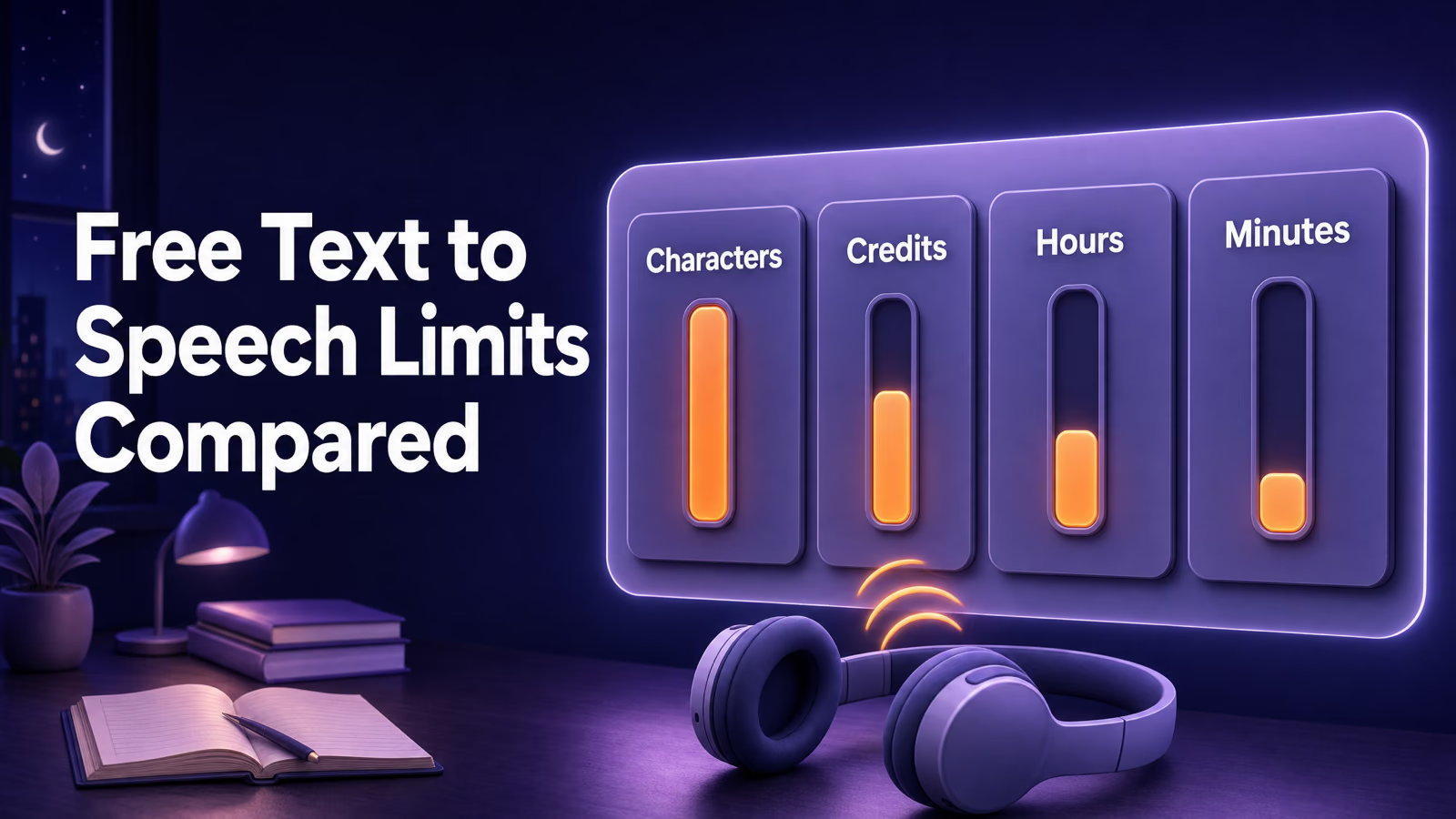
Free Text to Speech Limits Compared: Real Caps, Checked
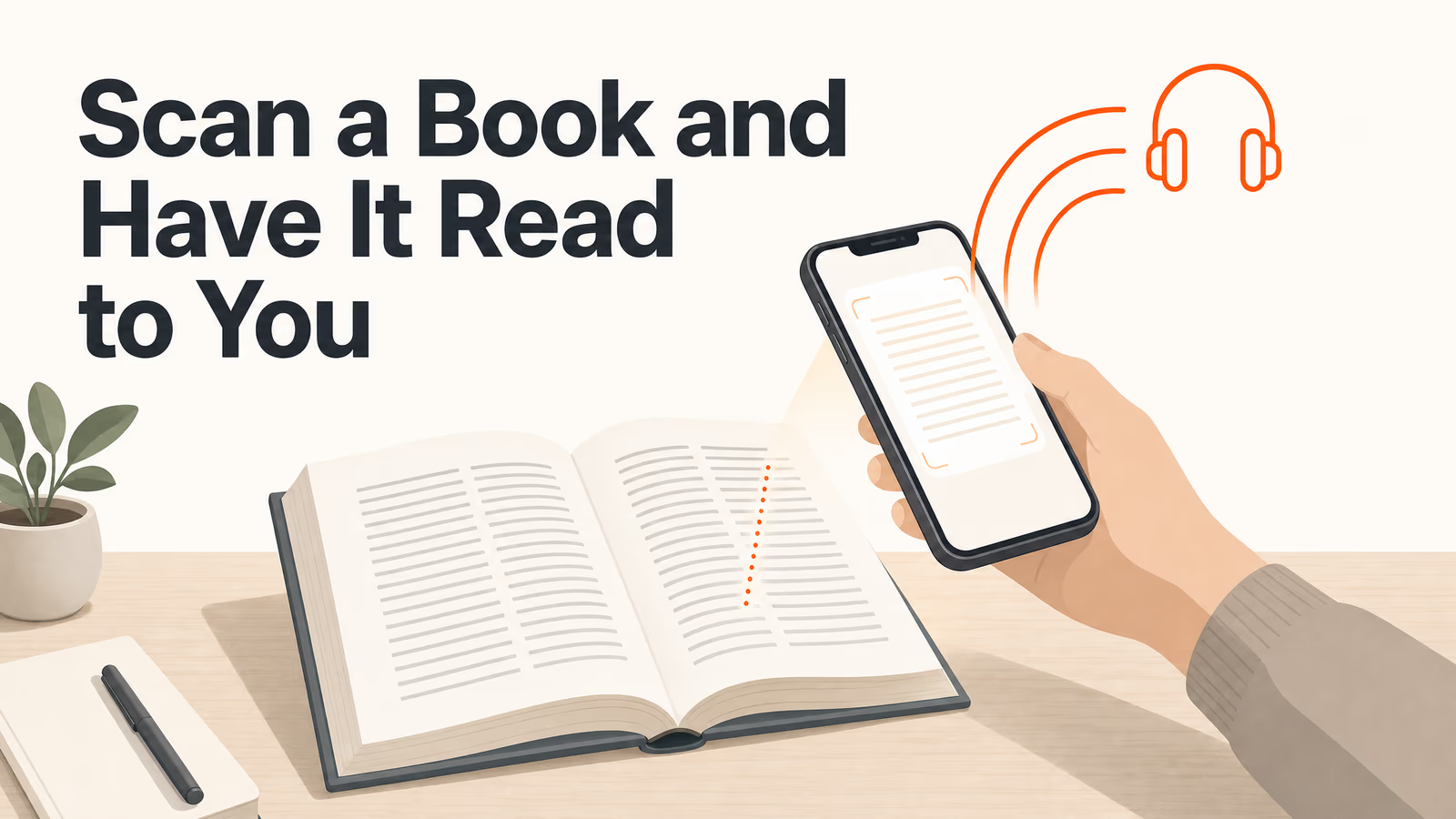
Scan a Book and Have It Read to You Free (2026 Guide)
NotebookLM Alternatives for Students in 2026 (It’s Called Gemini Notebook Now)
Text-to-Speech for Dyslexia and ADHD: What the Evidence Actually Shows

AI Homework Solver: How to Use One to Learn, Not Cheat
AZW3 to PDF: frequently asked questions
What to know before you convert an AZW3 file to PDF.
Upload your AZW3 at the top of this page, click Convert File, then click Download Converted File when the PDF is ready. There is no software to install and no account to create.
Yes. AZW3 to PDF conversion is free, needs no signup and adds no watermark to the PDF.
Usually not. Kindle Store purchases are normally DRM-protected, and this converter only works with DRM-free AZW3 files. Protected books still open in Amazon's Kindle apps. DRM-free AZW3 files from DRM-free stores, your own documents or ebooks you converted yourself convert normally.
Not on this page, which accepts .azw3 files. KFX files are not supported. Open a DRM-free .azw file in the AZW reader, and convert a .mobi with the MOBI to PDF converter.
The text, chapter headings and inline images carry over, and the cover becomes the first page. The PDF uses Letter-size pages with a 12-point base font, and a table of contents listing page numbers is added at the end.
Guests and free accounts can upload AZW3 files up to 50 MB. The Core plan allows 200 MB, the Plus plan 350 MB and the Pro plan 500 MB.
Your AZW3 and the PDF stay on the conversion server only so you can download the result. An hourly cleanup deletes both once they are 8 hours old.
It depends on the length of the book and how many images it has. The page updates on its own when the PDF is ready, and a conversion that runs longer than 10 minutes is stopped.
Yes. Open it in ReadLoudly's PDF reader and have it read aloud with AI voices.
Use this online converter for one-off files, on phones, or when you can't install software; no account is needed. Calibre, the free desktop ebook manager, suits large libraries and offline work. ReadLoudly runs Calibre's conversion engine on its servers.