
PNG to PDF
Converter
Convert PNG images to PDF online for free. Turn screenshots, graphics, and photos into shareable PDF documents. No software needed.
Opens in the ReadLoudly reader. Free, no signup.
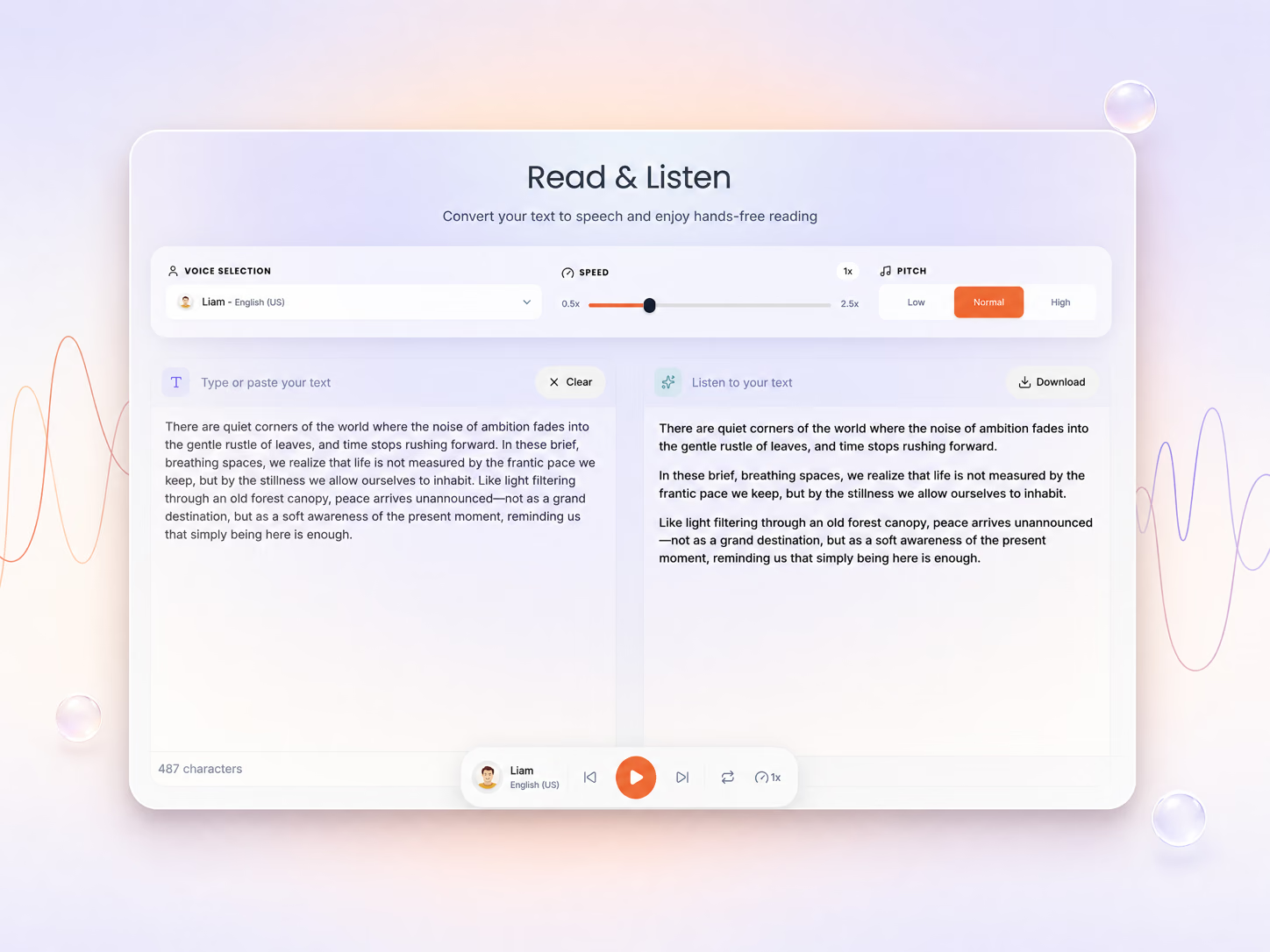
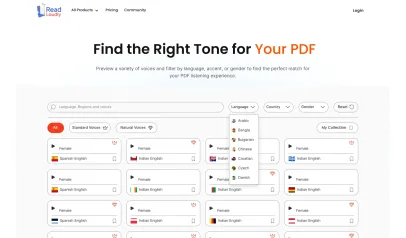
Hear the voices before you listen
Your file is ready for conversion
Review the settings below and click Convert to continue.
Congratulation
Successfully converted PNG to PDF.
File will be automatically deleted after 8 hours
How to Convert PNG to PDF
Three steps in your browser — no software to install and no signup.
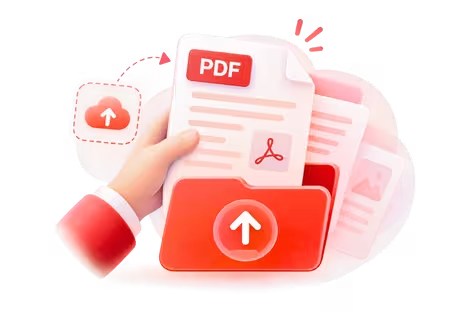
Upload Your File
Choose the PNG file you want to convert, or drag it onto the page.
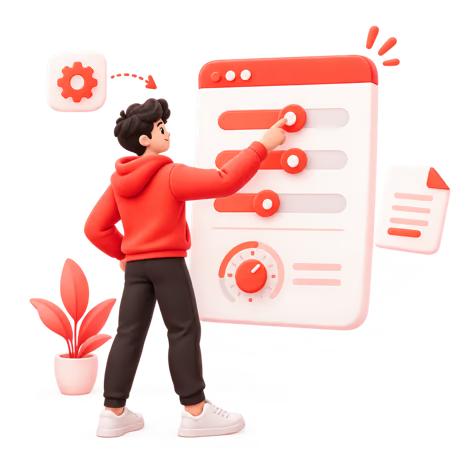
Adjust the Settings
Set your options, then click Convert PNG to start.
Download the Result
Click Download PDF to get your new file.
About PNG to PDF Conversion
What is the PNG format?
PNG stands for Portable Network Graphics — the lossless web image format created in 1996 to replace GIF. It is used by people with screenshots, diagrams, slides exported as images and UI captures. Its strengths are crisp text and lines with no compression artefacts, plus transparency; its main drawback: large files for photos, one image per file and no document structure.
What is the PDF format?
PDF stands for Portable Document Format — created by Adobe in 1993 and an open ISO standard since 2008. It is used by anyone who needs a document to look identical on every screen and printer. Its strengths are pixel-exact layout, embedded fonts, universal support and print fidelity; its main drawback: text does not reflow on small screens and the file is hard to edit once made.
What changes when you convert PNG to PDF
Converting PNG to PDF wraps each image in a page, so the result opens in any PDF viewer, prints at the right size and can be merged with other pages. Nothing is recompressed unless you ask for it, so the PNG keeps its original resolution. If the image is a photograph of text, run the PDF through the scanned PDF reader afterwards to make it searchable and listenable.
Leaving PNG behind means leaving behind its main drawback: large files for photos, one image per file and no document structure. What you get in return is what PDF does best — pixel-exact layout, embedded fonts, universal support and print fidelity — the reason it is relied on by anyone who needs a document to look identical on every screen and printer. Tip: convert all your PNG images in one go so they land in a single PDF, and check the page order before you download.
The conversion itself runs with Calibre and ImageMagick on encrypted servers. Files are deleted automatically once the PDF has been generated — nothing is stored or read — and no account is needed.
Why convert PNG to PDF?
- Share a PNG with someone who only has a PDF viewer on their phone or laptop
- Print specific pages or chapters with the layout locked in place
- Archive the file in a format that will still open in twenty years
- Combine several PNG scans or photos into one multi-page document
- Send photographed forms, receipts or notes as a single tidy attachment
PNG to PDF — Frequently Asked Questions
Everything worth knowing before you convert a PNG file to PDF.
Upload your PNG above, adjust any PNG-to-PDF options you need, and press Convert. The finished PDF is ready to download as soon as processing completes — no software to install and no account required.
Yes. PNG to PDF conversion is free with no signup, and there is no watermark on the output. Signing in raises the file size limit and puts your jobs into the priority processing queue.
Guests can convert a PNG of up to 50 MB into PDF. Signed-in users get higher ceilings — 200 MB on Core, 350 MB on Plus and 500 MB on Pro — which matters most when the source PNG is image-heavy or book-length.
Your PNG upload is encrypted in transit, converted, and then deleted automatically along with the PDF output. ReadLoudly does not read, retain long-term, train on, or share the contents of a PNG file you convert here.
Most PNG files finish in under 30 seconds. A large, image-heavy or multi-hundred-page PNG can take a minute or two before the PDF is ready — the page updates on its own, so there is no need to refresh or resubmit.
Yes. Open the converted PDF in ReadLoudly's PDF reader and it can be narrated with 1,200+ AI voices across 40+ languages. Going PNG to PDF first is often the whole point — it puts the content into a format the reader handles natively.
No. ReadLoudly runs the PNG to PDF conversion on its own servers with the same industry-standard tooling (Calibre and ImageMagick) you would otherwise install yourself, so it behaves identically on Windows, macOS, Linux, iOS and Android straight from the browser.
More on reading and listening to your documents
Guides and comparisons from the ReadLoudly blog on getting more out of listening to your documents.
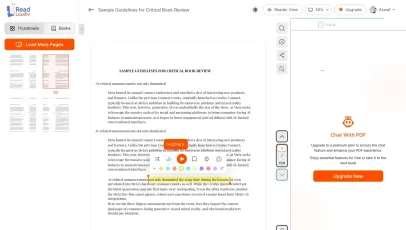
With ReadLoudly.com, you can easily upload any PDF document and read.
Once you're done reading or listening to a document, you can easily share.

Share with Ease
Once you're done reading or listening you can easily share.

Multilingual AI Chat
Chat with PDFs, adjust voice, and translate to your language.

No Downloads Required
You don't need to download any software or plugins to use.

Best Quality
Converted files maintain excellent quality and fidelity using industry-standard tools like Calibre and ImageMagick.
High fidelity
Free & Secure
This tool is free and works on any web browser. Files are protected with 256-bit SSL encryption and deleted automatically after a few hours.
Private & safe
Works Anywhere
Our converter runs in the browser so it works on Windows, Mac, Linux and mobile — no installation required.
Cross-platformSimilar Readers
Looking for alternatives? Check out these tools to suit your needs.