

Convert Notes
to Audio instantly
Turn your notes into natural-sounding audio with ReadLoudly. Perfect for students and professionals who want to study, revise, or absorb information hands-free.
Opens in the ReadLoudly reader. Free, no signup.
Popular Tools
All-in-one PDF reader and document tools to read, convert, compress, scan, and manage files online—fast, secure, and easy to use.





Convert Notes to Audio Online
Turning your notes into audio is simple with ReadLoudly.
Add Your Notes
Paste your notes or upload a text file.
Set the Speed
1× for a new topic, 1.5×–2× for notes you already know.

Press Play & Listen
Hit play and revise hands-free with natural AI audio.
Why listen to your own notes?
Turning class notes into audio lets you revise while walking, commuting or cooking, and hearing material you wrote yourself pulls it back through a different memory path than rereading it. Paste, upload or photograph your notes, pick a voice, press play — ReadLoudly reads them back at the speed you choose, free and without an account.
Rereading notes feels productive and mostly isn't: the page looks familiar, so the brain marks it as known. Listening breaks that. You cannot skim audio, the words arrive one at a time, and a sentence that made sense on paper often turns out to be a gap when it is spoken aloud. That is why reading notes out loud has been a revision technique for as long as there have been exams — ReadLoudly just makes it repeatable, hands-free and available on a bus.
A revision loop that works
- Capture — type or paste your notes, upload the file they live in, or photograph a handwritten page; OCR lifts the text off the image.
- First pass at 1× — listen once at normal speed the day you wrote them, while the lecture is still fresh. Fix anything that sounds wrong: that is a gap in the notes, not the voice.
- Repeat at 1.5×–2× — later passes go faster. Most students revise comfortably at 1.5× on material they know and drop back to 1× for a new topic.
- Test, don't just listen — after a few passes, stop the audio before each heading and say what comes next. Then let it play and check.
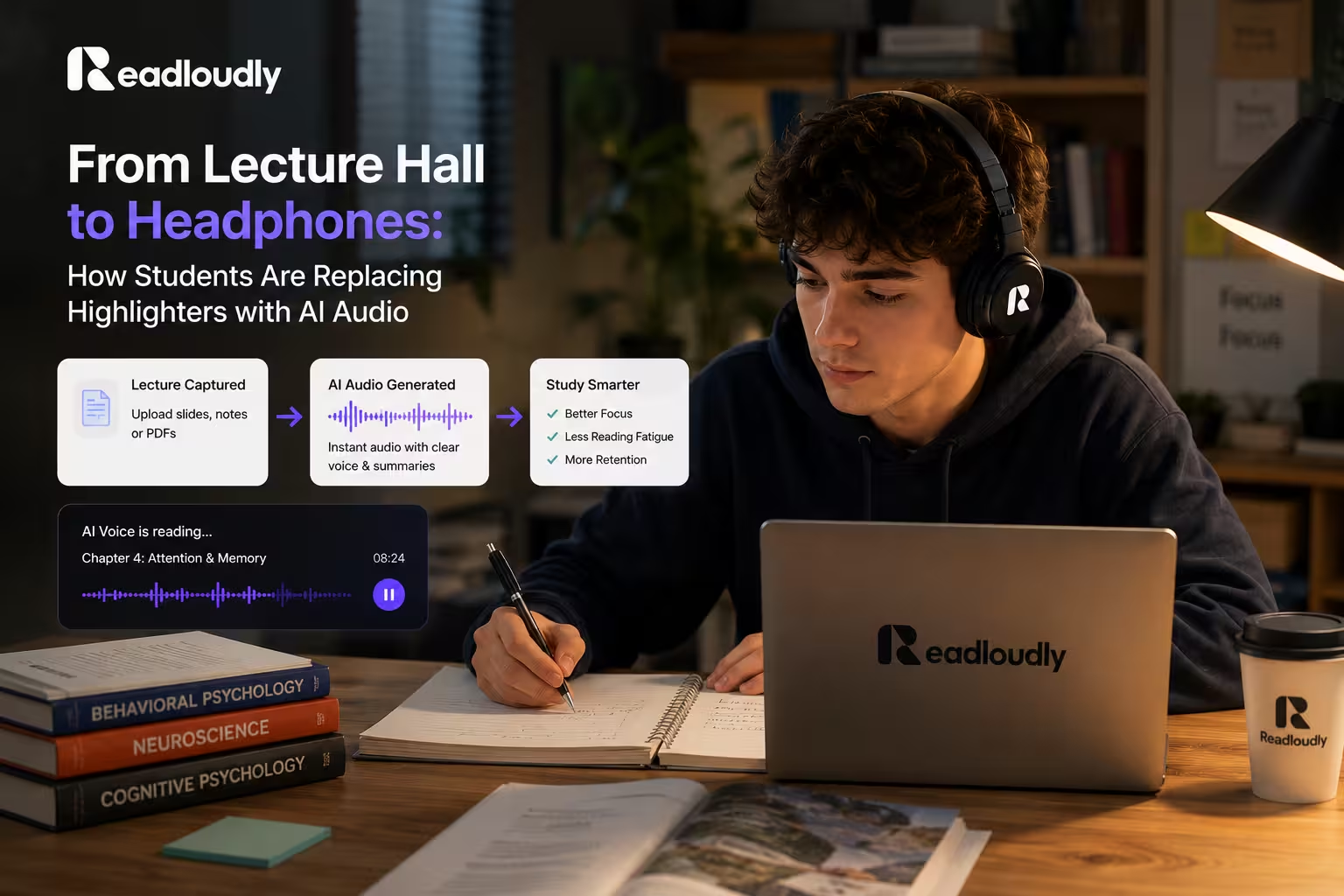
The night before an exam, the loop compresses: one fast pass over everything, then slow passes only over the sections you stumbled on. There is a fuller version of that plan in the last-minute study guide, and a term-long version in from lecture hall to headphones.
Handwritten, typed or photographed
- Typed notes — paste straight in, or upload the TXT, DOCX or PDF; headings become natural pause points
- Handwritten pages — photograph them and upload the image; clear printing converts well, dense cursive and margin scribbles less so
- Lecture slides — upload the PDF and listen to the slide text with your own annotations read in place
- Shared notes — a classmate's document works the same way; ReadLoudly supports the common formats without conversion
Go further than audio
Once your notes are in ReadLoudly, the same source can become other revision material. The Study Hub turns a document into a two-host podcast that discusses your notes, a flashcard deck for active recall, or a quiz that tests what you actually retained. If you want the reasoning behind the podcast format, read how to turn notes into a podcast; for quizzes, building a quiz from your notes.
What it costs
Listening with the free browser voices is unlimited, so a whole semester of notes costs nothing. The paid plans add the natural AI voices, MP3 download so revision audio lives on your phone offline, and the Study Hub generation limits that a heavy exam period needs. For general text rather than study notes, the text to speech tool is the same engine without the student framing.
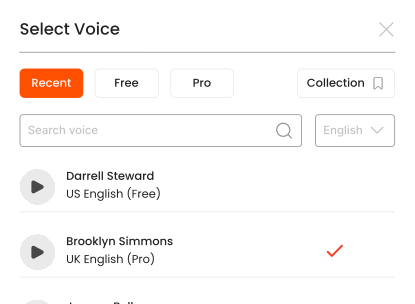
Listen With Voices That Feel Real





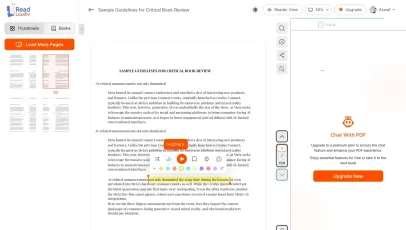
With ReadLoudly.com, you can easily upload any PDF document and read.
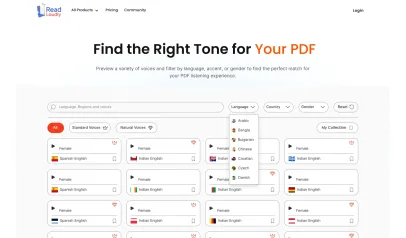
Once you're done reading or listening to a document, you can easily share.

Share with Ease
Once you're done reading or listening you can easily share.

Multilingual AI Chat
Chat with PDFs, adjust voice, and translate to your language.

No Downloads Required
You don't need to download any software or plugins to use.
Similar Readers
Looking for alternatives? Check out these tools to suit your needs.
Frequently Asked Questions
Everything you need to know about Convert Notes.
Paste your notes or upload the file they live in — DOCX, PDF, TXT or a photo of a handwritten page. Pick a voice, press play, and the notes are narrated back to you. Nothing to install and no account needed to try it.
Hearing material you have already written engages a different retrieval path than rereading it, which is why reading notes aloud is a long-standing revision technique. Audio makes that repeatable during a commute or a walk, when rereading is not an option.
Yes — photograph the page and upload the image. OCR extracts the text before narration. Clear printing works well; cursive and dense marginalia are less reliable.
MP3 download is available on the paid plans (Core, Plus and Pro). On the free plan you can listen in the browser as much as you like without downloading.
Yes. Playback runs from 0.5× to 3×. Most people revise comfortably at 1.5×–2× on material they already know, and drop back to 1× for anything new.
Yes. Reading and listening to notes is free, with no account required to start and no watermark on anything. Paid plans — Core at $5/month, Plus at $10/month, Pro at $19/month — raise the upload size limit, unlock all 1,200+ AI voices, add MP3 downloads and offline listening, and remove ads.
Notes arrive in every shape — typed, exported from an app, or photographed off a page. ReadLoudly reads all of them: ReadLoudly reads 24 file formats aloud: documents (PDF, DOCX, ODT, RTF), ebooks (EPUB, MOBI, AZW, FB2, CHM, LRF, LIT, PDB, RB), text and web files (TXT, HTML), comics (CBR, CBZ), and images (via OCR) (JPG, PNG, GIF, BMP, WEBP, TIFF, SVG). Each format has its own dedicated reader page, and all of them use the same 1,200+ AI voices.
Yes. This reader runs in the mobile browser on iOS and Android — nothing to install — so you can open a set of notes straight from your phone's Files app, an email attachment or a cloud drive. Playback continues in the background, and your position syncs to any other device you sign in on.
It is parsed to extract its text, then removed from the processing servers. ReadLoudly does not train models on your files, does not share them with third parties, and does not make them visible to anyone else. Signed-in users can choose to keep a set of notes in their own private library; a guest upload is discarded when the session ends.
Every format gets its own reader page rather than being funnelled into one generic uploader, so nothing loses its format-specific handling. Closest to this page: DOCX, PDF, TXT, JPG. The Tools page lists all of them.
Read more on the blog
Guides and comparisons from the ReadLoudly blog on getting more out of listening to your documents.

Start listening smarter today
Join 4M+ readers who've transformed how they consume content. Turn any document into an engaging audio experience in seconds.