

Compress & Save PDFs
like never before
Compress PDF files online for free. Shrink file size without visible quality loss, right in your browser — nothing is uploaded, no signup, no watermark.
Opens in the ReadLoudly reader. Free, no signup.
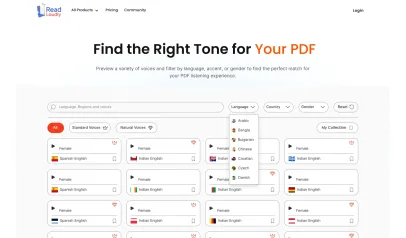
Hear the voices before you listen
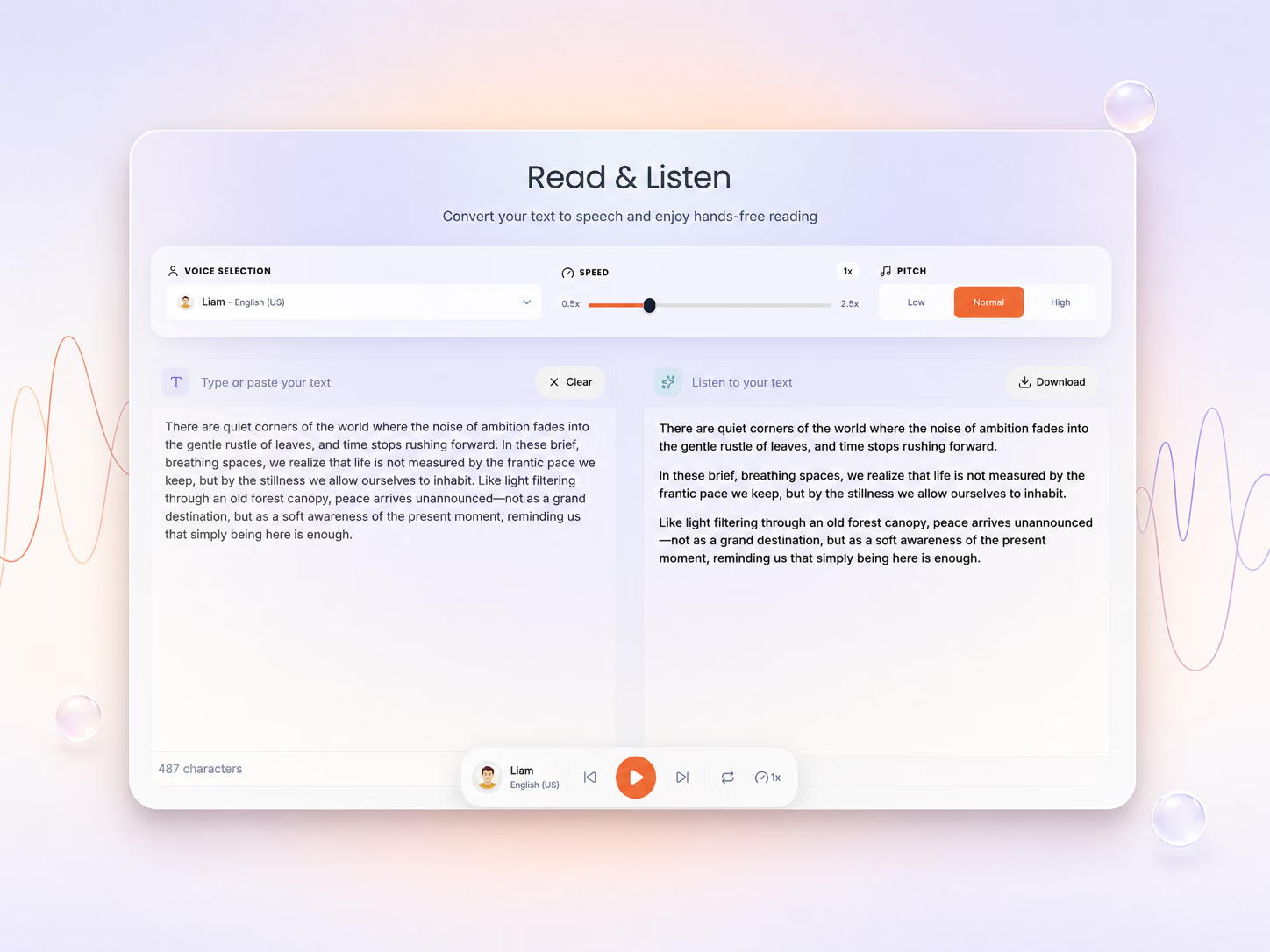
Your PDF is ready for compression
Choose the compression level below and click Compress PDF to continue.
PDF Compressed Successfully!
Your PDF has been compressed and is ready for download
Compression Results
File size reduced by 75%
File will be automatically deleted after 8 hours
How To Compress PDF?
Reduce the size of your PDF files for easy sharing, fast, secure and without losing quality.
Upload Your PDF
Choose your PDF and upload it, or drag it onto the page.
Adjust the Settings
Pick your quality level, then click Compress PDF.
Download the Result
Get your smaller PDF at the quality you chose.
With ReadLoudly.com, you can easily upload any PDF document and read.
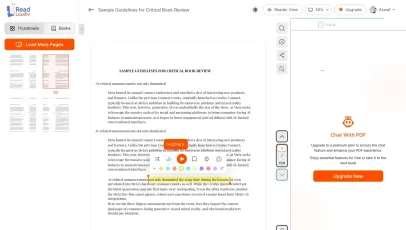
Once you're done reading or listening to a document, you can easily share.

Share with Ease
Once you're done reading or listening you can easily share.

Multilingual AI Chat
Chat with PDFs, adjust voice, and translate to your language.

No Downloads Required
You don't need to download any software or plugins to use.

Best Quality
Compressed PDF files are drastically smaller but maintain excellent fidelity for sharing via email or web.
High fidelity
Free & Secure
This tool is free and works on any web browser. Files are protected with 256-bit SSL encryption and deleted automatically after a few hours.
Private & safe
Works Anywhere
Our PDF compressor runs in the browser so it works on Windows, Mac, Linux and mobile — no installation required.
Cross-platformSimilar Readers
Looking for alternatives? Check out these tools to suit your needs.
Frequently Asked Questions
Everything you need to know about Compress PDF Online Free – Reduce PDF File Size | ReadLoudly.
Compression results vary by content, but most PDFs are reduced by 40–70% without visible quality loss. Image-heavy PDFs typically see the largest reductions.
No. ReadLoudly's compression targets embedded images and redundant metadata. Text, fonts, and vector elements remain crisp and fully searchable.
Premium users can batch-compress multiple PDFs in a single session. Free users can compress one file at a time with no account required.
Yes — Compress PDF Online Free – Reduce PDF File Size is free, with no signup required to start and no watermark on the output. Core ($5/month), Plus ($10/month) and Pro ($19/month) raise the file size limit, unlock all 1200+ AI voices, and add MP3 downloads, offline listening and priority processing.
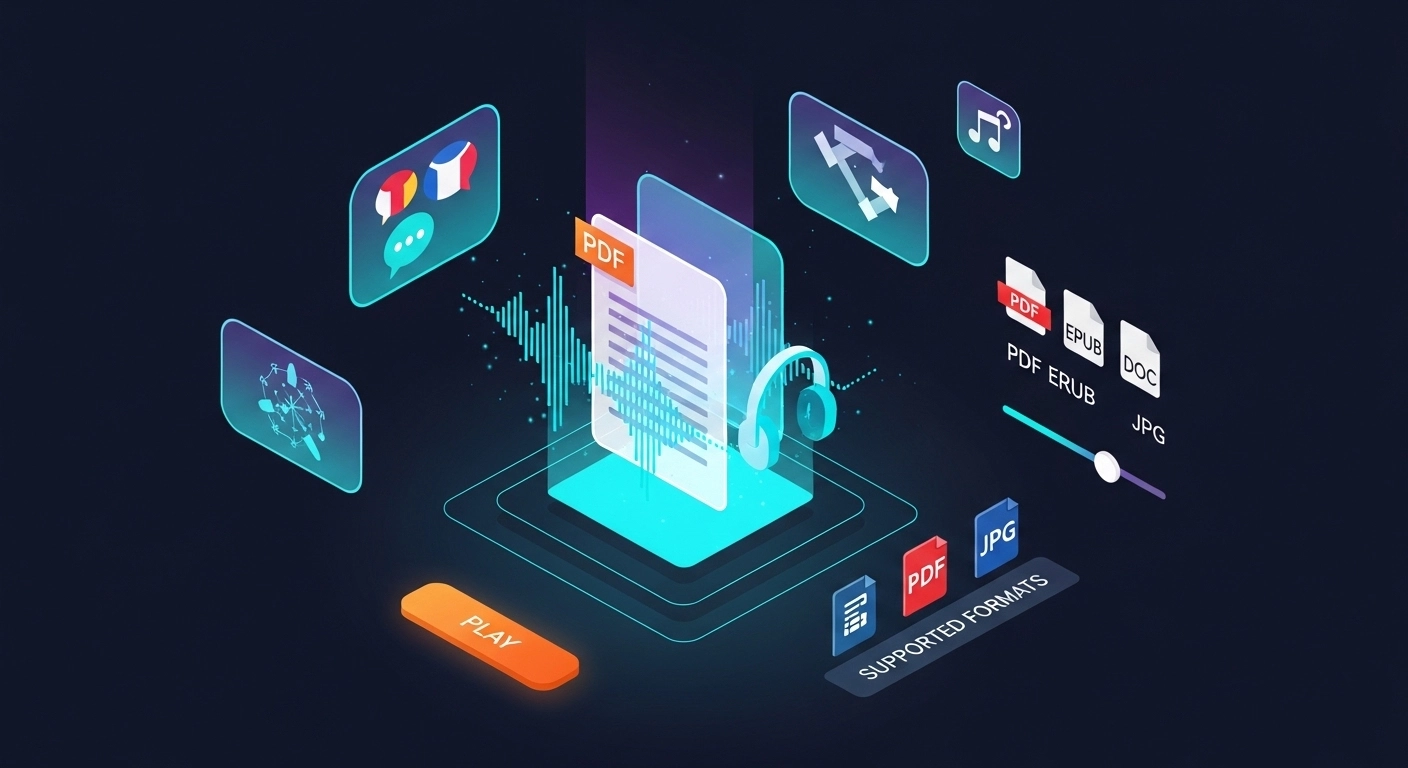
ReadLoudly reads 24 file formats aloud: documents (PDF, DOCX, ODT, RTF), ebooks (EPUB, MOBI, AZW, FB2, CHM, LRF, LIT, PDB, RB), text and web files (TXT, HTML), comics (CBR, CBZ), and images (via OCR) (JPG, PNG, GIF, BMP, WEBP, TIFF, SVG). Each format has its own dedicated reader page, and all of them use the same 1200+ AI voices.
ReadLoudly has 1200+ natural AI voices across 40+ languages, with several accents and male, female and neutral options in most languages. Speed runs from 0.5x to 3x, and pitch control is available on Pro.
Yes. Compress PDF Online Free – Reduce PDF File Size runs in the mobile browser on iOS and Android with nothing to install, so you can work from a file in your phone's Files app, an email attachment or a cloud drive. Signed-in users get their library and position synced across devices.
Files are processed and then removed. ReadLoudly does not train models on your documents, does not share them with third parties, and does not make them visible to anyone else. Signed-in users can choose to keep a file in their own private library; a guest upload is discarded when the session ends.
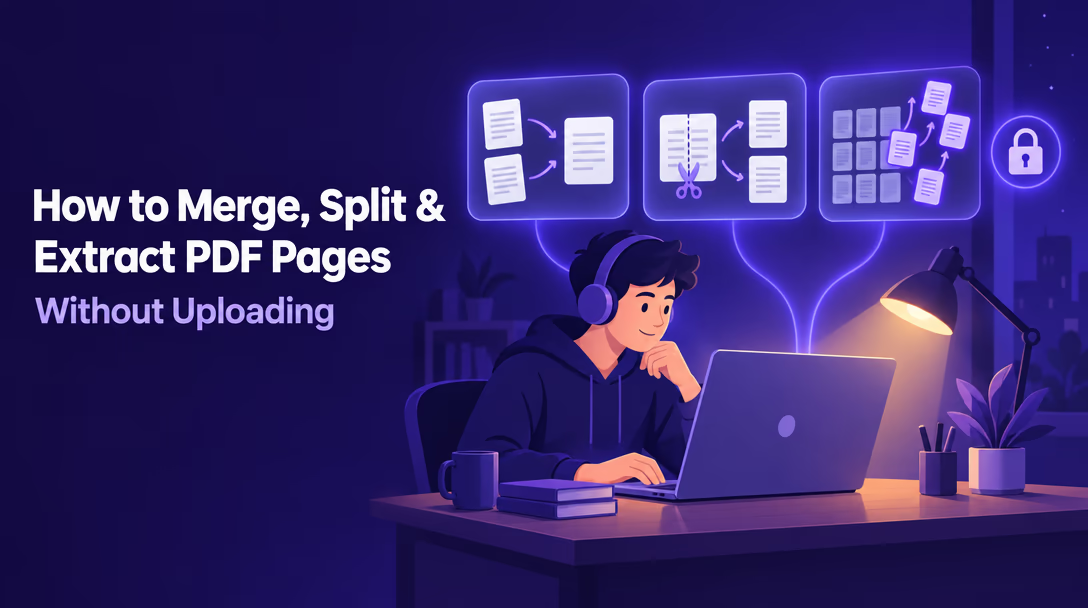
More on working with PDFs
Guides and comparisons from the ReadLoudly blog on getting more out of listening to your documents.


Start listening smarter today
Join 4M+ readers who've transformed how they consume content. Turn any document into an engaging audio experience in seconds.