

Read Text Aloud Online
Free Text to Speech, No Sign-Up
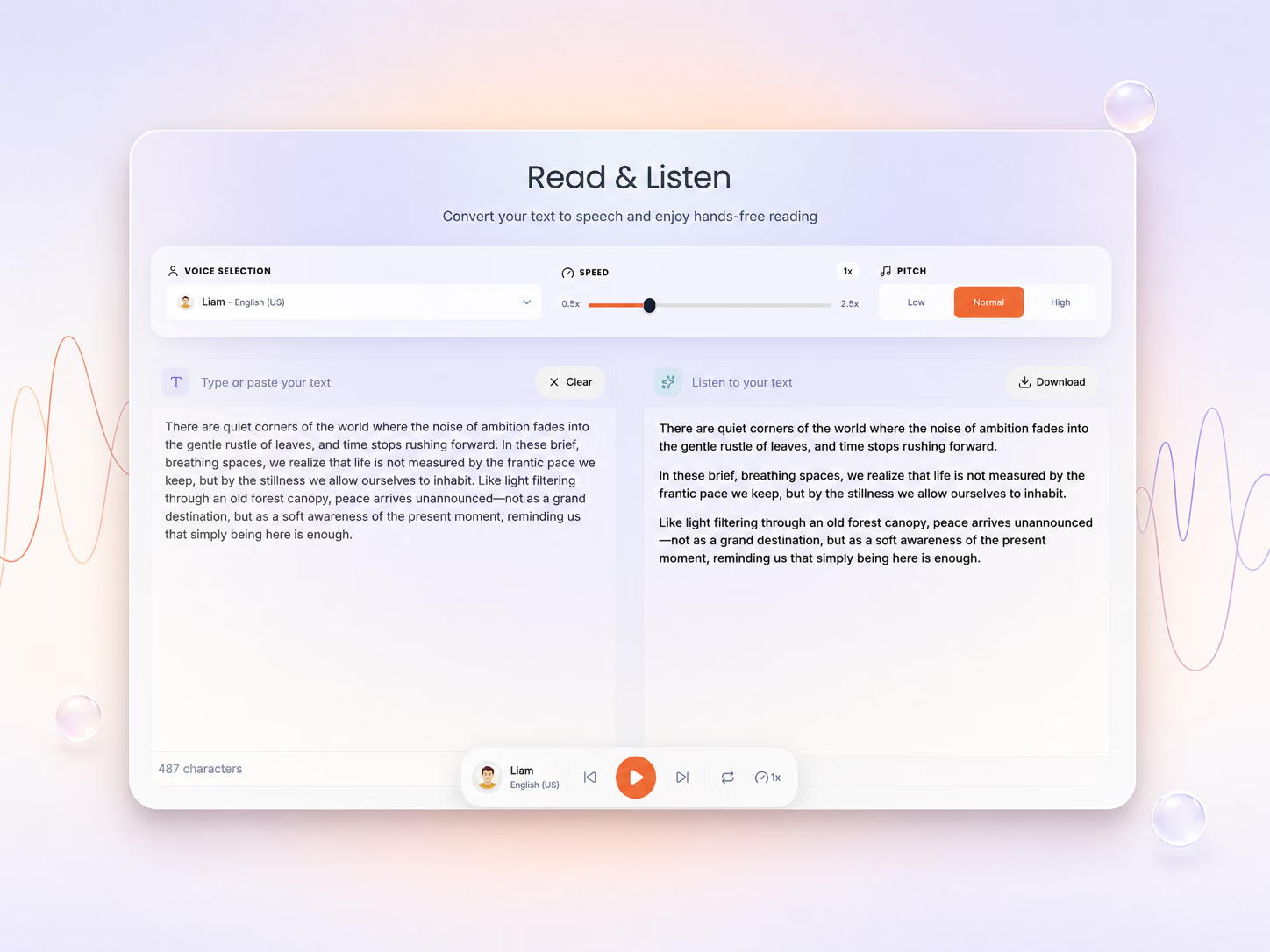
Paste or type any text and hear it read aloud with 50+ free AI voices in 40+ languages. Set the speed, follow the highlighted words, and listen as long as you like — no sign-up, no character limit.
Opens in the ReadLoudly reader. Free, no signup.
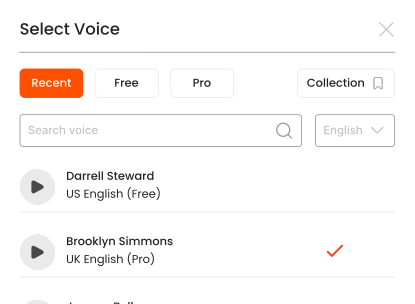
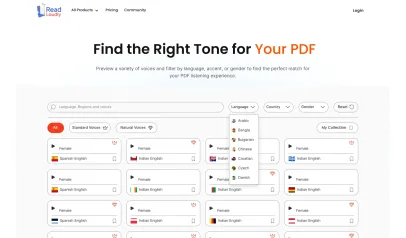
Hear the voices before you listen
More Ways to Use Text to Speech
Tools and guides for plain text — paste it, type it, open a .txt file, or turn notes and scripts into audio you can take with you.
How to read text aloud online
Hearing your text read aloud takes three steps with ReadLoudly. Have a document instead? Upload it on the homepage to read PDF aloud.
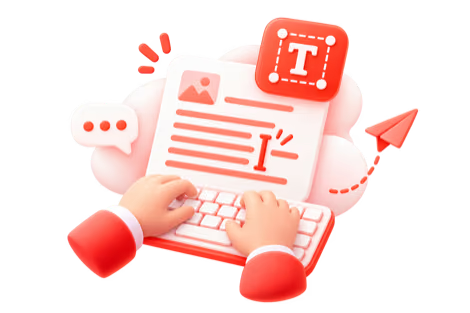
Add Your Text
Paste your text or upload a .txt file to ReadLoudly.

Choose Your Section
Jump to the part of your text you want to hear.

Press Play & Listen
Hit play and let ReadLoudly read your text aloud—hands-free.
What is Text to Speech?
Text to speech (TTS) turns written text into spoken audio using AI voices. To read text aloud online with ReadLoudly, paste or type your text, choose one of 50+ free voices, set the speed, and press play — it starts reading instantly in your browser, with no sign-up, no download and no character limit.
ReadLoudly's text to speech engine uses neural voice models that pace sentences, pause at punctuation and stress the right syllables, so a pasted article or a typed paragraph sounds like a person reading rather than a machine spelling it out. Whether you are a student reviewing lecture notes, a writer checking a draft by ear, or someone with dyslexia who takes in audio more easily than text on a screen, it turns anything you can paste into something you can listen to.
Who uses text to speech?
- Students — paste lecture notes, summaries and flashcard text and replay them on the commute
- Professionals — hear long emails, briefs and meeting notes while doing something else
- Writers and editors — proofread writing by hearing it read aloud; the ear catches what the eye skips
- Language learners — practise pronunciation with native-language voices at half speed
- People with reading difficulties — dyslexia, ADHD, low vision or screen fatigue
- Multitaskers — turn a copied web article into audio for a walk, a workout or the washing-up
Why choose ReadLoudly to read text aloud?
Your browser's built-in read-aloud stops at the end of the page and gives you one flat voice. ReadLoudly's free tool is built for reading real text, not just selecting it:
- Paste or type anything — an email, an essay, a chapter you copied, or a .txt file you already have
- No sign-up — press Listen and the reader opens; there is no account wall in front of the free voices
- No character limit — short passages play instantly, long ones are saved as a text file and read in full
- Free voices from your own device, previewed before you pick, and 1,200+ premium voices on paid plans
- 40+ languages — from English and Spanish to Japanese, Arabic and Hindi
- Word highlighting — the spoken word is highlighted as you go, so you can follow along or jump ahead
- Speed control — 0.5× for language practice up to 3× for skimming, with pause and resume
- No installation — works in any browser on any device
Languages and voices
Every language below has premium AI voices in the ReadLoudly library — 1,200+ voices across 40+ languages. Free browser voices are available in most of them too, depending on the voices your device ships with.
| Language | Natural voices | Standard voices |
|---|---|---|
| English (US) | 590 | 10 |
| English (UK) | 98 | 7 |
| Russian | 55 | 5 |
| Swedish | 49 | 7 |
| Hindi | 49 | 6 |
| Japanese | 51 | 4 |
| Tamil | 50 | 4 |
| Turkish | 49 | 5 |
| French | 50 | 2 |
| Italian | 46 | 2 |
| Korean | 43 | 4 |
| Bengali | 42 | 4 |
| Danish | 44 | 2 |
| Dutch | 44 | 2 |
| Portuguese (Brazil) | 41 | 5 |
| German | 42 | 2 |
| Gujarati | 40 | 4 |
| Marathi | 41 | 3 |
| Urdu | 41 | 2 |
| Norwegian (Bokmål) | 38 | 2 |
| Spanish (Mexico) | 38 | 0 |
| Telugu | 31 | 4 |
| English (India) | 13 | 6 |
| English (Australia) | 10 | 4 |
| Spanish (Spain) | 9 | 4 |
| French (Canada) | 8 | 4 |
| Hebrew | 8 | 4 |
| Vietnamese | 8 | 4 |
| Cantonese | 10 | 0 |
| Filipino | 6 | 4 |
| Spanish (US) | 6 | 3 |
| Arabic | 4 | 4 |
| Indonesian | 4 | 4 |
| Kannada | 4 | 4 |
| Malay | 4 | 4 |
| Malayalam | 4 | 4 |
| Mandarin Chinese | 4 | 4 |
| Punjabi | 4 | 4 |
| Mandarin Chinese (Taiwan) | 3 | 3 |
| Polish | 4 | 2 |
| Portuguese (Portugal) | 4 | 2 |
| Amharic | 2 | 2 |
| Cantonese (Hong Kong) | 0 | 4 |
| Dutch (Belgium) | 2 | 2 |
| Finnish | 3 | 1 |
| Greek | 3 | 1 |
| Ukrainian | 3 | 1 |
| Estonian | 2 | 1 |
| Arabic (UAE) | 2 | 0 |
| Czech | 1 | 1 |
| Hungarian | 1 | 1 |
| Romanian | 1 | 1 |
| Slovak | 1 | 1 |
| Thai | 1 | 1 |
| Afrikaans | 0 | 1 |
| Basque | 0 | 1 |
| Bulgarian | 0 | 1 |
| Catalan | 0 | 1 |
| English (Nigeria) | 1 | 0 |
| Galician | 0 | 1 |
| Icelandic | 0 | 1 |
| Latvian | 0 | 1 |
| Lithuanian | 0 | 1 |
| Serbian | 0 | 1 |
Free vs premium vs plain browser text to speech
Your browser already has a read-aloud function. Here is what changes when you use ReadLoudly's free tool, and what the paid plans add on top.
| Browser read-aloud | ReadLoudly Free | ReadLoudly Core / Plus / Pro | |
|---|---|---|---|
| Voices | Whatever your device installed | Free voices from your own device, previewed before you pick | 1,200+ natural AI voices across 40+ languages |
| Input | Selected text on one page | Pasted or typed text of any length, or a .txt file | Same, saved to your library so you can return to it on any device |
| Follow along | No | Word highlighting, 0.5×–3× speed, pause and resume | Same, plus pitch control and saved listening position |
| Download | No | No, listen in the browser | MP3 download for offline listening |
| Monthly allowance | Unlimited | Unlimited browser narration | 100k / 200k / 400k voice credits for premium voices |
| Price | Free | Free, no signup, ad-supported | $5 / $10 / $19 per month, ad-free |
How it works
Paste or type your text into the box above and press Listen. ReadLoudly opens it in the reader, splits it into sentences, and feeds each one through the voice you chose. Follow along with synchronised word highlighting, pause and resume at any point, or click a sentence to jump straight to it. Change the voice or the speed mid-way and playback continues from the same word. Want to listen to a document rather than pasted text? Upload it on the homepage, or open a plain-text file in the TXT reader.
Listen With Voices That Feel Real






With ReadLoudly.com, you can paste any text and hear it read aloud, word by word.
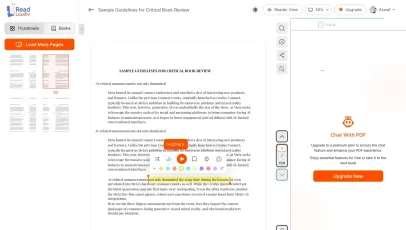
Once you're done reading or listening to a document, you can easily share.

Share with Ease
Once you're done reading or listening you can easily share.

Multilingual AI Chat
Chat with your text, adjust the voice, and translate to your language.

No Downloads Required
You don't need to download any software or plugins to use.
Similar Readers
Looking for alternatives? Check out these tools to suit your needs.
Frequently Asked Questions
Everything you need to know about Read Text Aloud Online.
ReadLoudly offers free text-to-speech with the voices your own device provides, and 1,200+ premium AI voices across 40+ languages on paid plans. Paste text or upload a file, choose a voice, and listen instantly — no account or download needed.
Paste your text or upload a .txt file, select a voice and speed, then press play. Your text is converted to natural audio immediately.
Yes on the paid plans. Core ($5/month), Plus ($10/month) and Pro ($19/month) can export the narration as an MP3 for offline listening; the export uses your monthly voice credits like any other premium playback. Free users listen in the browser without downloading.
There is no hard limit on pasted text. Short passages open in the reader instantly; anything longer than a couple of thousand characters is saved as a text file first, up to 10 MB — several million characters. Free browser-voice narration is unlimited in length; premium voices are metered by credits at 4 characters per credit for Standard voices and 1 character per credit for Natural voices.
Paid plans include MP3 download for personal and internal use. Publishing generated audio commercially — in a video, podcast or product — depends on the licence of the specific voice, so check the Terms of Use before you publish.
ReadLoudly supports 40+ languages including English, Spanish, French, German, Italian, Portuguese, Chinese, Japanese, Arabic, Hindi, and more, with multiple voice options per language.
Yes. Adjust playback speed from 0.5x (useful for language learning) up to 3x (for skimming). Pitch control is available on Pro plans.
Yes. Reading and listening to text and text files is free, with no account required to start and no watermark on anything. Paid plans — Core at $5/month, Plus at $10/month, Pro at $19/month — raise the upload size limit, unlock all 1,200+ AI voices, add MP3 downloads and offline listening, and remove ads.
The text to speech tool takes pasted or typed text and plain .txt files. If your words live in a document instead, open it with the matching reader: TXT, RTF, ODT, DOCX each have their own reader page, and every other format ReadLoudly opens is listed on the Tools page.
Yes. This reader runs in the mobile browser on iOS and Android — nothing to install — so you can open a block of text straight from your phone's Files app, an email attachment or a cloud drive. Playback continues in the background, and your position syncs to any other device you sign in on.
It is parsed to extract its text, then removed from the processing servers. ReadLoudly does not train models on your files, does not share them with third parties, and does not make them visible to anyone else. Signed-in users can choose to keep a block of text in their own private library; a guest upload is discarded when the session ends.
Every format gets its own reader page rather than being funnelled into one generic uploader, so nothing loses its format-specific handling. Closest to this page: TXT, RTF, ODT, DOCX. The Tools page lists all of them.
Read more on the blog
Guides and comparisons from the ReadLoudly blog on getting more out of listening to your documents.

Start listening smarter today
Join 4M+ readers who've transformed how they consume content. Turn any document into an engaging audio experience in seconds.