

Free MOBI Reader
Listen to Kindle Books
Listen to your MOBI files like audiobooks, chat with content, track progress, highlight key points, and save bookmarks — all in one place.
Opens in the ReadLoudly reader. Free, no signup.
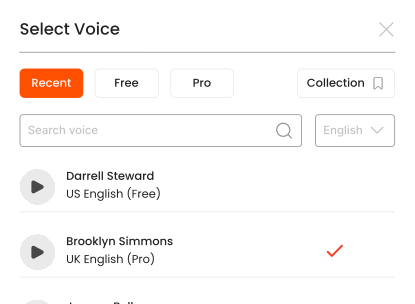
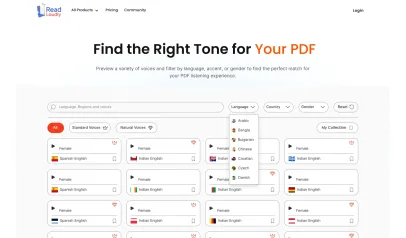
Hear the voices before you listen
Popular Tools
All-in-one PDF reader and document tools to read, convert, compress, scan, and manage files online—fast, secure, and easy to use.
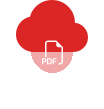









How to listen to your MOBI files.
Listening to your MOBI files hands-free is simple with ReadLoudly.
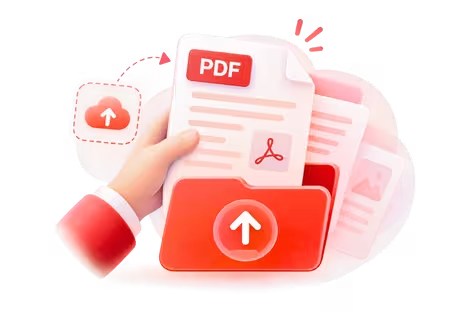
Upload Your File
Upload the MOBI files you want to listen to.
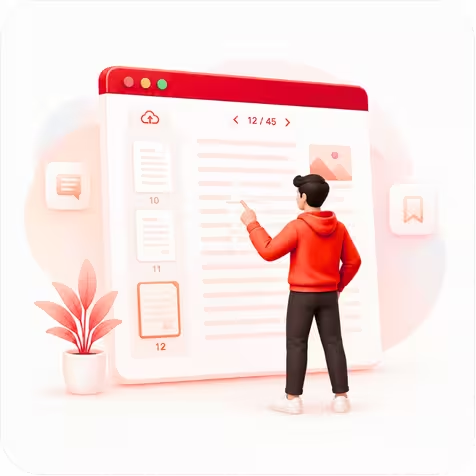
Choose Your Page
Open your file and jump to the page you want to hear.

Press Play & Listen
Hit play and let ReadLoudly read it aloud—hands-free.
What is MOBI Format?
MOBI is Amazon's legacy eBook format, originally developed by Mobipocket and later acquired by Amazon for Kindle. While newer Kindle devices use KFX/AZW3, millions of MOBI files still exist in personal libraries, online archives, and DRM-free bookstores.
ReadLoudly's MOBI reader opens these files directly in your browser — no Kindle device or app required. Upload your .mobi file and listen with natural AI voices while you commute, exercise, or relax.
Who uses MOBI files?
- Kindle users — personal libraries with older Kindle purchases
- Self-published authors — distributing books in Kindle-compatible format
- Digital archivists — preserving eBook collections from various sources
Why listen instead of read?
Many MOBI books never received audiobook versions. AI text-to-speech gives you audiobook-quality narration for any MOBI file in your collection. Listen during commutes, workouts, or before bed — your entire Kindle library becomes listenable.
Frequently Asked Questions
Everything you need to know about Free MOBI Reader.
No. Only DRM-free MOBI files are supported. Amazon DRM-protected files must be unlocked first.
AZW is Amazon's proprietary wrapper around MOBI with added DRM. DRM-free AZW files work the same as MOBI. Try our AZW reader for those files.
Yes — use our MOBI to PDF converter for a fixed-layout version.
The free voices your own device provides, plus 1,200+ premium natural voices across 40+ languages.
Yes. The table of contents and chapter structure from your MOBI file are preserved for easy navigation.
Listen With Voices That Feel Real







With ReadLoudly.com, you can easily upload any PDF document and read.
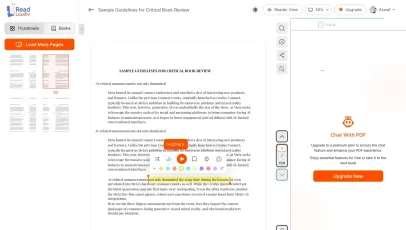
Once you're done reading or listening to a document, you can easily share.

Share with Ease
Once you're done reading or listening you can easily share.

Multilingual AI Chat
Chat with PDFs, adjust voice, and translate to your language.

No Downloads Required
You don't need to download any software or plugins to use.
Similar Readers
Looking for alternatives? Check out these tools to suit your needs.
Frequently Asked Questions
Everything you need to know about Free MOBI Reader.
Upload your .mobi file to ReadLoudly's free MOBI reader. It opens Kindle MOBI files directly in your browser — no Kindle device, no Kindle app, no account required.
Yes. ReadLoudly converts MOBI ebooks to natural-sounding audio using 1,200+ AI voices. Choose your preferred voice, adjust playback speed, and listen hands-free on any device.
MOBI is Amazon's older proprietary ebook format used by Kindle devices. EPUB is the open standard used by most other ebook readers. ReadLoudly supports both — upload either and listen with AI narration.
Yes. Amazon stopped accepting MOBI for new Kindle uploads, but the files you already own still open here. ReadLoudly parses the format directly, so an old MOBI library stays readable even though Kindle no longer prioritises it.
Yes. Reading and listening to MOBI files is free, with no account required to start and no watermark on anything. Paid plans — Core at $5/month, Plus at $10/month, Pro at $19/month — raise the upload size limit, unlock all 1,200+ AI voices, add MP3 download for pasted text and Study Hub podcasts, and remove ads.
Yes — MOBI is fully supported on this page, and it is one of 24 formats ReadLoudly reads aloud: documents (PDF, DOCX, ODT, RTF), ebooks (EPUB, MOBI, AZW, FB2, CHM, LRF, LIT, PDB, RB), text and web files (TXT, HTML), comics (CBR, CBZ), and images (via OCR) (JPG, PNG, GIF, BMP, WEBP, TIFF, SVG). Upload an MOBI file here and it opens straight away; any other format on that list has its own reader page.
Yes. This reader runs in the mobile browser on iOS and Android — nothing to install — so you can open an MOBI file straight from your phone's Files app, an email attachment or a cloud drive. Premium voices keep playing in the background, and your position is saved to your account for any browser you sign in on.
It is parsed to extract its text, then removed from the processing servers. ReadLoudly does not train models on your files, does not share them with third parties, and does not make them visible to anyone else. Signed-in users can choose to keep an MOBI file in their own private library; a guest upload is removed after about 24 hours.
MOBI is Amazon's older Kindle ebook format, still used by many sideloaded books. ReadLoudly opens it directly in the browser, so you do not need the original software that created it.
Every format gets its own reader page rather than being funnelled into one generic uploader, so nothing loses its format-specific handling. Nearest neighbours to MOBI among ReadLoudly's ebooks: AZW, FB2, CHM, LRF. The Tools page lists all of them.
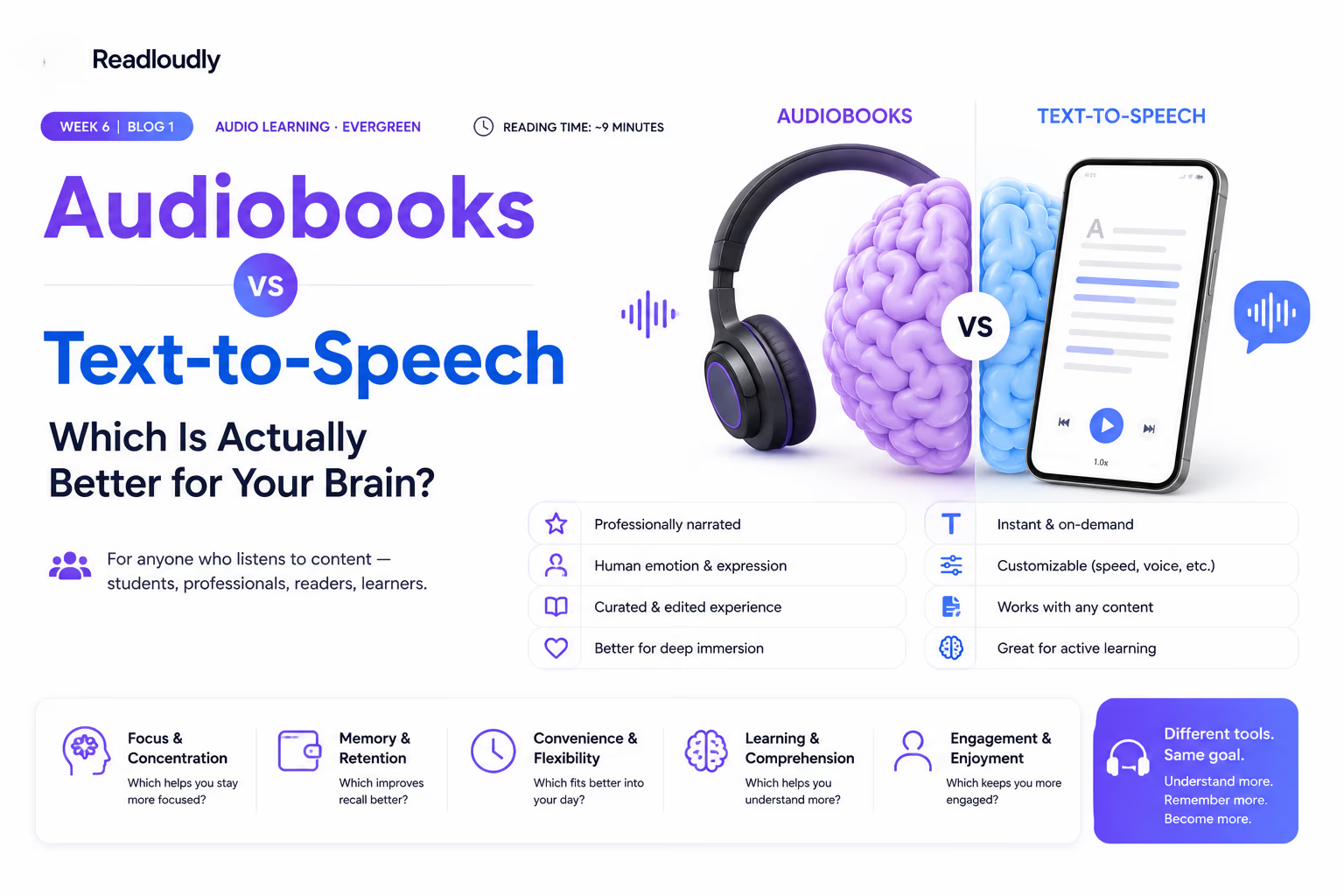
Read more on the blog
Guides and comparisons from the ReadLoudly blog on getting more out of listening to your documents.

Start listening smarter today
Join 4M+ readers who've transformed how they consume content. Turn any document into an engaging audio experience in seconds.