


Step 1: Upload your .odt file
Drag your file here or tap Upload. No LibreOffice or Word needed.
Step 2: Read it on screen
Your document opens in the ReadLoudly reader. Jump to any page.
Step 3: Press play and follow along
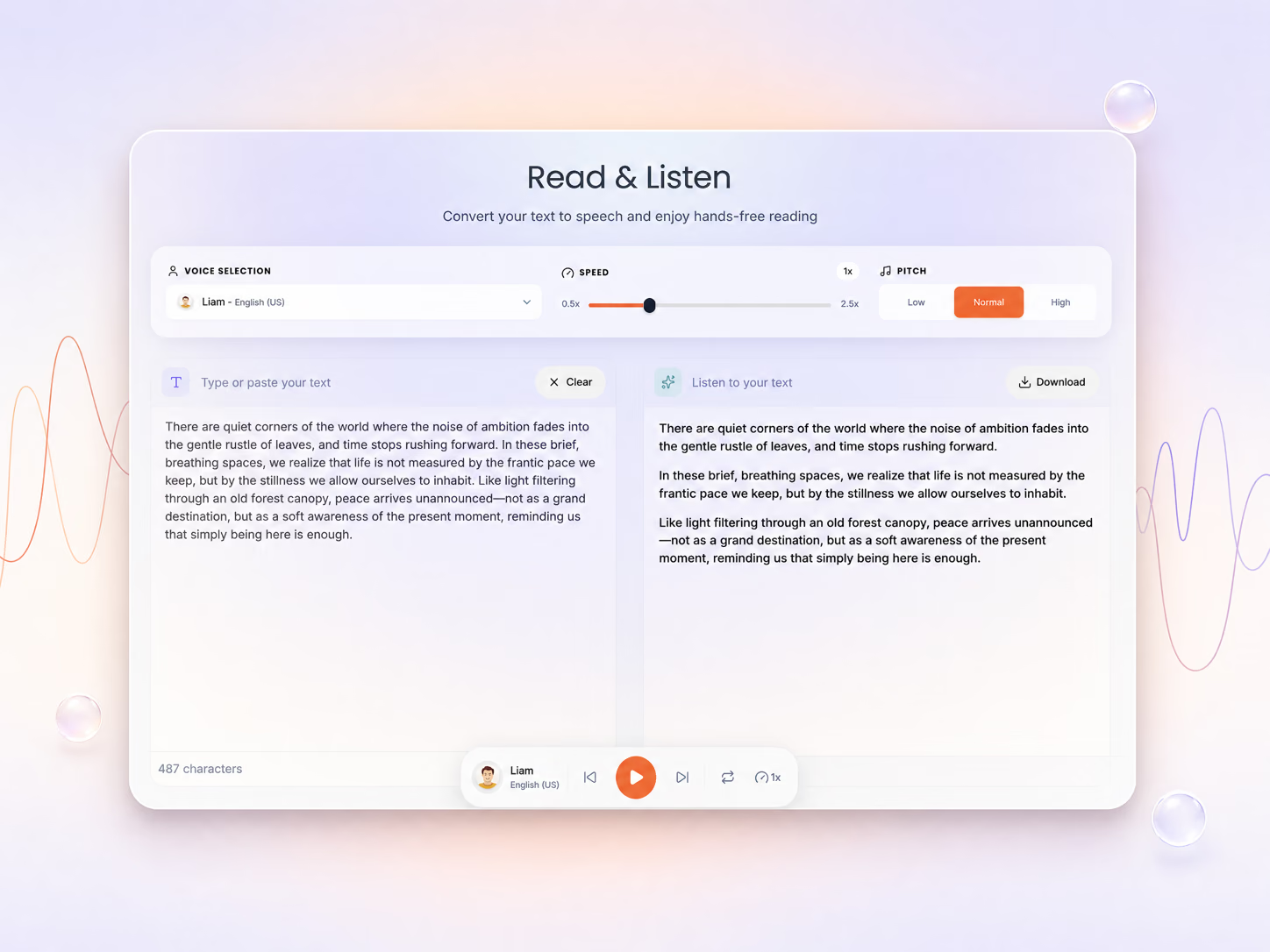
Pick a voice and speed. Each sentence is highlighted as it's read aloud.