

Generate AI Voices
from any text
Turn any text into natural-sounding speech with our AI Voice Generator. Experience lifelike audio output perfect for content creation, accessibility, and hands-free listening with ReadLoudly.
Opens in the ReadLoudly reader. Free, no signup.
Popular Tools
All-in-one PDF reader and document tools to read, convert, compress, scan, and manage files online—fast, secure, and easy to use.









Generate AI Voices from Text Online
Creating lifelike AI voice audio from your text is simple with ReadLoudly.
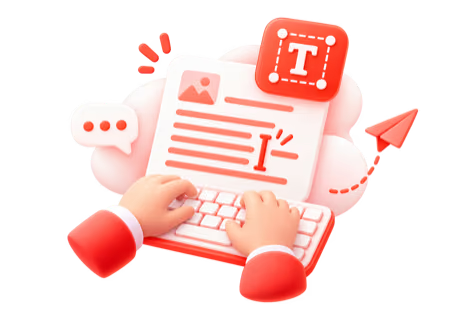
Add Your Text
Paste your text or upload a file to get started.
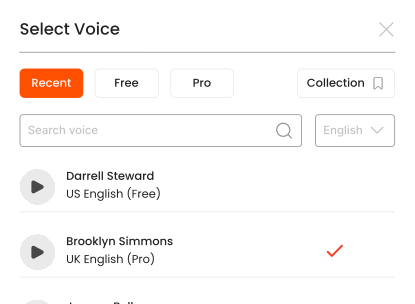
Pick a Voice
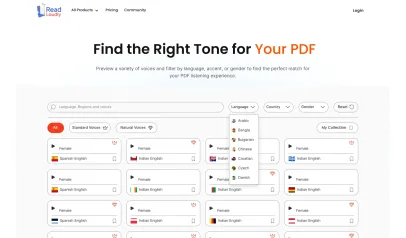
Choose from 1,200+ voices by language and style, and preview it on a sample line.

Generate & Listen
Press play and hear lifelike AI audio instantly.
What is an AI voice generator?
An AI voice generator turns a written script into a spoken voice track using a neural model trained on human speech. With ReadLoudly you paste the script, pick one of 1,200+ premium voices by language, gender and style, preview it, and generate the audio in your browser — no recording booth, no microphone, no signup to try.
The difference from a plain read-aloud tool is intent. A text to speech reader is for consuming text you did not write — an article, a chapter, a paper. A voice generator is for producing audio from text you did write, where the voice, pacing and pitch are part of the result and you will keep the file. ReadLoudly's generator is built for that second job: you choose the voice deliberately, hear a sample before you spend anything, and export the track on a paid plan.
What people make with it
- Video voice-overs — explainer videos, YouTube narration, product walkthroughs and slide decks, generated from the script instead of re-recorded on every edit
- Podcast segments — intros, ad reads and pre-recorded inserts; see how a podcaster runs an audio-first research system
- E-learning and training — course modules and onboarding material narrated consistently across dozens of lessons
- Accessibility versions — an audio edition of a newsletter, a help article or an internal document, for people who read better by ear
- Script checks — hearing a draft in a neutral voice exposes clumsy sentences before a human ever records it
Choosing the right voice
Every voice in the library carries a language, an accent, a gender and a category. Natural voices are the neural, human-like set and cost one credit per character; Standard voices are lighter and cost a quarter of that, which is often the better trade for long training material. Preview any voice on a sample sentence before committing a full script — the same sentence across three voices tells you more than any description. For narration that has to sound like a person reading rather than a machine announcing, pick a Natural voice and leave the speed at 1×; for revision material you already know, a Standard voice at 1.5× is faster and cheaper.
How generation works
Paste or upload the script, choose the voice, set speed and pitch, and press play. The audio is synthesised sentence by sentence and highlighted as it plays, so you can stop at the first line that sounds wrong, fix the punctuation — a comma or a full stop changes the phrasing — and regenerate only that passage. On the free plan you can listen with the browser voice set; the Core, Plus and Pro plans unlock the full library, monthly voice credits and MP3 export for use in your video or podcast editor.
Rights and licensing
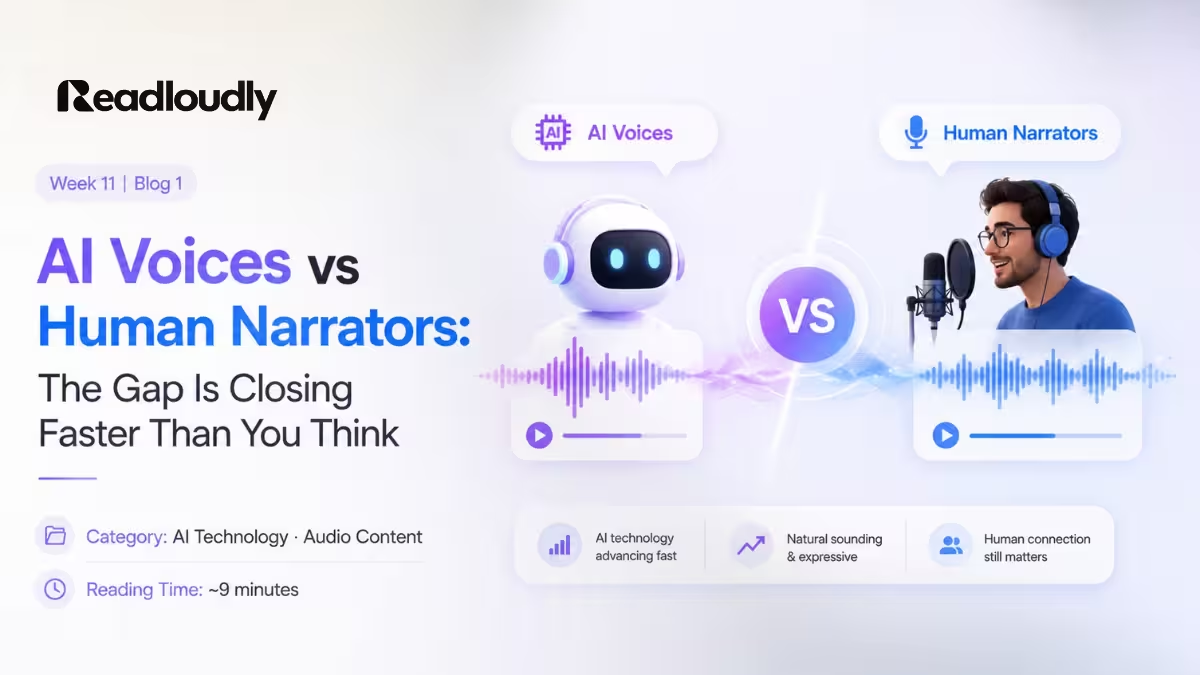
The voices are licensed synthetic voices, not clones of real people, and ReadLoudly does not offer voice cloning. Paid plans include download for personal and internal use. If the audio will be published commercially, check the licence terms for the specific voice in the Terms of Use first — and if you are weighing a synthetic voice against a hired narrator, read where AI voices beat human narrators, and where they still don't.
Listen With Voices That Feel Real





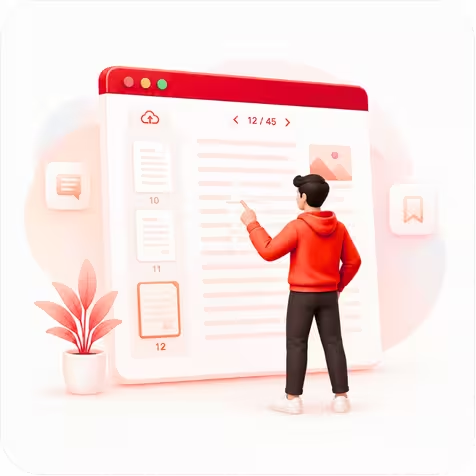
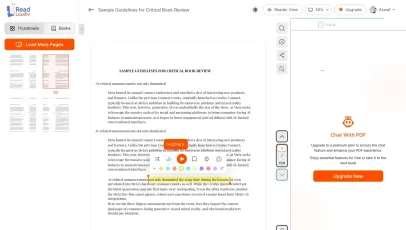
With ReadLoudly.com, you can easily upload any PDF document and read.
Once you're done reading or listening to a document, you can easily share.

Share with Ease
Once you're done reading or listening you can easily share.

Multilingual AI Chat
Chat with PDFs, adjust voice, and translate to your language.

No Downloads Required
You don't need to download any software or plugins to use.
Similar Readers
Looking for alternatives? Check out these tools to suit your needs.
Frequently Asked Questions
Everything you need to know about Generate AI Voices.
It is a system that synthesises speech from written text using a neural model trained on human recordings, rather than stitching together pre-recorded fragments. That is why the output carries natural intonation and pacing instead of sounding clipped.
1,200+ premium voices across 40+ languages, with several accents and both male and female options in most languages. You can preview any voice before committing a long document to it.
Paid plans include MP3 download for personal and internal use. Check the current terms before using generated audio in commercial published work, as licensing varies by voice provider.
Voice cloning is not part of ReadLoudly. The library is a curated set of licensed synthetic voices, which avoids the consent and misuse problems that come with cloning a real person's voice.
Yes, with a free tier that covers a generous amount of narration. Paid plans unlock the full voice library, higher character limits, MP3 export and offline listening.
Yes. Reading and listening to text and documents is free, with no account required to start and no watermark on anything. Paid plans — Core at $5/month, Plus at $10/month, Pro at $19/month — raise the upload size limit, unlock all 1,200+ AI voices, add MP3 downloads and offline listening, and remove ads.
The same 1,200+ premium voices narrate every format ReadLoudly opens, so you are not limited to text you type in here: ReadLoudly reads 24 file formats aloud: documents (PDF, DOCX, ODT, RTF), ebooks (EPUB, MOBI, AZW, FB2, CHM, LRF, LIT, PDB, RB), text and web files (TXT, HTML), comics (CBR, CBZ), and images (via OCR) (JPG, PNG, GIF, BMP, WEBP, TIFF, SVG). Each format has its own dedicated reader page, and all of them use the same 1,200+ AI voices.
Yes. This reader runs in the mobile browser on iOS and Android — nothing to install — so you can open a piece of text straight from your phone's Files app, an email attachment or a cloud drive. Playback continues in the background, and your position syncs to any other device you sign in on.
It is parsed to extract its text, then removed from the processing servers. ReadLoudly does not train models on your files, does not share them with third parties, and does not make them visible to anyone else. Signed-in users can choose to keep a piece of text in their own private library; a guest upload is discarded when the session ends.
Every format gets its own reader page rather than being funnelled into one generic uploader, so nothing loses its format-specific handling. Closest to this page: PDF, EPUB, DOCX, TXT. The Tools page lists all of them.
Read more on the blog
Guides and comparisons from the ReadLoudly blog on getting more out of listening to your documents.

Start listening smarter today
Join 4M+ readers who've transformed how they consume content. Turn any document into an engaging audio experience in seconds.