

Free EPUB Reader
Read EPUBs Aloud Online
Listen to your EPUB files like audiobooks, chat with content, track progress, highlight key points, and save bookmarks — all in one place.
Opens in the ReadLoudly reader. Free, no signup.
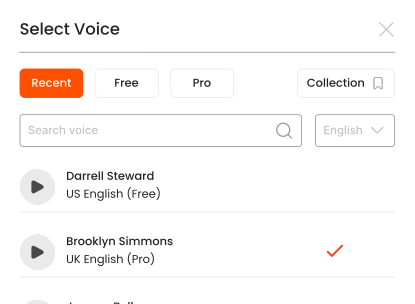
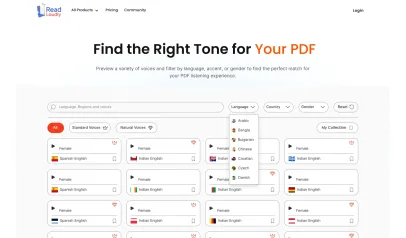
Hear the voices before you listen
Popular Tools
All-in-one PDF reader and document tools to read, convert, compress, scan, and manage files online—fast, secure, and easy to use.
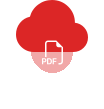









How to listen to your EPUB files.
Listening to your EPUB files hands-free is simple with ReadLoudly.
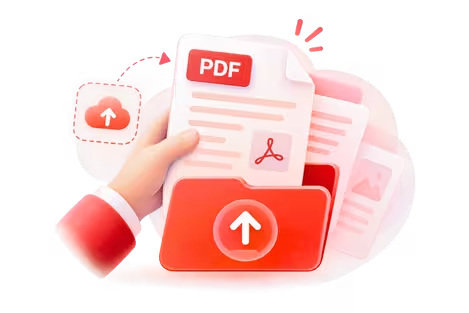
Upload Your File
Upload the EPUB files you want to listen to.
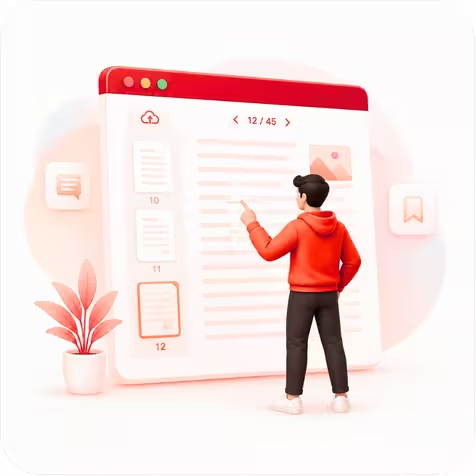
Choose Your Page
Open your file and jump to the page you want to hear.

Press Play & Listen
Hit play and let ReadLoudly read it aloud—hands-free.
What is EPUB Format?
EPUB (Electronic Publication) is the most widely used open eBook standard, maintained by the W3C. Unlike PDF, EPUB content reflows to fit any screen size — making it ideal for phones, tablets, and e-readers. Most digital bookstores (except Amazon) distribute books in EPUB format.
ReadLoudly's EPUB reader lets you open any .epub file directly in your browser and listen to it with AI-powered text-to-speech. No Kindle, no Kobo, no special device needed — just upload and press play.
Who uses EPUB files?
- Students — textbooks and academic materials from libraries and publishers
- Avid readers — novels and non-fiction from Kobo, Apple Books, Google Play Books
- Researchers — open-access journals and conference proceedings
- Self-publishers — authors distributing DRM-free books
Why listen instead of read?
Listening to EPUB books with AI voices turns any commute, workout, or chore into reading time. It also helps readers with dyslexia, ADHD, or visual fatigue absorb content without eye strain. With 1,200+ natural voices in 40+ languages, you can match the narrator to your preference.
Features
- 50+ free AI voices and 1,200+ premium natural voices
- Adjustable reading speed (0.5x to 3x)
- Bookmarks, highlights, and notes
- Chapter navigation and table of contents
- Works on desktop, tablet, and mobile browsers
- No account required for basic listening
Frequently Asked Questions
Everything you need to know about Free EPUB Reader.
ReadLoudly supports EPUB 2 and EPUB 3, including fixed-layout and reflowable content.
No. DRM-protected files must be unlocked first. Only DRM-free EPUB files can be uploaded and read.
Use the voice selector to choose from 1,200+ voices and the speed slider to set your preferred pace from 0.5x to 3x.
The reader requires an internet connection for AI voice processing. Pro users can download audio for offline listening.
Yes — use our EPUB to PDF converter if you need a fixed-layout version.
Listen With Voices That Feel Real






With ReadLoudly.com, you can easily upload any PDF document and read.
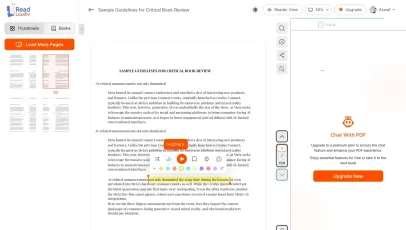
Once you're done reading or listening to a document, you can easily share.

Share with Ease
Once you're done reading or listening you can easily share.

Multilingual AI Chat
Chat with PDFs, adjust voice, and translate to your language.

No Downloads Required
You don't need to download any software or plugins to use.
Similar Readers
Looking for alternatives? Check out these tools to suit your needs.
Frequently Asked Questions
Everything you need to know about Free EPUB Reader.
Upload your .epub file to ReadLoudly's free EPUB reader. It opens instantly in your browser — no Kindle, no app, no account needed. You can read or listen with AI text-to-speech narration.
Yes. ReadLoudly reads EPUB books aloud chapter by chapter using 1200+ natural AI voices across 40+ languages. Adjust speed from 0.5× to 3×, choose male or female voices, and listen hands-free.
ReadLoudly supports DRM-free EPUB files. DRM-protected files from Amazon or Kobo require DRM removal before uploading. Most EPUB files from libraries, Project Gutenberg, and self-published authors are DRM-free.
Yes. ReadLoudly automatically saves your reading position, bookmarks, and highlights so you can pick up exactly where you left off across sessions and devices.
Yes. Reading and listening to EPUB files is free, with no account required to start and no watermark on anything. Paid plans — Core at $5/month, Plus at $10/month, Pro at $19/month — raise the upload size limit, unlock all 1200+ AI voices, add MP3 downloads and offline listening, and remove ads.
Yes — EPUB is fully supported on this page, and it is one of 24 formats ReadLoudly reads aloud: documents (PDF, DOCX, ODT, RTF), ebooks (EPUB, MOBI, AZW, FB2, CHM, LRF, LIT, PDB, RB), text and web files (TXT, HTML), comics (CBR, CBZ), and images (via OCR) (JPG, PNG, GIF, BMP, WEBP, TIFF, SVG). Upload an EPUB file here and it opens straight away; any other format on that list has its own reader page.
Yes. This reader runs in the mobile browser on iOS and Android — nothing to install — so you can open an EPUB file straight from your phone's Files app, an email attachment or a cloud drive. Playback continues in the background, and your position syncs to any other device you sign in on.
It is parsed to extract its text, then removed from the processing servers. ReadLoudly does not train models on your files, does not share them with third parties, and does not make them visible to anyone else. Signed-in users can choose to keep an EPUB file in their own private library; a guest upload is discarded when the session ends.
EPUB is the open ebook standard used by almost every e-reader except Kindle. ReadLoudly opens it directly in the browser, so you do not need the original software that created it.
Every format gets its own reader page rather than being funnelled into one generic uploader, so nothing loses its format-specific handling. Nearest neighbours to EPUB among ReadLoudly's ebooks: MOBI, AZW, FB2, CHM. The Tools page lists all of them.
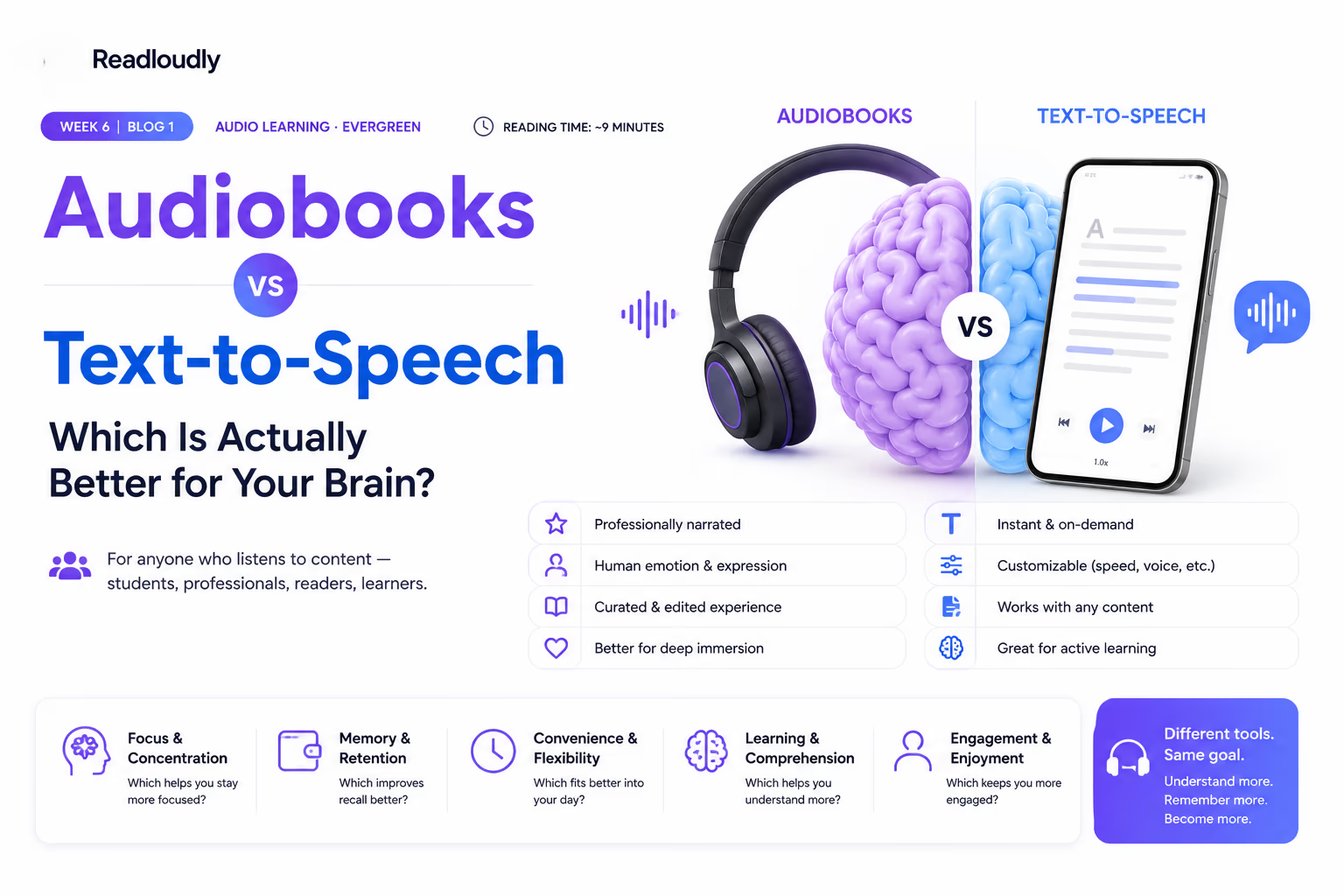
Read more on the blog
Guides and comparisons from the ReadLoudly blog on getting more out of listening to your documents.


Start listening smarter today
Join 4M+ readers who've transformed how they consume content. Turn any document into an engaging audio experience in seconds.