
Split & Extract PDF Pages
fast, free and private
Split PDF files online for free. Extract pages, split by range, or divide every N pages. 100% client-side — your files never leave your browser.
document.pdf
0 Pages • 0 KB
Your Split Files
How To Split a PDF?
Split your PDF into multiple files in seconds — no uploads, no waiting, 100% private.
Here's how:
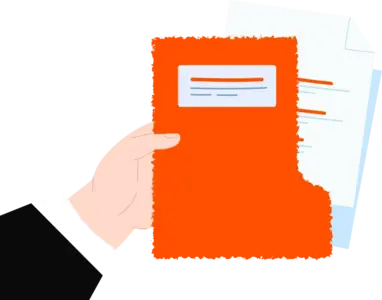
Upload your PDF by clicking the button or dragging it onto the page. Everything runs in your browser — nothing is sent to any server.
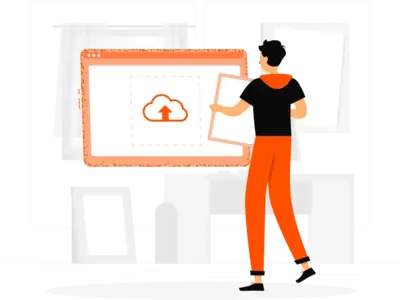
Choose Range, Pages, or Size mode. In Range mode add as many from/to ranges as you need. In Pages mode click thumbnails to pick individual pages.
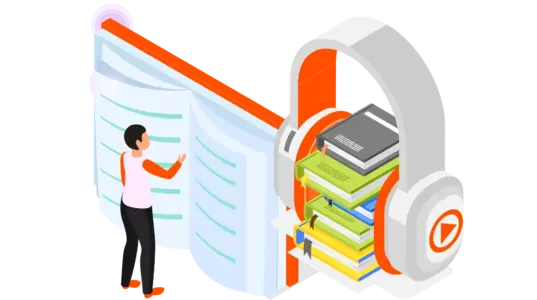
Click "Split PDF" and download each part instantly. Multiple files are bundled into a ZIP automatically.
With ReadLoudly.com, you can easily upload any PDF document and read.
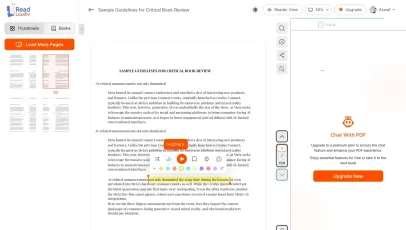
Once you're done reading or listening to a document, you can easily share.

Share with Ease
Once you're done reading or listening you can easily share.

Multilingual AI Chat
Chat with PDFs, adjust voice, and translate to your language.

No Downloads Required
You don't need to download any software or plugins to use.
Why Split Your PDF Online?
Whether you need to share a single chapter, extract a few pages, or break a large document into manageable parts — our free PDF splitter handles it all instantly.

Fast & Free
No sign-up, no waiting, no cost. Upload your PDF and get split files in seconds using your own device's processing power.
Zero cost
100% Private
Your PDF never leaves your browser. All splitting is done client-side using PDF-lib, so sensitive documents stay completely private.
Client-side only
Flexible Splitting
Three powerful modes: split by custom page ranges, divide into equal chunks, or extract exactly the pages you need into one file.
3 split modes