
What Is a PDF Reader? Everything You Need to Know in 2026
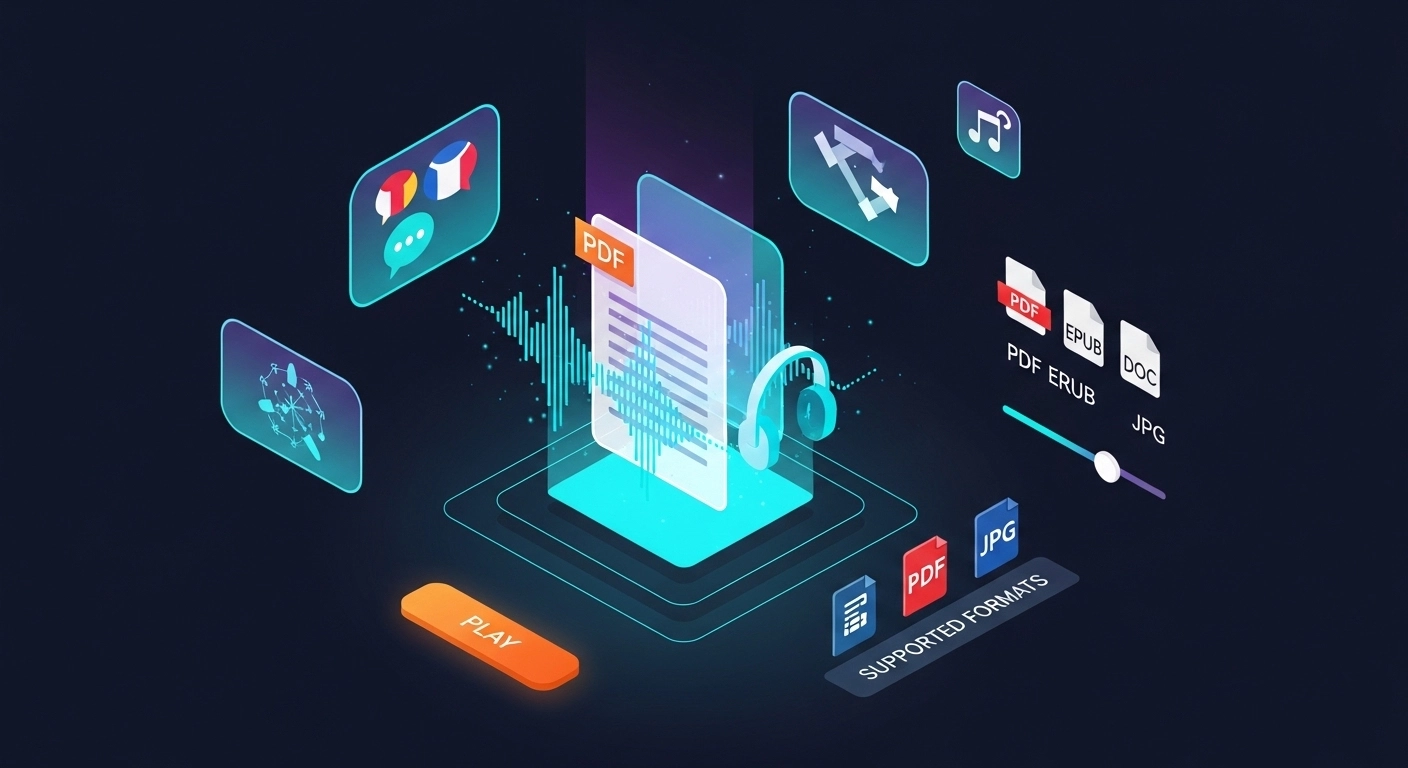
A PDF reader opens, displays, and lets you interact with PDF files. Modern AI readers go further — letting you listen to any document hands-free.
You've probably opened a PDF hundreds of times without thinking twice about it.
But what exactly is a PDF reader, how does it work, and why does the one you choose actually matter?
This guide covers everything — from the basics to the AI-powered features that are changing how people read and learn in 2026.
What Is a PDF Reader?
A PDF reader is software that opens, displays, and lets you interact with PDF (Portable Document Format) files.
PDF was created by Adobe in the early 1990s to solve a simple problem: documents looked different on every computer. PDF locked the layout so a file looked identical on any device, any operating system, any printer.
A PDF reader is the tool that decodes that format and shows it to you correctly.
At its most basic, a PDF reader lets you:
- Open and view PDF documents
- Scroll, zoom, and navigate pages
- Search for text within a document
- Print or share the file
Modern PDF readers do much more than that — but we'll get to that shortly.
How PDF Readers Work
A PDF file is not just an image of a page. It's a structured file that contains text, fonts, images, vector graphics, and layout instructions all bundled together.
When you open a PDF, the reader parses that structure and renders it visually — placing every element exactly where it belongs on screen.
Text Layer vs. Image Layer
Most PDFs have a text layer, which means the words are actual selectable, searchable text. This is what allows you to copy a sentence or use Ctrl+F to search.
Scanned PDFs are different. They're essentially photos of pages — there's no text layer, just pixels. To make scanned PDFs readable or searchable, a PDF reader needs OCR (Optical Character Recognition) to extract the text from the image.
This distinction matters a lot when you want to listen to a PDF with text-to-speech — only tools with OCR can handle scanned documents.
Types of PDF Readers
Not all PDF readers are the same. Here's how they break down:
1. Desktop PDF Readers
Installed software like Adobe Acrobat Reader, Foxit Reader, or SumatraPDF. These run locally on your computer and work offline. They're reliable for heavy use but require installation and updates.
2. Browser-Based PDF Readers
Built into Chrome, Firefox, and Safari. You open a PDF link and it renders right in the tab. No installation needed, but features are limited — usually just view, scroll, and print.
3. Mobile PDF Readers
Apps like Adobe Acrobat Mobile, PDF Expert (iOS), or Xodo (Android). Optimized for touchscreens with gesture navigation, annotation tools, and cloud sync.
4. AI-Powered PDF Readers
The newest category. Tools like ReadLoudly go beyond displaying text — they convert your PDF into natural-sounding audio using AI text-to-speech, support OCR for scanned files, and let you listen hands-free on any device.
| Type | Installation | Text-to-Speech | OCR | Best For |
|---|---|---|---|---|
| Desktop Reader | Required | Basic / None | Paid only | Offline heavy use |
| Browser Built-in | None | None | None | Quick viewing |
| Mobile App | Required | Limited | Some | On-the-go reading |
| AI PDF Reader | None (browser) | Natural AI voices | Yes | Listening & accessibility |
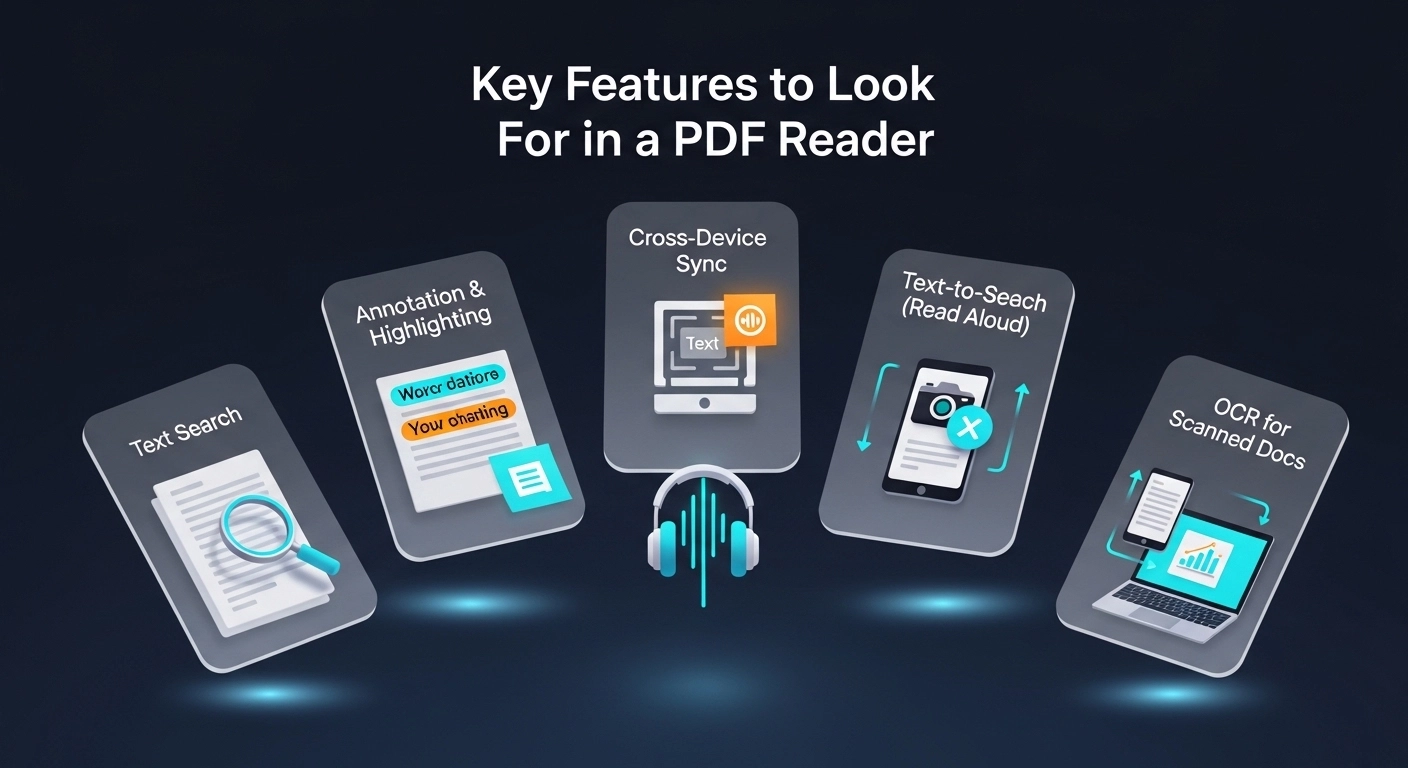
Key Features to Look For in a PDF Reader
The right PDF reader depends on how you use documents. Here are the features that matter most:
Text Search and Navigation
Every decent PDF reader lets you search for words and jump to specific pages. This is table stakes — if a reader doesn't have it, skip it.
Annotation and Highlighting
Highlight text, add sticky notes, draw, and underline. Essential for students, researchers, and anyone reviewing documents. Look for tools that sync annotations across devices.
Text-to-Speech (Read Aloud)
A growing number of PDF readers can read documents aloud. The quality varies enormously — from robotic system voices to natural AI narration. If you want to listen to PDFs online, choose a reader with high-quality AI voices and adjustable speed.
OCR for Scanned Documents
If you work with scanned books, printed handouts, or archived documents, OCR is non-negotiable. Without it, the reader can't extract text from image-based pages.
Cross-Device Sync
Start reading on your laptop, continue on your phone. Cloud sync keeps your position, bookmarks, and annotations consistent everywhere.
Form Filling and Signing
Many PDFs are forms — tax documents, contracts, applications. A good reader lets you fill fields and add digital signatures without printing anything.
What Makes an AI PDF Reader Different
Traditional PDF readers are passive — they show you the document and wait for you to read it.
AI PDF readers are active. They process the content and deliver it to you in a way that fits your workflow.
Here's what sets AI PDF readers apart:
- Natural voices: AI narration sounds like a real person, not a robot. You can choose from multiple voices, accents, and languages.
- Adjustable speed: Listen at 1x for complex material, 1.5x or 2x when you want to move faster. Your comprehension adapts quickly.
- OCR built-in: Scanned documents are automatically processed so you can listen to any PDF, not just text-based ones.
- Hands-free learning: Listen while commuting, exercising, or doing chores. Your eyes are free, your brain is still absorbing information.
- Accessibility: For people with dyslexia, ADHD, or visual impairments, an AI PDF reader removes the barriers that traditional reading creates. Learn more in our guide on AI voice generators for dyslexia and ADHD.
How to Use a PDF Reader
Using a basic PDF reader is straightforward. Using an AI PDF reader is just as simple — here's how:
Step 1: Open or Upload Your PDF
For desktop readers, double-click the file. For browser-based tools like ReadLoudly, go to readloudly.com/pdf-reader and upload your file directly — no account needed.
Step 2: Choose Your Settings
Pick a voice, set your playback speed, and choose the language if needed. Most AI readers remember your preferences for next time.
Step 3: Press Play
The reader starts narrating from the beginning or wherever you left off. You can pause, rewind, skip forward, or jump to a specific page at any time.
Step 4: Annotate as You Listen
Pause and highlight key passages. Add notes. Bookmark sections you want to revisit. Good AI readers let you do all of this without interrupting your listening flow.
Best Use Cases for an AI PDF Reader
An AI PDF reader isn't just for one type of person. Here's who benefits most:
Students
Listen to textbooks, lecture notes, and research papers during commutes or study sessions. Combine listening with light visual review for better retention. See our full guide on how to read research papers aloud with AI.
Professionals
Get through reports, contracts, and industry documents faster. Listen during travel or between meetings. Use text-to-speech for proofreading your own writing before sending.
Language Learners
Listen to native-language PDFs with natural AI voices to build comprehension and pronunciation. Adjust speed to match your current level. Our guide on text-to-speech for language learning covers this in depth.
People with Reading Difficulties
Dyslexia, ADHD, and visual impairments all make traditional reading harder. An AI PDF reader removes those barriers entirely — the content comes to you through audio instead.
Researchers
Screen large volumes of literature faster by listening to abstracts and introductions. Reserve deep visual reading for the papers that matter most.
Conclusion
A PDF reader is the tool that makes PDF files usable. But in 2026, the best PDF readers do far more than display pages.
They listen. They narrate. They work on every device without installation. They handle scanned documents with OCR. They make documents accessible to everyone.
If you're still using a basic viewer, you're leaving a lot on the table.
Try ReadLoudly's free AI PDF reader — upload any document and start listening in under a minute, no account required.