

Merge & Combine PDF Files
securely and instantly
Merge PDF files online for free. Combine multiple PDFs or images into a single document easily. 100% secure, processed locally in your browser.
Opens in the ReadLoudly reader. Free, no signup.
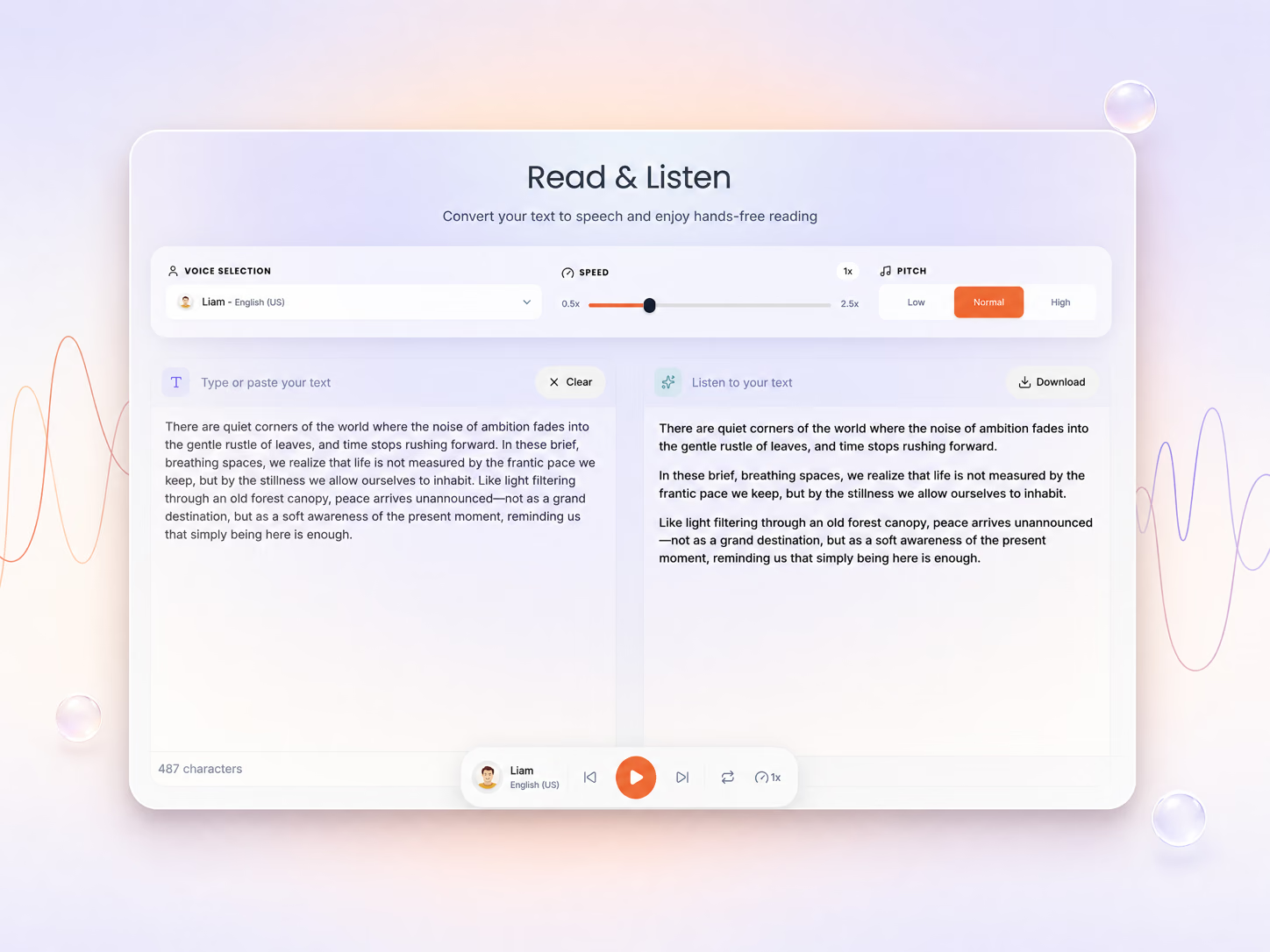
Hear the voices before you listen
Combine Documents
0 files • 0 pages
How To Merge a PDF?
Combine multiple PDF files into one in seconds — no uploads, no waiting, 100% private.
Upload Your PDFs
Add your files — everything runs in your browser, nothing is uploaded.

Reorder the Files
Drag files to reorder, or switch to Page mode for single pages.

Merge & Download
Click Merge PDF and get your combined document instantly.
How Merging Works in Your Browser
What happens to your files, what carries over into the merged PDF, and how to fix the common snags.
Your files never leave your device
Once you add files, the page loads two open-source PDF libraries, PDF.js and pdf-lib, into your browser tab. Reading, reordering and merging happen in your device’s memory, nothing is sent to a server, and closing the tab clears it all.
What carries over into the merged PDF
Every page keeps its original text, images and fonts, plus any rotation you set in Page Mode. Bookmarks from the source files are not copied, and fillable form fields may stop being editable, so fill in forms before you merge.
Password-protected PDFs will not open
The merger cannot read encrypted files. Open the PDF in the app you normally use, save or print an unlocked copy, then add that copy here.
Works on phones, tablets and computers
Use Chrome, Safari, Edge or Firefox on Windows, Mac, Chromebook, iPhone or Android, with nothing to install. Big batches merge faster on a laptop, because your own device does the work.
Why Merge Your PDF Online?
Combining documents should be effortless. Our free PDF merger lets you join files or rearrange pages with maximum security and speed.

Fast & Free
No sign-up, no waiting, no cost. Combine multiple PDFs into one document in seconds using your own device's processing power.
Zero cost
100% Private
Your PDF never leaves your browser. All merging is done client-side using PDF-lib, so sensitive documents stay completely private.
Client-side only
Simple Reordering
Easily arrange files or individual pages exactly how you want them. Drag-and-drop support makes complex merges simple.
Intuitive UIFrequently Asked Questions
Everything you need to know about this tool.
There is no fixed limit on how many files you can combine. Each file can be up to 50 MB as a guest, or up to 500 MB on paid plans. Because merging runs on your own device, very large batches finish faster on a computer than on a phone.
Yes! You can drag and drop entire files to reorder them in "File Mode," or switch to "Page Mode" to rearrange, rotate, or remove individual pages from different documents before finalizing the merge.
Absolutely. ReadLoudly uses advanced client-side technology, meaning all merging happens directly in your browser. Your files are never uploaded to any server, ensuring 100% privacy and security for your data.
Yes. Add JPG or PNG images alongside your PDFs and each image becomes its own page, sized to the image, in the final document. Convert other formats such as HEIC or WebP to JPG first.
No. ReadLoudly offers its core PDF tools for free. You can merge documents immediately without creating an account or paying any fees.
More on working with PDFs
Guides and comparisons from the ReadLoudly blog on getting more out of listening to your documents.

Start listening smarter today
Join 4M+ readers who've transformed how they consume content. Turn any document into an engaging audio experience in seconds.