
The Broke Student's Free AI Study Stack: 7 Tools That Cost $0 to Ace This Semester
You don't need $600 a year in study subscriptions. Discover the complete free AI stack that replaces Speechify, Quizlet Plus, Audible, and five other expensive tools — starting with ReadLoudly.

"Broke doesn't mean unprepared. It means you have to be smarter than everyone paying full price."
Add it up. A text-to-speech app: $12–15 per month. Quizlet Plus: $7. Audible for textbook summaries: $15. A citation manager: $4. Notion Pro: $8. Some kind of PDF tool: $10.
That is $56–59 per month — $672 per year — before a single textbook, before rent, before ramen. And most of those subscriptions are not even being used consistently.
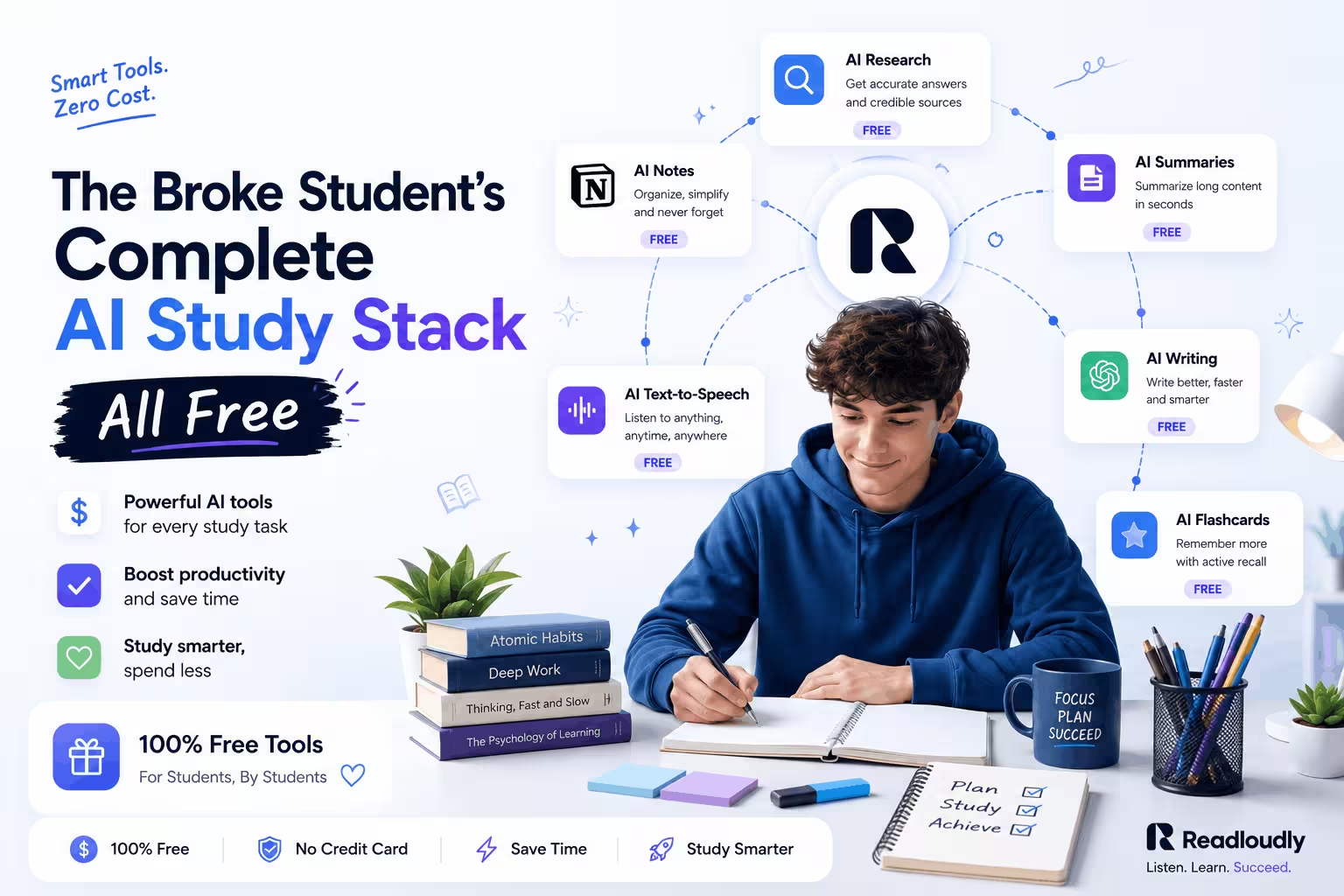
Here is what the subscription companies do not want you to know: the free versions of these tools have caught up. And in some cases — especially for audio learning — the free version wins outright. This guide gives you the complete free AI study stack: seven tools that together cost exactly $0, starting with ReadLoudly.
The Stack That's Draining You
Before building the free stack, here is what the paid stack actually costs per year. These are not worst-case estimates — these are typical student subscriptions:
- Speechify Premium: $139/year — for text-to-speech and PDF listening
- Quizlet Plus: $35.99/year — for ad-free flashcards and offline access
- Audible: $107.40/year — for audiobook credits on course texts
- Zotero Cloud or Mendeley Premium: $20–60/year — for citation management above free tiers
- Notion Plus: $96/year — for unlimited file uploads and team features
- Adobe Acrobat (OCR and PDF editing): $155.88/year — for scanning and PDF annotation
Total paid stack: $554–594 per year. The free stack below replaces all of it.
Tool 1 — ReadLoudly: Your Free Audio Study Hub
ReadLoudly is the anchor of the free stack. It replaces the two most expensive student subscriptions — text-to-speech tools and audiobook services — and adds OCR and notes-to-audio capabilities that most paid tools charge extra for.
What the free tier covers:
- PDF Reader — Upload any PDF, DOCX, EPUB, or TXT file and listen with natural AI voices. No credit card required to start.
- Scanned PDF OCR — Upload a photographed lecture handout or scanned textbook page. ReadLoudly extracts the text and reads it aloud. No separate OCR subscription needed.
- Notes to Audio — Paste your typed notes directly and convert them to audio instantly. Works on any device with a browser.
- Adjustable playback speed — 0.5x to 2x. Familiar material at 1.5x; new concepts at 1.0x. More efficient per hour than re-reading.
- Mobile browser access — No app download required. Use it on your phone during commutes, walks, or between classes.
Paid Alternative
Speechify Premium at $139/year. Audible at $107/year for textbook audio. Adobe Acrobat OCR at $155/year. Total: over $400 per year just for audio and document access.
ReadLoudly Free
PDF reading, scanned PDF OCR, notes to audio, adjustable playback speed, and mobile access — all on the free tier. Start without a credit card.
For students who use audio as their primary study method, ReadLoudly's free tier removes the financial barrier entirely. You do not need a subscription to study with your ears.
ReadLoudly tools: PDF Reader · Scanned PDF OCR · Notes to Audio · Text to Speech · Adjustable Playback Speed
Tool 2 — Anki: Free Spaced Repetition Flashcards
Anki is the gold standard for memorization — and it has been free since 2006. The desktop app, iOS app (paid one-time $25), and Android app (free) give you the full spaced repetition system that Quizlet Plus charges $36/year to approximate.
- Spaced repetition scheduling — Anki's algorithm shows you cards right before you would forget them. This is scientifically superior to Quizlet's simple shuffle mode.
- Shared community decks — The Anki community has created pre-made decks for medical school (AnKing), law school bar prep, language learning, and nearly every undergraduate subject.
- Audio and image support — Cards can include audio clips. You can generate a ReadLoudly audio file from your notes and attach it to a card for audio-first flashcard review.
- AnkiWeb free sync — Free cloud sync across all your devices. Your progress follows you everywhere without a subscription.
Quizlet Plus ($36/year)
Ad-free studying, offline mode, and AI-powered quiz generation. Slicker interface. But the core repetition algorithm is inferior to Anki's spacing system for long-term retention.
Anki (Free)
The most researched spaced repetition algorithm available. Medical students use it to pass board exams. Free on desktop and Android. One-time $25 purchase for iOS — no subscription.
Pair with ReadLoudly: Convert your Anki card content to audio using Notes to Audio for listen-while-you-walk review sessions.
Tool 3 — ChatGPT Free Tier: The Tutor You Cannot Afford
The free tier of ChatGPT (GPT-4o with usage limits) functions as an on-demand tutor, practice question generator, essay feedback engine, and concept explainer. It is not perfect — verify what it tells you — but for breaking down dense academic material it is a genuine replacement for expensive tutoring hours.
- Explain a concept in plain language — Paste a confusing paragraph from your textbook and ask ChatGPT to explain it as if you are a sophomore. Faster than waiting for a professor's office hours.
- Generate practice questions — "Give me 10 short-answer questions on the causes of the 2008 financial crisis." Review mode without buying a separate study guide.
- Essay outline and feedback — Draft an outline, paste a paragraph, and ask for specific structural feedback. Use it for improvement, not generation.
- Simplify dense academic text — Paste a research abstract and ask for a three-sentence plain-language summary. Then paste that summary into ReadLoudly Notes to Audio to listen on your commute.
The academic integrity note: ChatGPT as a tutor and ChatGPT writing your assignment are different things. The former improves your understanding; the latter substitutes for it and risks real academic penalties. Use it to understand — not to submit.
The accuracy note: ChatGPT confabulates. It will produce plausible-sounding wrong answers with full confidence. Cross-reference anything factual — dates, citations, statistics — with a primary source before relying on it.
Workflow tip: Use ChatGPT to simplify complex passages, then paste the plain-language version into ReadLoudly Notes to Audio for audio review.
Tool 4 — Google Scholar + Unpaywall: Free Research Access
Academic journals charge $30–$50 per article to read outside of a university subscription. If your library access is limited — or if you are studying off-campus — that paywall is a real obstacle. Two free tools eliminate most of it:
- Google Scholar — Search for any academic paper. When a free full-text version exists (author pre-print, institutional repository, or open-access journal), Google Scholar links to it directly below the main result.
- Unpaywall browser extension — Adds a green tab to any journal page where a legal free version exists. It checks 50,000+ open-access repositories automatically. Install it once, forget it is there.
- Semantic Scholar — A free alternative to paid research databases like Web of Science. Particularly strong for STEM and computer science papers.
Paying Per Article
$30–$50 per journal article if you hit a paywall without a full library subscription. A research-heavy semester can cost hundreds in article fees alone.
Google Scholar + Unpaywall
Find the legal free version of most papers in under 30 seconds. Then download the PDF and upload it to ReadLoudly for audio review at 1.25x.
ReadLoudly tools: PDF Reader — upload research papers and listen at 1.25x to cover more sources in less time.
Tool 5 — Zotero: Free Citation Management
Zotero is the free, open-source answer to expensive citation managers like RefWorks ($100+/year) and Mendeley's premium tier. It handles every citation format — APA, MLA, Chicago, IEEE — and integrates directly with Microsoft Word and Google Docs.
- Browser extension — Click the Zotero icon on any research page or journal article to save it to your library with full metadata populated automatically. No manual entry.
- Word processor integration — Insert citations and generate a bibliography in any format with one click. No manual formatting, no style errors.
- 300 MB free cloud storage — Enough for hundreds of PDFs on the free tier. Pair with WebDAV (free with many university accounts) for unlimited storage.
- Group libraries — Share a citation library with group project members at no cost. Free for unlimited members in a shared group.
Pair with ReadLoudly: Save research PDFs in Zotero, then upload them to ReadLoudly's PDF Reader to listen through your source material before writing.
Tool 6 — Notion Free: Notes, Organization, and Tracking
Notion's free tier is more than sufficient for most individual students. The Notion Plus upgrade ($96/year) is primarily valuable for teams and heavy file upload — neither of which a student doing solo coursework typically needs.
- Course note templates — The Notion community has built free templates for lecture notes, assignment trackers, reading logs, and exam prep boards. Search the Notion Template Gallery before building anything from scratch.
- Database views — Track assignments, due dates, reading lists, and progress in the same tool. No need for a separate task management app.
- Unlimited pages on free tier — As of 2024, Notion's free tier includes unlimited pages and blocks for individual users. The old block limit no longer applies.
Notion Plus ($96/year)
Unlimited file uploads and advanced permission controls. Valuable for large teams with heavy media storage. Most solo students never hit the free tier limits.
Notion Free
Unlimited pages, community templates, database views, and basic collaboration — everything a solo student or small study group needs. $0.
Workflow tip: Use Notion for course organization, then copy key notes into ReadLoudly Notes to Audio to review them without reading.
Tool 7 — YouTube + Playback Speed: Free Video Lectures
YouTube has more educational content than most universities' internal LMS systems. MIT OpenCourseWare, Khan Academy, CrashCourse, 3Blue1Brown, Professor Leonard, and hundreds of subject-specific channels cover undergraduate and graduate material at no cost.
- Use native playback speed — YouTube's speed control goes up to 2x. For familiar topics, 1.5x lets you cover twice the content in the same time. Never watch educational content at 1x unless the concept is completely new to you.
- Chapter navigation — Most educational YouTube videos include chapter timestamps. Jump directly to the section you need instead of scrubbing through the full video.
- Transcript to audio — Open the transcript panel (three dots → "Open transcript"), copy the text, and paste it into ReadLoudly Notes to Audio. Converts a video you watched once into listenable material you can review repeatedly during commutes.
- Skip the YouTube Premium upsell — If ads bother you, the uBlock Origin browser extension (free and legal) removes them without a $14/month subscription.
ReadLoudly tools: Notes to Audio — paste YouTube video transcripts to turn watched lectures into audio you can review anywhere.
The Free Stack in Practice: A Week of Study
Here is how the seven tools work together across a typical student week — not as a theoretical model, but as a real workflow:
- Monday — New lecture content: Upload lecture slides to ReadLoudly PDF Reader after class. Listen at 1.0x during your commute home to reinforce what was covered while it is still fresh.
- Tuesday — Deeper reading: Find the assigned research paper via Google Scholar. Download the PDF. Upload to ReadLoudly and listen at 1.25x while walking. Use ChatGPT Free to get a plain-language summary of any section that does not click.
- Wednesday — Flashcard creation: From your Notion notes, pull key definitions and concepts. Create Anki cards. For audio-heavy learners, paste the same content into ReadLoudly Notes to Audio for a listening review pass.
- Thursday — Citation work: Open Zotero, pull your sources for any paper due that week, and insert citations into your draft with the Word plugin. No manual formatting.
- Friday — Review: Open Anki for your daily flashcard review session (15–20 minutes). Run a ReadLoudly listen-through of your key notes for the week at 1.5x to consolidate everything.
- Weekend — Exam prep: Triage materials into what you know and what you do not. Red-pile content goes into ReadLoudly at 1.0x with active recall. YouTube for any concept you cannot explain out loud. Sleep by 11:30 PM.
Free AI Stack vs Paid Student Stack
| Category | Paid Option (Annual Cost) | Free Alternative |
|---|---|---|
| Text-to-Speech / Audio | Speechify Premium ($139) | ReadLoudly Free — PDF, OCR, Notes to Audio |
| Audiobooks / Textbook Audio | Audible ($107.40) | ReadLoudly Free — upload any eBook, EPUB, or PDF |
| Flashcards | Quizlet Plus ($35.99) | Anki — superior spaced repetition algorithm, free on desktop and Android |
| AI Tutor / Concept Explainer | Paid tutoring ($50+/session) | ChatGPT Free Tier (GPT-4o with daily limits) |
| Research Paper Access | Per-article fees ($30–$50 each) | Google Scholar + Unpaywall extension — finds legal free versions |
| Citation Management | RefWorks or Mendeley Premium ($60+) | Zotero — unlimited local library, Word and Google Docs plugin |
| Notes and Organization | Notion Plus ($96) | Notion Free — unlimited pages, community templates |
| Video Lectures | Course subscriptions ($15–$30/month) | YouTube at 1.5x + transcript pasted into ReadLoudly Notes to Audio |
| OCR / Scanned PDFs | Adobe Acrobat ($155.88) | ReadLoudly Scanned PDF Reader — free, built-in OCR |
Estimated paid stack total: $554–$689 per year.
Estimated free stack total: $0.
Conclusion
Being broke does not mean being unprepared. The free AI study stack — ReadLoudly, Anki, ChatGPT Free, Google Scholar, Zotero, Notion, and YouTube — covers every core study need at zero monthly cost.
The expensive versions of these tools are not better enough to justify the price. Speechify costs $139 a year. ReadLoudly is free to start — and includes OCR and notes-to-audio in the free tier. Quizlet Plus costs $36 a year. Anki's spaced repetition algorithm is scientifically validated and costs nothing on desktop and Android.
Start with what matters most. Upload your notes to ReadLoudly and listen on your commute. Create your first Anki deck this week. Add the rest when you need them. By next semester, you will have saved the price of a textbook — and studied better than the students who paid for every subscription on the list.
- Start with ReadLoudly PDF Reader — no credit card, no trial, just upload and listen
- Convert any typed or handwritten notes with Notes to Audio
- Upload scanned handouts and photographed pages with Scanned PDF Reader
- Use the mobile browser for on-the-go listening — no app download required
- Premium plans start at $5/month (Core), $10/month (Plus), and $19/month (Pro) if you ever need extended features