

Free PDF Reader
Listen to PDFs Aloud
Open any text-based PDF in your browser and hear it read aloud with natural AI voices. Follow the highlighted sentence, highlight and bookmark as you go, chat with the document, and pick up where you stopped on any device — no install, no signup.
Opens in the ReadLoudly reader. Free, no signup.
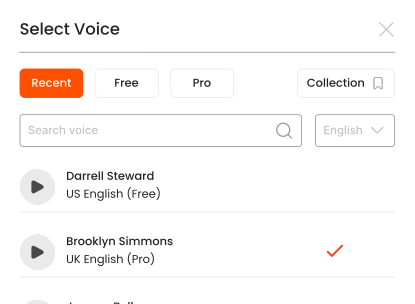
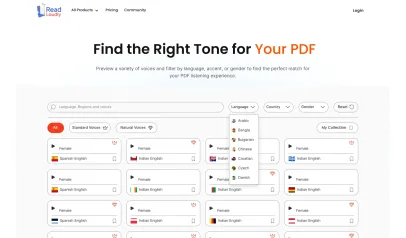
Hear the voices before you listen
Popular Tools
All-in-one PDF reader and document tools to read, convert, compress, scan, and manage files online—fast, secure, and easy to use.







How to listen to your PDFs.
Listening to your PDFs hands-free is simple with ReadLoudly. Have plain text instead? Paste it into the free text to speech tool.
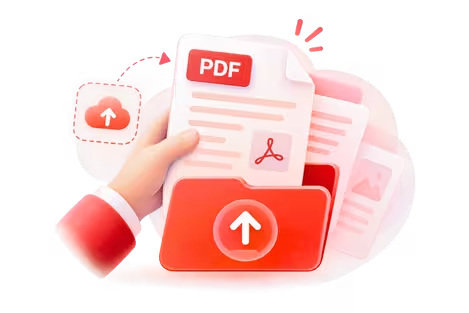
Upload Your File
Upload the PDFs you want to listen to.
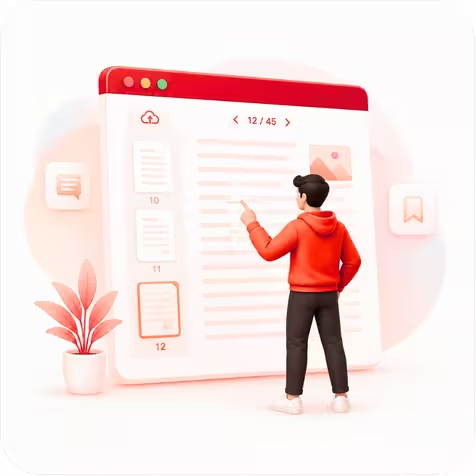
Choose Your Page
Open your file and jump to the page you want to hear.

Press Play & Listen
Hit play and let ReadLoudly read it aloud—hands-free.
What does the online PDF reader do?
ReadLoudly's PDF reader opens a PDF in your browser and reads it aloud. Drop the file on the page and it is parsed into pages and sentences, the page images are rendered so the layout looks the way it did in Acrobat, and the text is queued for narration. Press play and a natural AI voice reads from the top of the current page while the sentence being spoken is highlighted on the page itself, not in a separate text box. Click any sentence to jump there, change the voice or speed mid-page, and the reader picks up from the same word.
It is built for PDFs that already contain selectable text: reports, textbooks, research papers, contracts, exported slides and ebooks saved as PDF. A PDF that is only a photograph of a page, such as a scan or a fax, has no text layer to read; that is what the Scanned PDF Reader is for, which runs OCR first. This page skips that step so a 300-page text PDF is ready to play in seconds rather than minutes.
Nothing is installed. The reader runs in Chrome, Safari, Firefox and Edge on desktop, iPad, iPhone and Android, and a guest can upload and listen without an account. Signing in adds a library: the PDF, your highlights, bookmarks and the exact sentence you stopped at are saved, so a chapter you started on a laptop resumes on your phone on the way home.
Three ways people use it
- Getting through a textbook chapter or paper — students and researchers upload the week's reading and listen at 1.25× to 1.5× while following the highlighted sentence, then use the built-in chat to ask what a section means or to pull out the key claims before a seminar
- Reviewing a long document without staring at it — professionals load a 60-page contract, policy or audit report and let it play through headphones on a commute, bookmarking the clauses that need a second look at a desk
- Reading with dyslexia, low vision or eye strain — hearing the text while seeing it highlighted takes the decoding load off, and the speed, voice and dark mode can be set once and kept for every file
Why listen instead of read?
A PDF fixes the layout, which is good for printing and bad for reading on a screen: two-column papers, small type and footnotes make the eye work harder than the content deserves. Having the reader speak the text while it highlights each sentence turns that fixed layout into something you can follow at a steady pace, and it frees your eyes for the figures and tables the voice cannot describe. Most people find they finish more of what they open, and remember more of it, when the text is heard as well as seen.
Features
- Reads text-based PDFs of any page count; the file-size limit is 50 MB for guests and up to 500 MB on paid plans
- Sentence-level highlighting on the rendered page, with click-to-jump and a saved reading position
- The free voices your own device provides, and 1,200+ natural premium voices across 40+ languages on paid plans
- Playback speed from 0.5× to 3×, with pitch control on Pro
- Highlights, bookmarks and notes that sync to your dashboard and across devices
- Chat with the PDF: ask questions, get summaries and definitions drawn from the document itself
- Dark mode and a mobile-friendly reader, with background playback for premium voices
Frequently Asked Questions
Everything you need to know about Free PDF Reader.
Yes. Pages are rendered as they appear in the file — columns, figures, tables and page numbers all stay where they were — and the narration highlights sentences on top of that rendering. Only the reading order is interpreted, so a two-column page is read column by column rather than straight across.
A scanned PDF has no text layer, so this reader has nothing to speak. Open it with the Scanned PDF Reader instead, which runs OCR on each page first and then reads the recognised text aloud in 40+ languages.
No page limit and no daily cap on the free browser voices. The only free-plan limit is the upload size, 50 MB per file. Premium voices are metered by monthly voice credits on the paid plans.
Yes. For a passage you have copied, an email or your own notes, use the free text to speech tool; it is the same reader with a text box in front of it and no file to upload.
Listen With Voices That Feel Real






With ReadLoudly.com, you can easily upload any PDF document and read.
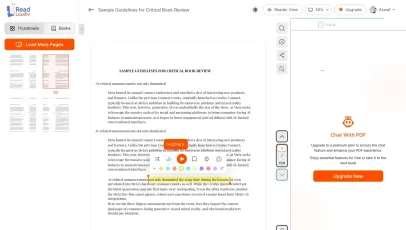
Once you're done reading or listening to a document, you can easily share.

Share with Ease
Once you're done reading or listening you can easily share.

Multilingual AI Chat
Chat with PDFs, adjust voice, and translate to your language.

No Downloads Required
You don't need to download any software or plugins to use.
Similar Readers
Looking for alternatives? Check out these tools to suit your needs.
Frequently Asked Questions
Everything you need to know about Free PDF Reader.
ReadLoudly is a free browser-based PDF reader with built-in AI text-to-speech. Upload any PDF and listen with 1,200+ natural AI voices — no download, no account required. It also supports highlighting, bookmarking, dark mode, and AI chat with your PDF.
Yes. ReadLoudly's PDF reader works entirely in your browser. Upload your PDF, choose a voice, and press play. No app, plugin, or sign-up needed. Works on Chrome, Firefox, Safari, and Edge on desktop and mobile.
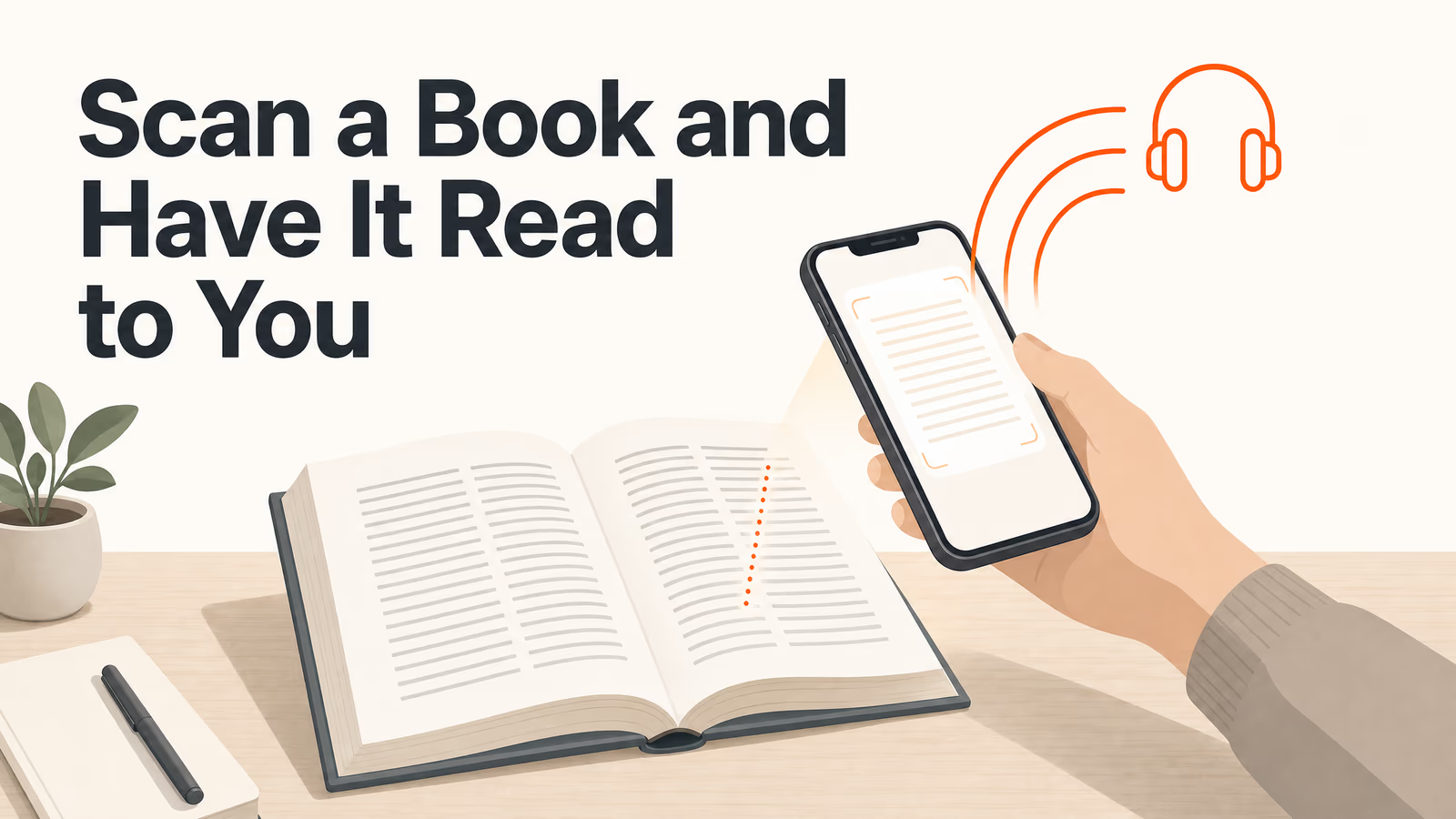
Yes, but use the Scanned PDF Reader for those. It applies OCR to extract text from image-based pages before reading them aloud, in 40+ languages. This page handles PDFs that already contain selectable text.
Yes. ReadLoudly lets you highlight text, add bookmarks, and create notes while the PDF plays. All annotations sync to your dashboard and are accessible across devices.
Free users can upload PDFs up to 50 MB. Core ($5/month) raises that to 200 MB, Plus ($10/month) to 350 MB, and Pro ($19/month) to 500 MB, all with no page limit.
Yes. Reading and listening to PDF files is free, with no account required to start and no watermark on anything. Paid plans — Core at $5/month, Plus at $10/month, Pro at $19/month — raise the upload size limit, unlock all 1,200+ AI voices, add MP3 downloads and offline listening, and remove ads.
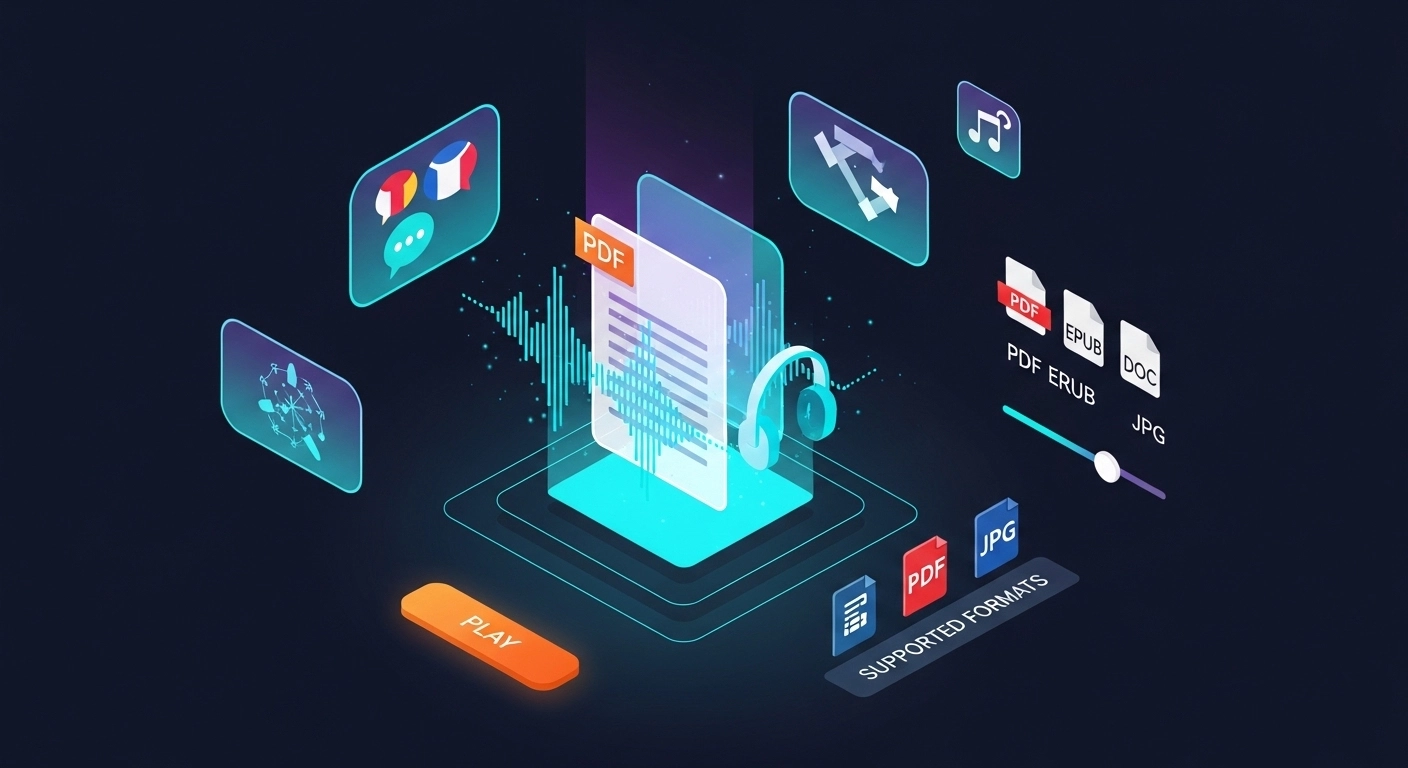
Yes — PDF is fully supported on this page, and it is one of 24 formats ReadLoudly reads aloud: documents (PDF, DOCX, ODT, RTF), ebooks (EPUB, MOBI, AZW, FB2, CHM, LRF, LIT, PDB, RB), text and web files (TXT, HTML), comics (CBR, CBZ), and images (via OCR) (JPG, PNG, GIF, BMP, WEBP, TIFF, SVG). Upload a PDF file here and it opens straight away; any other format on that list has its own reader page.
Yes. This reader runs in the mobile browser on iOS and Android — nothing to install — so you can open a PDF file straight from your phone's Files app, an email attachment or a cloud drive. Playback continues in the background, and your position syncs to any other device you sign in on.
It is parsed to extract its text, then removed from the processing servers. ReadLoudly does not train models on your files, does not share them with third parties, and does not make them visible to anyone else. Signed-in users can choose to keep a PDF file in their own private library; a guest upload is discarded when the session ends.
Every format gets its own reader page rather than being funnelled into one generic uploader, so nothing loses its format-specific handling. Nearest neighbours to PDF among ReadLoudly's documents: PDF, DOCX, ODT, RTF. The Tools page lists all of them.
Read more on the blog
Guides and comparisons from the ReadLoudly blog on getting more out of listening to your documents.


Start listening smarter today
Join 4M+ readers who've transformed how they consume content. Turn any document into an engaging audio experience in seconds.