
Drowning in Papers? How Researchers Are Using AI Audio to Process 3× More Literature — Without Burning Out
The stack doesn't shrink by reading faster. Discover how researchers are using audio-first workflows to process more literature — during commutes, walks, and the hours between meetings.
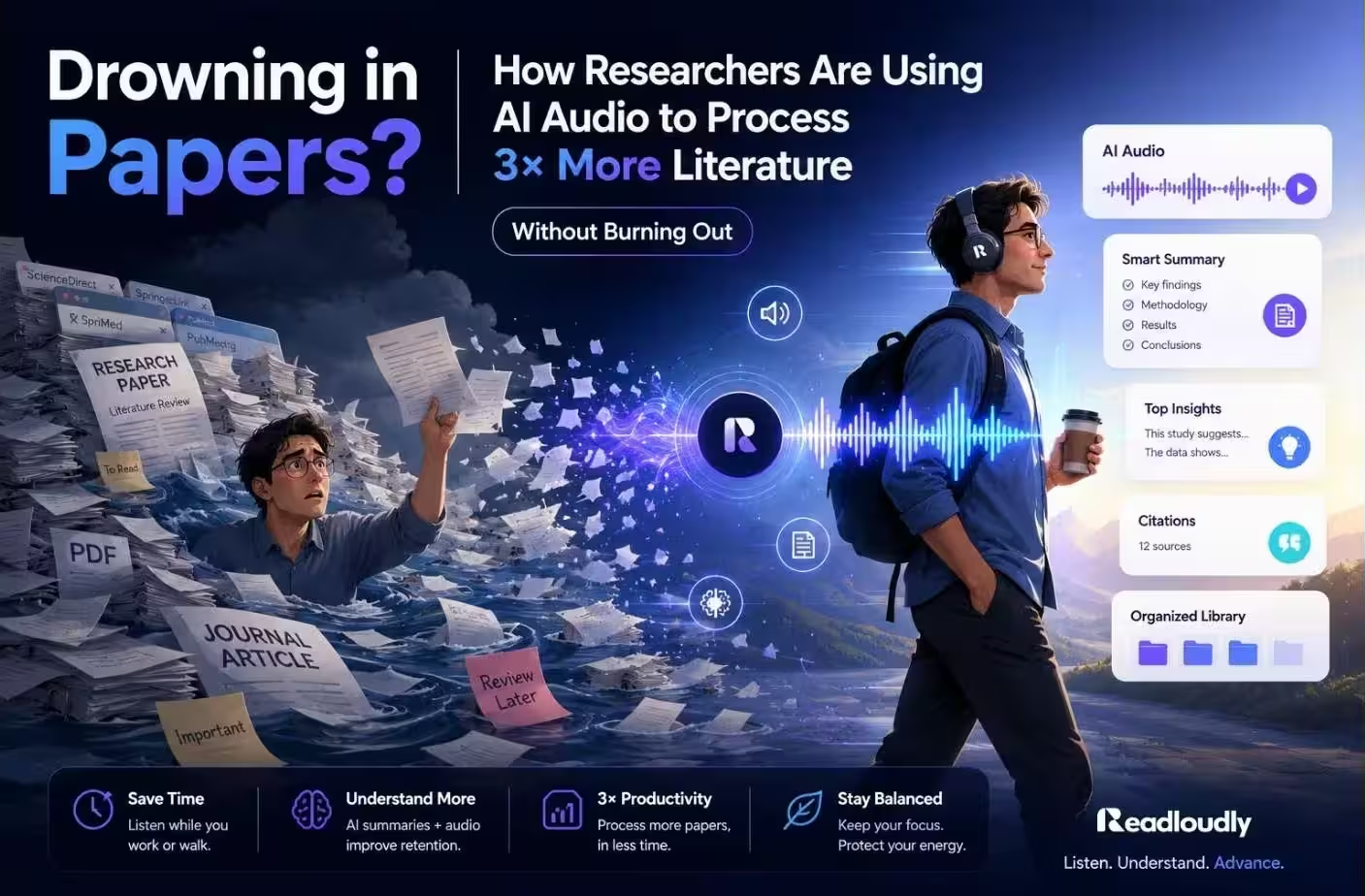
"The stack doesn't shrink by reading faster. It shrinks by listening smarter."
There is a number that follows every working researcher around like a quiet threat.
270. That is the average number of new papers published every single day in biomedical research alone. Add the humanities, social sciences, economics, engineering, and education — and the daily output of global academic literature becomes something no single human brain was designed to keep up with.
And yet here you are. With a literature review to finish. A citation list to expand. A stack of PDFs that has not shrunk since March.
The honest truth is that the way most researchers read — head down, screen up, one paper at a time — is one of the least sustainable practices in modern intellectual work. It is slow, it is exhausting, and it does not scale. But there is a quieter approach gaining traction in research circles. It does not require a new methodology, a new database, or a graduate assistant. It requires a pair of headphones and ReadLoudly.
The Literature Problem Nobody Talks About Honestly
Ask any researcher — tenured or emerging — and they will admit the same thing in private: they do not read everything they cite. They skim it. They read the abstract, dip into the methodology, glance at the discussion, and make a judgment call.
This is not laziness. It is survival.
A researcher working at the intersection of two subfields may need to track publications across four or five journals simultaneously, while also keeping up with preprints, conference proceedings, book chapters, and commissioned reports. Layer on top of that grant applications, peer review requests, teaching obligations, and the expectation to maintain a public scholarly presence — and "read more" becomes advice no one can actually take.
The problem is not discipline or work ethic. The problem is format. Reading dense academic text requires seated, focused, screen-based attention. It competes with every other demand on your time and cannot happen simultaneously with anything else. Audio consumption is not.
Why Audio Works for Academic Literature
The idea of listening to research papers might initially sound like a compromise — something you do when you cannot really read. But that framing misunderstands both what audio does well and what deep reading is actually for.
Here is the distinction that matters:
Deep reading — where you annotate, trace arguments, challenge methodology, and build knowledge from the ground up — should stay as deep reading. No one is suggesting you listen to a statistical methods section while running on a treadmill and expect to fully evaluate the analysis.
Orientation reading — where you are establishing relevance, absorbing the shape of an argument, getting a feel for how a paper situates itself in the literature — is perfectly suited to audio. And orientation reading makes up the majority of what researchers actually do with most papers in a large review.
When you listen to a paper, you are asking: Does this belong in my stack? What is this paper's central claim? Who is it in conversation with? What does it add that I do not already know?
Those questions do not require your eyes. They require your attention — and your attention can be directed through your ears while your body does something else entirely.
- Triage efficiently — Audio helps you quickly decide: deep read, save for later, or skim and cite.
- Absorb while moving — Commutes, walks, gym sessions, meals. Hours of previously wasted time become productive listening sessions.
- Reduce screen fatigue — Switching from visual to audio gives your eyes a rest while keeping your mind engaged with the material.
- Activate retrieval — Hearing previously read material triggers strong memory reconsolidation — often faster than re-reading it from scratch.
The Attention Economy of a Researcher's Day
Consider what a typical research day actually contains that is not screen-time:
- Morning commute: 30–60 minutes — eyes unavailable, ears completely free
- Exercise or gym session: 30–60 minutes
- Meals eaten alone or between meetings: 20–40 minutes
- Household tasks in the evening: 30–45 minutes
That is conservatively 2 to 3.5 hours of daily time during which your eyes are unavailable but your ears are completely free. At a comfortable listening pace of 1.25x speed, a 15-page research paper takes approximately 35–40 minutes to hear through once.
Reading-Only Approach
One paper per day if you are disciplined and lucky. Commutes, walks, and meals produce nothing academically useful. The stack grows faster than you can clear it.
Audio-First with ReadLoudly
5–7 papers absorbed per week during time that previously produced nothing. Over a semester, this is the difference between a finished literature review and an extension request.
ReadLoudly tools: PDF Reader · Adjustable Playback Speed · Mobile Browser (no app required)
How ReadLoudly Fits Into the Research Workflow
ReadLoudly was built around exactly this use case: taking text-heavy documents — PDFs, articles, reports, uploaded notes — and converting them into clear, natural-sounding audio you can listen to without fatigue. For researchers, the specific advantages are worth walking through.
1. Upload Your PDFs Directly
Academic papers live as PDFs. ReadLoudly handles them natively — upload the paper, and it renders the body text into audio with clean narration that does not stumble over academic phrasing the way some text-to-speech tools notoriously do.
A tool that mispronounces "epistemological" every third sentence, or reads out figure captions and reference numbers as if they are part of the prose, becomes maddening within minutes. ReadLoudly's PDF Reader handles academic document structure cleanly — the body text is what you hear, not the noise around it.
2. Variable Speed Control — A Precision Instrument, Not a Convenience Feature
Speed control for researchers is not just about saving time. It is about calibrating depth of attention to the section of the paper that warrants it:
- Abstract and introduction: 1.0x or slower — you are deciding whether this paper deserves your full attention.
- Literature review and theoretical framework: 1.25x — familiar territory, situating you in the conversation.
- Methodology: Slow down or pause for deep reading — audio is not the right tool for evaluating statistical design.
- Results and discussion: 1.25–1.5x if the field is familiar; slower if it is adjacent to your expertise.
- Conclusion and implications: 1.5x — you have earned the summary.
Uniform Speed (Standard TTS)
The same pace for an abstract you are unfamiliar with and a conclusion you could predict. Attention is wasted where it does not need to be — and under-invested where it does.
Calibrated Speed (ReadLoudly)
Adjust speed section by section. Slow for new concepts, fast for familiar ground. Treat the paper's structure as a signal for how much attention each part deserves.
3. The Pre-Read and the Re-Read
Audio works at two distinct points in the research reading cycle:
Pre-reading: Before you commit to a deep read, do a full audio pass. You will quickly know whether the paper deserves 90 minutes of focused annotation or whether it can be cited confidently from a well-absorbed listen. This single triage step eliminates most of the backlog anxiety researchers carry.
Re-reading: You have already read a paper carefully. Now you are in the writing phase and need it fresh. An audio re-read is significantly faster than re-reading visually — and research on retrieval practice suggests that hearing previously encountered material triggers strong memory reconsolidation.
4. Processing Preprints at Scale
The rise of preprint culture — arXiv, SSRN, bioRxiv, PhilArchive — has dramatically increased the volume of material researchers feel they must engage with before peer review has filtered for quality. Listening to preprints lets you triage effectively. You absorb enough to know whether a preprint is worth flagging for closer attention, without committing the time a full read demands.
ReadLoudly tools: PDF Reader · Notes to Audio · Text to Speech · Adjustable Playback Speed
Building Your Audio Research Workflow: A Practical System
Here is a phased framework researchers can adopt without disrupting their existing habits:
- Phase 1 — Triage Listen (Ongoing): Every paper that enters your reading list gets an audio triage listen first. Upload to ReadLoudly. Listen during your commute or a walk. Decide: deep read, save and re-listen, or skim and cite. This single change alone reduces the backlog anxiety that characterises most researchers' relationship with their reading list.
- Phase 2 — Contextual Listen (For Literature Reviews): When building a literature review, the challenge is usually not comprehension of individual papers but understanding how a body of work speaks to itself — where the debates are, who is responding to whom, which claims are contested and which are settled. Listen to a cluster of papers in a subfield in a single day. Let the shared vocabulary, the repeated citations, and the overlapping arguments become familiar. Then sit down to write with that landscape in your head.
- Phase 3 — Writing Companion Listen (During Writing): Many researchers find they write more fluently when they have recently heard the key papers they are engaging with. Run a ReadLoudly session of your core sources in the morning. By mid-morning, those arguments are active in your working memory in a way that makes citing and synthesising feel natural rather than effortful.
- Phase 4 — Review Listen (Proofing Your Own Work): Feed your own draft — your literature review chapter, your journal article, your grant narrative — into ReadLoudly Notes to Audio and listen to yourself. Academic writing has particular failure modes: circular argumentation, over-qualification, sentences that are grammatically intact but cognitively impenetrable. Reading your own work makes these invisible. Hearing it makes them impossible to miss.
ReadLoudly tools: PDF Reader · Notes to Audio · Scanned PDF OCR · Text to Speech
Addressing the Real Objections
"But I need to annotate as I read." Yes — and you still will. Audio is not a replacement for annotated reading. It is a complement to it. The papers that earn annotation get annotation. The papers that need triage get audio. The papers you need to revisit quickly get a re-listen. These are different tasks that call for different tools.
"What about figures, tables, and equations?" They stay in the PDF. Audio does not transmit visual data, and no one is claiming otherwise. For quantitative papers where figures are central, audio handles the text and you flip to the PDF for the visuals. Many researchers find this actually improves their engagement with figures — they arrive at them with fresh auditory context rather than scanning fatigue.
"Won't I miss things by listening instead of reading?" Probably marginally — on a first pass. But you would have completely missed the paper if it stayed in a queue you never reached. A well-absorbed audio pass captures the core argument, the theoretical positioning, and the implications. For the majority of papers in a large literature review, that is more than sufficient.
"I am worried I will lose focus while listening." So does everyone, occasionally. The same thing happens with reading. The difference is that with audio, you can rewind 30 seconds. For papers that require sustained difficult concentration, save them for seated reading. Audio works best with papers being absorbed for orientation rather than mastery.
Reading-Only vs Audio-First Research Workflow
| Scenario | Reading-Only | Audio-First (ReadLoudly) |
|---|---|---|
| Triage a new paper | Sit at a desk, open PDF, skim visually — 10–15 minutes of focused screen time | Upload to ReadLoudly, listen during a commute — same result, zero desk time |
| Weekly paper throughput | 3–5 papers if the week is calm; 1–2 when it is not | 5–7 papers absorbed during otherwise idle time, plus normal reading on top |
| Re-reading a key source during writing | Full visual re-read — 60–90 minutes for a dense paper | Audio re-listen at 1.5x — 20–25 minutes to bring the argument back into working memory |
| Proofing your own draft | Visual re-read — circular arguments and awkward phrasing survive multiple passes undetected | Notes to Audio — logic gaps and over-qualification are impossible to miss when you hear them |
| Processing preprints | Either read every preprint (unsustainable) or ignore them entirely (miss the field) | Audio triage pass — absorb enough to flag what is worth a deep read, skip what is not |
| Scanned or image-based PDFs | Must read visually — no other option without a separate OCR tool | Scanned PDF Reader extracts text and reads aloud — no additional tool needed |
What Researchers Who Use This Actually Report
The shift researchers most commonly report is not that they read better — it is that they are no longer afraid of their reading pile.
That anxiety — the low-level dread of the unread stack — is one of the most quietly corrosive features of academic life. It breeds procrastination, erodes confidence, and makes the act of opening a new paper feel like adding to a debt rather than doing meaningful intellectual work.
When you have a workflow that handles triage passively — during the commute you were taking anyway, the run you were doing regardless — the stack stops feeling like a judgment on your work ethic and starts feeling like a resource you are actually moving through.
That is not a small thing. For many researchers, it changes their relationship with the literature entirely.
Your Starting Point: This Week
You do not need to overhaul anything. Start with one thing.
Take the next three papers in your reading list. Upload them to ReadLoudly. Listen to one during tomorrow's commute or walk. Note what you absorbed and what you would want to follow up on with a deeper read.
That is the whole experiment. Most researchers who try it once do not go back to reading everything cold.
The literature will always be growing faster than any single person can read. The question was never whether to keep up with every word. The question is whether you have a system that keeps you genuinely informed — or one that just keeps you feeling guilty. Audio is the system. ReadLoudly is where to start.
- Upload any PDF, article, or report to ReadLoudly PDF Reader — no credit card required
- Paste your own draft into Notes to Audio to hear structural problems you would never catch by re-reading
- Upload scanned or image-based papers with Scanned PDF Reader — built-in OCR, no extra tool needed
- Use it on your phone during your commute — ReadLoudly works in any mobile browser, no download required
- Free tier covers the complete research workflow — Premium plans start at $5/month (Core), $10/month (Plus), $19/month (Pro)