
The Night Before the Exam: A Student's Last-Minute Study Guide Using ReadLoudly
Your eyes give up at midnight. Your ears don't. Discover the complete audio-first exam-night workflow — from 9 PM triage to morning review — using ReadLoudly.
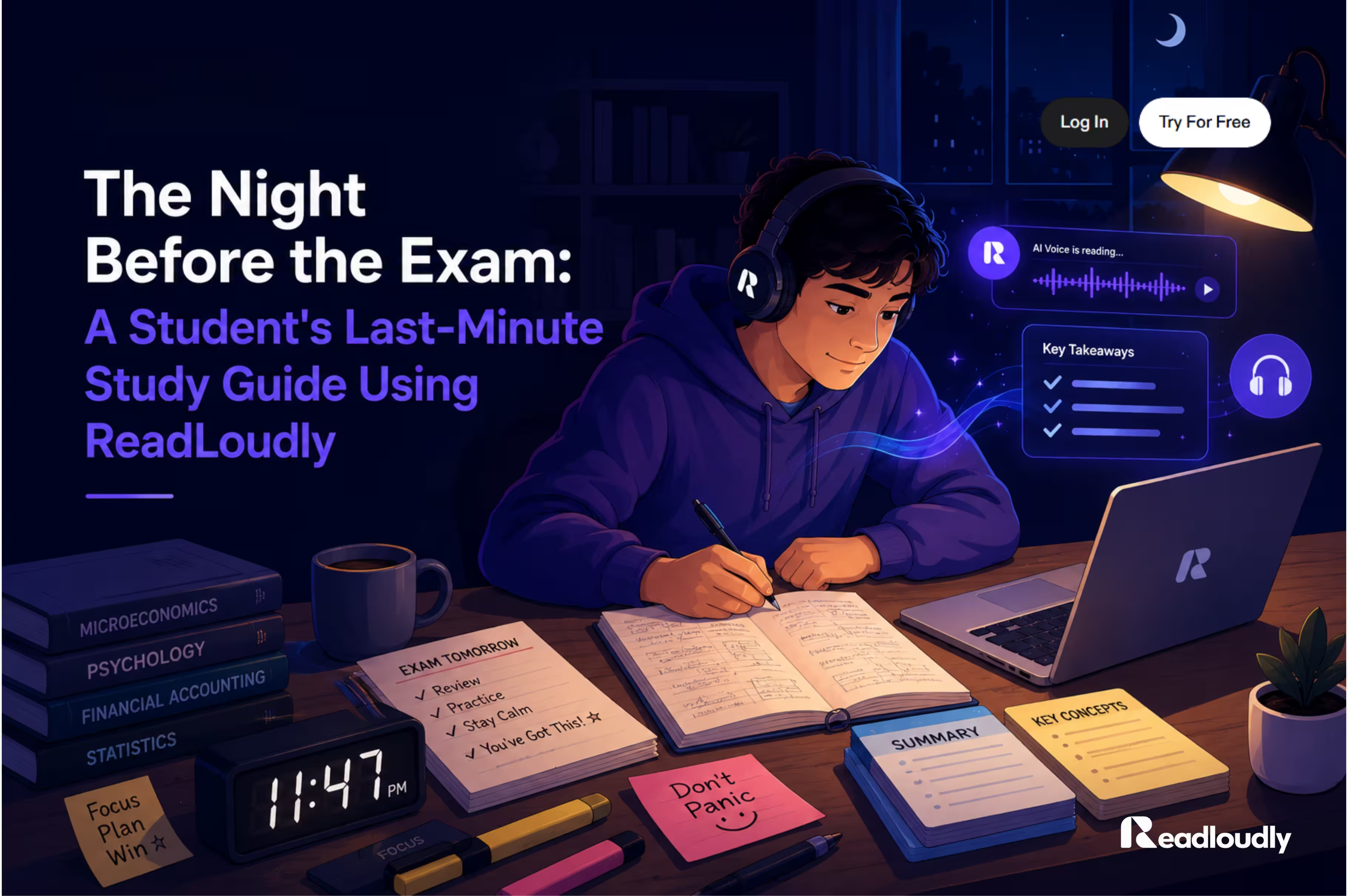
"Your eyes give up at midnight. Your ears don't."
It is 11 PM. Your exam is at 9 AM. There is a cold cup of coffee on your desk, a highlighter in your hand, and roughly 200 pages of notes staring back at you like they have a personal vendetta.
Sound familiar? We have all been there — that specific kind of panic that sets in the night before a big test. The words start blurring together. You read the same paragraph three times and nothing sticks. Your eyes are exhausted, but your brain still needs to process everything before morning.
Here is what most students do not realize: the problem is not the amount of material. It is the method. Passive re-reading with tired eyes is among the least effective study strategies measured by cognitive science. But listening is different — and with ReadLoudly, you can turn those final hours before your exam into your most productive study session of the semester.
This is your complete step-by-step audio study guide for the night before the exam — from 9 PM to lights out, and through morning.
Why the Night Before Actually Matters
Contrary to what your well-rested classmates might say, the night before an exam is valuable study time — when used correctly. Cognitive research shows two things that work strongly in your favor:
- The Recency Effect — information reviewed shortly before sleep is disproportionately retained, because the brain prioritizes recently active memories during REM consolidation.
- Auditory engagement at fatigue — by the night before an exam, visual processing is typically exhausted. Switching to audio engages different neural pathways, reducing eye-strain fatigue and sustaining focus longer than continued reading.
The key is to work smarter, not harder. Do not try to read everything again. Listen to what matters, in the right order, at the right pace.
Step 1 — Triage Your Materials (9:00 PM)
Do not open ReadLoudly yet. First, spend ten minutes sorting your materials — because uploading everything wastes the time you do not have.
Sort everything into three groups:
- Green (I've got this) — Quick glance only. You do not need audio review here.
- Yellow (Shaky ground) — This gets a fast 1.25x listen. Reinforcement, not first contact.
- Red (What even is this?) — Priority zone. Full 1.0x listen with active notes.
Old Way
Open everything at once. Try to read chapter by chapter. Get overwhelmed and run out of time before the important sections.
Audio Way
Sort once, then upload only Yellow and Red materials to ReadLoudly. Your session is targeted before you press play.
ReadLoudly tools: PDF Reader · Scanned PDF OCR · Notes to Audio
Step 2 — Listen First, Then Engage (9:15 PM – 10:15 PM)
Upload your Red-pile and Yellow-pile notes to ReadLoudly's PDF Reader. Now listen with intention — not passively in the background, but actively as if it were a lecture.
- Set playback to 1.0x for your Red-pile material. Do not rush what you do not understand.
- Plug in headphones. Blocking out background noise signals to your brain that this is lecture mode.
- When something clicks — or does not — pause and write a single keyword note. Do not copy text. Just anchor the concept.
- For Yellow-pile material, bump to 1.25x or 1.5x for an efficient refresher. You already know the shape of this content.
Old Way
Re-read with tired eyes. Attention drifts. You finish a page and realize you processed nothing. Start again from the top.
Audio Way
Let ReadLoudly's natural AI voice carry the content. Your brain listens even when your eyes would have scanned past. Adjustable speed keeps pace with your energy.
Listening and comprehending simultaneously activates multiple learning pathways. You are not just absorbing — you are processing. That is what makes this more than passive review.
ReadLoudly tools: PDF Reader · Text to Speech · Adjustable Playback Speed
Step 3 — Speak It Out Loud (10:15 PM – 10:45 PM)
After listening through a section, close the app and explain the concept out loud — as if you are teaching it to a friend who has never seen the material. This is the Feynman Technique, and it is one of the highest-utility recall strategies known to cognitive science.
If you can explain it clearly: The concept is in memory. Move to the next section. No re-reading needed.
If you stumble or go blank: That is exactly what you needed to know. Tap back into ReadLoudly, replay just that section, and listen again. No rewinding through lecture videos. No flipping through pages. Just tap and listen.
- Explain out loud — even to yourself, even quietly. Subvocalizing is not enough. Speaking activates recall differently than mental rehearsal.
- Keep explanations short. One to three sentences per concept. If you cannot make it that short, you do not know it yet.
- Star anything you stumble on. Those starred items get another audio pass in Step 4.
ReadLoudly tools: PDF Reader · Notes to Audio
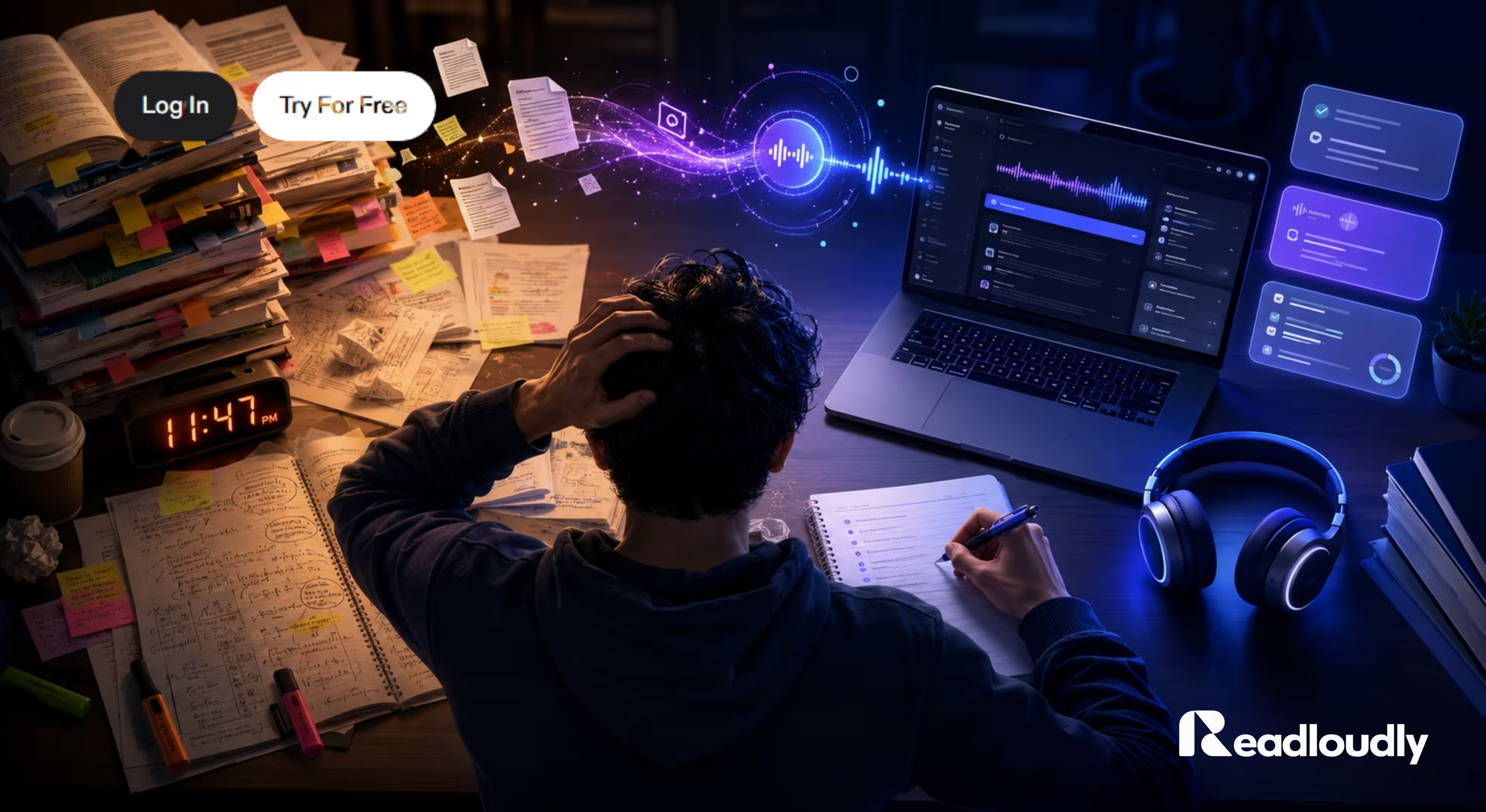
Step 4 — Final Audio Pass (10:45 PM – 11:30 PM)
Now run a full sweep of everything — key terms, definition lists, formula sheets, starred items from Step 3. Upload them into Notes to Audio and let ReadLoudly play through at 1.5x while you:
- Follow along with relaxed attention — eyes half-open or closed is fine.
- Mentally check off what you know as it plays.
- Let anything that surprises you register as a flag — do not pause and spiral, just note it.
Old Way
Panic-read new chapters you never studied. Add new material at midnight. Wake up having retained almost nothing because sleep never came.
Audio Way
Consolidate what is already in your brain. This pass is about reinforcing existing knowledge — not cramming new content at 11 PM.
ReadLoudly tools: Notes to Audio · PDF Reader · Scanned PDF OCR
Step 5 — Sleep (By 11:30 PM)
This is the step most students skip — and it is the most important one. After your audio review, put the notes away. Completely.
Memory consolidation happens during sleep. An all-nighter does not give your brain the window it needs to do that job. Students who sleep — even briefly — before an exam consistently outperform students who study through the night.
- Set your alarm for 30 minutes earlier than you need to wake. That time becomes your morning review window.
- If you cannot wind down, open ReadLoudly and set it to a low-priority section at 0.75x speed, very quietly. Let it play while you settle. Some students find this helps the brain transition without anxiety.
- Do not open lecture slides "just to check one thing." That one thing turns into 90 more minutes of counterproductive panic.
Morning Of — One Last Listen (30 Minutes Early)
Wake up 30 minutes earlier than needed. Make a glass of water. Then open ReadLoudly and run one final, relaxed listen through your top-priority notes at 1.25x — your starred items from Step 3, your formula sheet, your key term list.
Old Way
Wake up and immediately open everything to "check" last-minute details. Arrive at the exam anxious and scattered, the opposite of focused.
Audio Way
One calm 30-minute listen on the way to campus or before leaving. No new material. Just confident reinforcement of what you already know.
Do not add new information. Do not panic-read new chapters. Just listen to what you already know and let your brain feel ready. That calm confidence is what ReadLoudly gives you — not just information, but the feeling of having actually prepared.
ReadLoudly tools: PDF Reader · Notes to Audio · Mobile Browser (no app required)
Traditional Studying vs Audio-First Exam Review
| Scenario | Traditional (Re-reading) | Audio-First (ReadLoudly) |
|---|---|---|
| Eyes fatigued at 10 PM | Words blur, attention drops, comprehension falls to near zero | Audio takes over — ears stay engaged even when eyes give up |
| Scanned lecture handout | Must read visually — slow and tiring on image-heavy PDFs | Scanned PDF OCR extracts text and reads it aloud instantly |
| Review speed | Fixed to reading speed — typically 200–250 words per minute | Adjustable 0.5x–2x — cover more ground as familiarity grows |
| Multi-tasking | Impossible — eyes must stay on the page | Listen while pacing, stretching, or making coffee — movement aids retention |
| Commute to exam hall | Wasted travel time — cannot read on a moving bus safely | Mobile browser review the whole way — no app required |
| Note review format | Handwritten or typed notes require visual re-engagement | Notes to Audio converts any notes to natural speech in seconds |
ReadLoudly Tips Specifically for Exam Night
- Rename files before you upload. Clear filenames (e.g., "Chapter 5 Key Concepts", "Formula Sheet — Midterm") save time at midnight when you cannot afford to search.
- Use headphones. Blocking external sound triggers a classroom-focus mental state. Earbuds work fine — over-ear is better for longer sessions.
- Go mobile for the morning commute. ReadLoudly works fully in any mobile browser. No download required. Your uploads from the night before are waiting.
- Upload scanned handouts early. If your professor gives physical handouts, photograph and upload them to Scanned PDF Reader during the day. Do not discover at 10 PM that OCR takes a few minutes.
- Use 25-minute blocks. Study for 25 minutes, break for 5. ReadLoudly's clean interface makes it easy to pause mid-listen without losing your place.
- Do not add new material after 11 PM. The benefit of audio is efficient consolidation — not an excuse to extend the session indefinitely.
ReadLoudly tools: PDF Reader · Scanned PDF OCR · Notes to Audio · Text to Speech · Mobile Browser
Common Exam-Night Mistakes
There is not enough time to review every page. Triage first. Cover Red and Yellow only. Accept that Green is already yours.
Passive listening without engagement is the audio equivalent of re-reading. Pause, recall, and explain out loud after each section.
Speed is earned, not assumed. Start Red-pile material at 1.0x. Increase speed only when the content starts feeling familiar, not before.
All-nighters actively impair memory recall. The consolidation that happens during sleep is not optional — it is when the studying becomes permanent.
New material at midnight does not consolidate overnight. You are spending time you do not have to create surface-level familiarity that will feel gone by 9 AM.
Physical lecture notes and scanned PDFs are often the most exam-relevant material. Upload them to Scanned PDF Reader before 9 PM so OCR runs before your session starts.
Conclusion
The night before an exam does not have to be a disaster. With a clear plan and ReadLoudly handling the reading, you can study smarter, reduce anxiety, and walk into the exam hall feeling ready — not frantic.
Triage what matters. Listen actively. Speak it back. Sleep. One last listen in the morning. That is the complete workflow — and all of it is free to start today with no credit card required.
So the next time panic sets in at 11 PM, remember: plug in your headphones, open ReadLoudly, and let your ears do the studying your tired eyes no longer can.
- Upload your notes to PDF Reader — supports PDF, DOCX, EPUB, and more
- Convert handwritten or scanned handouts with Scanned PDF Reader
- Turn typed notes into listenable audio with Notes to Audio
- Access everything on mobile — no app required, works in any browser
- Free tier covers the complete exam-night workflow — no credit card needed