ReadLoudly vs Listnr: Choosing Your Best TTS Tool in 2026
Comparing ReadLoudly and Listnr to help you find the best text-to-speech tool for documents, podcasting, and productivity in 2026.
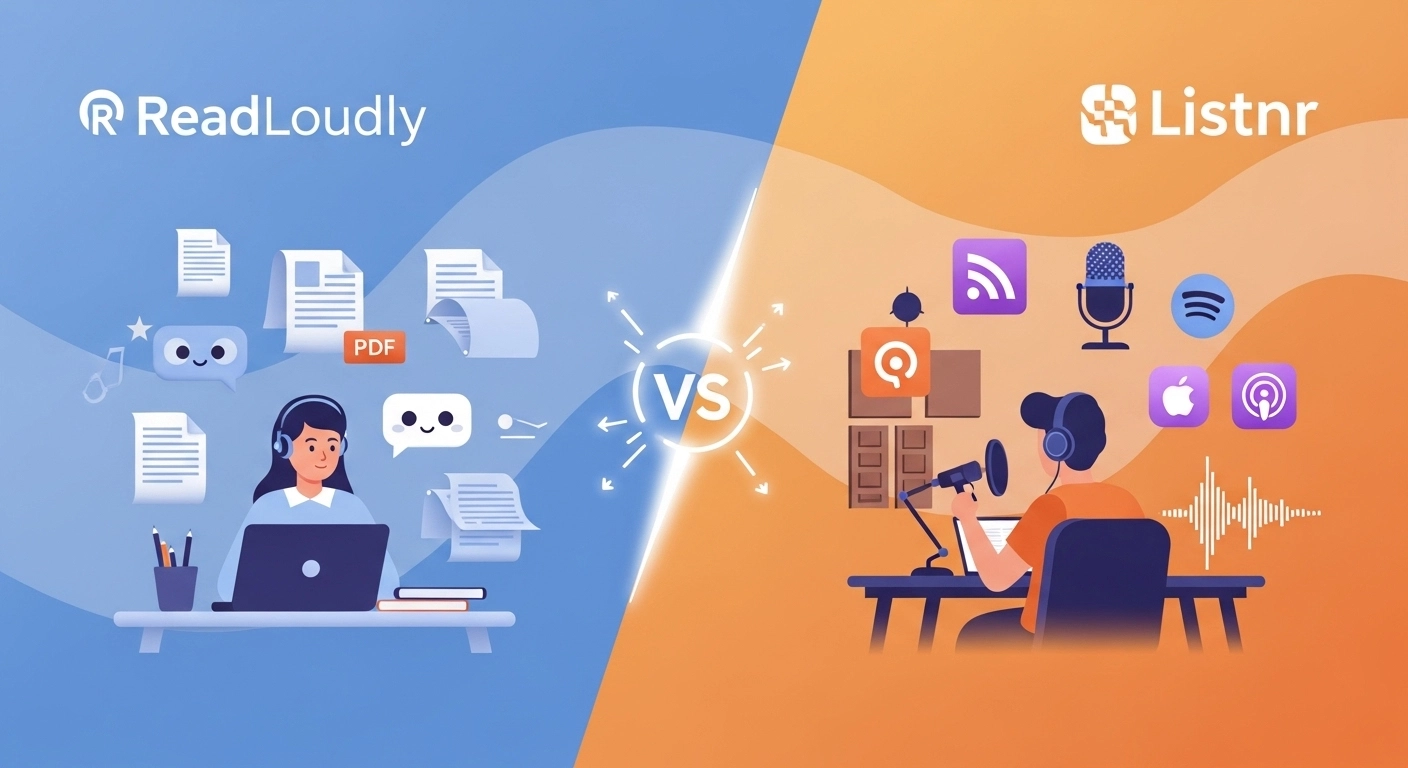
Are you tired of reading long articles and documents?
Do you wish you could just listen instead?
Text-to-speech (TTS) tools are a game-changer!
However, with so many options, selecting the right one can feel challenging.
You might have heard of ReadLoudly and Listnr.
Both promise to turn text into clear, natural-sounding audio.
We'll compare ReadLoudly vs Listnr and see who they are best suited for.
Get ready to find your ideal TTS companion!
Overview
We put both ReadLoudly and Listnr through their paces.
We tested their voices, looked at all their features, and checked their pricing plans.
This hands-on approach helps us give you a clear, honest comparison.
We want to help you choose the best tool for your needs.
| Feature | ReadLoudly | Listnr |
|---|---|---|
| PDF to Speech | Yes | Yes |
| E-book to Flipbook | Yes | No |
| Chat with PDF (AI) | Yes | No |
| Voice Cloning | No | Yes |
| Podcast Hosting | No | Yes |
| Number of Voices | 50+ | 1000+ |
| Languages | 20+ | 142 |
| Free Plan | Yes | Yes |
| Paid Plans from | $4.17/month | $19/month |
What is ReadLoudly?
ReadLoudly is a neat tool. It helps you listen to text instead of reading.
You can upload files like PDFs. Then, it reads them aloud for you.
It makes consuming content super easy.
Key Benefits of ReadLoudly
- PDF to Speech Conversion: Easily turn your PDF files into spoken audio.
- E-book to Flipbook: Transforms your e-books into interactive flipbooks, making them more engaging.
- Chat with PDF (AI Assistant): Ask questions about your PDF, and an AI assistant will help you find answers.
- Supports over 50 voices and 20 languages.
- Used by over 1,100 users.
ReadLoudly Pricing
Readloudly offers different plans to fit your needs. You can start with a free plan to try it out.
- Free Plan: Enjoy a limited number of meetings each month.
- Core Plan: Starts at $4.17/month.
- Pro Plan: Starts at $15.83/month.
ReadLoudly Pros and Cons
- Pros: Converts text easily. Supports many document types. Makes reading less tiring. Offers interactive flipbooks.
- Cons: Free voices can sound robotic. Not on all platforms. Needs premium for full features.
What is Listnr?
Listnr is another great AI voice generator.
It turns your written words into spoken audio.
It's often used by people making podcasts or videos.
It offers you a variety of voices and languages to choose from.
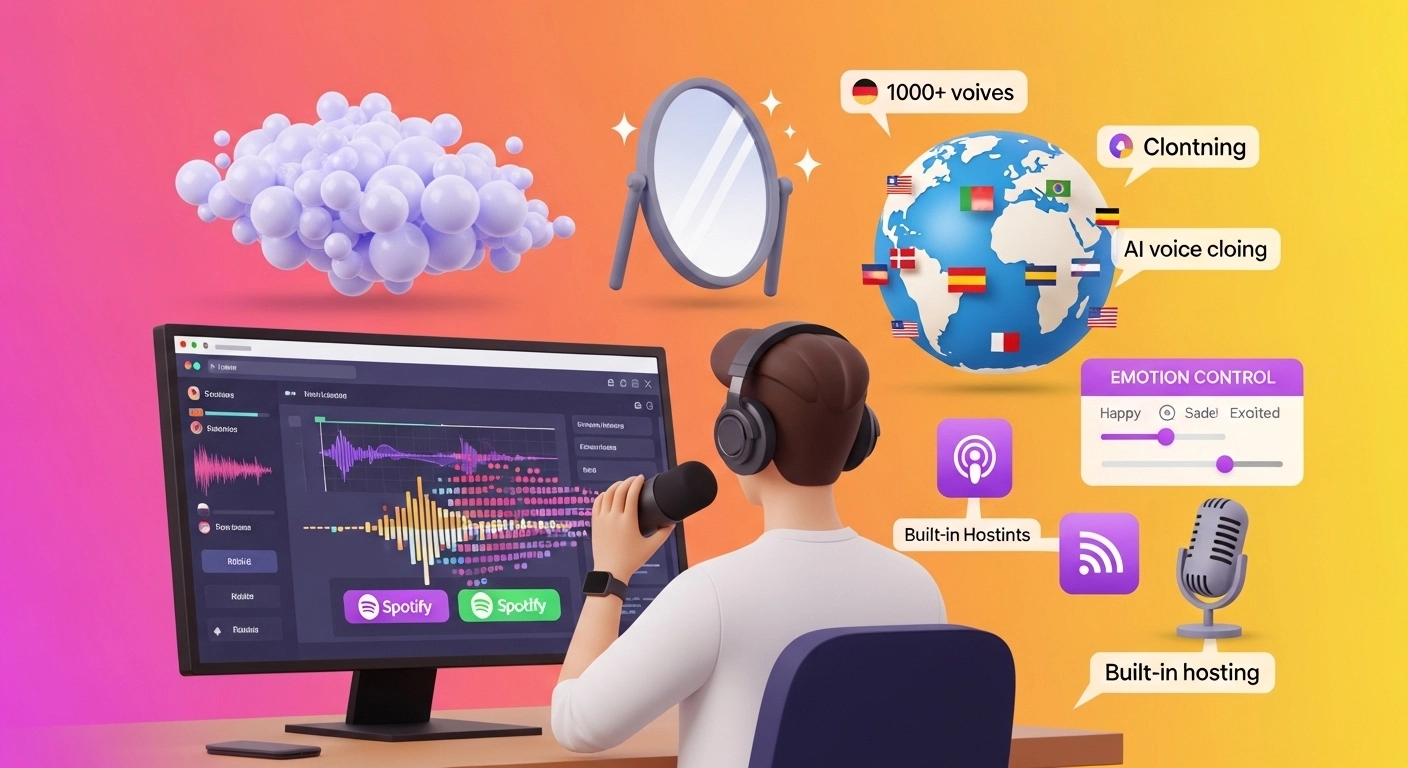
Key Benefits of Listnr
- Boasts 1000+ voices in 142 languages.
- Features AI voice cloning technology.
- Offers built-in podcast hosting and distribution.
- Provides fine-tuning for emotions in voices.
- You can adjust pitch, speed, and pronunciation.
Listnr Pricing
- Free trial: Use it for free.
- Individual Plan: Costs $19/month. This plan provides 20,000 words per month and 50GB of storage.
- Solo Plan: Priced at $39/month. You get 50,000 words per month and 100GB of storage.
- Agency Plan: The largest plan at $99/month. It offers 500,000 words per month and 250GB of storage.
Listnr Pros and Cons
- Pros: Many voice choices. Supports many languages. Good for podcasters. Can clone your voice.
- Cons: Some voices sound robotic. Learning all the features takes time. The free plan has limits.
Feature Comparison
Let's dive into how ReadLoudly and Listnr stack up when we look at their features.
We've explored both options, so you can see which one best fits your needs.
1. Voice Quality and Selection
- ReadLoudly: Offers 50+ voices and supports 100+ languages. The free voices might sound a bit robotic, but the premium options improve.
- Listnr: Boasts over 1000 voices in 142 languages. Many users find Listnr's AI voices to be remarkably natural and human-like, with options for fine-tuning emotions.
2. Document Support
- ReadLoudly: Excels at handling various document types. It's a strong e-book reader, supporting PDFs and even converting them to "flipbooks."
- Listnr: Can convert entire books or articles into audio format. It's great for converting educational content or long-form text into a more engaging format.
3. Unique Features
- ReadLoudly: Its "Chat with PDF" feature is truly unique, allowing you to ask questions about your documents and receive AI-powered answers. The "e-book to flipbook" conversion also offers a distinct reading experience.
- Listnr: Shines with its AI voice cloning, allowing you to create custom voice models. It also features integrated podcast hosting and distribution, which is a significant advantage for content creators.
4. User Interface and Ease of Use
- ReadLoudly: Generally considered straightforward and easy to navigate, especially for its core text-to-speech and document reading functions.
- Listnr: Has a sleek and intuitive UI. While powerful, its broader range of features may require a bit more time for new users to fully explore.
5. Offline Access
- ReadLoudly: Offers the ability to download audio for offline listening, which is extremely helpful for consuming content on the go without an internet connection.
- Listnr: Primarily an online tool, though some paid plans allow for unlimited downloads and exports of generated audio files.
6. Target Audience
- ReadLoudly: Ideal for individuals who frequently read and interact with documents, e-books, and articles, and want to enhance comprehension or multitask.
- Listnr: Caters more to content creators, podcasters, marketers, and businesses needing high-quality voiceovers, voice cloning, or podcasting tools.
7. Integrations and API
- ReadLoudly: Focuses more on its web and app-based functionalities, providing direct user interaction with documents and text.
- Listnr: Offers API access, making it more flexible for developers and businesses to integrate its text-to-speech capabilities into their applications or workflows.
What to Look for When Choosing a Text-to-Speech Tool?
Here's what to consider when picking your perfect TTS tool:
- Voice Quality: A natural-sounding voice is a must.
- Language Options: Check for many languages and accents.
- Customization: Easily adjust pitch, speed, and emotion.
- Document Support: Can it handle PDFs and e-books?
- Ease of Use: A simple and intuitive interface saves time.
- Offline Access: Listen anywhere, even without an internet connection.
- Pricing: Find a plan that fits your budget.
Final Verdict
After looking closely at both, our pick is ReadLoudly.
It truly stands out for everyday users who manage numerous documents.
Its unique "Chat with PDF" and "e-book to flipbook" features are very helpful.
You can easily listen to complex papers and even ask them questions!
This makes understanding things much faster and easier.
We believe our detailed comparison gives you a clear picture.
ReadLoudly just offers that extra edge for document-focused tasks, making it a powerful tool for your daily needs.