ReadLoudly vs Murf: Which AI Voice is Best in 2026?
Comparing ReadLoudly and Murf to help you find the best AI voice tool for documents, content creation, and productivity in 2026.
Feeling tired of robotic-sounding AI voices? You're not alone.
Many content creators struggle to find a good AI voice generator.
This can make your videos, podcasts, and e-learning materials fall flat.
But what if there was an AI voice that could truly captivate your audience?
In this guide, we'll compare ReadLoudly vs Murf, head-to-head.
By the end, you'll know exactly which one is the best fit for your needs in 2026.
Get ready to pick the AI voice that will bring your content to life!
Overview
We tested both ReadLoudly and Murf.
We put them through real-world tasks.
This helped us see how they work. We looked at how easy they are to use.
We also checked their voice quality.
This comparison will help you decide.
| Feature | ReadLoudly | Murf |
|---|---|---|
| PDF to Speech | Yes | Limited |
| E-book to Flipbook | Yes | No |
| Chat with PDF (AI) | Yes | No |
| Voice Cloning | No | Yes |
| AI Dubbing | No | Yes |
| Number of Voices | 50+ | 200+ |
| Languages | 20+ | 30+ |
| Free Plan | Yes | Yes |
| Paid Plans from | $4.17/month | $19/month |
What is ReadLoudly?
ReadLoudly helps you listen to text. It turns words into speech.
This means you can hear articles, books, and documents.
It's great for when you don't want to read.
Key Benefits of ReadLoudly
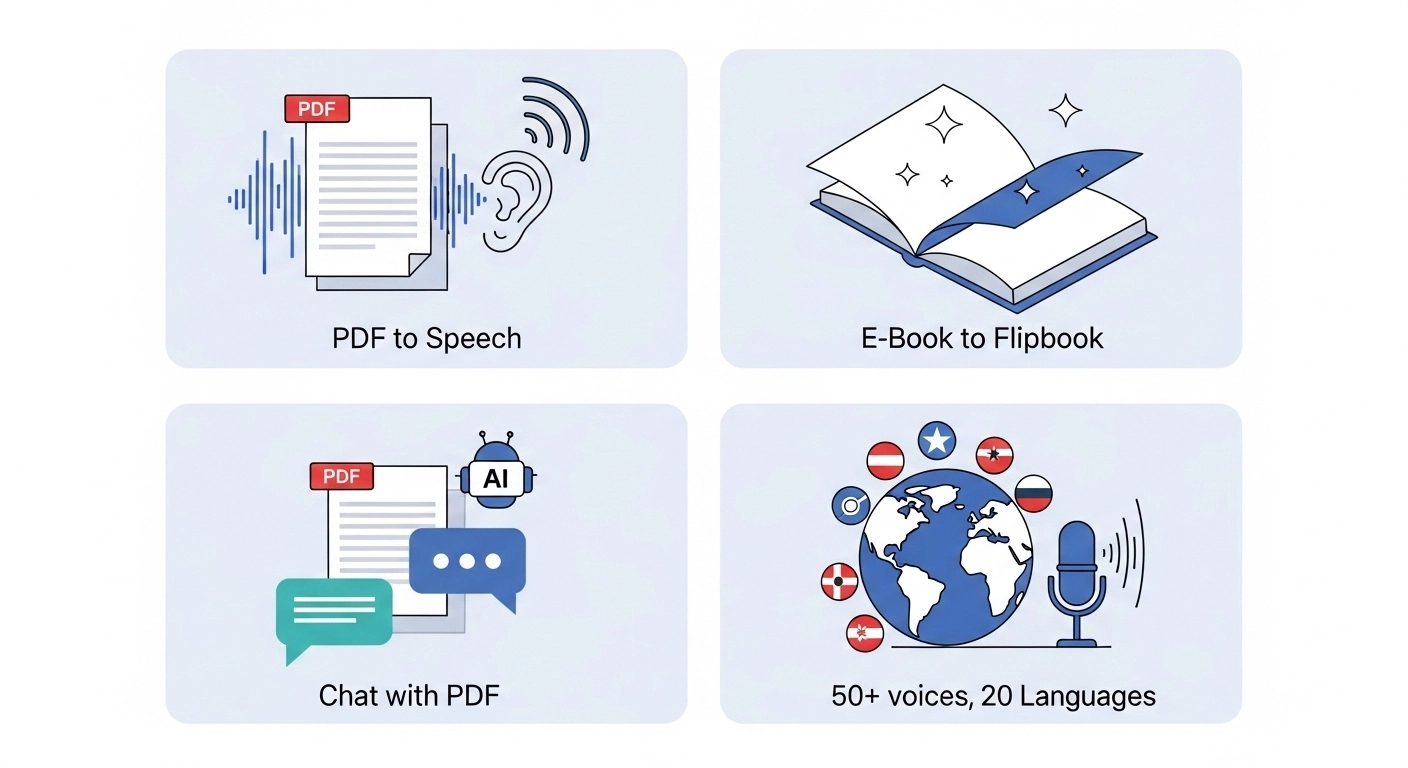
- PDF to Speech Conversion: Easily turn your PDF files into spoken audio.
- E-book to Flipbook: Transforms your e-books into interactive flipbooks, making them more engaging.
- Chat with PDF (AI Assistant): Ask questions about your PDF, and an AI assistant will help you find answers.
- Supports over 50 voices and 20 languages.
- Used by over 1,100 users.
ReadLoudly Pricing
Readloudly offers different plans to fit your needs. You can start with a free plan to try it out.
- Free Plan: Enjoy a limited number of meetings each month.
- Core Plan: Starts at $4.17/month.
- Pro Plan: Starts at $15.83/month.
ReadLoudly Pros and Cons
- Pros: Converts text easily. Supports many document types. Makes reading less tiring. Offers interactive flipbooks.
- Cons: Free voices can sound robotic. Not on all platforms. Needs premium for full features.
What is Murf?
Murf is a powerful tool for creating voices.
It utilizes AI to make voices sound more realistic.
You can easily turn your text into speech.
It's like having a voice actor without having to hire one.
Key Benefits of Murf
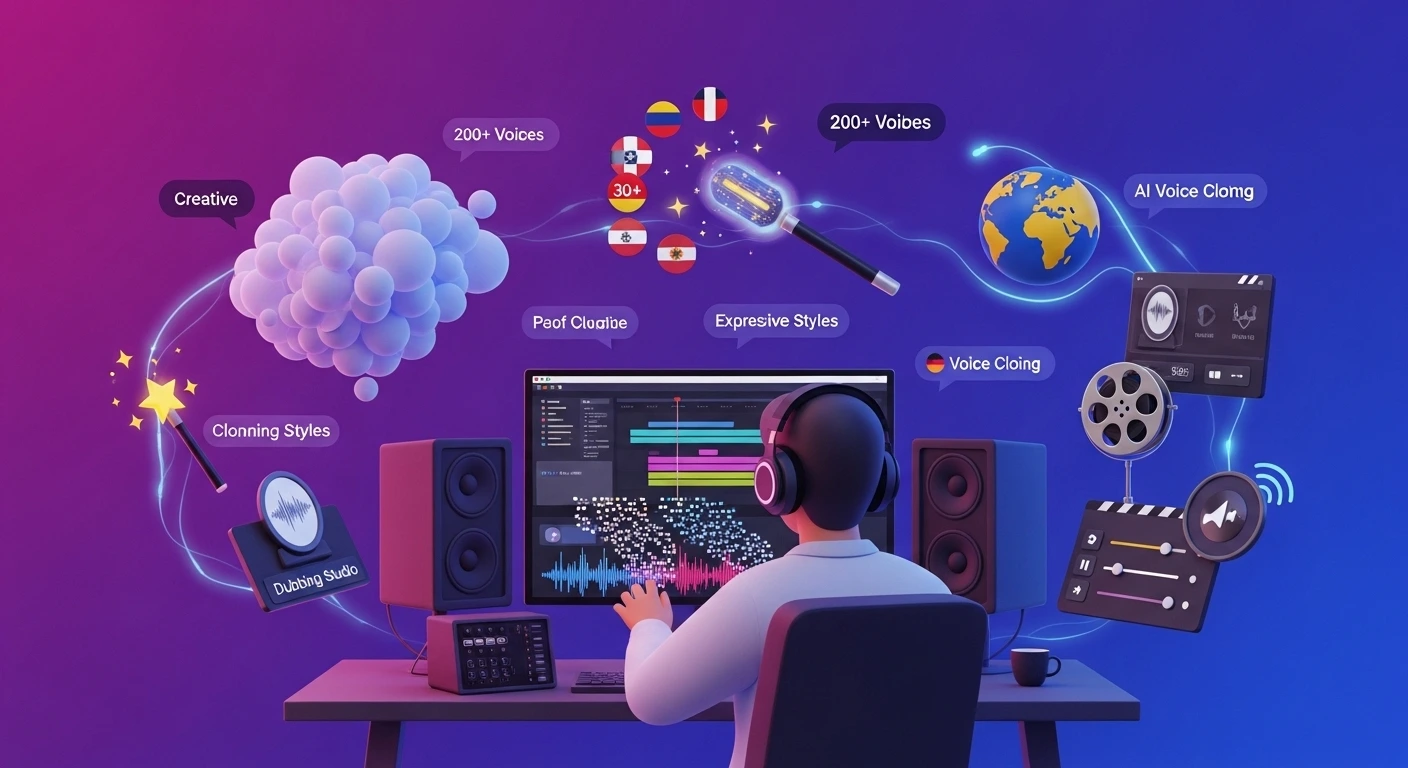
- Offers over 200 voices in 30+ languages.
- Provides 15+ expressive voice styles.
- Features AI voice cloning for custom voices.
- Includes an AI dubbing studio for video.
- Allows fine-tuning of pitch, speed, and pauses.
Murf Pricing
Murf has different plans for different needs. There's a free option to start. Paid plans offer more features and usage time.
- Free Plan: Try all 200+ voices for 10 minutes of voice generation. No credit card needed.
- Creator Plan: $19/month.
- Growth Plan: $66/month.
- Business Plan: $199/month.
- Enterprise Plan: Custom pricing.
Murf Pros and Cons
- Pros: Voices sound very natural. Lots of voice options. Great voice customization. Saves much time.
- Cons: It can be pricey. The free plan is limited. Some voices are less realistic.
Feature Comparison
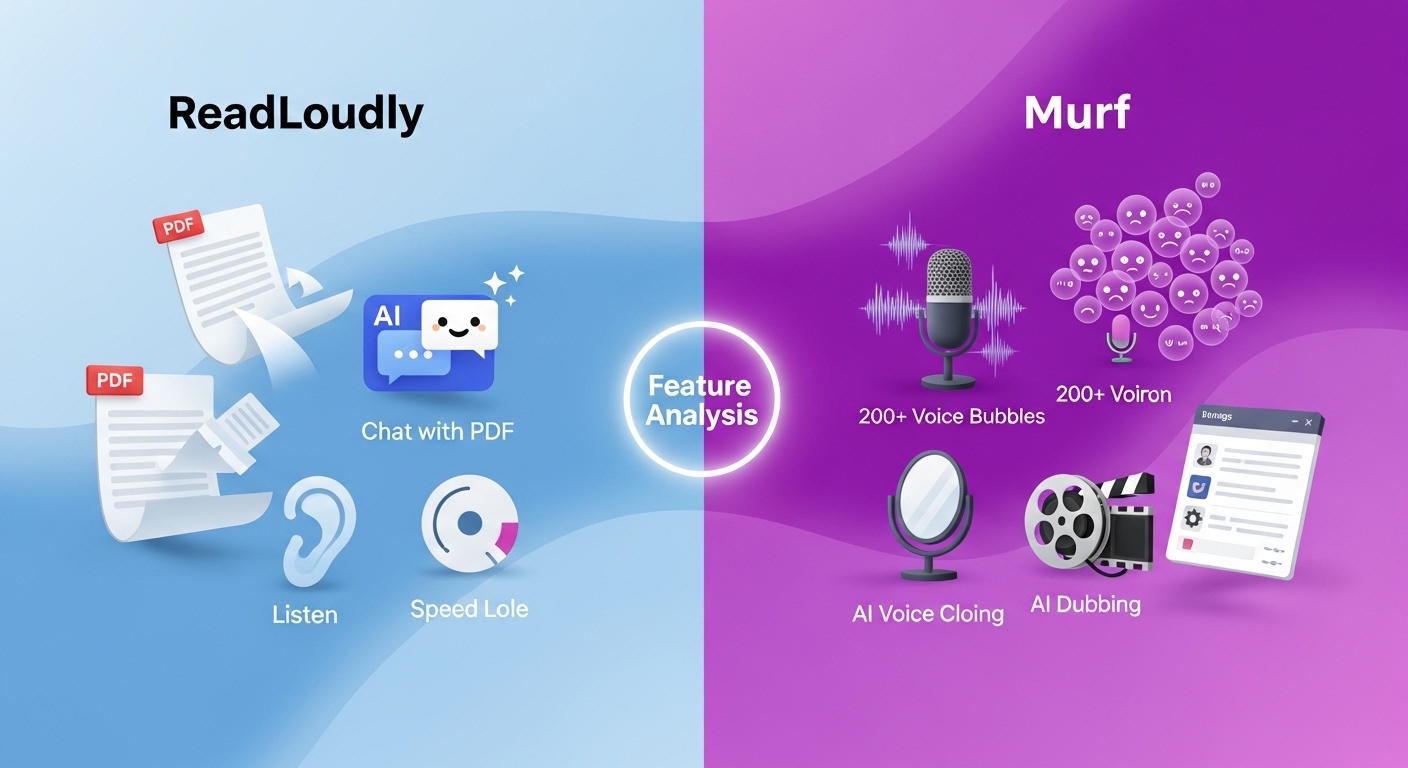
Now, let's look at how ReadLoudly and Murf compare head-to-head.
We'll break down their key features.
This will help you determine which one best fits your needs.
1. Text-to-Speech Quality
- ReadLoudly: Offers clear text-to-speech. Its free voices can sometimes sound a bit robotic. Premium voices are much better.
- Murf: Known for its highly natural and human-like AI voices. It focuses on nuanced speech, incorporating emotions and various styles.
2. Language and Voice Options
- ReadLoudly: Supports over 20 languages. It provides more than 50 different voices.
- Murf: Boasts a much larger library. It offers over 200 voices in more than 30 languages. Many of its AI voices are multilingual, meaning one voice can speak multiple languages.
3. File and Content Support
- ReadLoudly: Excellent for reading various document types. It handles text, PDFs, and e-books. It also works with web pages.
- Murf: Primarily designed for converting text scripts into voiceovers. It can integrate with tools like Canva and Google Slides.
4. AI Voice Cloning
- ReadLoudly: This feature is not a core offering. Its focus is more on basic text-to-speech and document reading.
- Murf: A standout feature. It allows users to create custom AI voice clones. This means you can replicate your voice for consistent branding.
5. Advanced Voice Customization
- ReadLoudly: Offers basic adjustments, such as voice type, speed, and pitch.
- Murf: Provides extensive controls. You can fine-tune pitch, speed, emphasis on specific words, and add pauses. This creates very personalized audio.
6. Unique Interactive Features
- ReadLoudly: Offers "Chat with PDF," where you can ask questions about your document and get answers. It also converts e-books and PDFs into "flipbooks" for a more natural reading feel.
- Murf: Focuses on AI dubbing for videos and an AI video editor. It helps match voiceovers with visuals for professional content.
7. Integrations and API
- ReadLoudly: Designed for straightforward web and document reading. It has a Chrome extension.
- Murf: Offers an API for developers to integrate its voice generation capabilities into their products. It also has add-ons for Google Slides and Canva.
What to Look for When Choosing a Text-to-Speech Tool?
When picking a text-to-speech tool, consider these points for the best experience:
- Voice Quality: Look for natural, human-like voices that don't sound robotic.
- Language Options: Ensure it supports all the languages you need for your content.
- Voice Customization: Check for controls like pitch, speed, and emotion adjustments.
- File Support: Can it read PDFs, web pages, or other document types?
- Unique Features: Does it offer voice cloning or PDF chat?
- Ease of Use: Is the interface simple to navigate?
- Pricing Structure: Understand the cost for your usage, including free tiers.
Final Verdict
After looking closely at both, our pick is ReadLoudly.
It's super easy to use and great if you just need to listen to documents or web pages.
Murf offers an amazing voice quality and advanced features, such as voice cloning.
ReadLoudly wins for its simplicity and affordability.
It's perfect for everyday users who want to make reading easier without a steep learning curve or high cost.
We've done the testing so you don't have to.
Trust us, for simple text-to-speech, ReadLoudly is the way to go in 2026.