
ReadLoudly vs NaturalReader: Best TTS for You in 2026
Comparing ReadLoudly and NaturalReader to help you find the best text-to-speech tool for documents, productivity, and accessibility in 2026.
Do you struggle to get through all your reading?
Would you like to listen to articles or documents while doing other things?
There are TTS tools that promise to make your life easier.
But which one is truly the best fit for your needs?
We know it can be tough to pick, and you don't want to waste time on the wrong tool.
In this article, we'll compare ReadLoudly vs NaturalReader so you can decide which one helps you read (or listen!) more efficiently in 2026.
Overview
We've put both ReadLoudly and NaturalReader to the test.
We used them on various types of documents and experimented with their settings.
This hands-on experience helped us see how they stack up.
Now, let's look at what each one offers.
| Feature | ReadLoudly | NaturalReader |
|---|---|---|
| PDF to Speech | Yes | Yes |
| E-book to Flipbook | Yes | No |
| Chat with PDF (AI) | Yes | No |
| OCR Text Recognition | No | Yes |
| MP3 Downloads | Limited | Yes |
| Number of Voices | 50+ | 1000+ |
| Free Plan | Yes | Yes |
| Paid Plans from | $5/month | $9.92/month |
What is ReadLoudly?
ReadLoudly is a fantastic tool for listening to text.
It turns your documents into audio, making it easy to multitask.
We found it extremely helpful for quickly getting through articles and reports.
Key Benefits of ReadLoudly
- PDF to Speech Conversion: Easily turn your PDF files into spoken audio.
- E-book to Flipbook: Transforms your e-books into interactive flipbooks, making them more engaging.
- Chat with PDF (AI Assistant): Ask questions about your PDF, and an AI assistant will help you find answers.
- Supports over 50 voices and 20 languages.
- Used by over 1,100 users.
ReadLoudly Pricing
Readloudly offers different plans to fit your needs. You can start with a free plan to try it out.
- Free Plan: Enjoy a limited number of meetings each month.
- Core Plan: Starts at $5/month (or $50/year).
- Plus Plan: Starts at $10/month (or $100/year).
- Pro Plan: Starts at $19/month (or $190/year).
ReadLoudly Pros and Cons
- Pros: Converts text easily. Supports many document types. Makes reading less tiring. Offers interactive flipbooks.
- Cons: Free voices can sound robotic. Not on all platforms. Needs premium for full features.
What is NaturalReader?
NaturalReader is a popular text-to-speech tool.
It's great for turning almost any text into natural-sounding audio.
We found it very helpful for listening to articles and documents on the go.
Key Benefits of NaturalReader
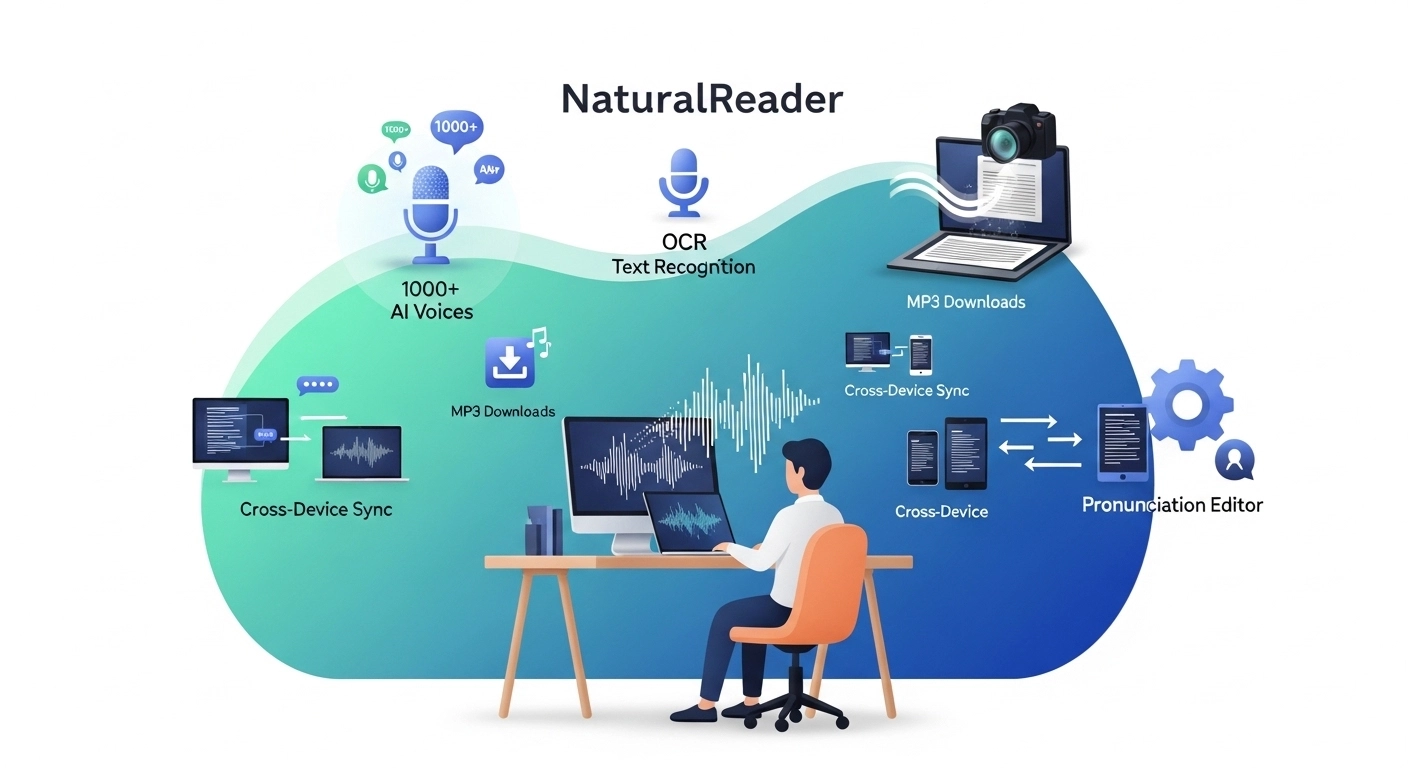
- 1000+ AI Voices: Offers many realistic, expressive AI voices.
- OCR Text Recognition: Reads text from images, scanned documents.
- MP3 Downloads: Saves audio for offline listening.
- Cross-Device Sync: Continue listening on different devices.
- Pronunciation Editor: Customizes how words are spoken.
NaturalReader Pricing
NaturalReader offers a free version with some limitations. They offer paid plans tailored to your needs.
- Pro Plan: $9.92/month.
NaturalReader Pros and Cons
- Pros: Many high-quality voices. Reads from images. Offers MP3 downloads. Works on all devices.
- Cons: Free voices can sound robotic. Confusing pricing structure. Some users report bugs.
Feature Comparison
Both ReadLoudly and NaturalReader are strong contenders in the text-to-speech space.
Let's delve into a head-to-head comparison of their features so you can choose the best app that suits your needs.
1. PDF Reading and Interaction
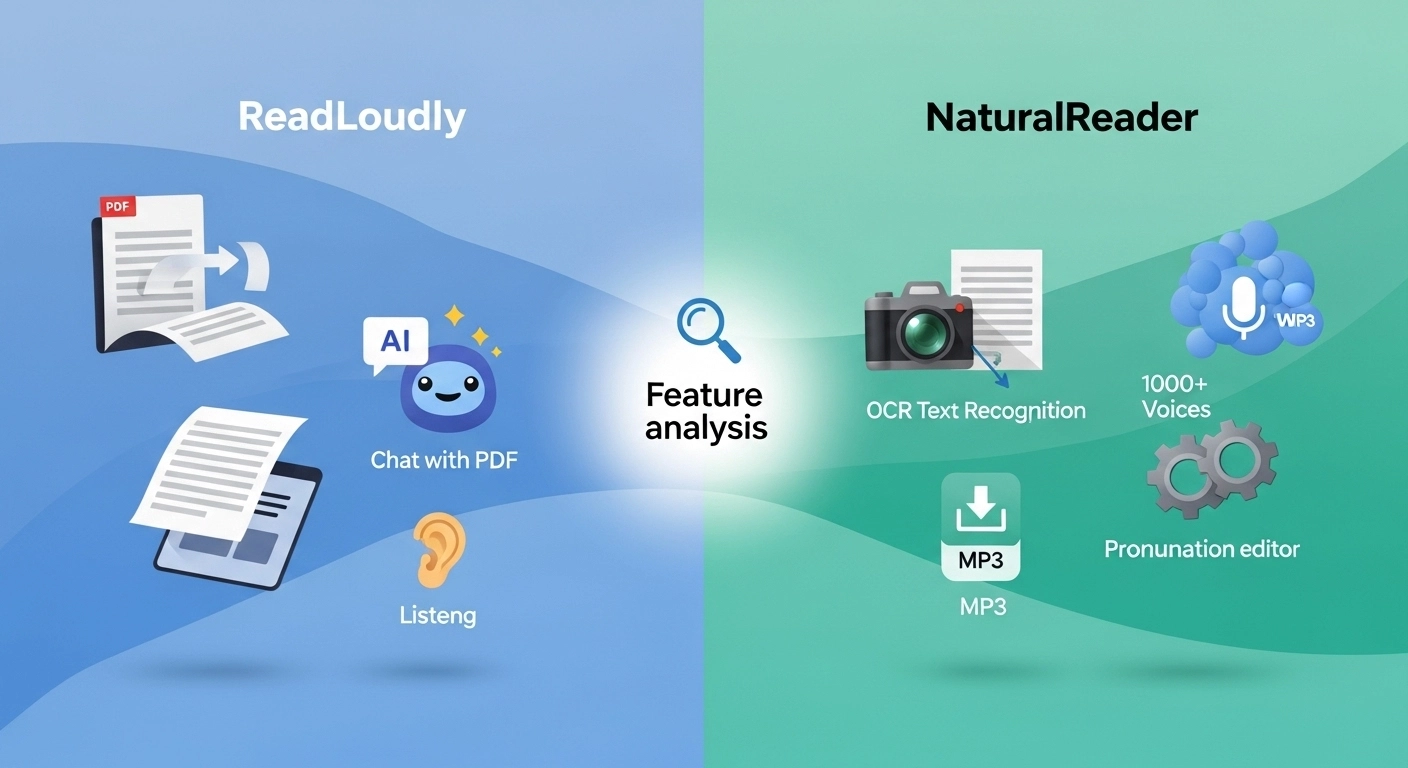
- ReadLoudly: This is where ReadLoudly shines. It offers unique features, such as "PDF to FlipBook" conversion, which makes reading digital documents more engaging. Its "Chat with PDF" functionality allows you to ask questions, summarize, and extract information directly from your PDFs. This is a game-changer for anyone working with digital documents.
- NaturalReader: NaturalReader handles PDFs effectively, including the ability to read scanned documents using its OCR (Optical Character Recognition) feature. You can easily upload and listen to PDFs, but it lacks the interactive "chat" or "flipbook" features found in ReadLoudly.
2. Voice Quality and Realism
- ReadLoudly: Offers natural-sounding AI voices, designed for a seamless listening experience. While good, some free voices might sound a bit robotic.
- NaturalReader: Boasts a vast library of 1000+ AI-powered voices. Many users find its premium voices to be very realistic, offering a wide range of tones and styles. However, its free voices can also sound less natural.
3. Supported Content and Web Pages
- ReadLoudly: This app can handle web pages, news articles, documents, and e-books. It features a Chrome extension that allows you to read aloud content directly from your browser.
- NaturalReader: Versatile in what it can read, including web pages via its Chrome extension, various document formats (PDF, Word, EPUB), and even text pasted directly into the reader.
4. Customization and Control
- ReadLoudly: Allows you to adjust voice type, reading speed, and pitch. You can also highlight and bookmark important sections.
- NaturalReader: Offers extensive customization options. You can control reading speed, adjust pitch, set pauses between sentences, and even use a pronunciation editor to fine-tune how specific words are spoken.
5. Offline Functionality and Audio Files
- ReadLoudly: You can often store audio files for offline listening, which is great for your commute or when you work offline without internet access.
- NaturalReader: With paid plans, you can convert text to MP3 downloads, allowing you to listen to content offline. This is a convenient way to build your podcast-like listening library.
6. Accessibility Features
- ReadLoudly: Designed with accessibility in mind, helping users with reading difficulties or those who prefer auditory learning. Its progress tracking enables you to stay on top of your reading.
- NaturalReader: A strong tool for accessibility, especially for people with dyslexia and other reading challenges. It can highlight text as it reads, and offers a dyslexia-friendly typeface.
7. Unique Functionality
- ReadLoudly: Its "Chat with PDF" feature is truly a standout, turning a passive reading experience into an interactive one. The "PDF to FlipBook" conversion is another unique offering that enhances the digital reading experience.
- NaturalReader: Its OCR text recognition is very strong, allowing it to read text from scanned documents and images effectively. It also offers a "Voice Cloning" feature (for personal use), allowing you to create an AI-generated voiceover version of your voice.
What to Look for When Choosing a Text-to-Speech Tool?
Choosing the right text-to-speech (TTS) tool can be a challenging task.
You want something that works for you.
Here's what to keep in mind when picking an app that reads:
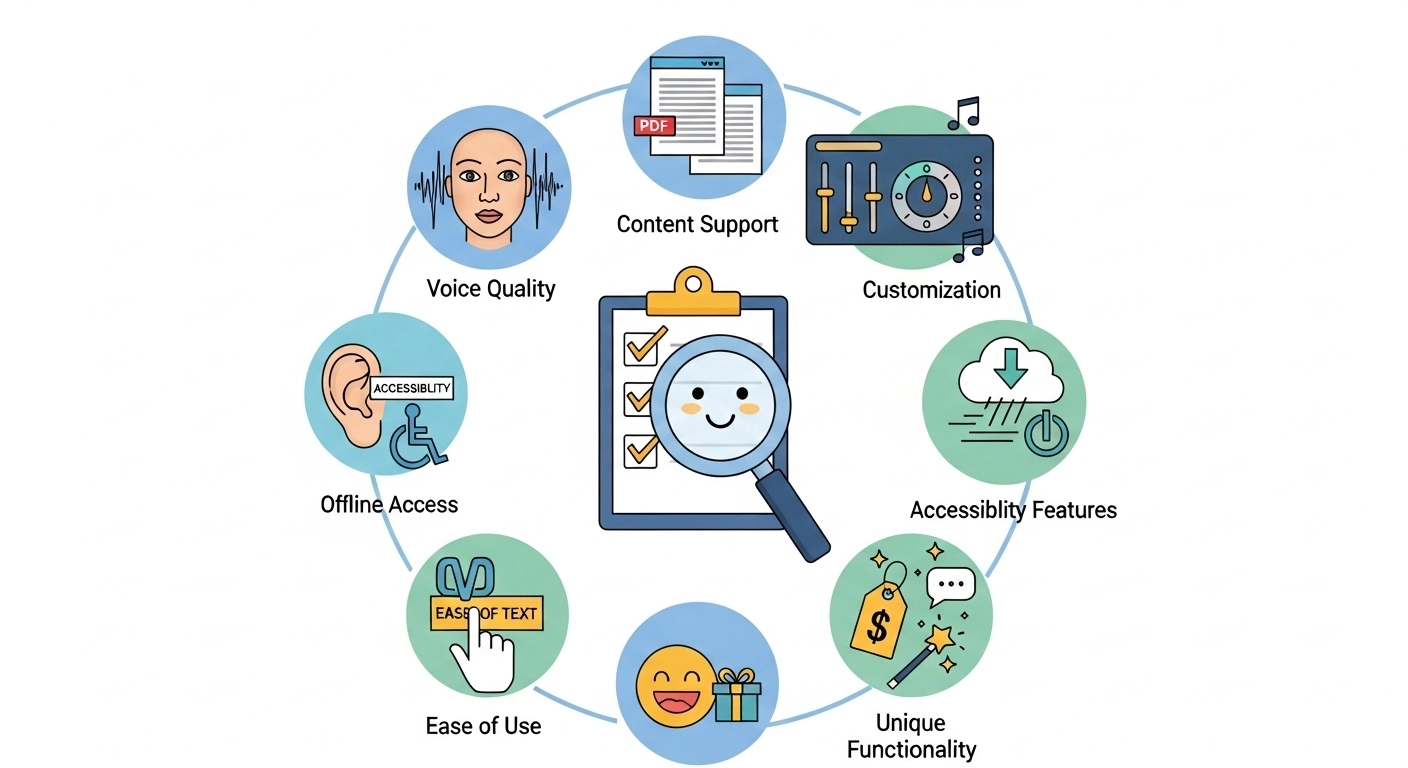
- Voice Quality: Do the voices sound real? You want realistic AI voices, not robotic ones. Check for natural flow and good pronunciation.
- Content Support: Can it read web pages, PDFs, and different document types? Ensure it handles the content you use most frequently.
- Customization: Can you change the voice, speed, and pitch? More options mean you can make it sound just right.
- Offline Access: Can you listen to audio files even without an internet connection? This is great for your commute.
- Accessibility Features: Does it help with reading challenges? Look for features like text highlighting as it reads.
- Ease of Use: Is the app easy to understand and use? You don't want a complicated tool.
- Pricing: Is there a free version? What do the paid plans offer? Make sure it fits your budget.
- Unique Functionality: Does it have special features, such as chatting with PDFs? Some tools offer unique ways to interact with text.
Final Verdict
After testing both, our pick for the best text-to-speech tool in 2026 is ReadLoudly.
While NaturalReader has many voices, ReadLoudly wins because of its strong PDF features.
Being able to "Chat with PDF" and turn documents into "FlipBooks" makes a big difference.
It changes how you work with digital files.
If you want to get more out of your PDFs and boost your productivity, ReadLoudly is the clear choice.
We've conducted a thorough review so that you can trust our recommendation.