
AI Tutor for Students: Every Chapter Explained, Then Read Aloud.
Tutor Lesson is the teaching tool inside ReadLoudly Study Hub. Upload a textbook chapter or a set of lecture notes and it rewrites the material as a guided lesson — chapter by chapter, in plain prose, with the key points pulled out and a natural voice that reads every line while you follow along.
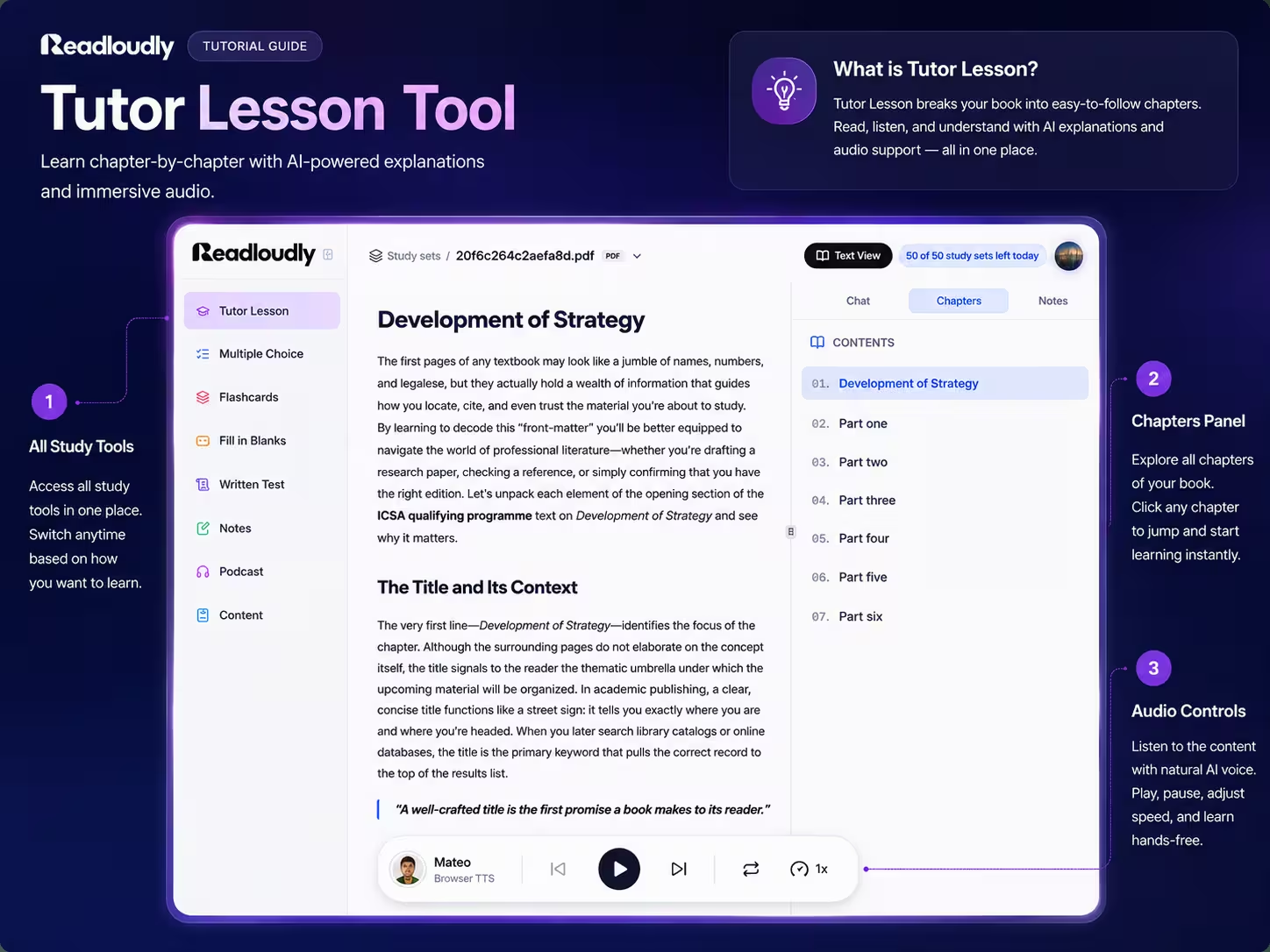
Tutor Lesson · Strategy
Lesson ready · 7 chapters written
What Makes It a Tutor
A Summary Tells You What. A Tutor Tells You Why.
Most AI study tools compress a chapter down to bullet points. Tutor Lesson does the opposite — it takes the dense, jargon-heavy original and expands it into the explanation a good teacher would give.
Explained, Not Compressed
Each chapter is rewritten as continuous prose that walks through the idea, defines the terms as they appear, and says why the section matters — instead of shrinking it to five bullets you still have to decode.
Written to Be Heard
The lesson prose is written for narration, not for skimming, so listening to it actually makes sense. A natural voice reads it aloud and highlights each sentence as it goes.
Built From Your Chapter
The lesson follows your document's own chapter structure, so the order, the emphasis, and the examples are the ones your course set — not a generic explainer scraped from somewhere else.
Chapter by Chapter
Your Book, Taught One Chapter at a Time
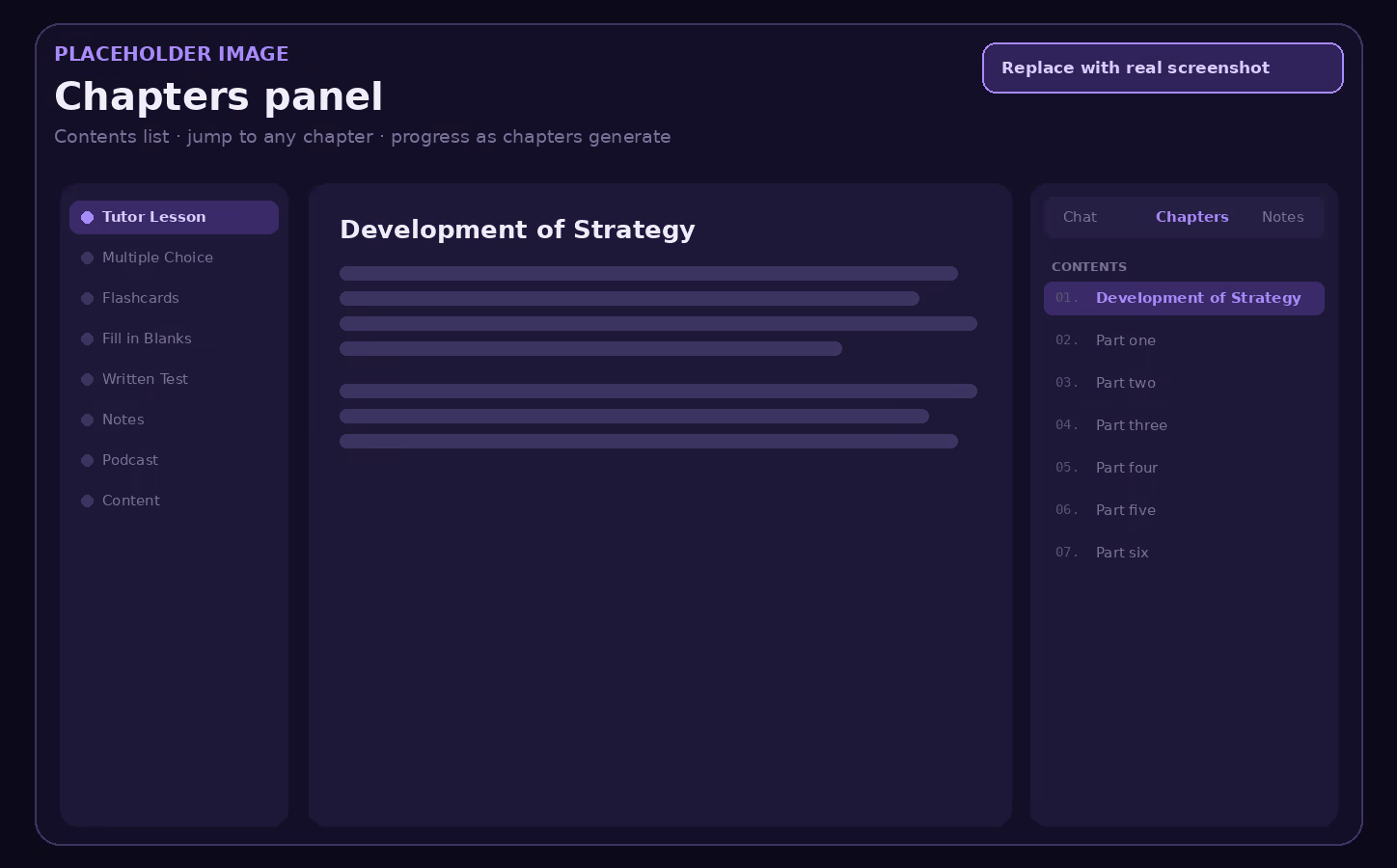
Tutor Lesson reads your document's own structure and writes one lesson section per chapter. A contents panel sits beside the text so you can jump anywhere, and chapters appear as they are written — you start reading the first one while the rest are still being built.
Never Lose Your Place in a
400-Page Textbook.
A numbered contents list runs down the side of the lesson. Click any chapter to jump straight to it, and the panel shows which chapters are still being written so you always know how much is ready.
Read It, Hear It, or
Both at Once.
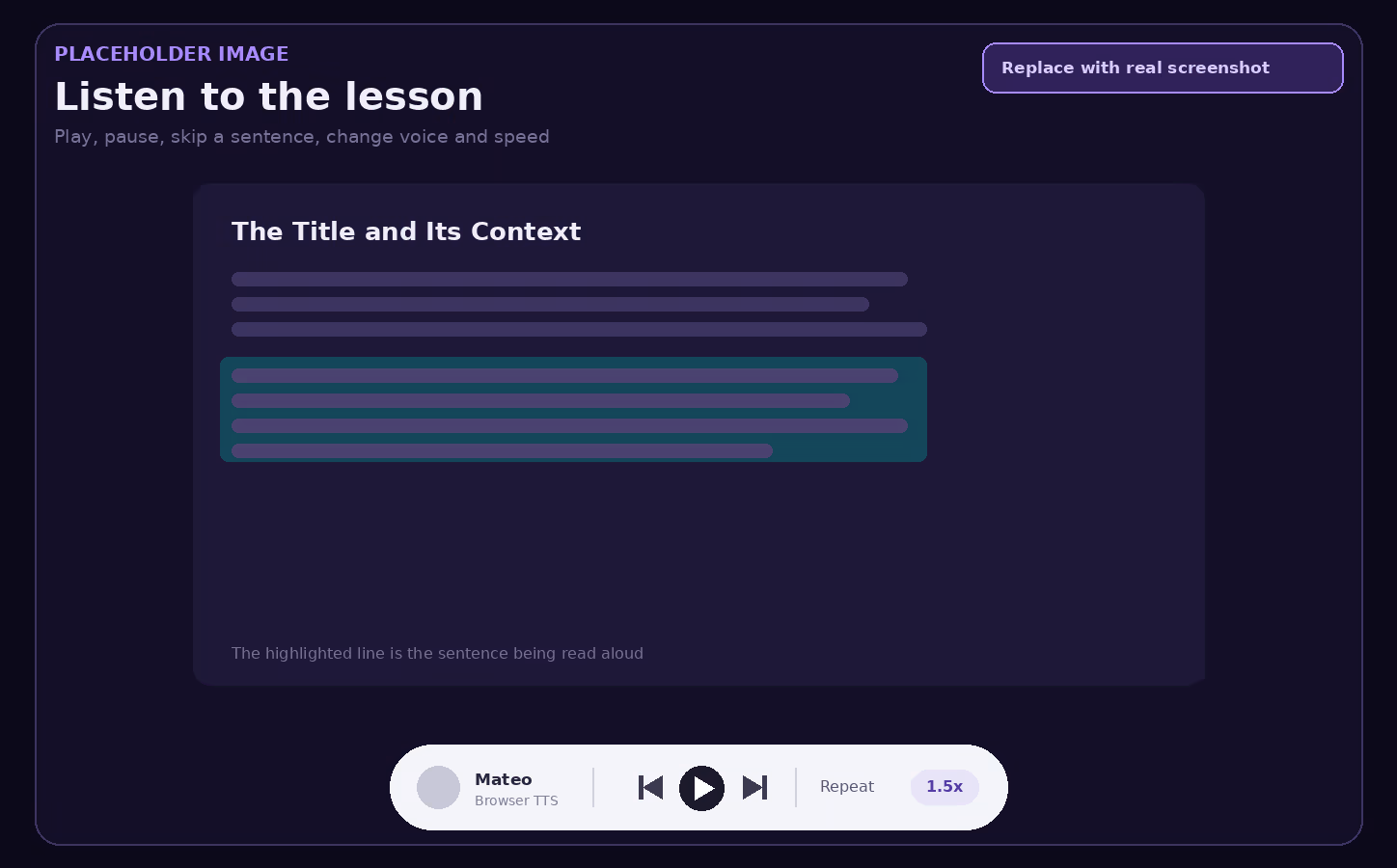
Press play and the lesson reads itself aloud, highlighting each sentence as it is spoken and scrolling to keep it in view. When one chapter finishes, the next one starts on its own — so a whole book can play through while you walk, cook, or rest your eyes.
-
1
Sentence-level control
Skip forward or back one sentence at a time instead of scrubbing a timeline, and tap any paragraph to start reading from exactly there.
-
2
Speed from 0.5x to 2.5x
Slow down for a proof or a definition, then push to 2x for a chapter you are revisiting for the third time before an exam.
-
3
Your choice of voice
Pick from the voice library, including ReadLoudly's natural Pro voices — the same engine behind the text to speech reader.
The Takeaways, Extracted
For You.
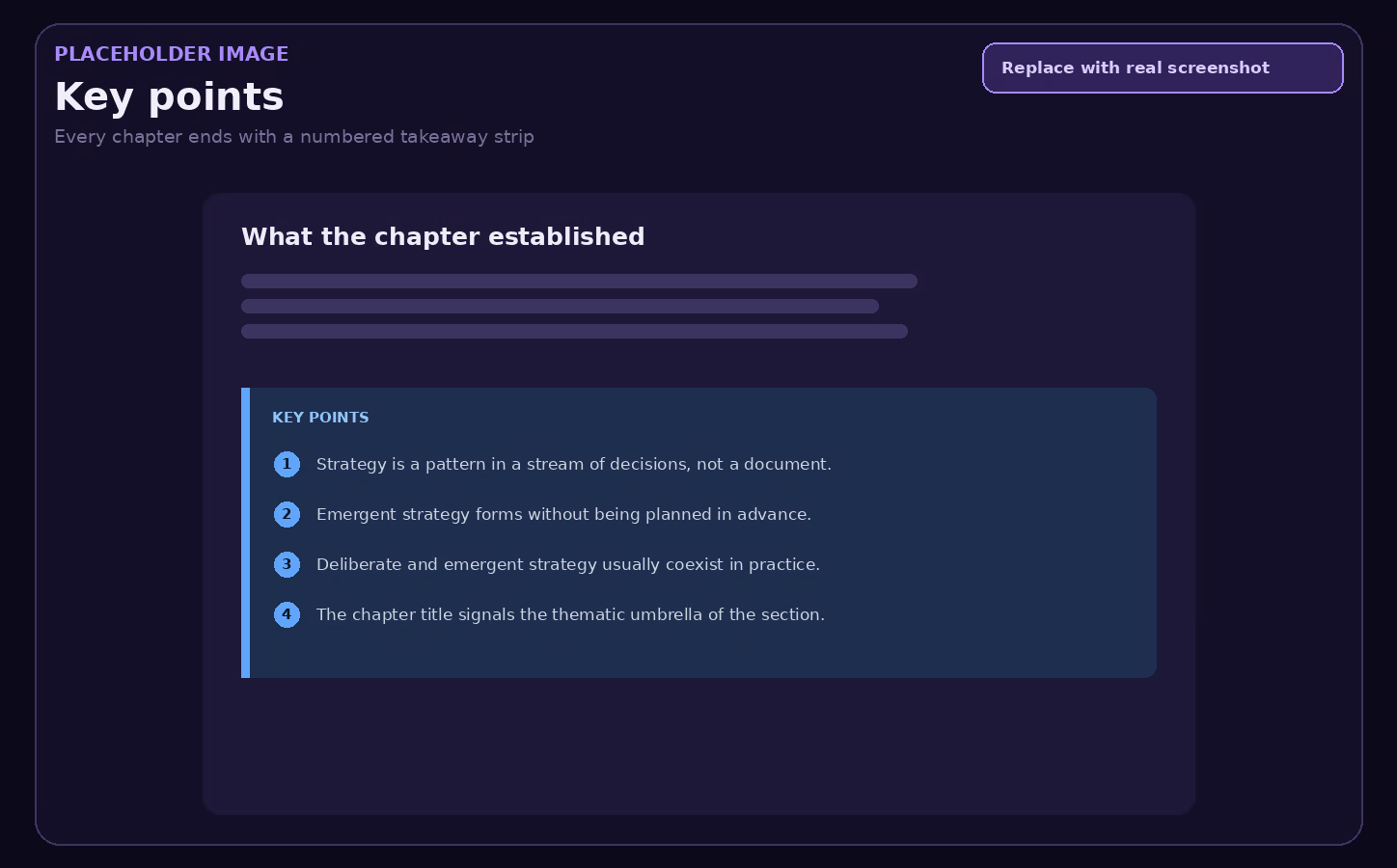
Every chapter closes with a numbered key-points strip — the handful of statements you would want on a revision card. It gives you a natural stopping point, a self-check before moving on, and a ready-made summary to skim the night before an exam.
Active Reading
Every Paragraph Is Something You Can Act On
Click a paragraph and a small menu appears. Nothing sends you to another tab, so the flow of reading never breaks.
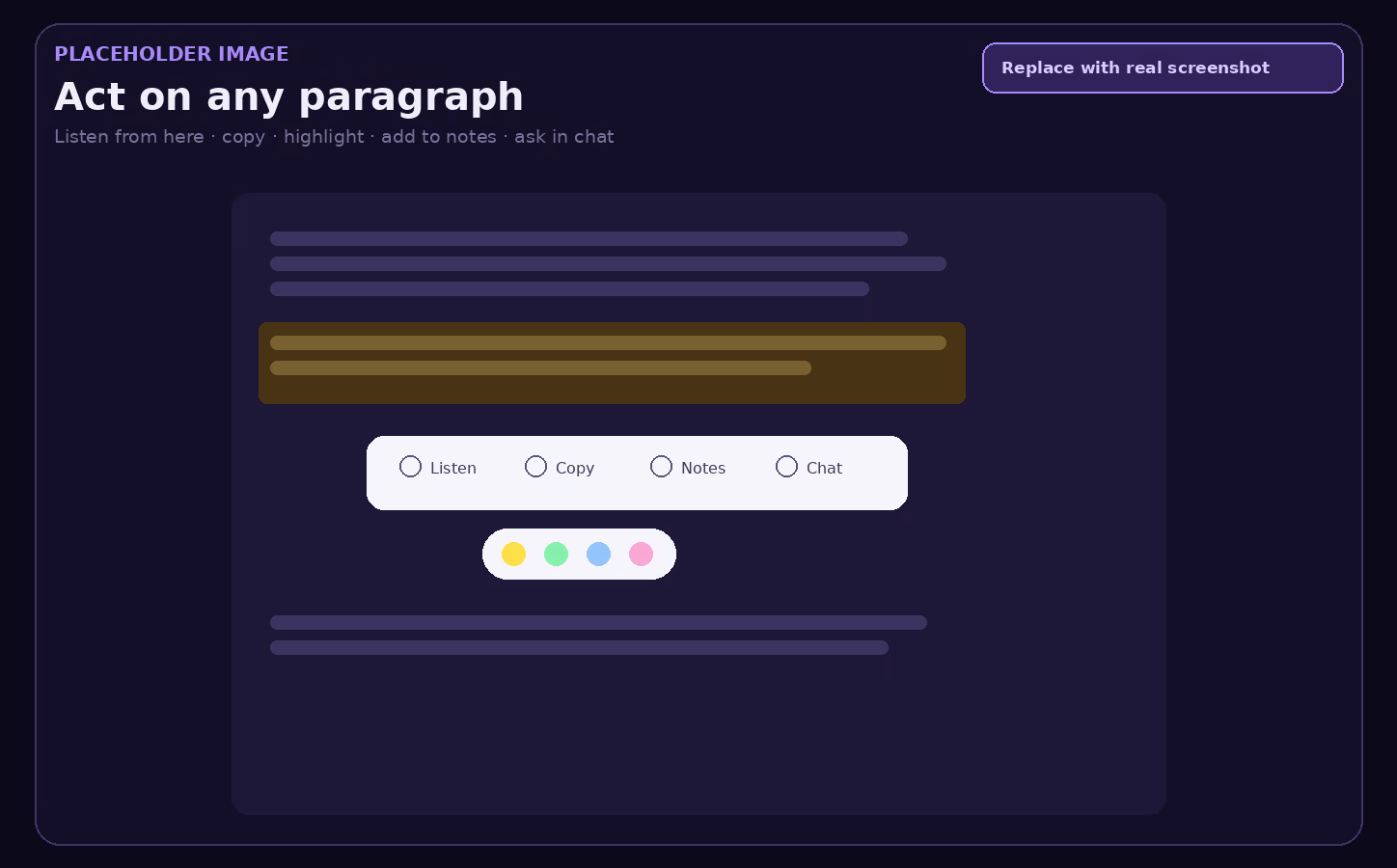
Reading becomes passive the moment there is nothing to do with what you have just read. The paragraph menu is there to keep a hand on the wheel: a confusing passage goes to the chat, an important one goes to your notes, a dense one gets replayed.
-
Listen from here
Start narration at the paragraph you are stuck on rather than replaying the whole chapter.
-
Highlight in colour
Mark the passages that matter so a second pass through the chapter goes straight to them.
-
Add to notes
Send the paragraph to the Notes tab beside the lesson and build your own summary as you read.
-
Ask in chat
Push the paragraph into the AI chat as context and ask what it actually means, without retyping a word.
Chat
Ask questions about the book without leaving the lesson. Paragraphs you send from the menu arrive as context, so the answer is about your material.
Chapters
The contents list for the lesson. Jump between sections, and watch chapters arrive while the rest of the book is still being written.
Notes
Your own writing, kept beside the lesson. Collect the paragraphs you flagged and turn them into a revision document as you go.
The Same Chapter, Explained
Three Different Ways.
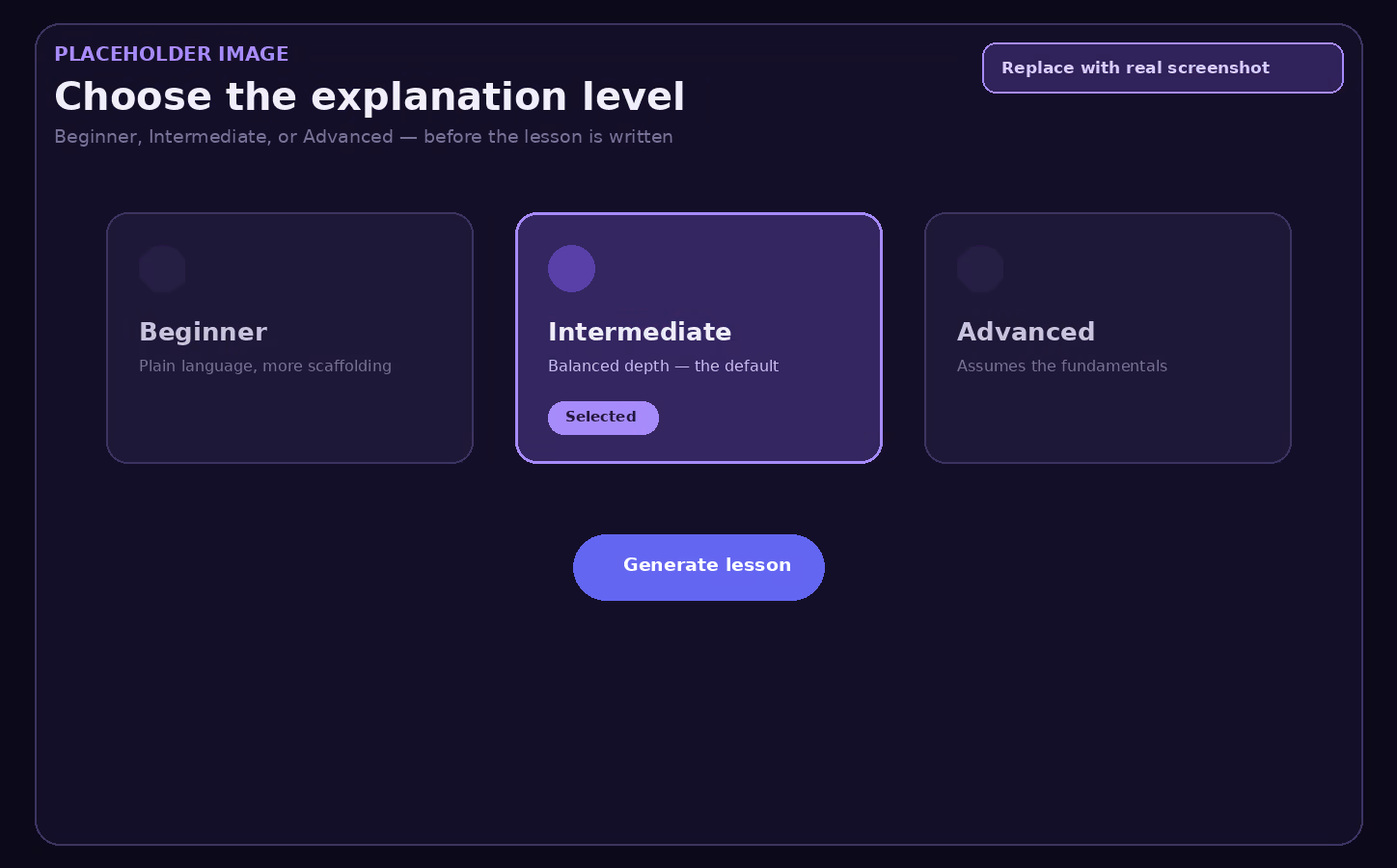
Before the lesson is written you choose who it is being written for. A first encounter with a topic needs more scaffolding than a revision pass two weeks before finals, and the same chapter reads very differently depending on which you pick.
Beginner
Plain language, more context, fewer assumptions — for a topic you are meeting for the first time.
Intermediate
The balanced default. Assumes you have seen the basics and gets to the substance faster.
Advanced
Takes the fundamentals as given and spends the words on nuance, edge cases, and argument.
Lessons can also be generated in ten languages — English, Arabic, French, Spanish, German, Chinese, Hindi, Portuguese, Turkish, and Japanese — so you can read the set text in one language and be taught it in another.
Use Cases
When a Tutor Lesson Is the Right Tool
The Chapter You Read Twice and Still Do Not Get
Some textbook writing is dense for the sake of it. A tutor lesson unpacks the same argument in ordinary language, so the second reading of the original finally lands.
The Lecture You Missed
Upload the slides or the assigned reading and get the explanation you would have heard in the room, at whatever level you need it pitched.
Reading Weeks With Too Much Reading
Play the lesson at 1.75x while commuting, then go back to the chapters where you lost the thread. Two passes for the cost of one sitting.
Long Reading Sessions That Wear You Down
Switching from reading to listening when focus drops keeps a study session going. Useful for anyone who finds long blocks of text tiring, including dyslexic and ADHD readers.
Comprehension and Retention
Why Being Taught Beats Being Summarised
Understanding comes before memorising. A quiz on material you never understood only tells you that you never understood it.
A Sensible Order
Tutor Lesson
Understand the chapter
Notes
Write down what stuck
Flashcards
Drill the terms
Quiz & Written Test
Find the gaps
Tutor Lesson is the first tool in a study set for a reason — the tools that test you work better once the chapter makes sense.
-
1
Two Channels, One Chapter
Seeing a sentence highlighted while hearing it read engages reading and listening together, which many students find easier to sustain than either on its own.
-
2
Chunked Into Chapters
A 300-page book is intimidating; a chapter with four key points is a session you can finish. Breaking material into completable units is half of why study plans survive past week two.
-
3
Explanation Before Examination
Quizzes and flashcards are retrieval tools — they strengthen what is already understood. The lesson is what puts something there to retrieve.
Works With
One Upload, the Whole Study Set
The Tutor Lesson is one of seven tools generated from the same document. Add the rest to the same study set whenever you are ready to be tested on it.
Multiple Choice
Practice questions with instant feedback and an explanation for every answer.
Flashcards
Term and concept cards for short, repeated recall sessions between lectures.
Notes
Editable summaries as a short recap, a detailed write-up, or a bullet outline.
Podcast
A two-host audio discussion of the same chapter, with a live transcript.
How It Works
How to Get an AI Tutor Lesson in 3 Steps
Upload Your Chapter
Add a PDF, Word file, or EPUB to Study Hub — a textbook chapter, reading pack, or lecture handout.
Pick Tutor Lesson and a Level
Select Tutor Lesson, choose beginner, intermediate, or advanced, set the language, and generate.
Read Along or Listen
Start on chapter one as it lands, press play to have it read aloud, and note or highlight as you go.
Frequently Asked Questions
Common questions about generating AI tutor lessons from your own course material.
It is a guided lesson generated from your own document. ReadLoudly reads the chapters of the file you upload and rewrites each one as clear explanatory prose with a numbered list of key points, then reads it aloud with the sentence being spoken highlighted on screen.
A summary shortens the chapter. A tutor lesson explains it. The lesson is usually longer than a summary would be, because it defines terms as they come up, spells out the reasoning between steps, and says why a section matters — then gives you the short version separately as key points.
Text-based PDF, Word (.docx), and EPUB files. Scanned or image-only PDFs are not supported, because the lesson is written from the text of the document and there is nothing to read in a page that is really a photograph.
No. Chapters are written and saved one at a time, and each appears in the contents panel as soon as it is ready. You can start reading or listening to chapter one while the later chapters are still being generated.
Yes. Press play and a natural AI voice reads the chapter aloud, highlighting each sentence and scrolling to follow. You can skip a sentence forward or back, change the voice, set the speed between 0.5x and 2.5x, and let it roll on into the next chapter automatically.
Yes. Tutor Lesson is included on the free plan, within the daily study set allowance. Paid plans raise that allowance; Written Test and Podcast are the two tools that need a paid plan.
Yes. Click any paragraph and a menu lets you listen from that point, copy it, highlight it in colour, send it to the Notes tab beside the lesson, or push it into the AI chat as context for a question.
Not sure which level to generate at?
Tell us the subject and how far into the course you are, and our team can suggest the setup that fits.
More Examples
Other Ways People Use ReadLoudly
AI Voice Generator for Student Text and Reading
Turn lecture notes, chapters, and handouts into natural audio you can revise with anywhere.
AI Study Tools for Students
One upload becomes a full study set: quizzes, flashcards, notes, written tests, and a podcast.
AI Tools for Researchers
Summarize and listen to academic PDFs so a heavy reading list stops being a bottleneck.
Turn Story Books into Audiobooks
Give any story a consistent AI narrator and listen to it as a finished audiobook.

Start listening smarter today
Join 4M+ readers who've transformed how they consume content. Turn any document into an engaging audio experience in seconds.