

Extract Text from PDF
clean, fast and private
Free PDF to Text converter. Extracts clean text, strips headers, footers and page numbers, handles scanned PDFs with OCR. Runs in your browser.
Opens in the ReadLoudly reader. Free, no signup.
Hear the voices before you listen
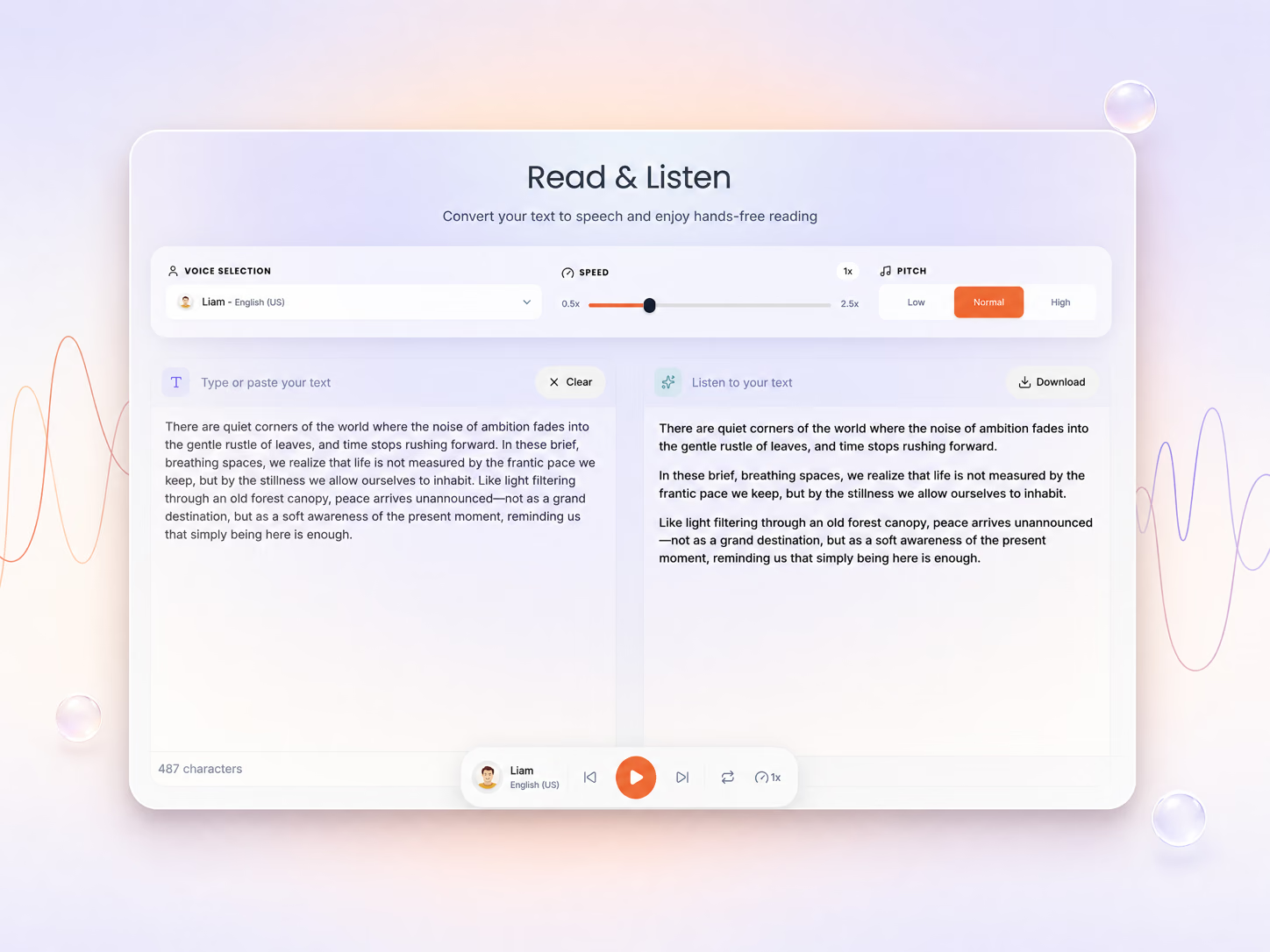
Extraction Options
Extracted Text
Editable — tweak the text before copying or downloading.
How To Extract Text From a PDF
Turn any PDF into clean, editable text in seconds — right in your browser.
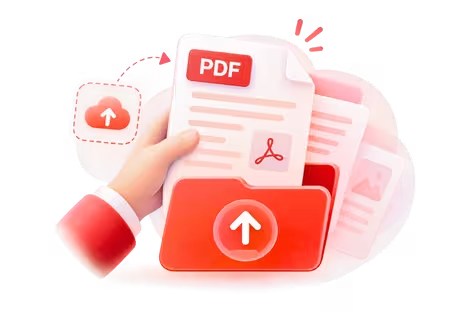
Upload Your PDF
Add your file — text-based and scanned PDFs both work.
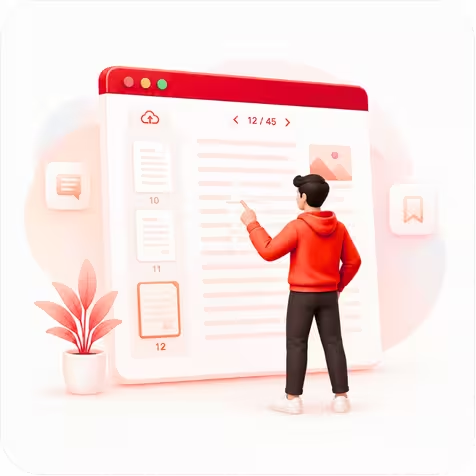
Let It Extract
Headers, footers and page numbers are stripped; scans are read with OCR.
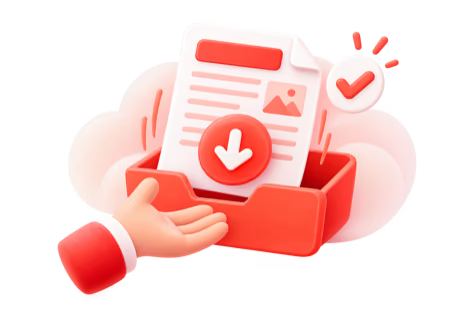
Copy or Download
Edit the result, then copy it or save it as a .txt file.
Clean Text, Not Just Raw Extraction
Most PDF extractors dump everything — including the page number and journal title stamped on every page. ReadLoudly detects that repeating clutter and leaves you with just the content you actually want.
Auto-Cleanup
Removes running headers, footers and page numbers so you copy clean prose, not layout noise.
OCR for Scans
Image-only and scanned PDFs are read with in-browser OCR — no separate tool required.
100% Private
All processing happens in your browser. Your PDF is never uploaded to any server.
Related Tools
More PDF tools to speed up your workflow.
Frequently Asked Questions
Everything you need to know about PDF to Text – Extract Text from PDF Free | ReadLoudly.
Upload your PDF to ReadLoudly's PDF to Text tool and the text is extracted instantly in your browser. You can copy it, edit it inline, or download it as a .txt file — no account, no upload to a server, and no software to install.
Yes. The tool automatically detects text that repeats in the same position across pages — running headers and footers — and strips standalone page numbers, so you get clean body text. You can toggle this off if you want the raw extraction.
Yes. If a PDF has no embedded text, ReadLoudly runs OCR (Optical Character Recognition) directly in your browser to read the text off the page images. OCR is slower than normal extraction but lets you pull text from scanned documents too.
Yes — PDF to Text – Extract Text from PDF Free is free, with no signup required to start and no watermark on the output. Core ($5/month), Plus ($10/month) and Pro ($19/month) raise the file size limit, unlock all 1,200+ AI voices, and add MP3 downloads, offline listening and priority processing.
ReadLoudly reads 24 file formats aloud: documents (PDF, DOCX, ODT, RTF), ebooks (EPUB, MOBI, AZW, FB2, CHM, LRF, LIT, PDB, RB), text and web files (TXT, HTML), comics (CBR, CBZ), and images (via OCR) (JPG, PNG, GIF, BMP, WEBP, TIFF, SVG). Each format has its own dedicated reader page, and all of them use the same 1,200+ AI voices.
ReadLoudly has 1,200+ natural AI voices across 40+ languages, with several accents and male, female and neutral options in most languages. Speed runs from 0.5x to 3x, and pitch control is available on Pro.
Yes. PDF to Text – Extract Text from PDF Free runs in the mobile browser on iOS and Android with nothing to install, so you can work from a file in your phone's Files app, an email attachment or a cloud drive. Signed-in users get their library and position synced across devices.
Files are processed and then removed. ReadLoudly does not train models on your documents, does not share them with third parties, and does not make them visible to anyone else. Signed-in users can choose to keep a file in their own private library; a guest upload is discarded when the session ends.
More on working with PDFs
Guides and comparisons from the ReadLoudly blog on getting more out of listening to your documents.

Start listening smarter today
Join 4M+ readers who've transformed how they consume content. Turn any document into an engaging audio experience in seconds.