
What People Actually Do With ReadLoudly
8 walkthroughs, one real job each: revising a chapter, drilling vocabulary, clearing a reading list, finishing a novel. Real screens, real settings, real limits. Newest: AI Quiz Generator for Students.
See the newest exampleAll examples
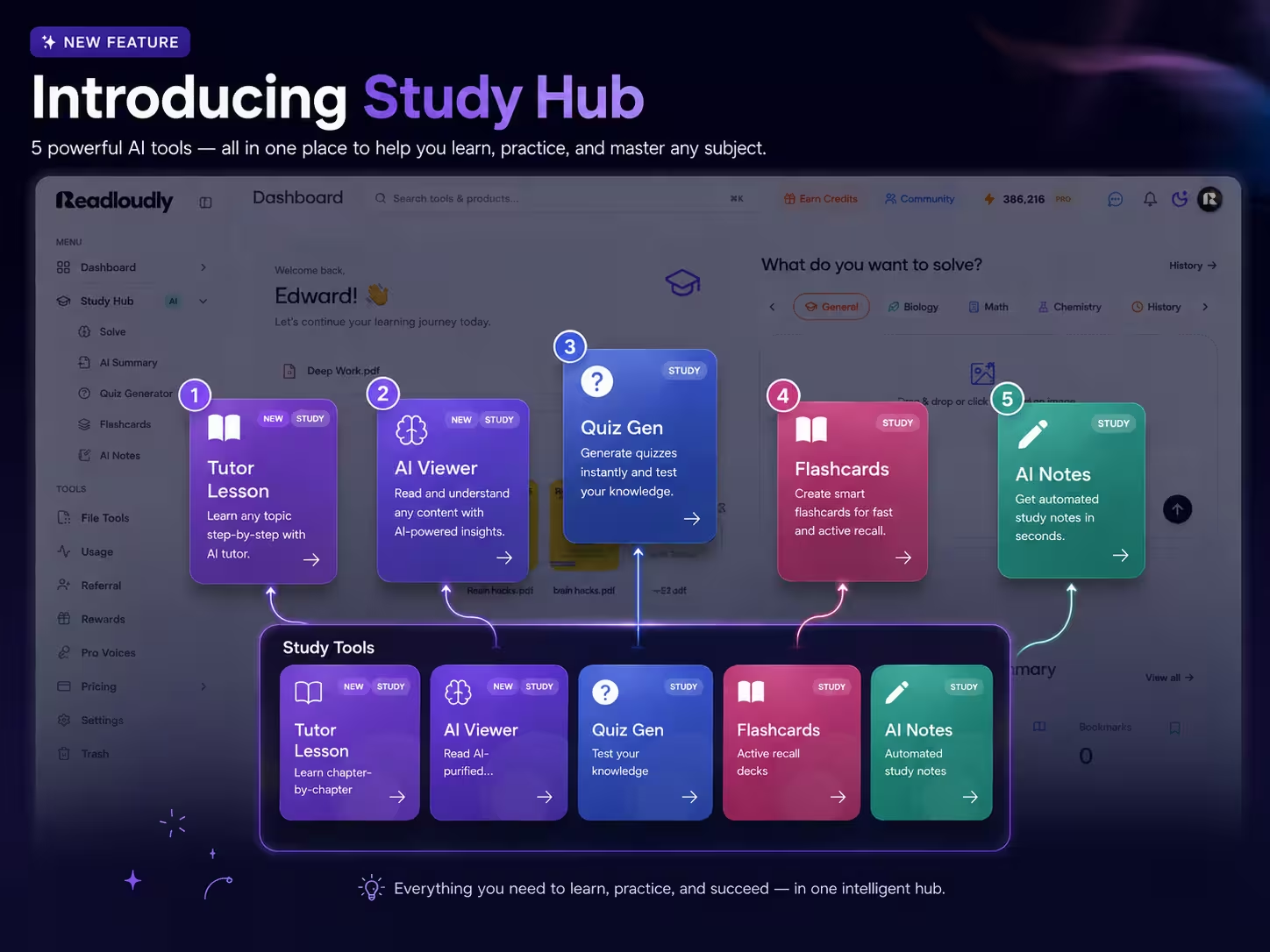
AI Study Tools for Students
One upload becomes a full study set: quizzes, flashcards, notes, written tests, and a podcast.
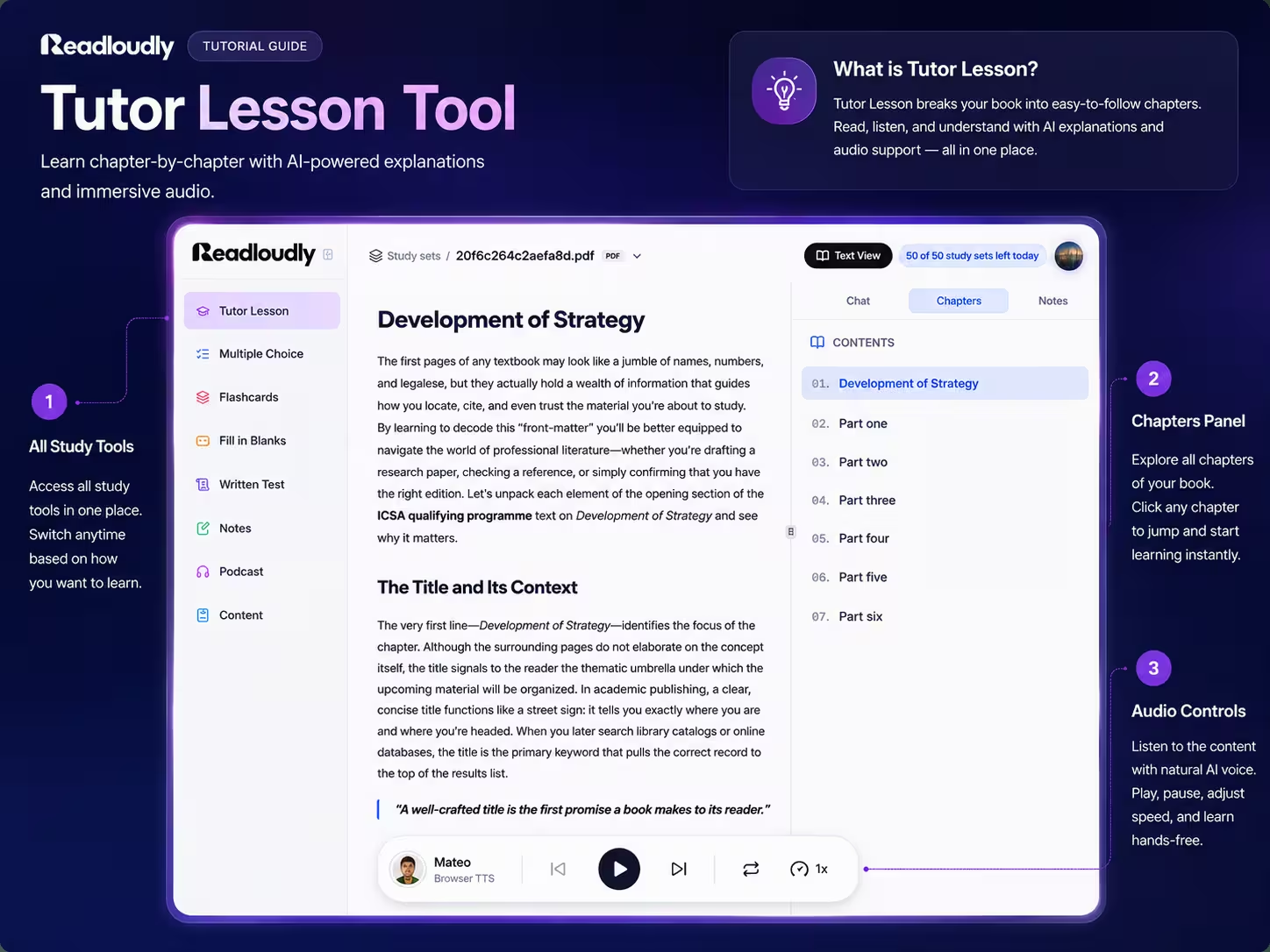
AI Tutor for Students
Every chapter explained in plain prose, with key points and natural read-aloud audio.
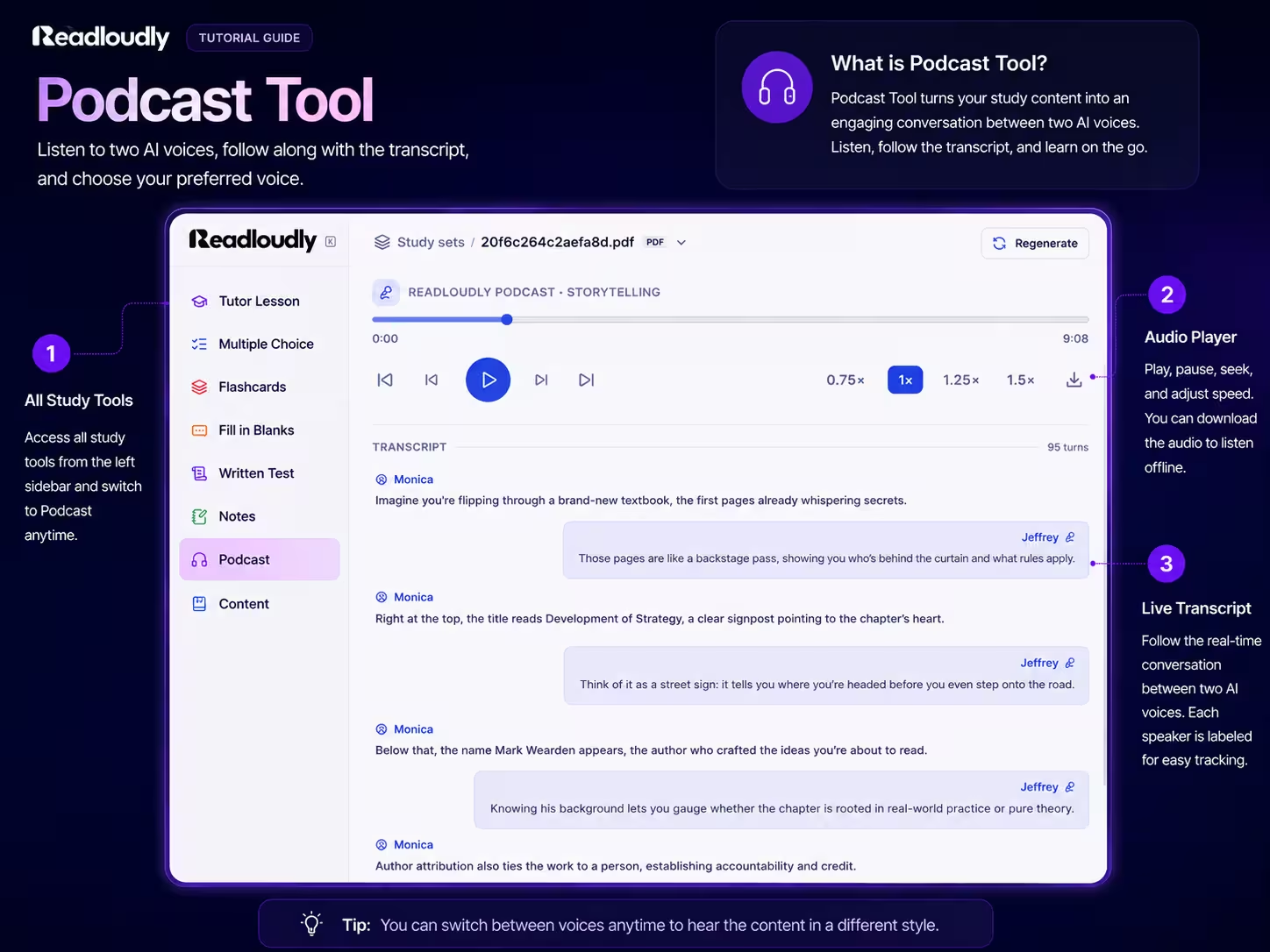
AI Study Podcast for Students
Your chapter as a two-host audio episode, with a transcript and an MP3 to take anywhere.
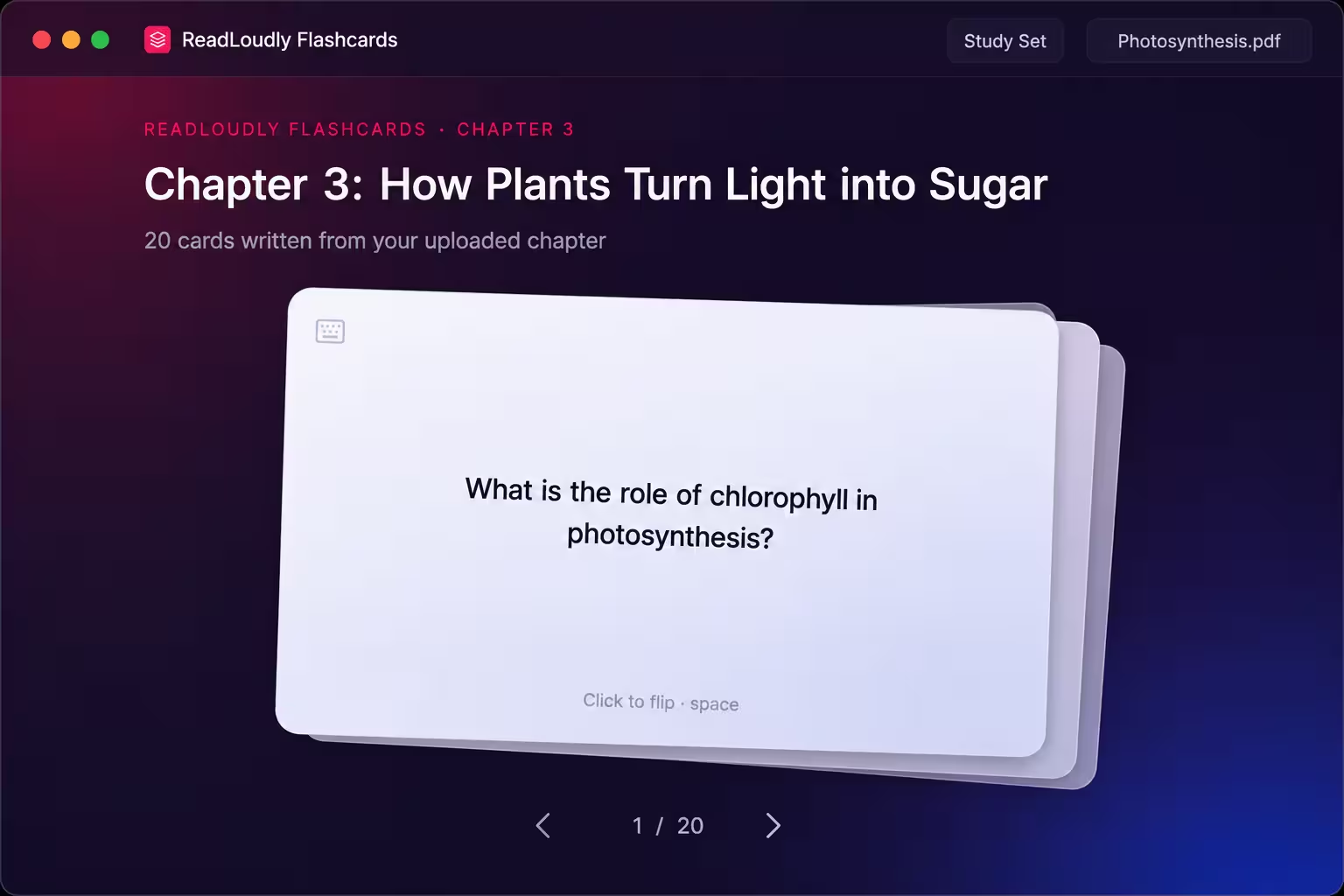
AI Flashcards for Students
Any PDF or chapter turned into a deck of front-and-back cards you flip with a click or the space bar.
AI Quiz Generator for Students
A multiple choice quiz written from your own chapter, with instant feedback and an explanation for every answer.
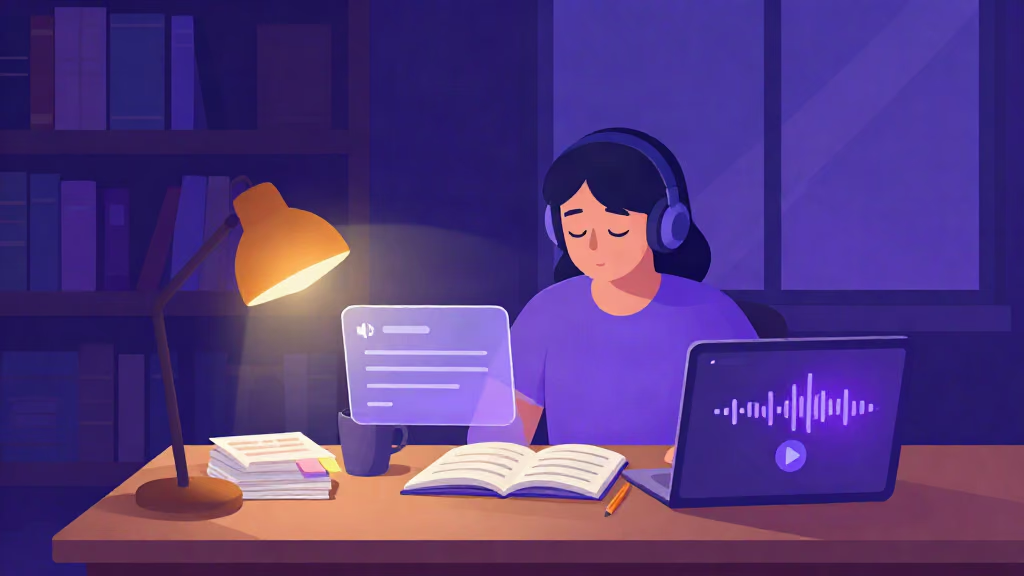
Listen to Your Course Reading
Turn lecture notes, chapters, and handouts into natural audio you can revise with anywhere.

AI Tools for Researchers
Summarize and listen to academic PDFs so a heavy reading list stops being a bottleneck.

Turn Story Books into Audiobooks
Give any story a consistent AI narrator and listen to it as a finished audiobook.
Frequently Asked Questions
Common questions about the examples and the tools behind them.
Each example is a walkthrough of one real job done with one ReadLoudly tool: the actual screens, the settings you can change, what is free, and what the tool will not do. They are written for the person doing that job, so a student, a researcher, and a novel reader each get their own page.
Most of them. The text to speech reader and the Study Hub tutor lesson, quiz, flashcards, fill in the blanks, and notes tools are on the free plan within a daily allowance. Written Test and Podcast need a paid plan, and paid plans raise the daily allowance and unlock the full voice library.
If you are studying from documents, the Study Hub overview shows all seven tools from one upload and a sensible order to use them in. If you just want something read aloud, start with the voice generator example or the text to speech page.
The product screens are real. Where a page shows a sample question or card in the text, it is labelled as a sample, and the illustrations on this hub and the newer examples are artwork, not screenshots.
An example shows what a tool does and where its limits are. A guide walks through how to do the whole job, with the study method behind it. The step-by-step guides in the sidebar pair with the quiz, flashcards, and podcast examples.

Start listening smarter today
Join 4M+ readers who've transformed how they consume content. Turn any document into an engaging audio experience in seconds.