
11 Reasons Why You Should Listen to Research Papers
Struggling to keep up with the latest research? Listening to academic papers can help you stay current, save time, and learn more efficiently.
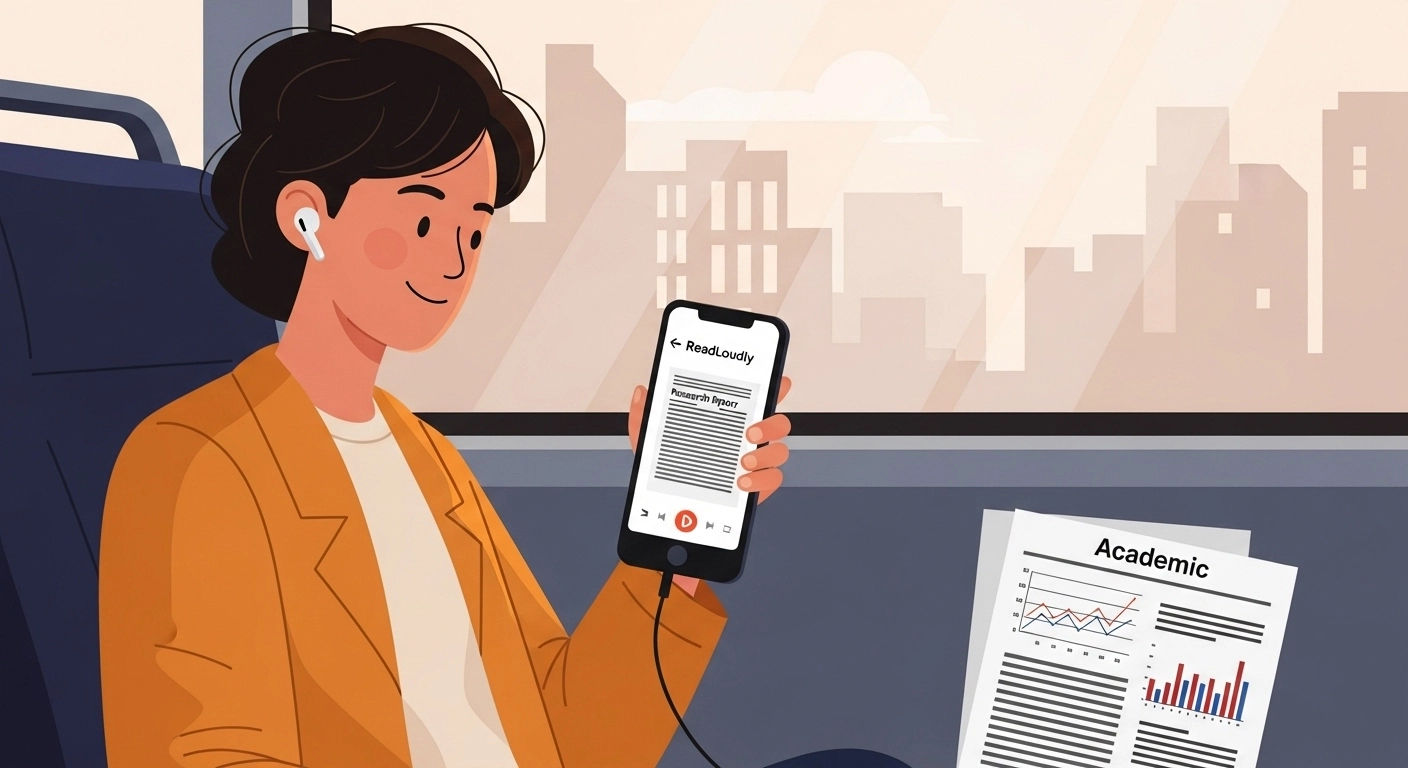
Struggling to keep up with the latest advancements in your field?
Feel like you're constantly behind on the newest discoveries and insights?
It can be overwhelming. Reading long, complex research papers takes a lot of time and effort.
But what if there was an easier way to digest this information?
Listening to research papers can change how much you get through.
It helps you stay current without the hassle of reading dense text.
In this article, we'll explore 11 reasons why you should listen to research papers today.
Get ready to learn more, faster, and more efficiently.
TL;DR
- Listen to research papers to save time and multitask.
- It helps you understand complex topics and stay updated.
- Text-to-speech tools make academic content more accessible.
- Listening is a great way to improve focus and memory.
- You can learn anywhere, anytime, with audio versions.
Why Listen to Academic Papers?
1. Save Time and Multitask Effectively
Reading academic papers takes a lot of time.
With text-to-speech apps, you can listen to them on the go.
I used to spend hours reading at my desk.
Now, I listen to scientific papers while driving to work or doing chores.
This allows me to absorb academic content without stopping my day.
It makes a real difference for anyone with a busy schedule.
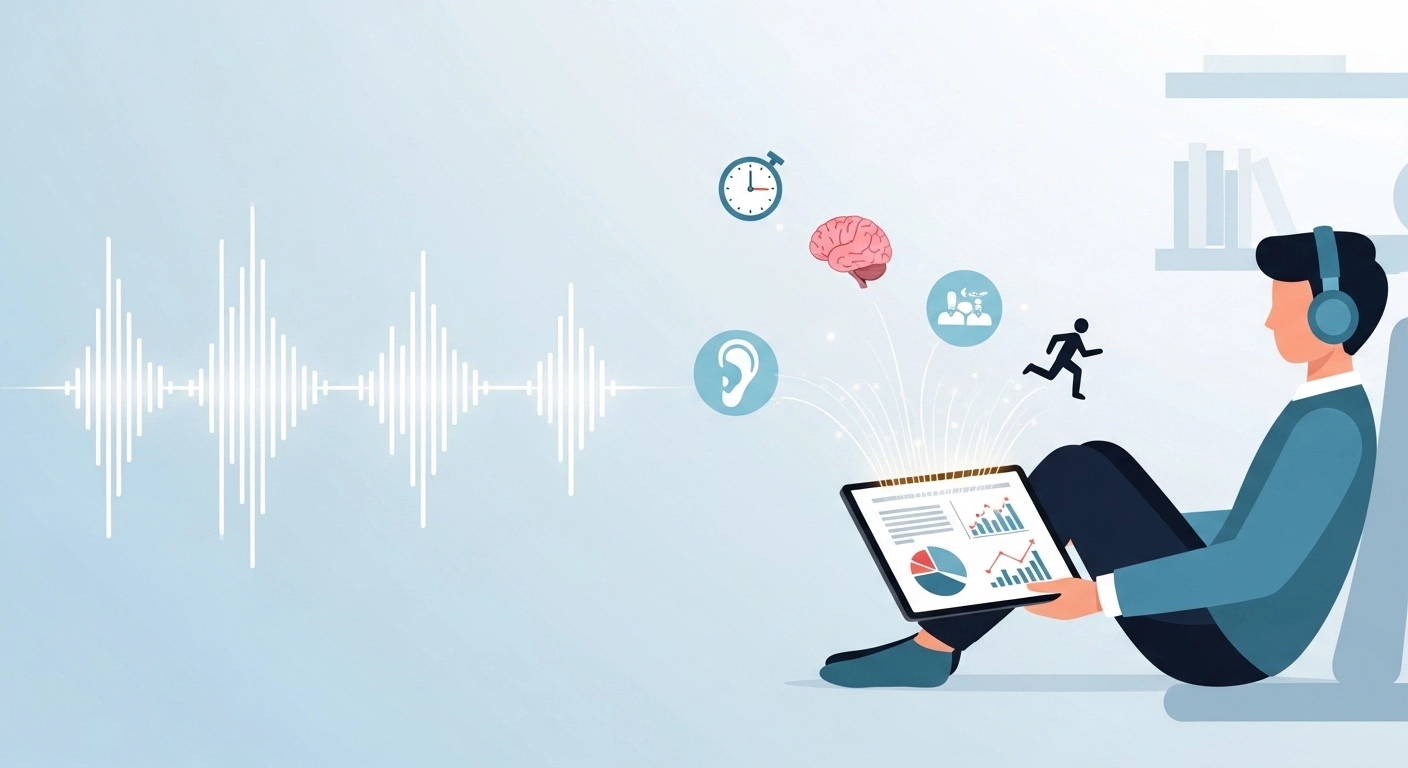
2. Improve Your Comprehension and Focus
Listening to academic articles can help you focus better.
When I'm tired, I often skip over important words when reading academic papers.
Hearing the audio form of the text forces me to pay attention to every detail.
It's an easy way to make sure I don't miss key points.
This is especially helpful with long, dense documents.
3. Overcome Reading Difficulties
For people with learning disabilities or other reading difficulties, text-to-speech is a huge help.
I have friends who find traditional reading very hard.
This new feature in many apps lets them access academic research just like anyone else.
It's a great tool for making learning more fair and accessible for everyone.
4. Enhance Accessibility for Visual Impairments
Text-to-speech is a lifeline for people with visual impairments.
It gives them full access to all academic papers and journal content.
They can simply upload a PDF, and the app reads it aloud.
This feature ensures that important knowledge is not locked behind a visual barrier.
This is a crucial step towards making academic content for everyone.
5. Make Use of Downtime
We all have a lot of downtime. Think about your commute or your gym time.
Instead of just listening to music, you can put that time to good use.
You can listen to academic papers while you work out or wait for a bus.
This transforms wasted moments into learning opportunities. It's a great way to stay ahead.
6. Easily Review Complex Content
Sometimes, complex content is hard to understand the first time.
Listening to a technical terms paper helps you get the main ideas.
Then, you can go back and read it later for more detail.
Using an app like ReadLoudly lets you quickly hear the full text, giving you a strong overview before you read the specifics.
7. Boost Proofreading and Writing
I often use text-to-speech software to check my writing.
When I hear my own words read aloud, I find mistakes I missed while reading.
It's an added bonus that helps me write better.
I can use a text-to-speech tool like ReadLoudly to listen to my documents before I submit them.
It's a simple way to improve my work.
8. Access Content from Various Sources
You aren't limited to just a PDF.
Many text-to-speech tools can read from web pages, Google Docs, and other documents.
This means you can listen to a huge range of academic articles.
You can even use your Google Assistant to hear audio files you've saved.
This flexibility makes it a powerful app for any researcher.
9. Stay Updated with Minimal Effort
Staying current in a fast-paced field like computer science is tough.
Instead of always reading papers, you can listen to audio versions.
You can also use a reference manager to keep all your academic research in one place.
This makes it easy to switch between notes and listening, so you never fall behind.
10. Better Engagement and Memory Retention
Learning through two senses — both seeing and hearing — is very effective.
When you read aloud using a text-to-speech tool, it can help you remember things better.
The combination of visual and audio playback can make complex content stick in your brain.
This helps me remember important citations and ideas from the papers I listen to.
11. Skip the Boring Parts
Not every part of a paper is useful to you.
You can often skip the boring sections like citations or the math and tables if they're not what you're looking for.
With tools like Adobe Acrobat or other text to speech apps, you can easily jump to the important sections.
For example, with ReadLoudly you can jump to a page and listen from there, so you can focus on the most interesting parts of the academic research.
What Should You Expect From Audio on a Real Paper?
Expect a clear read of the argument and a rougher read of the details. A research PDF is built for the eye, and a voice reads text in the order the file stores it, which is not always the order a person would follow.
- Two-column layouts: depending on how the PDF was made, a voice can run across both columns and stitch half-sentences together.
- Equations and symbols: notation has no natural spoken form, so a formula often comes out as a string of letters or gets skipped.
- Reference lists and in-text citations: a long bracketed list of authors and years interrupts the sentence when it is read in full.
- Figures and tables: a caption or a block of numbers is read out of context, and the picture itself cannot be heard at all.
Each of these has a specific fix. The full breakdown is in the five PDF audio faults and how to fix each one.
None of this makes listening pointless. It tells you where audio fits: prose that carries an idea. For anything that lives in a chart or a formula, you still need to look.
Which Parts of a Paper Are Worth Hearing?
The abstract, introduction, discussion and conclusion are the best candidates, because they are written as plain argument. That is where authors explain why the question matters, what they found and what it means.
The methods and results sections are a mixed case. Listen to the first pass to get the shape of the study, then read the tables and figures with your eyes. The reference list is usually the part to skip.
Used this way, audio becomes a filter. Ten minutes of listening tells you whether a paper deserves a careful read, and many papers never need more than that.
What Free Tools Can You Try Today?
Start with what is already on your devices, because it costs nothing and shows you whether listening suits you.
- Microsoft Edge has a Read aloud mode that reads the text of a webpage, which works for papers published as web pages.
- Chrome's Reading mode reads a page aloud on a computer with Google natural voices, though Google says it does not work on every site or format.
- On an iPhone or iPad, Spoken Content offers Speak Selection and Speak Screen with an adjustable speaking rate.
- On Android, Select to Speak can keep reading in the background while you use other apps.
These tools read pages and selections well. A 30-page PDF with two columns and a reference list is a heavier job, which is where an upload-based reader helps.
What About Scanned or Older Papers?
Older articles are often scans, and a scan is a picture of a page with no text for a voice to read. To check, try selecting a sentence in the PDF. If nothing highlights, the page needs OCR first.
Google Drive can do this for free: open the file with Google Docs. Google's limit is 2 MB per file, and columns, lists, tables and footnotes are not likely to be detected, which matters for papers. ReadLoudly includes OCR on the free plan and processes scanned pages 10 pages at a time. Our guide to scanning a book and having it read to you covers capture tips that also apply to a photocopied article.
How Does ReadLoudly Handle a Paper?
Upload the PDF, up to 50 MB, with or without an account, and press play.
- The free plan reads with your device's own voices and uses no credits.
- Documents are processed 10 pages at a time, and you load the next 10 when you want them. A long paper or a thesis chapter simply takes more than one batch.
- Guest files are kept for about 24 hours. With an account, a document is kept for 30 days after you last open it.
- The free plan shows ads, and paid plans process whole documents.
If you are weighing tools, our comparison of free text-to-speech limits shows what each free option really allows.
A Light Routine for Keeping Up With a Field
The goal is not to hear every paper in full. It is to decide quickly which ones matter.
- Collect the week's papers in one folder instead of opening them one by one.
- Listen to the abstract and introduction of each during a commute or a walk.
- Mark the two or three that are relevant to your work.
- Sit down later with those, and read the methods and results on screen.
This keeps listening in the role where it is strongest, which is covering ground, and leaves the careful reading for the papers that earn it.
Why Is It Smart for Students to Listen to Research Papers?
Staying on top of your studies at a university can be a real challenge.
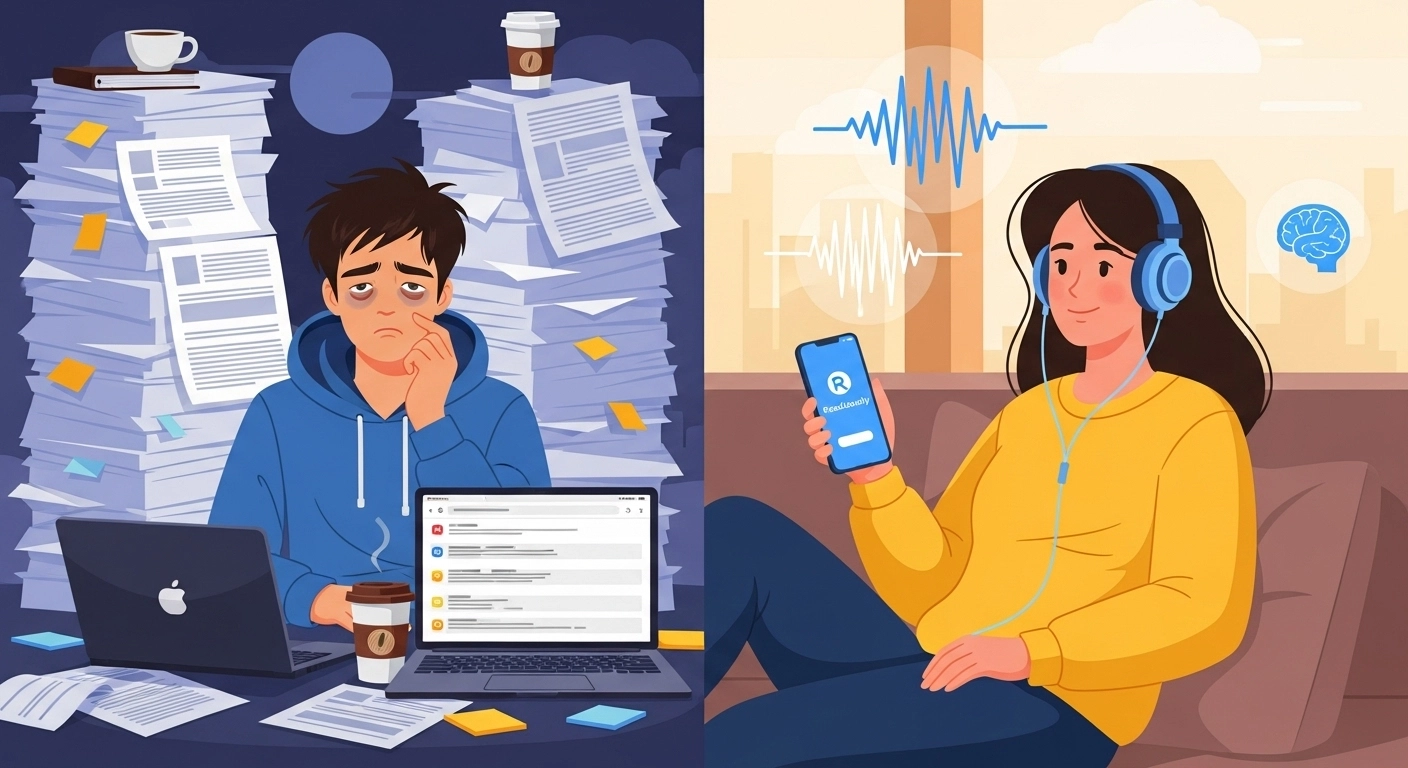
You have to read so much, and finding the time is tough.
But what if there was an easier way?
You can use text-to-speech apps to listen to academic work.
These tools are a huge help for students who need to manage their time better.
You can use an app like Natural Reader or even voice assistants to read documents for you.
You can upload PDFs of papers and listen while you commute or work out.
You can also take notes while you listen, which helps with studying.
It's an easy way to download information into your brain without having to stare at a screen for hours.
These apps are often available on Google Play and other stores, and many even offer great support for their users.
Final Thoughts
Listening to research papers is a powerful new tool.
It's for anyone who wants to learn more. This isn't about getting rid of traditional reading.
It's about adding a new choice. Are you a busy pro? A student?
Do you have reading difficulties? Text to speech apps can help you.
They give you a flexible way to learn. You can use your dead time to learn something new.
Listen on your commute. Listen during a workout.
Listen while you do chores. This simple change can help you stay current in your field.
You can learn new things without reading all those pages.
Try out an app like ReadLoudly.
It's a simple way to make learning easier and more enjoyable.