

Worksheet Generator
A printable handout from any reading
Upload the reading you are teaching. ReadLoudly builds a worksheet of up to four sections: a short passage, multiple-choice questions, fill in the blanks and written questions, with a student copy and an answer key.
Free account, no card needed. Upload now, then sign up free to open it in the hub.
Example Made from this short text:
Plants make their own food through photosynthesis. Inside each leaf cell, chloroplasts hold a green pigment called chlorophyll, which absorbs sunlight. In the light-dependent reactions, that energy splits water and releases oxygen into the air. In the Calvin cycle, the plant then uses carbon dioxide from the air to build glucose, a sugar it can store or burn for energy.
Section A: Multiple choice
1. Where in a leaf cell does photosynthesis take place?
A. Mitochondria B. Chloroplasts C. Nucleus D. Cell wall
Section B: Fill in the blanks
- 2. Chloroplasts hold a green pigment called ___.
- 3. In the Calvin cycle, the plant uses ___ from the air to build glucose.
Section C: Written question
4. Explain where the oxygen released by a plant comes from.
Show the answer key
- 1. B. Chloroplasts
- 2. chlorophyll
- 3. carbon dioxide
- 4. From water, which is split by light energy in the light-dependent reactions.
Popular Tools
All-in-one PDF reader and document tools to read, convert, compress, scan, and manage files online—fast, secure, and easy to use.
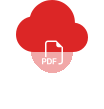









How to use Worksheet Generator
Three steps, all in your browser, with a free ReadLoudly account.
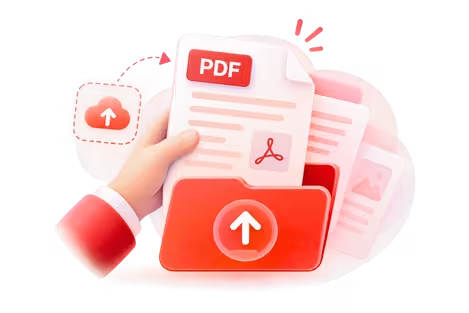
Upload the reading
PDF, Word (DOCX), EPUB or PowerPoint (PPTX). The worksheet is built from a tutor lesson of the document; if there is none yet, one click makes it.
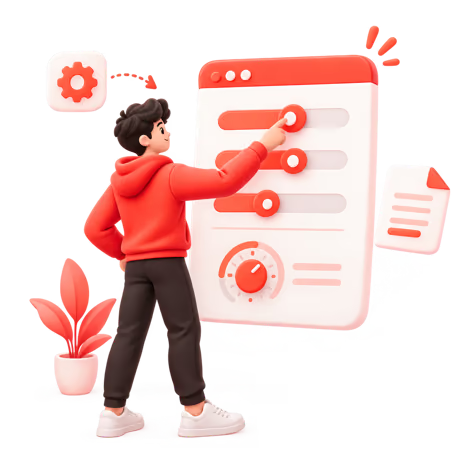
Choose the sections
Up to four of passage, multiple choice, fill in the blanks and written questions, with 3, 5, 10 or 15 items each.
Print or share
Print a student copy and an answer key, export to PDF or Word, or share a link with the answers hidden.
What is a worksheet generator?
A worksheet generator builds a classroom handout for you. ReadLoudly makes one from your own reading: you choose up to four sections, the grade and reading level and how hard it should be, and it writes the passage and the questions, with an answer key kept separate from the student copy.
Grade and reading level
Pick a grade from Kindergarten to Grade 12, University or Adult, and set the difficulty to Easy, Medium, Hard or Mixed.
Student copy and answer key
Print or export the worksheet without answers for the class, and with answers for you.
Your standards
Add the learning standards or goals you are working towards, and the questions follow them.
Part of a document
Build it from the whole document, chosen chapters, or up to 30 pages.
Fill in the blanks on their own
Need just a cloze exercise? Make 5 to 20 sentences from the reading, each with one word taken out and an optional hint. Fill in the blank generator
Vocabulary lists
Pull 10 to 40 key terms from the reading, each with its part of speech, a definition and an example sentence, in a full copy or a student copy. Vocabulary list generator
Only need the questions?
Make open comprehension questions with sample answers for marking. Comprehension Question Generator
Further reading: How to study with AI without skipping the learning. See every tool on Teacher Tools.
Listen With Voices That Feel Real



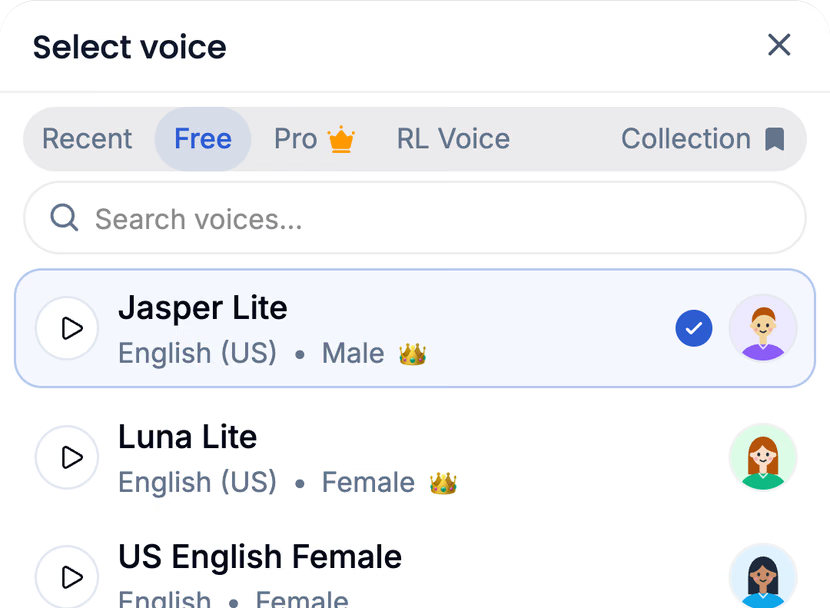



With ReadLoudly.com, you can easily upload any PDF document and read.
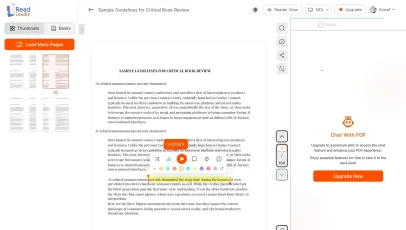
Once you're done reading or listening to a document, you can easily share.

Share with Ease
Once you're done reading or listening you can easily share.

Multilingual AI Chat
Chat with PDFs, adjust voice, and translate to your language.

No Downloads Required
You don't need to download any software or plugins to use.
Frequently Asked Questions
Everything you need to know about Worksheet Generator.
Up to four sections, in the order you choose: a reading passage of about 150 to 400 words, multiple choice, fill in the blanks and written questions. Each question section has 3, 5, 10 or 15 items.
The worksheet is written from the lesson ReadLoudly makes of your document, which keeps it in order and on topic. If the document has no lesson yet, the worksheet page makes one with one click.
Yes. Print a student copy or an answer key, or export either to PDF or Word.
Share a link and students see the worksheet with the answers hidden.
Yes. Worksheets are part of the free plan. Only Teacher Hub podcasts need a paid plan.
You upload the whole document once instead of pasting it into a chat. ReadLoudly keeps it as a study set, makes every tool from that one file, and can read the document itself aloud in 1,200+ voices.
PDF, Word (DOCX), EPUB or PowerPoint (PPTX), with real text in it. Scanned or photo-only PDFs will not work.

Start listening smarter today
Join 4M+ readers who've transformed how they consume content. Turn any document into an engaging audio experience in seconds.