

Text to Podcast
Turn Any Text into a Two-Host Podcast
Paste up to 10,000 characters of notes, an article or a chapter. ReadLoudly writes the conversation and records it with two AI voices, ready to play or download.
More Ways to Turn Text into Audio
Tools and guides for plain text — paste it, type it, open a .txt file, or turn notes and scripts into audio you can take with you.
How to use Text to Podcast
Three steps, all in your browser. Text you paste here opens in ReadLoudly Studio.
Paste your text
Notes, an article, a book chapter or a lesson. Up to 10,000 characters a run.
Pick a format and length
A conversation, an interview or a solo episode, 5, 10 or 20 minutes long.
Listen or download
The hosts' voices are recorded for you. Play the episode in Studio or save it.
What is text to podcast?
Text to podcast turns written text into a spoken episode. You paste notes, an article or a chapter, ReadLoudly writes a conversation about it and two AI hosts record it, so you can listen instead of reading. A full podcast runs 5, 10 or 20 minutes; a short script runs 1, 3 or 5.
Write a podcast script first
Want to edit the words before anything is recorded? Script mode writes a 1, 3 or 5 minute script as an explainer, an interview or a debate between Maya, Leo and Priya. Change any line, then have each speaker read it in their own voice. Open the script writer
Podcasts from your study files
In the Study Hub, upload a PDF or your lecture notes and turn them into a revision podcast you can play on the bus. Part of the paid plans. Try it in the Study Hub
Podcasts for your class
Teachers can turn a lesson into a podcast in the Teacher Hub and share it with a class. Part of the paid plans. Open the Teacher Hub
Just want it read out as written?
Skip the hosts and hear your text exactly as you wrote it, word by word, with no sign-up needed. Text to Speech
Listen With Voices That Feel Real



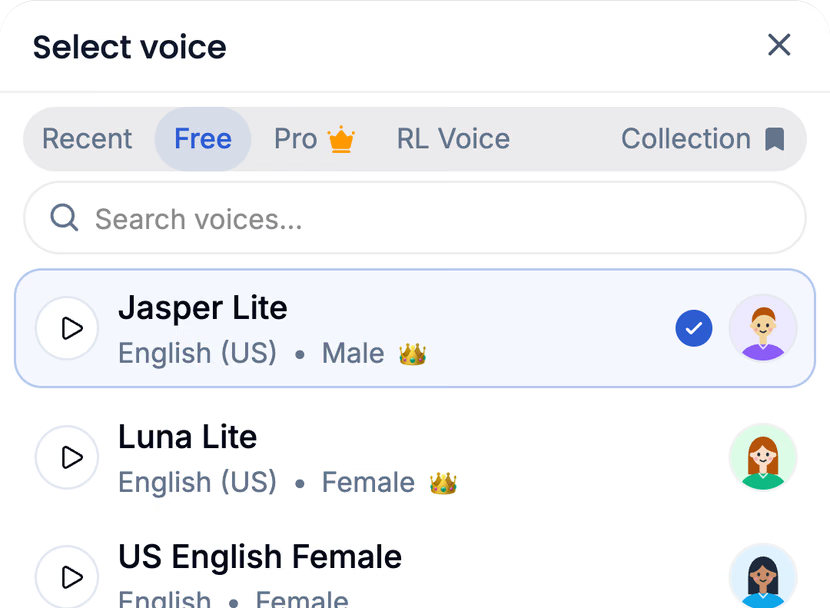



With ReadLoudly.com, you can paste any text and hear it read aloud, word by word.
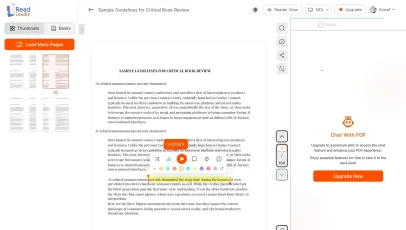
Once you're done reading or listening to a document, you can easily share.
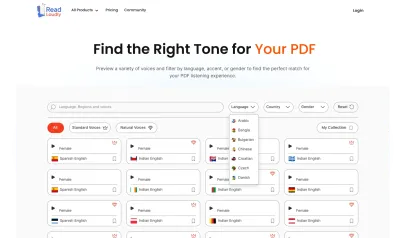

Share with Ease
Once you're done reading or listening you can easily share.

Multilingual AI Chat
Chat with your text, adjust the voice, and translate to your language.

No Downloads Required
You don't need to download any software or plugins to use.
Similar Readers
Looking for alternatives? Check out these tools to suit your needs.
Frequently Asked Questions
Everything you need to know about Text to Podcast.
Any text you can paste: class notes, an article, a report, a book chapter or a lesson plan. One run takes up to 10,000 characters.
A conversation or an interview has two hosts. A solo episode has one. Script mode can give lines to Maya, Leo and Priya.
You choose 5, 10 or 20 minutes for a full podcast, or 1, 3 or 5 minutes for a script.
Yes. Use script mode, edit any line, then have it read aloud.
Yes. ReadLoudly has 1,200+ voices in 40+ languages. Paste your text in the language you want to hear.
You need a free ReadLoudly account. Each run uses credits for what comes back: 1 credit per 40 characters. A run that fails costs nothing.
Read more on the blog
Guides and comparisons from the ReadLoudly blog on getting more out of listening to your documents.


Start listening smarter today
Join 4M+ readers who've transformed how they consume content. Turn any document into an engaging audio experience in seconds.