
Financial Freedom for Students: How ReadLoudly Saves You Hundreds Every Semester
Higher education is becoming increasingly expensive. Discover how ReadLoudly replaces multiple paid subscriptions with one free AI platform.
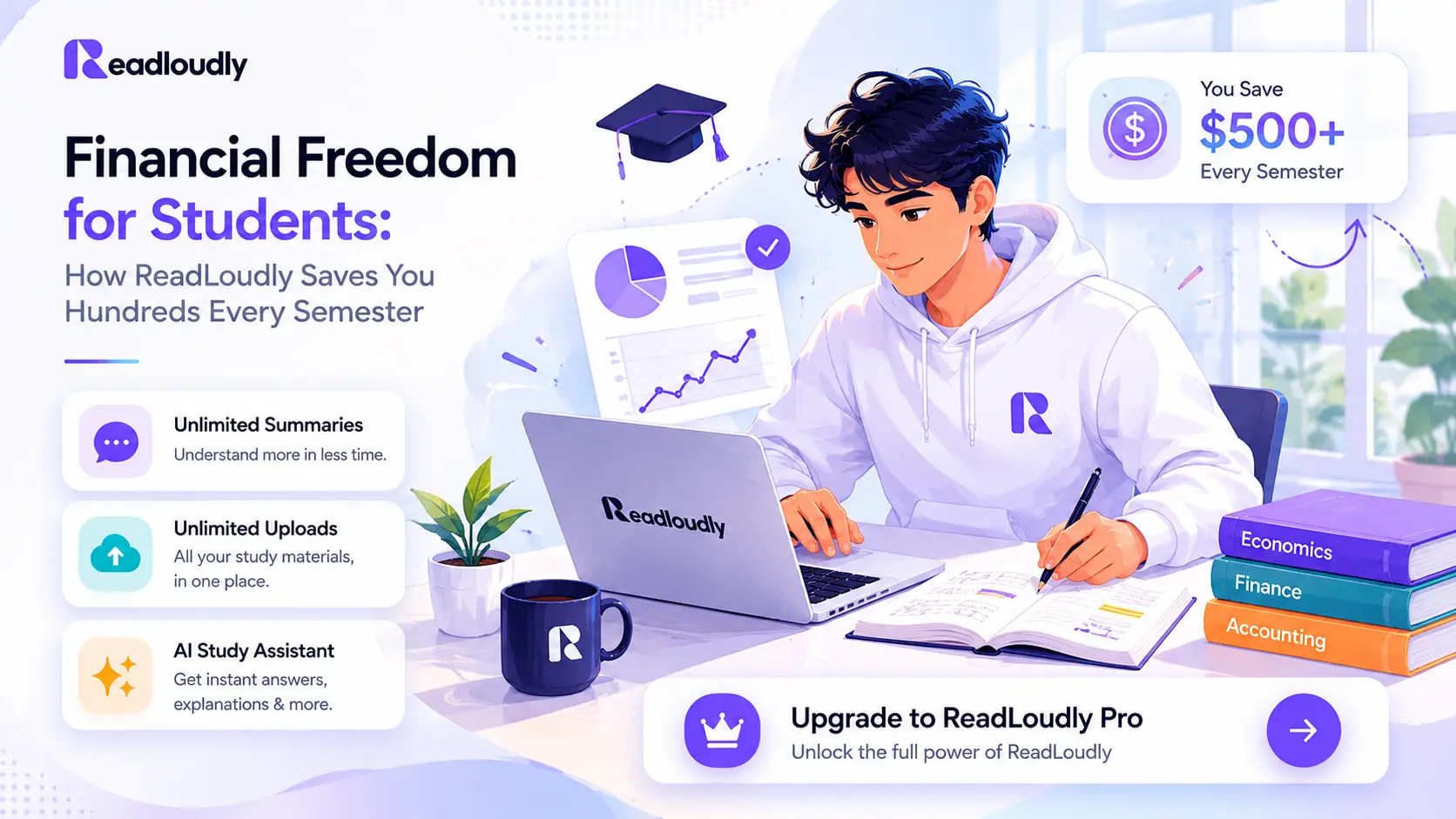
Higher education is becoming increasingly expensive, with hidden costs hiding behind every required reading list.
From textbook audio upgrades to specialized transcription services, students are often forced to pay for accessibility and efficiency.
ReadLoudly is changing that narrative by providing high-end AI audio tools for free.
Quick Answer: How Exactly Does ReadLoudly Save Money?
By consolidating multiple expensive subscriptions into one powerful, free AI platform, students can eliminate monthly overhead for niche study tools. Here's a breakdown:
- Free Audiobook Conversion: No more paying $15/month for Audible or $20 per textbook audio upgrade.
- Unlimited Voice Options: Access premium AI voices that usually sit behind paywalls in other TTS apps.
- OCR Scanning Included: Convert scanned PDFs and images to text without a separate $99/year subscription.
Average Annual Cost Comparison
| Tool Category | Common Paid Option | Avg. Annual Cost |
|---|---|---|
| Text-to-Speech (Pro) | Speechify Premium | $139.00 |
| Audiobook Services | Audible Subscription | $179.40 |
| OCR & PDF Tools | Adobe Acrobat Pro | $239.88 |
| ReadLoudly All-In-One | ReadLoudly AI | $0.00 (Free Tier) |
What ReadLoudly Replaces for Free
Most students juggle three or four different apps to get through their weekly readings. ReadLoudly combines these workflows into a single interface, eliminating the need for complex app-switching and redundant payments.
1. Academic Transcription
Replaces premium Otter.ai or Rev for lecture notes.
2. Premium Text-to-Speech Apps
Replaces costly annual licenses for high-end narrators and natural voice synthesis. Try our text-to-speech tool for free.
3. PDF Tools: Compress, Merge, Split, and Convert
You no longer need a dedicated PDF editor subscription for the basics. ReadLoudly handles the entire document lifecycle:
- Merge multiple PDF chapters into one cohesive audiobook.
- Extract specific pages from a 500-page textbook to focus on what matters.
- Convert Word docs or web articles into study-ready PDFs instantly.
4. eBook Readers and Converters
Switching between Kindle, Nook, and standard PDF readers is a hassle. Our unified eBook reader supports:
- EPUB to audio conversion for fiction and non-fiction eBooks.
- Responsive reading layouts that adapt to any device size.
- Offline reading and listening synchronization.
5. Scanned Document OCR
Old handouts and library scans are often just images. ReadLoudly's built-in OCR reader turns these dead files into living, searchable text that can be narrated to you while you take notes.
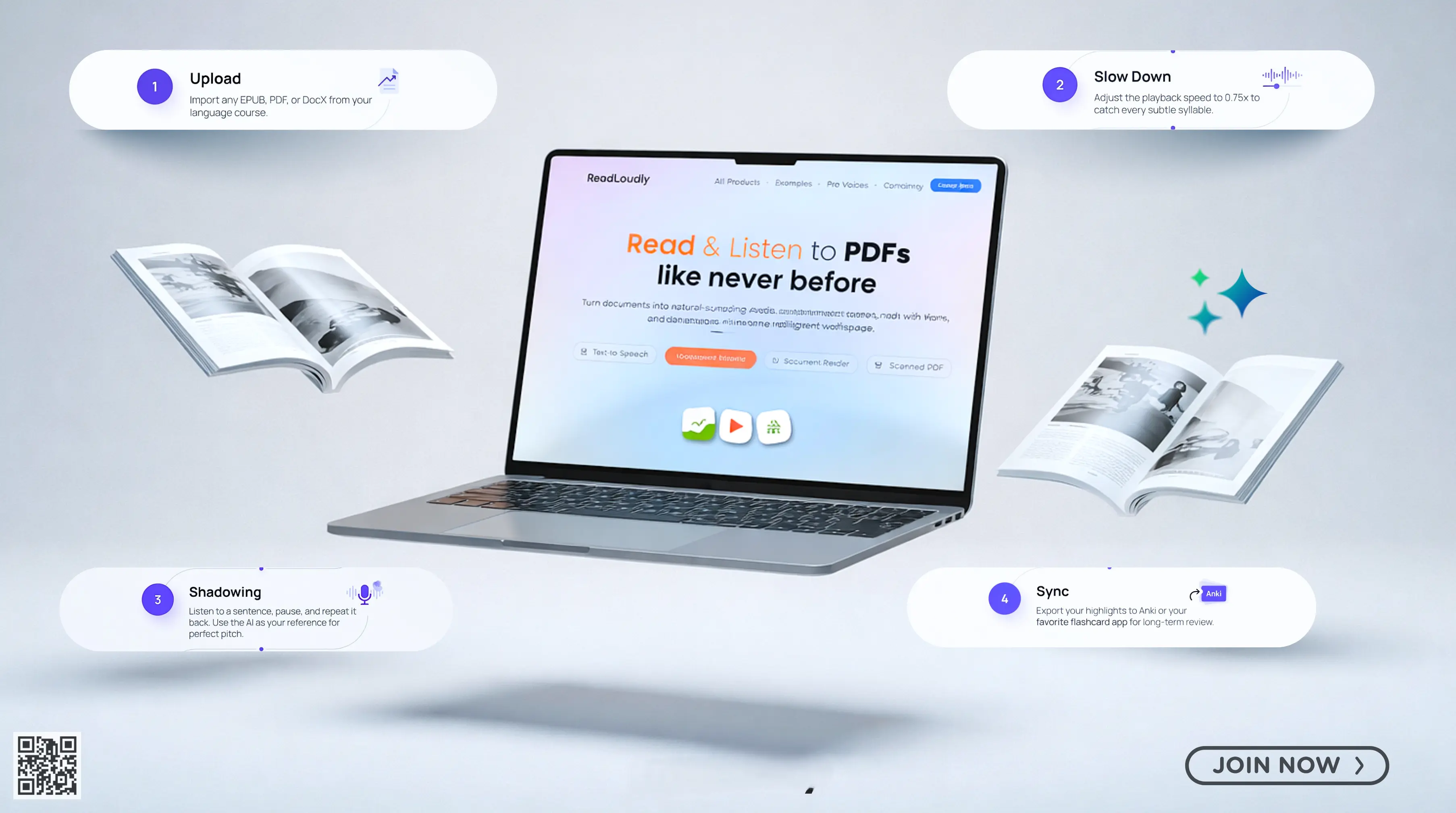
How to Build a Full Study System With ReadLoudly for Free
Integration is the key to productivity. Here is how a typical high-achieving student utilizes ReadLoudly throughout a standard day.
Morning: Commute Review
While walking to class or riding the bus, listen to a 10-minute recap of last night's reading. Use the "Summarize" feature to highlight key themes before you even step into the lecture hall.
Before Class: Preview the Chapter
Quickly scan the headers and bold terms of your upcoming chapter. Use ReadLoudly to read these out loud, helping your brain build a mental scaffold for the new information coming your way.
During Study Sessions
Turn on "Dual Mode" — read along with the AI narrator. This bimodal learning approach significantly increases retention and focus, especially during long, complex research papers.
Before an Exam
Convert your own study guides and class notes into an audio playlist. Listening to your own concepts explained back to you is a powerful reinforcement tool.
Dealing with Scanned Handouts
Snap a photo of any physical handout provided in class. Upload it to ReadLoudly, let the OCR work its magic, and instantly have a digital, narrated version of the paper.
Real Student Scenarios: The Money You Keep
See how students across different disciplines are reclaiming their budgets.
- Maya, Law Student: "I was spending $40/month on various PDF and TTS tools to keep up with case law. Switching to ReadLoudly paid for my grocery bill for a full week." SAVED: $480 / Year
- Daniel, STEM Major: "I use the OCR feature for my lab manuals. It saves me from retyping data and keeps everything organized in one place for free." SAVED: $150 / Year
- Priya, Literature Student: "Audible didn't have half of my required classic readings. ReadLoudly lets me listen to any public domain EPUB with premium voices." SAVED: $180 / Year
- Kwame, Part-time Master's: "Working full-time while studying is hard. ReadLoudly turns my downtime into study time without another monthly bill." SAVED: $220 / Year
The Hidden Saving: Time Is Money Too
Beyond the hundreds of dollars saved on subscriptions, the true value of ReadLoudly lies in the hours it returns to you.
By making your study sessions more efficient and your commute productive, you're gaining time — the most valuable currency of all.
Start your journey toward financial and academic freedom today by uploading your first document to ReadLoudly.
Comparison: ReadLoudly Free vs. Paid Alternatives
| Feature | ReadLoudly Free | Speechify ($139/yr) | Audible ($164/yr) | Adobe Acrobat ($180/yr) |
|---|---|---|---|---|
| Natural AI Voices | ||||
| PDF Editing & Merging | ||||
| Scanned Image OCR | ||||
| Cross-Device Sync |
Tips for Maximizing ReadLoudly as a Student
- Use the AI voice generator workflow. ReadLoudly's AI voice generator reads any file aloud, and the Listen to Your Course Reading example shows exactly how to structure your academic reading system from week one.
- Choose one voice and keep it. Switching voices between subjects creates unnecessary cognitive friction. Pick a clear, natural voice you like and stick with it for your semester.
- Batch your uploads. At the start of each week, upload all your assigned readings at once. Having them ready in your dashboard means zero friction when it is time to listen.
- Use speed strategically. 1.5x for previewing and reviewing, 1.0x or slower for difficult material you need to understand deeply. Not all content deserves the same pace.
- Pair with Notes to Audio. After each lecture, type a short bullet summary of what you learned, export it as a text file, and upload it to Notes to Audio. Listen back at the end of the week to reinforce memory before it fades.
- Share with classmates. ReadLoudly is free for everyone. Share it with study groups so you can discuss content you all listened to — not just content some people managed to read.
Mistakes Students Make (and How to Avoid Them)
- Paying for tools they do not need. Many students reflexively subscribe to productivity apps without checking whether a free alternative exists. ReadLoudly covers most document and audio use cases before you need to spend anything.
- Not using OCR on scanned handouts. Professors often share scanned PDFs. Without OCR, they are just images. Always upload scanned files to Read Scanned PDF first.
- Listening passively without notes. Audio alone does not guarantee retention. The best student listeners pause regularly, jot key points, and revisit flagged moments before exams.
- Ignoring the full tool suite. Most students discover ReadLoudly through TTS and never explore the compression, merging, conversion, and OCR tools. Those tools alone replace $100+ in annual software costs.
What the Future Looks Like for Student Study Tools
The cost of study tools is dropping fast. AI is automating capabilities that used to require expensive software licenses.
In 2026, a student with the right free tools has access to more academic support than a student with a $1,000 software budget ten years ago.
ReadLoudly's growing student segment uses the platform precisely because it treats accessibility as a baseline, not a premium feature.
As AI voice quality improves and more document formats are supported, the gap between free and paid academic tools will continue to narrow.
The students who adapt fastest to audio-first learning workflows will not just save money — they will cover more material, retain it longer, and build a sustainable study habit that outlasts any single course.
Conclusion: Your Tuition Is the Expensive Part. Your Study Tools Should Not Be.
You are already paying for an education. The tools you use to absorb that education should not add hundreds more to the bill.
ReadLoudly gives students a complete document-listening system — text to speech, PDF tools, eBook readers, OCR, format converters, and audio export — starting completely free. No credit card, no trial period, no hidden fees.
Sign up in 30 seconds. Upload your first course document. Start listening.
Financial freedom starts with refusing to pay twice for things you already own.
Frequently Asked Questions
Everything you need to know about using ReadLoudly as a student.
Is ReadLoudly really free for students?
Yes. ReadLoudly has a free tier with no credit card required. You can upload documents, listen with AI voices, use PDF tools, and read eBooks without spending anything. Paid plans unlock additional premium voices and advanced features.
Can I use ReadLoudly for textbooks and academic papers?
Yes. Upload any textbook PDF, research paper, or lecture notes file and ReadLoudly will read it aloud with a natural AI voice. For scanned documents, use the built-in OCR feature.
How is ReadLoudly different from Speechify?
Both tools offer document-to-speech functionality. ReadLoudly additionally includes PDF tools (compress, merge, split), eBook readers, format converters, and OCR — all in one platform, starting free.
Can I listen offline?
ReadLoudly is primarily browser-based with streaming. Use Notes to Audio to export content as an audio file for offline playback.
Does ReadLoudly support multiple languages?
Yes. ReadLoudly supports dozens of languages with native-speaker AI voices — useful for language courses or students studying in a second language.
How many documents can I upload on the free plan?
Check ReadLoudly's pricing page for current free tier limits, as these may be updated regularly.
Is ReadLoudly safe for academic documents?
ReadLoudly processes documents with privacy-first handling. Always review the Privacy Policy before uploading sensitive or proprietary academic work.