
ReadLoudly vs ElevenLabs: Which AI Voice Is Best in 2026?
Comparing two popular AI voice tools to help you decide which one fits your needs in 2026 — for documents, content creation, and accessibility.
Do you create content and need a voice?
AI voices are changing how we make videos, podcasts, and more!
But with so many choices, it can be tough to pick the best one.
You might be feeling confused about which tool fits your needs.
This article will help you out.
We will compare ReadLoudly vs ElevenLabs, two popular AI voice tools to help you decide which one wins in 2026.
Looking for more options? See ElevenLabs alternatives.
By the end, you'll know which one is better for you.
Ready to find your perfect AI voice? Let's get started!
Overview
We put ReadLoudly and ElevenLabs to the test.
We checked how well they turn text into speech.
We examined how easy they are to use, the voices they offer, and their unique features.
This helped us see which one is better for different needs.
| Feature | ReadLoudly | ElevenLabs |
|---|---|---|
| PDF to Speech | Yes | Yes |
| E-book to Flipbook | Yes | No |
| Chat with PDF (AI) | Yes | No |
| Voice Cloning | No | Yes |
| Languages | 40+ | 70+ |
| Free Plan | Yes | Yes |
| Paid Plans from | $5/month | $6/month |
What is ReadLoudly?
ReadLoudly is a cool tool that helps you listen to text instead of reading it.
Imagine having a friendly voice read your documents to you!
It's extremely helpful for busy individuals or anyone who learns more effectively by listening.
You can upload PDFs, e-books, and even chat with your documents.
It makes reading easy and lets you do other things at the same time.
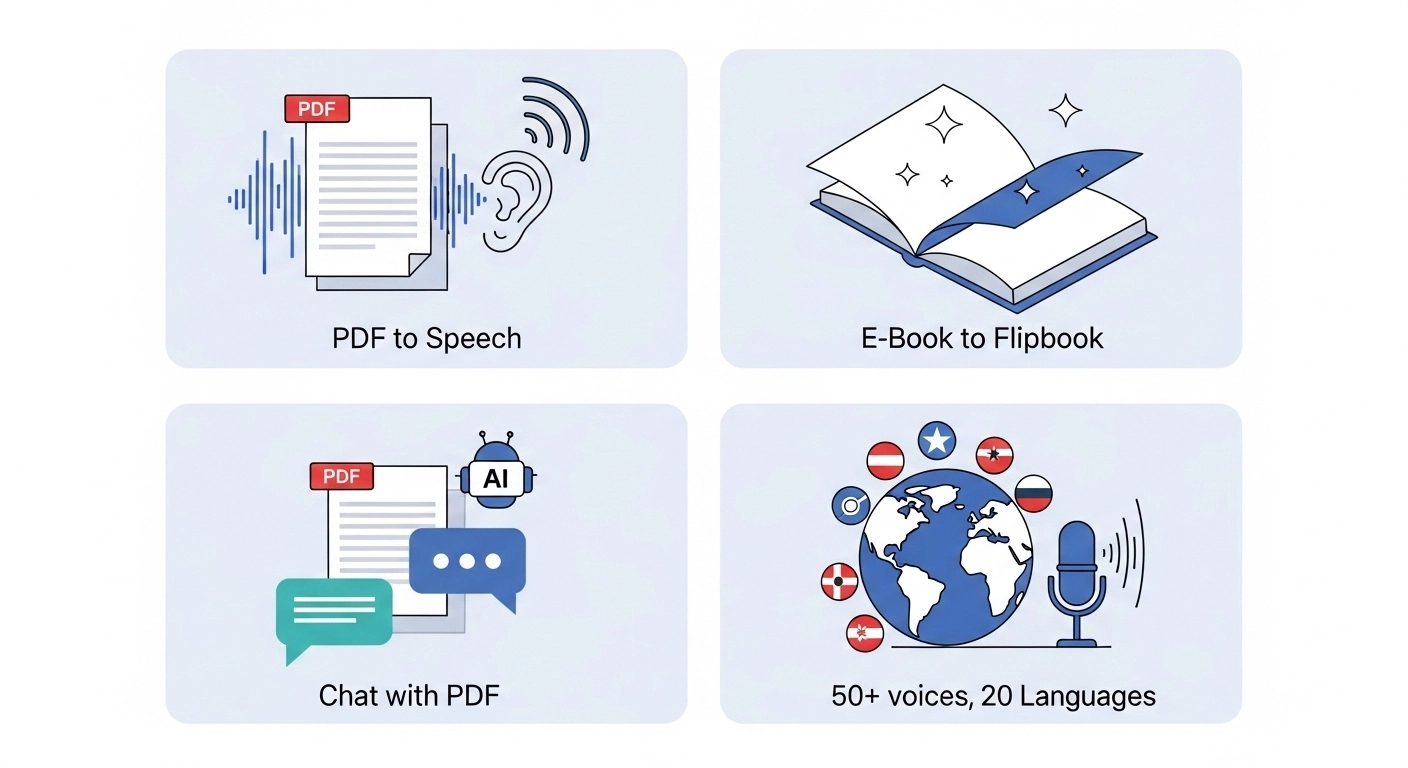
Key Benefits of ReadLoudly
- PDF to Speech Conversion: Easily turn your PDF files into spoken audio.
- E-book to Flipbook: Transforms your e-books into interactive flipbooks, making them more engaging.
- Chat with PDF (AI Assistant): Ask questions about your PDF, and an AI assistant will help you find answers.
- Supports 1,200+ premium AI voices across 40+ languages, plus the free voices your own device provides.
- Used by over 1,100 users.
ReadLoudly Pricing
ReadLoudly offers different plans to fit your needs. You can start with a free plan to try it out.
- Free Plan: Uses the voices your own device provides, so it spends no credits. It processes documents 10 pages at a time (you can load the next 10), takes uploads up to 50 MB with or without an account, and includes OCR. It shows ads.
- Core Plan: Starts at $5/month (or $50/year). 100K voice credits, about 9.6 hours of standard voice or 2.4 hours of natural voice.
- Plus Plan: Starts at $10/month (or $100/year). 200K credits, about 19 hours or 4.8 hours.
- Pro Plan: Starts at $19/month (or $190/year). 400K credits, about 38 hours or 9.6 hours.
Paid plans process the whole document at once, and the maximum upload grows to 200, 350 and 500 MB. Ads are removed on paid plans.
ReadLoudly Pros & Cons
- Pros: Converts text easily. Supports many document types. Makes reading less tiring. Offers interactive flipbooks.
- Cons: Free voices can sound robotic. Not on all platforms. Needs premium for full features.
What is ElevenLabs?
ElevenLabs is like a magic wand for voices.
It turns your written words into super-realistic speech.
People use it for everything from audiobooks to video voiceovers.
It's known for creating AI voices that sound remarkably natural, almost as if a real person is speaking.
You can even make the voice show different feelings!
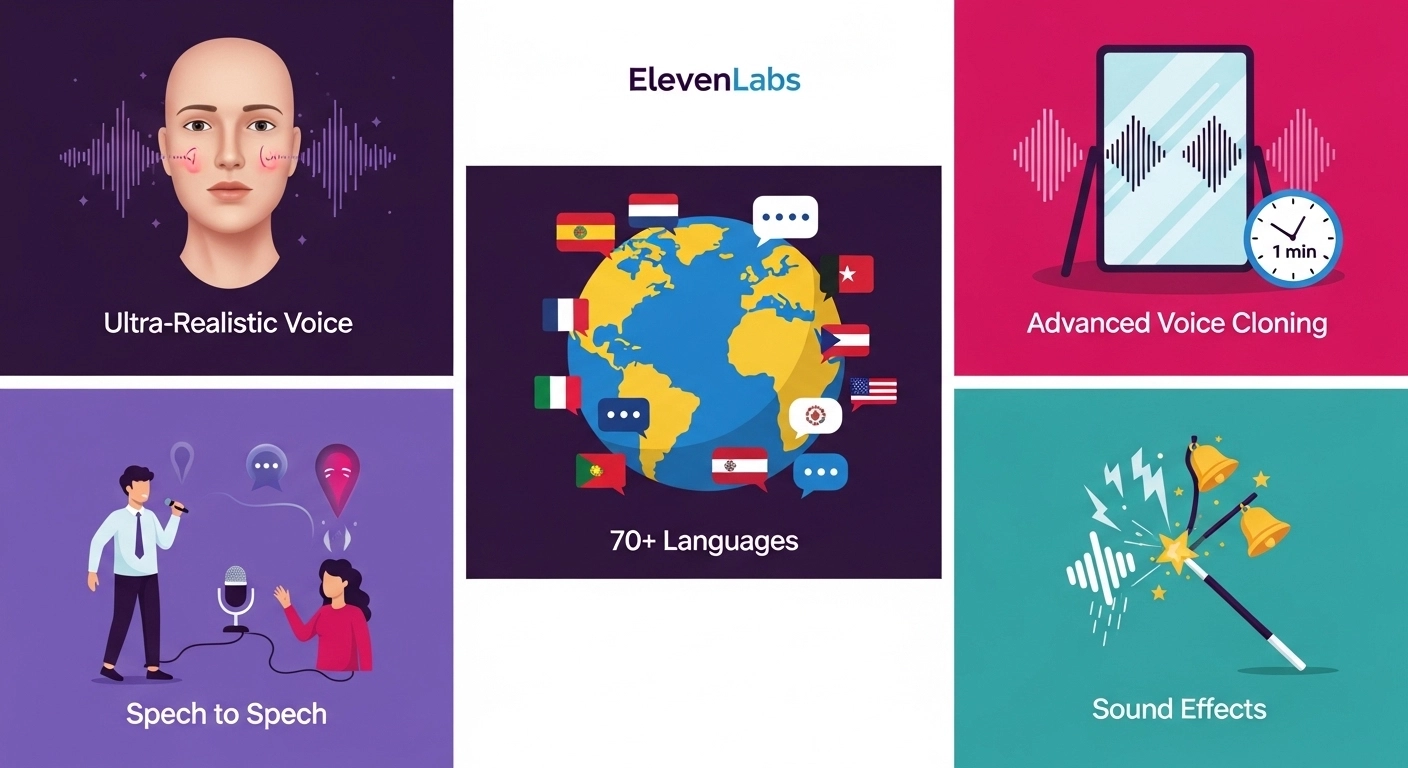
Key Benefits of ElevenLabs
- Ultra-Realistic Voice Generation: Creates voices that sound incredibly human, with natural ups and downs.
- Advanced Voice Cloning: Instant Voice Cloning works from about 1 to 2 minutes of clean audio, and Professional Voice Cloning from 30 minutes or more, per its voice cloning documentation.
- Multilingual Support: Its Eleven v3 model covers 70+ languages, while Multilingual v2 covers 29, according to the ElevenLabs models documentation.
- Speech to Speech: Transform your own recorded voice into a different AI voice.
- Sound Effects Generator: Create custom sound effects to go with your audio.
ElevenLabs Pricing
ElevenLabs offers several plans, allowing you to find one that suits your needs. They offer a free plan to get started, followed by paid options with additional features.
- Free Plan: 10,000 credits per month, shared across all ElevenLabs products. In the web app, 1 credit buys 1 character of text-to-speech, which ElevenLabs puts at about 10 minutes of audio. Credits do not roll over, and the free plan has no commercial licence.
- Starter Plan: $6/month, or $5/month billed annually. This is the first plan with a commercial licence.
- Creator Plan: $22/month, or $18.33/month billed annually.
- Pro Plan: $99/month, or $82.50/month billed annually.
Figures come from the ElevenLabs pricing page, checked 22 October 2026. The free-plan licence rule is set out in ElevenLabs' publishing help article. Free content published without a sign-in must also credit ElevenLabs in the title.
ElevenLabs Pros & Cons
- Pros: Voices sound very real. Cloning voices is easy. Many languages supported. Good for creators.
- Cons: It can get expensive. Character limits apply. Some pronunciation issues.
Feature Comparison
Let's break down how ReadLoudly vs ElevenLabs compare across key features.
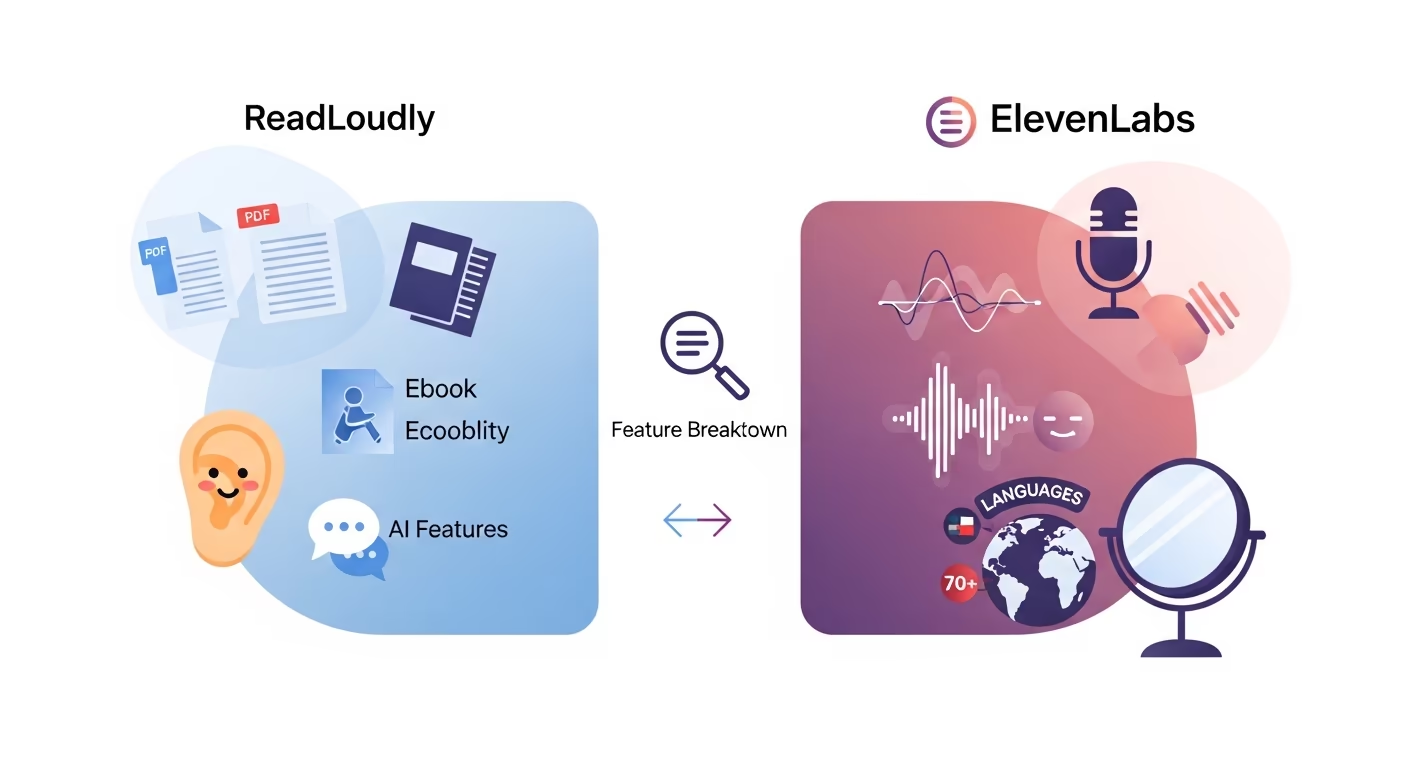
This will help you decide which text-to-speech tool is the right fit for your needs.
1. Document Type Support
- ReadLoudly: Specializes in PDF documents and eBook file formats. It can convert your written content into engaging spoken words and even transform PDF documents into interactive flipbooks. This is great for those who want to read aloud various written text formats.
- ElevenLabs: The web app is built around pasted text and scripts for audiobooks and video voiceovers. Reading PDFs, EPUBs and web articles is handled by its separate ElevenReader app, which can also scan text from images and is for personal listening only.
2. Voice Quality and Naturalness
- ReadLoudly: Offers 1,200+ premium AI voices across 40+ languages, built for sustained listening rather than performance — the job is getting through a long document without fatigue. For a single dramatic line read with emotional range, ElevenLabs is the stronger tool.
- ElevenLabs: Renowned for its human-like AI voices and advanced natural-sounding capabilities. It produces incredibly realistic spoken words with nuanced intonation and emotional range, making for very natural-sounding voices.
3. Multilingual Support
- ReadLoudly: Supports 40+ languages, allowing users to start listening to content in various tongues.
- ElevenLabs: Supports 70+ languages on its newest model, with a wide range of accents, which suits global content.
4. Voice Cloning
- ReadLoudly: Does not offer dedicated voice cloning features.
- ElevenLabs: A major strength is its advanced features for voice cloning, including instant and professional voice cloning from short audio samples, creating highly natural-sounding replicas.
Cloning comes with a consent question. The US Federal Trade Commission has warned about voice cloning being used by scammers to make requests sound believable, so clone only voices you have permission to use.
5. Accessibility Features
- ReadLoudly: Designed with accessibility in mind, it's a great tool for individuals with reading difficulties or visual impairments, allowing them to read aloud different types of written text easily. It acts as a helpful PDF reader.
- ElevenLabs: While its high-quality text-to-speech technology benefits accessibility, it's not solely focused on assistive features but rather on broad content creation and audience engagement.
Nonprofit Understood lists text-to-speech among the assistive technology tools for reading, so if reading difficulty is your main reason for listening, a document reader is the closer fit.
6. Special Features & AI Integration
- ReadLoudly: Unique features include "Chat with PDF," an AI assistant that lets you ask questions about your PDF documents, and the ability to turn ebooks into flipbooks for a more visual experience.
- ElevenLabs: Offers a wider array of advanced features like Speech to Speech transformation, Sound Effects Generation, speech-to-text, and an API for integrating with other platforms.
7. User Interface & Ease of Use
- ReadLoudly: Features a user-friendly interface that is straightforward, making it easy to upload text files, simply paste online text, and start listening to your audio files. It has a web player.
- ElevenLabs: While powerful, its advanced features might have a slightly steeper learning curve. However, it still maintains a largely user-friendly interface for its core text-to-speech app functions.
8. Platform Availability
- ReadLoudly: A web-based platform with a Chrome extension.
- ElevenLabs: Available through its web platform, and often integrated into other content creation tools via API. It also offers a Chrome extension.
9. Free Version Capabilities
- ReadLoudly: The free plan uses your device's own voices, so it spends no credits. It reads documents 10 pages at a time, includes OCR, and shows ads.
- ElevenLabs: The free plan lets you test its AI voices, but 10,000 credits a month is only about 10 minutes of audio in the web app, and anything on the free plan is non-commercial. Its ElevenReader app is more generous for listening: the free plan includes 10 hours a month.
Free tiers count their limits in different units, which makes them hard to compare. See how every free tier counts its limits for the full picture.
What to Look for in Text-to-Speech Software?
Choosing the right text-to-speech software can be a challenging task.
You want a tool that really works for you.
Here are some simple things to consider when you pick one:
- Voice Quality: Do the voices sound real? You don't want them to sound like robots. Look for natural-sounding voices that can show emotion.
- Language Options: Does it have the languages you need? More languages mean you can reach a broader audience.
- Ease of Use: Is it simple to use? You should be able to easily convert written text into audio files without a lot of complicated steps. A user-friendly interface is key.
- Document Support: Can it read the files you use, like PDF documents, web pages, or Word documents?
- Customization: Can you change the reading speed, pitch, or add pauses? These customization options make the audio better.
- Features: What special things does it do? Voice cloning, chatting with a PDF, or using a Chrome extension can be very helpful.
- Accessibility: Is it good for people with visual impairments or reading difficulties? Some text-to-speech apps are made just for this.
Final Verdict
Here's what we think after looking at both tools.
ReadLoudly is our top pick for reading documents. ElevenLabs is the better choice for voiceovers, voice cloning and expressive single-line reads.
ReadLoudly lets you chat with your PDFs and turn e-books into flipbooks.
Its premium voices are built for long listening sessions.
If you mainly want to listen to PDFs, e-books and web pages, ReadLoudly is the winner.
Its document tools are what set it apart.
These are our final thoughts.
We thoroughly examined these tools, so you can trust our recommendations.