
ReadLoudly vs Listnr: Choosing Your Best TTS Tool in 2026
Comparing ReadLoudly and Listnr to help you find the best text-to-speech tool for documents, podcasting, and productivity in 2026.
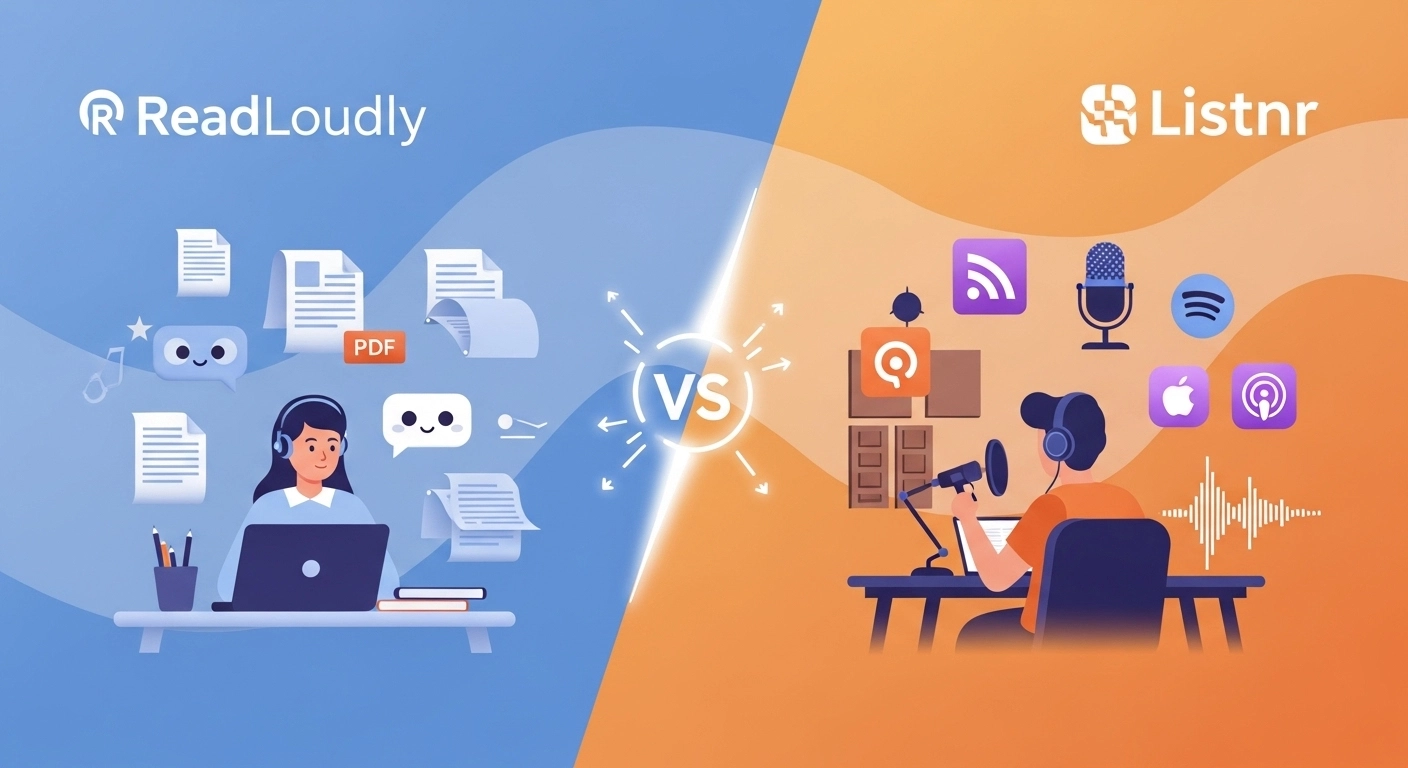
Are you tired of reading long articles and documents?
Do you wish you could just listen instead?
Text-to-speech (TTS) tools let you do exactly that.
However, with so many options, selecting the right one can feel challenging.
You might have heard of ReadLoudly and Listnr.
Both promise to turn text into clear, natural-sounding audio.
We'll compare ReadLoudly vs Listnr and see who they are best suited for.
Get ready to find your ideal TTS companion!
Overview
We put both ReadLoudly and Listnr through their paces.
We tested their voices, looked at all their features, and checked their pricing plans.
This hands-on approach helps us give you a clear, honest comparison.
We want to help you choose the best tool for your needs.
| Feature | ReadLoudly | Listnr |
|---|---|---|
| PDF to Speech | Yes | Yes |
| E-book to Flipbook | Yes | No |
| Chat with PDF (AI) | Yes | No |
| Voice Cloning | No | Yes |
| Multi-voice Podcast Studio | No | Yes |
| Number of Voices | 1,200+ | 1000+ |
| Languages | 40+ | 142 |
| Free Plan | Yes | Yes |
| Paid Plans from | $5/month | $19/month |
What is ReadLoudly?
ReadLoudly is a neat tool. It helps you listen to text instead of reading.
You can upload files like PDFs. Then, it reads them aloud for you.
It makes consuming content super easy.
Key Benefits of ReadLoudly
- PDF to Speech Conversion: Easily turn your PDF files into spoken audio.
- E-book to Flipbook: Transforms your e-books into interactive flipbooks, making them more engaging.
- Chat with PDF (AI Assistant): Ask questions about your PDF, and an AI assistant will help you find answers.
- Supports 1,200+ premium AI voices across 40+ languages, plus the free voices your own device provides.
- Used by over 1,100 users.
ReadLoudly Pricing
ReadLoudly offers different plans to fit your needs. You can start with a free plan to try it out.
- Free Plan: Uses the voices your own device provides, so it spends no credits. It processes documents 10 pages at a time (you can load the next 10), takes uploads up to 50 MB with or without an account, and includes OCR. It shows ads.
- Core Plan: Starts at $5/month (or $50/year). 100K voice credits, about 9.6 hours of standard voice or 2.4 hours of natural voice.
- Plus Plan: Starts at $10/month (or $100/year). 200K credits, about 19 hours or 4.8 hours.
- Pro Plan: Starts at $19/month (or $190/year). 400K credits, about 38 hours or 9.6 hours.
Paid plans process the whole document at once, and the maximum upload grows to 200, 350 and 500 MB.
ReadLoudly Pros and Cons
- Pros: Converts text easily. Supports many document types. Makes reading less tiring. Offers interactive flipbooks.
- Cons: Free voices can sound robotic. Not on all platforms. Needs premium for full features.
What is Listnr?
Listnr is another great AI voice generator.
It turns your written words into spoken audio.
It's often used by people making podcasts or videos.
It offers you a variety of voices and languages to choose from.
Key Benefits of Listnr
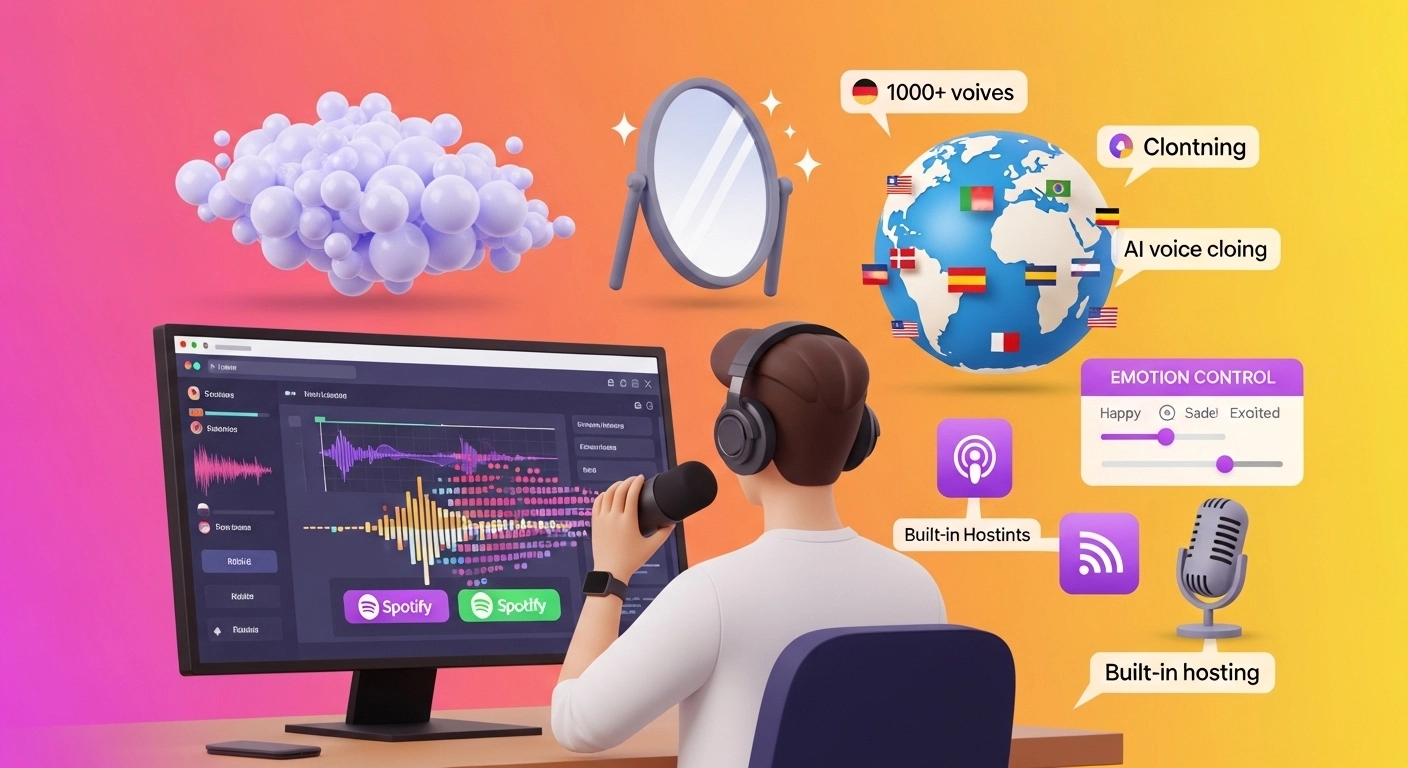
- Boasts 1000+ voices in 142 languages.
- Features AI voice cloning technology.
- Includes a Podcast Studio for multi-voice podcast creation and publishing.
- Provides fine-tuning for emotions in voices.
- You can adjust pitch, speed, and pronunciation.
Listnr Pricing
Figures come from Listnr's pricing page, checked 22 October 2026. Listnr counts in credits.
- Free Plan: 1,000 credits to start, with no credit card needed.
- Individual Plan: $19/month. This plan provides 20,000 credits per month, which Listnr puts at about 2 hours of voice generation.
- Solo Plan: Priced at $39/month. You get 50,000 credits per month, about 5 hours.
- Agency Plan: The largest plan at $99/month. It offers 250,000 credits per month, about 25 hours.
Listnr Pros and Cons
- Pros: Many voice choices. Supports many languages. Good for podcasters. Can clone your voice.
- Cons: Some voices sound robotic. Learning all the features takes time. The free plan has limits.
Feature Comparison
Here is how ReadLoudly and Listnr stack up on features.
We've explored both options, so you can see which one best fits your needs.
1. Voice Quality and Selection
- ReadLoudly: Offers 1,200+ premium AI voices across 40+ languages, plus the free voices your own device provides, which vary by operating system.
- Listnr: Boasts over 1000+ voices in 142 languages. Many users find Listnr's AI voices to be remarkably natural and human-like, with options for fine-tuning emotions.
2. Document Support
- ReadLoudly: Excels at handling various document types. It's a strong e-book reader, supporting PDFs and even converting them to "flipbooks."
- Listnr: Can convert entire books or articles into audio format. It's great for converting educational content or long-form text into a more engaging format.
3. Unique Features
- ReadLoudly: Its "Chat with PDF" feature is truly unique, allowing you to ask questions about your documents and receive AI-powered answers. The "e-book to flipbook" conversion also offers a distinct reading experience.
- Listnr: Shines with its AI voice cloning, allowing you to create a reusable voice clone from a recording you have approved. It also has a Podcast Studio for multi-voice podcasts, which is a significant advantage for content creators.
4. User Interface and Ease of Use
- ReadLoudly: Generally considered straightforward and easy to navigate, especially for its core text-to-speech and document reading functions.
- Listnr: Has a sleek and intuitive UI. While powerful, its broader range of features may require a bit more time for new users to fully explore.
5. Offline Access
- ReadLoudly: Built for listening in the browser. Check the current plan details before you rely on offline use.
- Listnr: Primarily an online tool. Downloads and exports are limited on the free plan, and paid plans allow unlimited downloads.
6. Target Audience
- ReadLoudly: Ideal for individuals who frequently read and interact with documents, e-books, and articles, and want to enhance comprehension or multitask.
- Listnr: Caters more to content creators, podcasters, marketers, and businesses needing high-quality voiceovers, voice cloning, or podcasting tools.
7. Integrations and API
- ReadLoudly: Focuses more on its web and app-based functionalities, providing direct user interaction with documents and text.
- Listnr: Offers API access, making it more flexible for developers and businesses to integrate its text-to-speech capabilities into their applications or workflows.
Free Tier Limits: ReadLoudly vs Listnr
Listnr's free plan is a starter pack of credits. ReadLoudly's free plan has no credit allowance on device voices, and it is limited by how much of a document it processes at once.
| Tool | Free allowance | Resets | OCR on free? |
|---|---|---|---|
| ReadLoudly | Device voices, no credits; 10 pages at a time; uploads up to 50 MB | No credits to reset; load the next 10 pages any time | Yes, 10 pages at a time |
| Listnr | 1,000 credits "to start"; preview voice library; downloads and exports limited | Worded as one time; not stated outright | Not publicly stated |
Listnr does not define a credit on its pricing page. It does say 20,000 credits is about 2 hours of voice generation, which puts 1,000 free credits at roughly 6 minutes. That is our arithmetic from Listnr's own figure, not a number Listnr publishes.
The ReadLoudly free plan uses the voices your own device provides, so voice quality depends on your phone or computer. Guest files are kept about 24 hours, and an account keeps a book 30 days after you last open it. The free plan shows ads.
To see more tools in the same format, read how every free tier counts its limits.
Scanned and Long Documents: ReadLoudly vs Listnr
Listnr is a voiceover studio first. Its text-to-speech page describes multi-format import of scripts, long-form drafts and production notes. It does not name PDF import, and it does not say whether it reads scanned pages.
ReadLoudly is built around documents. The free plan takes uploads up to 50 MB, with or without an account, and includes OCR for scanned files and photos. It processes 10 pages at a time and lets you load the next 10, so a long scan runs in batches.
Paid ReadLoudly plans process the whole document, with maximum uploads of 200, 350 and 500 MB. Your listening time then comes from credits. Core gives 100K, which is about 9.6 hours of standard voice or about 2.4 hours of natural voice.
On Listnr, the free credits cover about 6 minutes once, so a long document needs a paid plan from the start. Individual's 20,000 credits a month is about 2 hours.
Who Suits ReadLoudly and Who Suits Listnr
Listnr suits creators. It has voice cloning, a multi-voice Podcast Studio, 1,000+ voices in 142 languages, fine control over emotion, pitch, speed and pronunciation, and API access. ReadLoudly has no voice cloning, and it supports fewer languages. If you make podcasts, videos or client voiceovers, Listnr fits better.
ReadLoudly suits people who read. You upload a PDF or e-book, listen to it, turn it into a flipbook, or ask questions with Chat with PDF. The free plan needs no credit card, and paid plans start at $5 a month, against $19 for Listnr's Individual plan.
A student with a stack of papers and a podcaster with a script are different customers. Pick by the job, not by the voice count.
What to Look for When Choosing a Text-to-Speech Tool?
Here's what to consider when picking your perfect TTS tool:
- Voice Quality: A natural-sounding voice is a must.
- Language Options: Check for many languages and accents.
- Customization: Easily adjust pitch, speed, and emotion.
- Document Support: Can it handle PDFs and e-books?
- Ease of Use: A simple and intuitive interface saves time.
- Offline Access: Listen anywhere, even without an internet connection.
- Pricing: Find a plan that fits your budget.
What to Check Before Paying for Listnr or ReadLoudly
Look at what a credit buys before you compare monthly prices.
- The credit unit: Listnr's pricing page counts credits, while its page metadata says "1000 words". The page does not define a credit, so ask whether it means a word or a character before you plan around it.
- Downloads and rights: Downloads are limited on the free plan. Unlimited downloads and commercial rights come with paid plans only, which matters if you publish the audio.
- Hours, not credits: Listnr's tiers are about 2, 5 and 25 hours a month for $19, $39 and $99. ReadLoudly's Core, Plus and Pro give about 9.6, 19 and 38 hours of standard voice, or about 2.4, 4.8 and 9.6 hours of natural voice, for $5, $10 and $19. The voices differ, so listen to samples before you compare prices.
- Support and reviews: Product Hunt shows Listnr at 4.0 from 9 reviews. Reviewers praise ease of use and natural voices, but several report slow or missing support and disputes over what a lifetime deal covers. Read the current reviews before you commit.
- Cloning consent: If you plan to use voice cloning, clone only voices you have permission to use. The FTC has warned about scammers using cloned voices to make requests sound believable.
- Your own file: Run your real document through each free plan first. Check whether it imports, whether a scan reads, and whether you can take the audio away.
Final Verdict
After looking closely at both, our pick is ReadLoudly.
It truly stands out for everyday users who manage numerous documents.
Its unique "Chat with PDF" and "e-book to flipbook" features are very helpful.
You can easily listen to complex papers and even ask them questions!
This makes understanding things much faster and easier.
We believe our detailed comparison gives you a clear picture.
ReadLoudly just offers that extra edge for document-focused tasks, making it a powerful tool for your daily needs.