
ReadLoudly vs Murf: Which AI Voice is Best in 2026?
Comparing ReadLoudly and Murf to help you find the best AI voice tool for documents, content creation, and productivity in 2026.
Feeling tired of robotic-sounding AI voices? You're not alone.
Many content creators struggle to find a good AI voice generator.
This can make your videos, podcasts, and e-learning materials fall flat.
But what if there was an AI voice that could truly captivate your audience?
In this guide, we'll compare ReadLoudly vs Murf, head-to-head.
By the end, you'll know exactly which one is the best fit for your needs in 2026.
Get ready to pick the AI voice that will bring your content to life!
Overview
We tested both ReadLoudly and Murf.
We put them through real-world tasks.
This helped us see how they work. We looked at how easy they are to use.
We also checked their voice quality.
This comparison will help you decide.
| Feature | ReadLoudly | Murf |
|---|---|---|
| PDF to Speech | Yes | PDF is not a listed upload format |
| E-book to Flipbook | Yes | No |
| Chat with PDF (AI) | Yes | No |
| Voice Cloning | No | Yes |
| AI Dubbing | No | Yes |
| Number of Voices | 1,200+ | 200+ |
| Languages | 40+ | 30+ |
| Free Plan | Yes | Yes |
| Paid Plans from | $5/month | $19/month |
What is ReadLoudly?
ReadLoudly helps you listen to text. It turns words into speech.
This means you can hear articles, books, and documents.
It's great for when you don't want to read.
Key Benefits of ReadLoudly
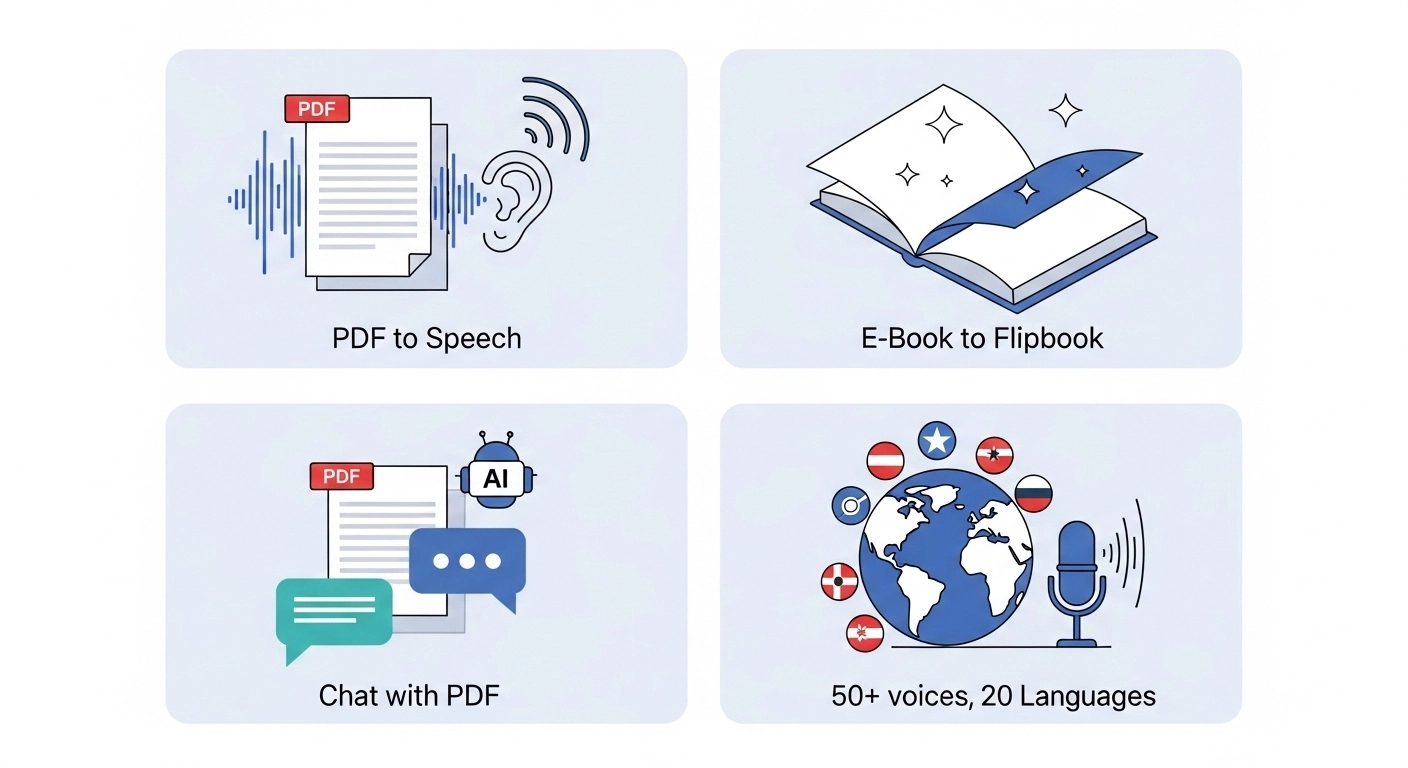
- PDF to Speech Conversion: Easily turn your PDF files into spoken audio.
- E-book to Flipbook: Transforms your e-books into interactive flipbooks, making them more engaging.
- Chat with PDF (AI Assistant): Ask questions about your PDF, and an AI assistant will help you find answers.
- Supports 1,200+ premium AI voices across 40+ languages, plus the free voices your own device provides.
- Used by over 1,100 users.
ReadLoudly Pricing
ReadLoudly offers different plans to fit your needs. You can start with a free plan to try it out.
- Free Plan: Uses the voices your own device provides, so it spends no credits. It processes documents 10 pages at a time (you can load the next 10), takes uploads up to 50 MB with or without an account, and includes OCR. It shows ads.
- Core Plan: Starts at $5/month (or $50/year). 100K voice credits, about 96 hours of RL Voice, 9.6 hours of standard voice or 2.4 hours of natural voice.
- Plus Plan: Starts at $10/month (or $100/year). 200K credits, about 192 hours of RL Voice, 19.2 hours of standard voice or 4.8 hours of natural voice.
- Pro Plan: Starts at $19/month (or $190/year). 400K credits, about 384 hours of RL Voice, 38.4 hours of standard voice or 9.6 hours of natural voice.
Paid plans process the whole document at once, and the maximum upload grows to 200, 350 and 500 MB.
ReadLoudly Pros and Cons
- Pros: Converts text easily. Supports many document types. Makes reading less tiring. Offers interactive flipbooks.
- Cons: Free voices can sound robotic. Not on all platforms. Needs premium for full features.
What is Murf?
Murf is a powerful tool for creating voices.
It utilizes AI to make voices sound more realistic.
You can easily turn your text into speech.
It's like having a voice actor without having to hire one.
Key Benefits of Murf
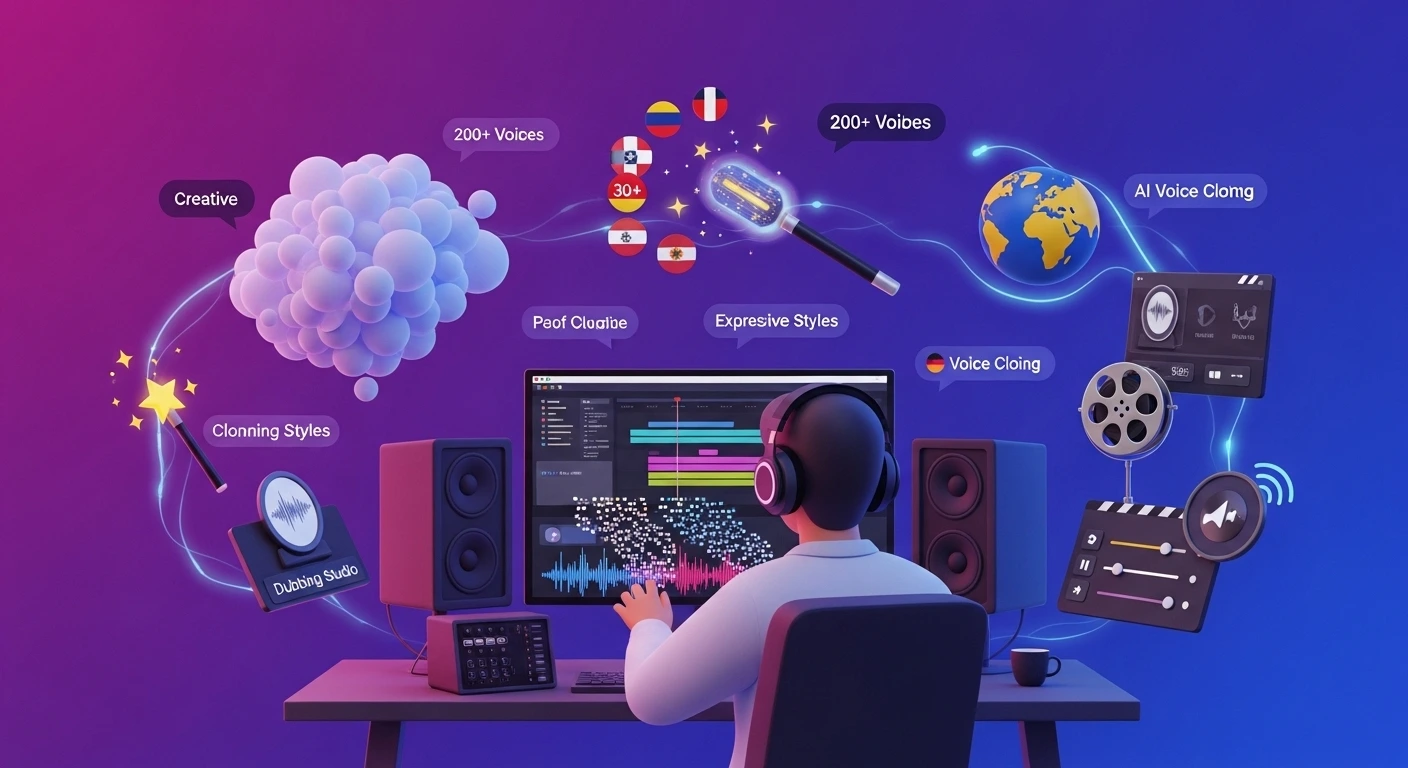
- Offers over 200 voices in 30+ languages.
- Provides 15+ expressive voice styles.
- Features AI voice cloning for custom voices.
- Includes an AI dubbing studio for video.
- Allows fine-tuning of pitch, speed, and pauses.
Murf Pricing
Murf has a free plan and paid plans for creators and teams. The figures below come from Murf's pricing page, checked 22 October 2026.
- Free Plan: 10 minutes of voice generation in total, with no credit card needed. There is no time limit, but the 10 minutes never refill. It has no downloads and no commercial rights.
- Creator Plan: $19/month billed annually.
- Business Plan: $66/month billed annually.
- Enterprise Plan: Custom pricing.
Murf Pros and Cons
- Pros: Voices sound very natural. Lots of voice options. Great voice customization. Saves much time.
- Cons: It can be pricey. The free plan is limited. Some voices are less realistic.
Feature Comparison
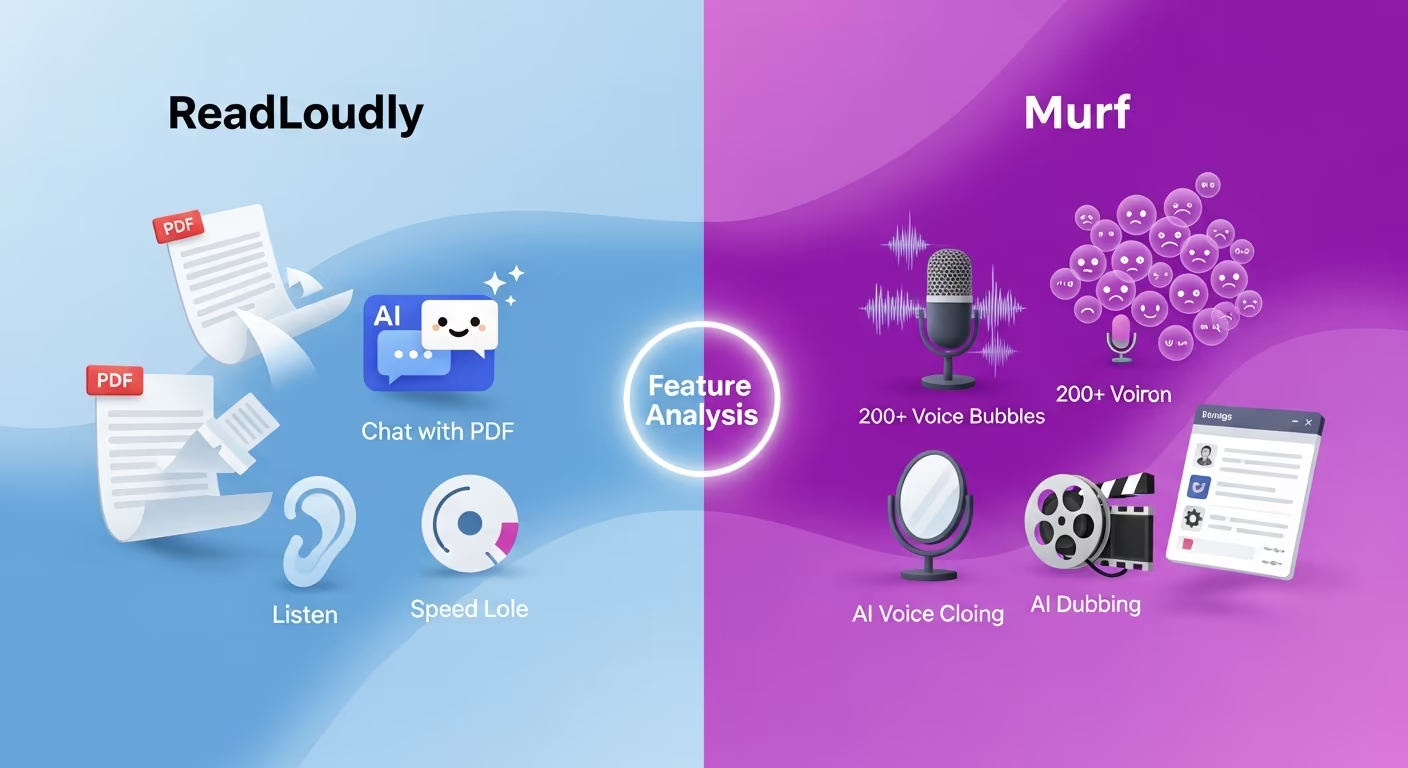
Now, let's look at how ReadLoudly and Murf compare head-to-head.
We'll break down their key features.
This will help you determine which one best fits your needs.
1. Text-to-Speech Quality
- ReadLoudly: Offers clear text-to-speech. Its free voices can sometimes sound a bit robotic. Premium voices are much better.
- Murf: Known for its highly natural and human-like AI voices. It focuses on nuanced speech, incorporating emotions and various styles.
2. Language and Voice Options
- ReadLoudly: Supports 40+ languages. It provides 1,200+ premium AI voices.
- Murf: Boasts a much larger library. It offers over 200 voices in more than 30 languages. Many of its AI voices are multilingual, meaning one voice can speak multiple languages.
3. File and Content Support
- ReadLoudly: Excellent for reading various document types. It handles text, PDFs, and e-books. It also works with web pages.
- Murf: Primarily designed for converting text scripts into voiceovers. It can integrate with tools like Canva and Google Slides.
4. AI Voice Cloning
- ReadLoudly: This feature is not a core offering. Its focus is more on basic text-to-speech and document reading.
- Murf: A standout feature. It allows users to create custom AI voice clones. This means you can replicate your voice for consistent branding.
5. Advanced Voice Customization
- ReadLoudly: Offers basic adjustments, such as voice type, speed, and pitch.
- Murf: Provides extensive controls. You can fine-tune pitch, speed, emphasis on specific words, and add pauses. This creates very personalized audio.
6. Unique Interactive Features
- ReadLoudly: Offers "Chat with PDF," where you can ask questions about your document and get answers. It also converts e-books and PDFs into "flipbooks" for a more natural reading feel.
- Murf: Focuses on AI dubbing for videos and an AI video editor. It helps match voiceovers with visuals for professional content.
7. Integrations and API
- ReadLoudly: Designed for straightforward web and document reading. It has a Chrome extension.
- Murf: Offers an API for developers to integrate its voice generation capabilities into their products. It also has add-ons for Google Slides and Canva. The Google Workspace listing says the Slides add-on converts a presentation into a Murf project so you can add voiceovers to it.
Free Tier Limits: ReadLoudly vs Murf
Murf's free plan is a sample, not a monthly allowance. It gives you 10 minutes of voice generation once, and that is all.
ReadLoudly's free plan works the other way round. It has no credit allowance to run out on device voices, and its limit is how much of a document it processes at once.
| Tool | Free allowance | Resets | OCR on free? |
|---|---|---|---|
| ReadLoudly | Device voices, no credits; 10 pages at a time; uploads up to 50 MB | No credits to reset; load the next 10 pages any time | Yes, 10 pages at a time |
| Murf (help) | 10 minutes of voice generation; no downloads; no commercial rights | No, one time with no refill | Not publicly stated |
Murf does not publish a words-per-minute figure. At a normal narration pace of 150 to 170 words a minute, 10 minutes is roughly 1,500 to 1,700 words. That is our estimate, not a Murf number.
Murf counts minutes when you render a new or edited text block. Changing the voice, style, pitch, speed or pauses on text you already rendered does not use more time, so you can tune a short script without losing your sample. Because the free plan has no downloads, you cannot take the audio away.
On ReadLoudly the free plan keeps guest files for about 24 hours and keeps an account's book for 30 days after you last open it. For a wider view, read how every free tier counts its limits.
Scanned and Long Documents: ReadLoudly vs Murf
Murf is built for scripts, not for reading a book. Its FAQ lists .txt, .docx and .srt as the supported upload formats for scripts, and PDF is not on that list. Murf does not state whether it offers OCR.
ReadLoudly starts from the document. It takes PDFs and e-books up to 50 MB on the free plan, with or without an account, and OCR is included on the free plan. It works through the file 10 pages at a time, and you can load the next 10 whenever you want. A long scan therefore takes several batches rather than one.
Paid ReadLoudly plans process the whole document and raise the maximum upload to 200, 350 or 500 MB. Listening time then draws on credits. Core's 100K credits cover about 96 hours of RL Voice, about 9.6 hours of standard voice or about 2.4 hours of natural voice.
A 10-minute Murf sample would cover only a few pages of a textbook once, so it is not a way to listen to a long document.
Who Suits ReadLoudly and Who Suits Murf
Choose Murf if you make voiceovers for video, slides or e-learning. It offers voice cloning, an AI dubbing studio, fine control over pitch, speed, emphasis and pauses, an API, and add-ons for Canva and Google Slides. ReadLoudly offers neither voice cloning nor dubbing, so Murf is the better tool for that work.
Choose ReadLoudly if you want to listen to existing material: PDFs, e-books, articles and web pages. You can turn an e-book or PDF into a flipbook, ask questions with Chat with PDF, and start on the free plan without a credit card. Paid plans start at $5 a month.
The two do not compete for most people. One produces a finished voiceover for an audience, and the other reads your documents to you.
What to Look for When Choosing a Text-to-Speech Tool?
When picking a text-to-speech tool, consider these points for the best experience:
- Voice Quality: Look for natural, human-like voices that don't sound robotic.
- Language Options: Ensure it supports all the languages you need for your content.
- Voice Customization: Check for controls like pitch, speed, and emotion adjustments.
- File Support: Can it read PDFs, web pages, or other document types?
- Unique Features: Does it offer voice cloning or PDF chat?
- Ease of Use: Is the interface simple to navigate?
- Pricing Structure: Understand the cost for your usage, including free tiers.
What to Check Before Paying for Murf or ReadLoudly
Check how the plan is billed and what the free sample leaves out.
- Billing period: Murf's pricing page quotes Creator at $19 a month and Business at $66 a month, both billed annually. Creator includes 24 hours of voice generation a year, and Business 96 hours. Third-party sites report higher prices for monthly billing, but those did not display on Murf's page in our check, so we cannot confirm them.
- What the free plan skips: There are no downloads and no commercial rights on the free plan, so a Murf project cannot ship until you pay.
- Page freshness: Murf's pricing page still shows a 2024 copyright, and its help center describes the same free allowance as a "Free Trial" with different voice and language counts. Confirm the current numbers on the page before you pay.
- ReadLoudly credits: Core is 100K credits, Plus 200K and Pro 400K. Natural voices use more credits than standard voices, so the same plan gives fewer hours of natural voice.
The cheapest check is to try both free plans with a document you really need to hear. Pay only once one of them has handled it well.
Final Verdict
After looking closely at both, our pick is ReadLoudly.
It's super easy to use and great if you just need to listen to documents or web pages.
Murf offers an amazing voice quality and advanced features, such as voice cloning.
ReadLoudly wins for its simplicity and affordability.
It's perfect for everyday users who want to make reading easier without a steep learning curve or high cost.
We've done the testing so you don't have to.
Trust us, for simple text-to-speech, ReadLoudly is the way to go in 2026.