

Free AI PDF Reader
Listen, Ask, Summarize
Upload a PDF once. The AI reads it aloud, answers questions from the document, summarises it page by page and turns it into a quiz.
Opens in the ReadLoudly reader. Free, no signup.
Hear the voices before you listen
What the AI does with your PDF
A normal PDF reader shows you the page. This one works through it with you: it reads, answers, condenses and tests you on the same document.
Reads it aloud
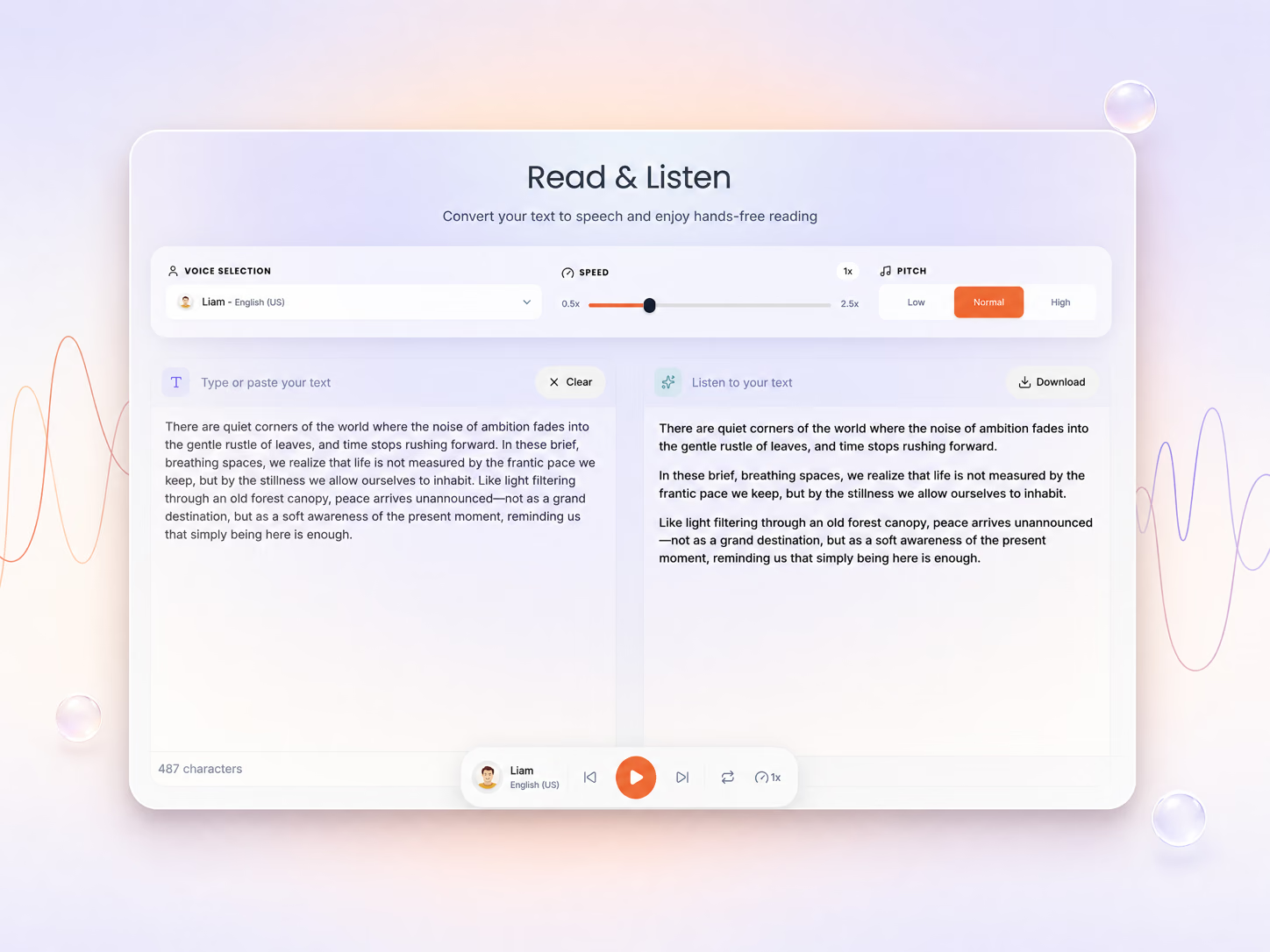
Natural voices read the PDF with the sentence highlighted as it goes, so you can listen while you follow along or look away. Free browser voices work without an account; premium AI voices are on paid plans.
Answers questions about it
Ask what a section means, what the author concludes or where a term is defined. Answers come from your document only, and the AI says so when the PDF does not cover the question. Chat needs a free account.
Summarises it
Get a summary of one page, five or ten at a time. Reading research papers? The research workflow shows how to work through a stack of them.
Turns it into study material
The same upload becomes a quiz, flashcards, notes or a tutor lesson in the Study Hub, free for two documents a day.
What is free
| No account | Free account | Paid plans | |
|---|---|---|---|
| Pages processed per upload | First 10 | First 10 | Whole document |
| Read aloud | Free browser voices | Free browser voices | Premium AI voices |
| AI chat with the PDF | — | Daily allowance | Higher allowance (fair use up to 200 a day) |
| AI summaries | 1 page a day | 5 pages a day | Higher limit |
| Quizzes, flashcards, notes | — | 2 documents a day | 10 to 35 a day, plus podcasts |
| Scanned PDFs (OCR, 12 languages) | First 10 pages | First 10 pages | Every page |
Need the whole document read or more chat? See the plans.
AI PDF reader questions
What is an AI PDF reader?
A PDF reader that does more than display the page. ReadLoudly reads the PDF aloud with natural voices, answers questions about it, summarises it page by page and turns it into quizzes and flashcards, all from one upload.
Is the AI PDF reader free?
Yes, to start. Without an account you can upload a PDF, listen to the first 10 pages with free browser voices and summarise one page a day. A free account adds AI chat with a daily message allowance, five summary pages a day and the Study Hub for two documents a day. Paid plans process the whole document and raise every limit.
Do I need an account?
Not to upload and listen. Chatting with the PDF and the study tools need a free account, so your questions and study sets are saved to you.
Where do the chat answers come from?
Only from your document. The AI is instructed to answer from the PDF you uploaded and to say so when the document does not cover a question, rather than filling the gap from general knowledge. Answers do not include page numbers, so check anything important against the page.
Can it read scanned PDFs?
Yes. Pages that are only an image go through OCR first, in 12 languages: English, Spanish, French, German, Italian, Portuguese, Dutch, Danish, Norwegian, Polish, Hindi and Bengali. On the free tier OCR covers the first 10 pages.
Which files work besides PDF?
Chat, summaries and read-aloud work on the extracted text, so DOCX, EPUB, MOBI, TXT, RTF and the other formats ReadLoudly opens work the same way as a PDF.
Is there a limit on chat messages?
Free accounts get a daily allowance and Core raises it. Plus and Pro have no plan limit, with a fair-use cap of 200 messages a day that resets daily.
Just want to open and listen to a PDF? Use the online PDF reader. Scanned pages? The scanned PDF reader runs OCR first.