
AI Quiz Generator for Students: A Multiple Choice Quiz from Any Chapter.
Multiple Choice is the testing tool inside ReadLoudly Study Hub. Upload a textbook chapter, a set of lecture notes, or a reading pack and it writes a quiz from the material — four options per question, one correct, and a short explanation for every answer — so you find out what did not land while the chapter is still fresh, in the same study set as your flashcards, tutor lesson, and notes.
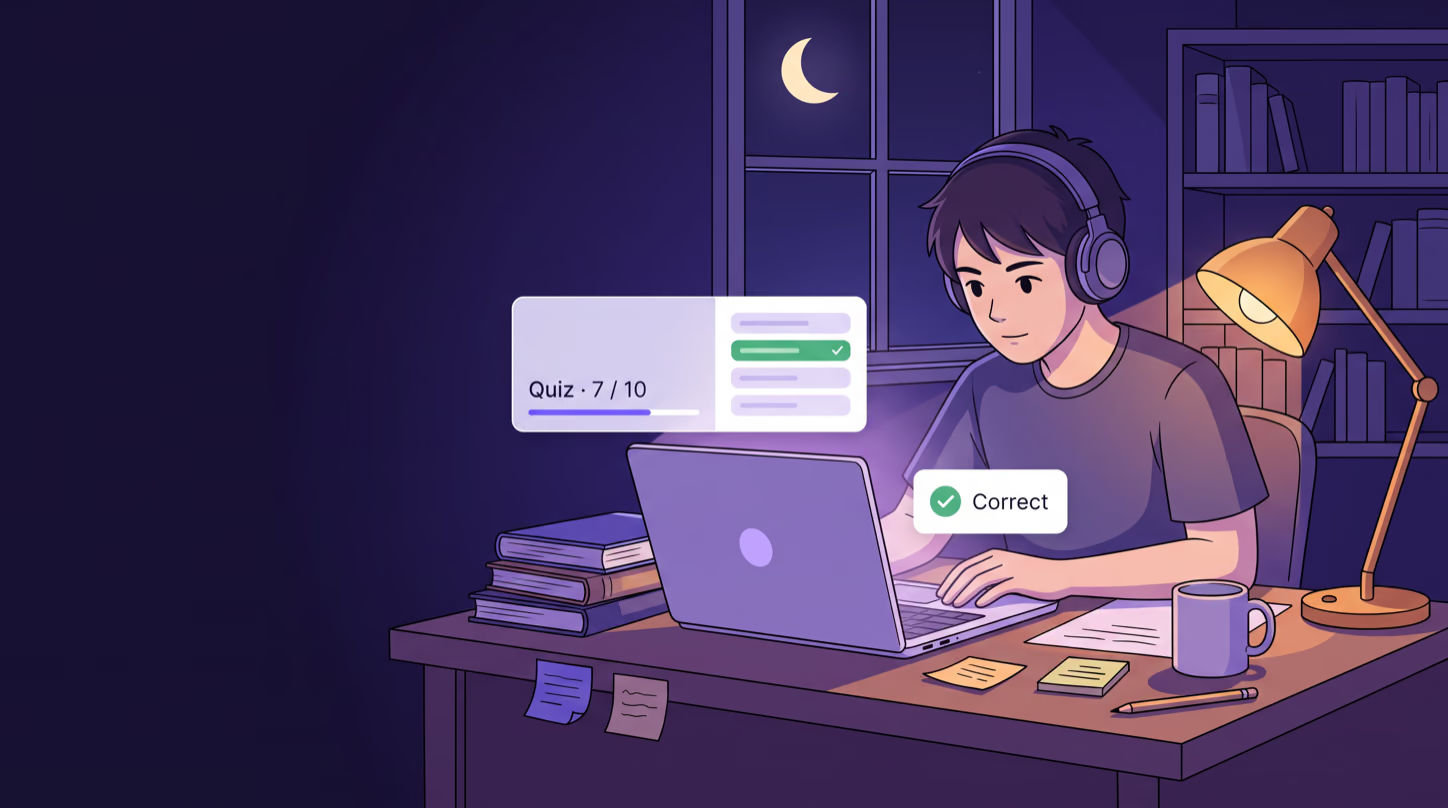
Multiple Choice · Chapter 3
All done · 8 of 10 correct
What Makes This Quiz Different
Not a Quiz About the Topic. A Quiz About Your Chapter.
Quiz sites test you on somebody's idea of the subject. The Multiple Choice tool reads the document you upload and writes questions that can only be answered from it — so a wrong answer points at a page you need to reread, not at a fact your course never covered.
Answerable From Your Material
Every question is written from the file you uploaded and has to be answerable from it. No trick questions, no outside facts, and the questions are drawn from across the whole document rather than the first few pages.
Four Options, One Explanation
Each question has exactly four options and one correct answer. Behind every question sits a one or two sentence explanation of why that answer is right, ready the moment you have committed to yours.
You Find Out Immediately
Pick an option and the correct one turns green, a wrong pick turns red, and the explanation is one click away. At the end you get a score out of the total and a Try Again button for a clean second run.
The Quiz
Commit to an Answer. Then See Why.
A quiz only teaches you something if you have to decide before you are told. Each question locks the moment you pick, so there is no changing your mind after the green appears — and the explanation is there to turn a guess into something you understand.
Sample question · pick an answer
Question 4 of 10
Where do the light-dependent reactions of photosynthesis take place?
Explanation
The light-dependent reactions run in the thylakoid membranes, where chlorophyll captures light energy. The Calvin cycle that follows happens in the stroma.
One Attempt per Question,
Then the Reason.
Pick with a click or press the number of the option. The correct answer turns green, a wrong pick turns red beside it, and the other two fade. A button reveals the explanation; Enter or Next moves you on. After the last question you get your score out of the total, a note of anything you skipped, and Try Again to run the same quiz clean.
Five Questions for a Check,
Twenty for a Mock.
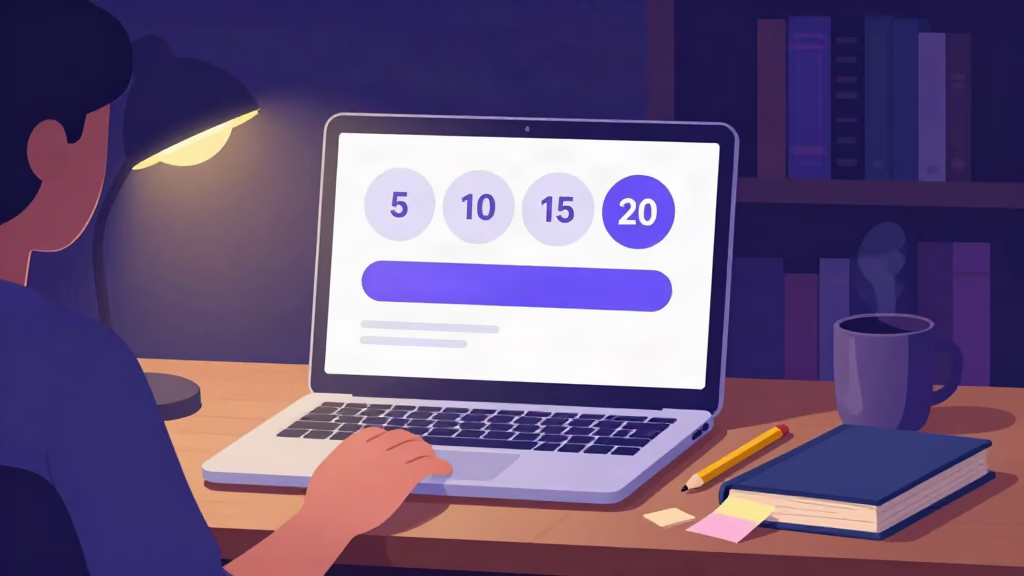
Before the quiz is written you choose how many questions you want. The tool then covers the document with that many, spreading them across the topics instead of clustering on the first section.
-
5
Five questions
A quick check straight after reading. Enough to tell whether the chapter went in at all.
-
10
Ten questions
The default. One lecture or one chapter, covered properly, in a sitting you will actually finish.
-
15
Fifteen questions
A dense chapter, or two short ones you want tested together before a class test.
-
20
Twenty questions
A whole reading pack or a mock of a unit, when you want the score to mean something.
Want a second paper? On paid plans you can rebuild the quiz from the same document — a rebuild writes fresh questions, so the second run is not the first one with the options shuffled.
Inside the Study Set
A Wrong Answer Is One Click from the Page That Explains It
A quiz on its own tells you the score. In Study Hub the quiz sits inside the study set, next to the document it was written from, a chat that has read it, and your own notes — so the fix happens in the same sitting as the mistake.

Getting a question wrong is the useful part. What you do in the next thirty seconds decides whether it stays wrong. The study set is built so that reading the source, asking a follow-up, and writing the correction down are all within reach of the question.
-
The quiz stays in the set
Come back a week later and the same quiz is waiting under the same document. Try Again resets it for a clean run whenever you want one.
-
The original document, one click away
When the explanation is not enough, the page the question was written from opens beside the quiz from the study set sidebar.
-
The other six tools share the upload
The file that produced the quiz can produce a flashcard deck to drill the terms you missed, a tutor lesson to re-explain them, and notes to keep — without uploading twice.
Content
The original document, open from the study set sidebar. When a question surprises you, the section it came from is one click away.
Chat
Ask why the other three options were wrong. The chat knows your document, so the answer comes from your chapter and not from the internet at large.
Notes
Your own writing, saved with the study set. The questions you got wrong can become a short list you read before the next attempt.
A Quiz in the Language
You Will Be Examined In.
Study sets can be generated in ten languages, and the quiz follows the language of the set. If the exam is in the course language, quiz yourself in it; if you think faster in another, make a second set and check that the understanding survives the switch.
Available Set Languages
The language applies to the whole study set, so the flashcards, lesson, and notes generated from the same upload match the quiz.
Use Cases
When an AI Quiz Is the Right Tool
The Same Night as the Reading
Finish the chapter, generate ten questions from it, and find out immediately which sections did not land — while the material is fresh enough to reread in ten minutes rather than an hour.
The Chapter You Only Think You Know
Re-reading feels like knowing. A twenty-question quiz with the book closed is the cheapest way to find out whether it is, before an exam does it for you.
Exam-Style Practice Without an Exam
Courses that examine by multiple choice reward the habit of reading four options and committing. Twenty questions per chapter, rebuilt fresh on a paid plan, is that habit on demand.
Ten Minutes on the Phone
The quiz opens in any browser, on a phone included, and each question is a self-contained decision. A bus ride is enough for five questions and their explanations.
Testing and Retention
Why Being Tested Beats Being Told Again
Reading the chapter a second time mostly confirms that you recognise it. Answering a question about it with the page closed makes you retrieve it — and it is the retrieval, with the correction that follows, that memory keeps.
A Sensible Order
Tutor Lesson
Understand the chapter
Flashcards
Drill the terms
Multiple Choice
Test it with the book closed, learn from the misses
Written Test
Argue it in full prose
The quiz is most useful once you have met the material at least once. Learn it, drill it, then let the quiz show you which part of that did not stick.
-
1
A Decision Is a Stronger Cue Than a Glance
Choosing between four options forces you to weigh what you know against three plausible alternatives. That effort is what makes the right answer easier to find next time.
-
2
Correction While the Error Is Warm
The explanation arrives seconds after the wrong pick, while you still remember why you chose it. A mark on a paper a week later cannot do that.
-
3
A Score You Can Act On
Eight out of ten tells you which chapter to leave alone and which to go back to. Fresh questions on a rebuild tell you whether going back worked.
Works With
One Upload, the Whole Study Set
Multiple Choice is one of seven tools generated from the same document. Add the rest to the same study set whenever you are ready to be taught, drilled, or talked through it.
Tutor Lesson
Every chapter explained in plain prose with key points, then read aloud.
Flashcards
Front-and-back cards for the terms the quiz shows you have not learned yet.
Fill in the Blanks
Key sentences with the term missing — harder than a quiz, because there are no options to recognise.
Podcast
A two-host audio discussion of the same chapter, with a live transcript.
How It Works
How to Make a Quiz from a PDF in 3 Steps
Upload Your Chapter
Add a PDF, Word file, or EPUB to Study Hub — a textbook chapter, lecture notes, or a reading pack.
Pick Multiple Choice and a Length
Tick Multiple Choice, choose 5, 10, 15, or 20 questions, set the language if you want one other than English, and generate.
Answer, Check, Fix
Work through the questions, read the explanation on every miss, see your score, and go back to the pages that cost you marks.
Prefer a step-by-step walkthrough? Read the guide on how to turn your notes and slides into a practice quiz that sticks.
Frequently Asked Questions
Common questions about turning your own course material into a multiple choice quiz.
It is a tool that writes a quiz from a document instead of asking you to write the questions. ReadLoudly reads the PDF, Word file, or EPUB you upload and produces multiple choice questions from it — four options each, one correct, with a short explanation — inside the same study set as your flashcards, tutor lesson, and notes.
Yes. Upload the PDF to Study Hub, tick Multiple Choice, choose how many questions you want, and generate. The questions are written from the text of the PDF and have to be answerable from it. Word (.docx) and EPUB files work the same way. Scanned or image-only PDFs are not supported, because a page that is really a photograph has no text to write questions from.
You choose 5, 10, 15, or 20 questions per quiz. The tool spreads them across the whole document rather than the first few pages. On paid plans you can rebuild the quiz from the same document with a different count, and a rebuild writes fresh questions rather than reshuffling the old ones.
A question, exactly four options, and one correct answer, plus a one or two sentence explanation of why that answer is right. Questions are written to be answerable from your document, with no trick questions and no facts pulled from outside it.
Your choice locks. The correct option turns green, a wrong choice turns red beside it, and the other options fade. A button shows the explanation, and Next takes you on. After the last question you see your score out of the total, a note of any questions you skipped, and a Try Again button that resets the quiz for a clean run.
Yes. Press 1, 2, 3, or 4 to choose an option, the left and right arrow keys to move between questions, and Enter to go to the next question once you have answered. A small keyboard icon on the question card lists the shortcuts.
Yes. Multiple Choice is included on the free plan, within the daily study set allowance. Paid plans raise that allowance and add the ability to rebuild a quiz with fresh questions. Written Test and Podcast are the two Study Hub tools that need a paid plan.
Kahoot is built for a teacher running a live quiz with a class, and Quizlet for sets that people write and share; neither of those is what ReadLoudly does, and there is no live multiplayer or leaderboard here. ReadLoudly writes the quiz from your own document for solo revision, and puts it next to flashcards, a tutor lesson, notes, and a podcast generated from the same upload.
Not sure how long a quiz to make?
Tell us the subject and how your course examines it, and our team can suggest a quiz length that fits.
More Examples
Other Ways People Use ReadLoudly
Or start from the tools themselves — free AI study tools that turn one upload into a quiz, flashcards, notes and more.
AI Study Tools for Students
One upload becomes a full study set: quizzes, flashcards, notes, written tests, and a podcast.
AI Tutor for Students
Every chapter explained in plain prose, with key points and natural read-aloud audio.
AI Study Podcast for Students
Your chapter as a two-host audio episode, with a transcript and an MP3 to take anywhere.
AI Flashcards for Students
Any PDF or chapter turned into a deck of front-and-back cards you flip with a click or the space bar.
Listen to Your Course Reading
Turn lecture notes, chapters, and handouts into natural audio you can revise with anywhere.
AI Tools for Researchers
Summarize and listen to academic PDFs so a heavy reading list stops being a bottleneck.
Turn Story Books into Audiobooks
Give any story a consistent AI narrator and listen to it as a finished audiobook.

Start listening smarter today
Join 4M+ readers who've transformed how they consume content. Turn any document into an engaging audio experience in seconds.