


ODP to PDF
Converter

Convert ODP to PDF online for free. Upload your ODP file and download the PDF in seconds — private, browser-based, no signup, nothing to install.

Trusted by 4M+ readers worldwide

Click to upload, or drag and drop

ODP up to 50 MB each

Supported formats: ODP

  • Free, no signup
  • No watermark
  • Files deleted after 8 hours

How to Convert ODP to PDF

Three steps in your browser — no software to install and no signup.

ODP 1 Contents 192341 book.pdfA4 ODP 1 Contents 192341 book.pdfA4

Step 1: Upload Your File

Choose the ODP file you want to convert, or drag it onto the page.

Step 2: Adjust the Settings

Set your options, then click Convert File to start.

Step 3: Download the Result

Click Download Converted File to get your new file.
PaperA4 Font pt Aa 10 Aa 12 Aa 15 Contents

Paper Auto, A4, Letter

1h 2h 3h 4h 5h 6h 7h 8h book.pdf Deleted

Deleted after 8 hours

Your file is converted on ReadLoudly's servers and deleted automatically after 8 hours.

About ODP to PDF Conversion

What the ODP and PDF formats are before you convert.

What is the ODP format?

ODP stands for OpenDocument Presentation — the presentation part of the OpenDocument standard, used by LibreOffice Impress. It is used by LibreOffice and OpenOffice users, schools and public bodies with open-format policies. Its strengths are slides with text, pictures and charts in a vendor-neutral, licence-free file; its main drawback: PowerPoint opens it with occasional layout and animation differences, and phones rarely open it.

ODP PDF About ODP to PDF Conversion

What changes when you convert ODP to PDF

What changes in the file when you convert.

  • Converting ODP to PDF puts each slide on its own page at the size of the presentation, with its text, pictures, shapes and charts.
  • A PDF cannot play animations or transitions, so every object on a slide is shown at once.
ODP PDF What changes when you convertODP to PDF

Trade-offs when converting ODP to PDF

What you leave behind, what you get in return and one tip.

  • Leaving ODP behind means leaving behind its main drawback: PowerPoint opens it with occasional layout and animation differences, and phones rarely open it.
  • What you get in return is what PDF does best — pixel-exact layout, embedded fonts, universal support and print fidelity — the reason it is relied on by anyone who needs a document to look identical on every screen and printer.
  • Tip: animations are flattened, so check slides where objects overlap before you share the PDF.
ODP PDF Trade-offs when converting ODPto PDF

How ODP to PDF conversion runs

Where the file is processed and how long it is kept.

  • The conversion runs with LibreOffice, the free office suite, on ReadLoudly's servers.
  • An hourly cleanup deletes the upload and the PDF once they are 8 hours old, and no account is needed.
ODP PDF How ODP to PDF conversion runs

Why convert ODP to PDF?

Reasons to convert ODP to PDF.

  • Share an ODP with someone who only has a PDF viewer on their phone or laptop
  • Print specific pages or chapters with the layout locked in place
  • Archive the file in a format that will still open in twenty years
ODP PDF Why convert ODP to PDF?

Free ODP to PDF converter that works anywhere

Best quality, free and secure, and it works in any browser.

  • Best quality. LibreOffice lays out every page the way your office app would, keeping the page size, fonts, tables, charts, headers and footers.
  • Free and secure. The tool is free and works in any web browser. Files are protected with 256-bit SSL encryption and deleted automatically after 8 hours.
  • Works anywhere. The converter runs online, so it works on Windows, Mac, Linux and mobile, with no installation required.
ODP PDF Best quality Industry-standard conversion tools Free and secure 256-bit SSL, deleted after 8 hours Works anywhere Windows, Mac, Linux and mobile, no install

Guides and comparisons from the ReadLoudly blog on getting more out of listening to your documents.

Read and Listen Anywhere

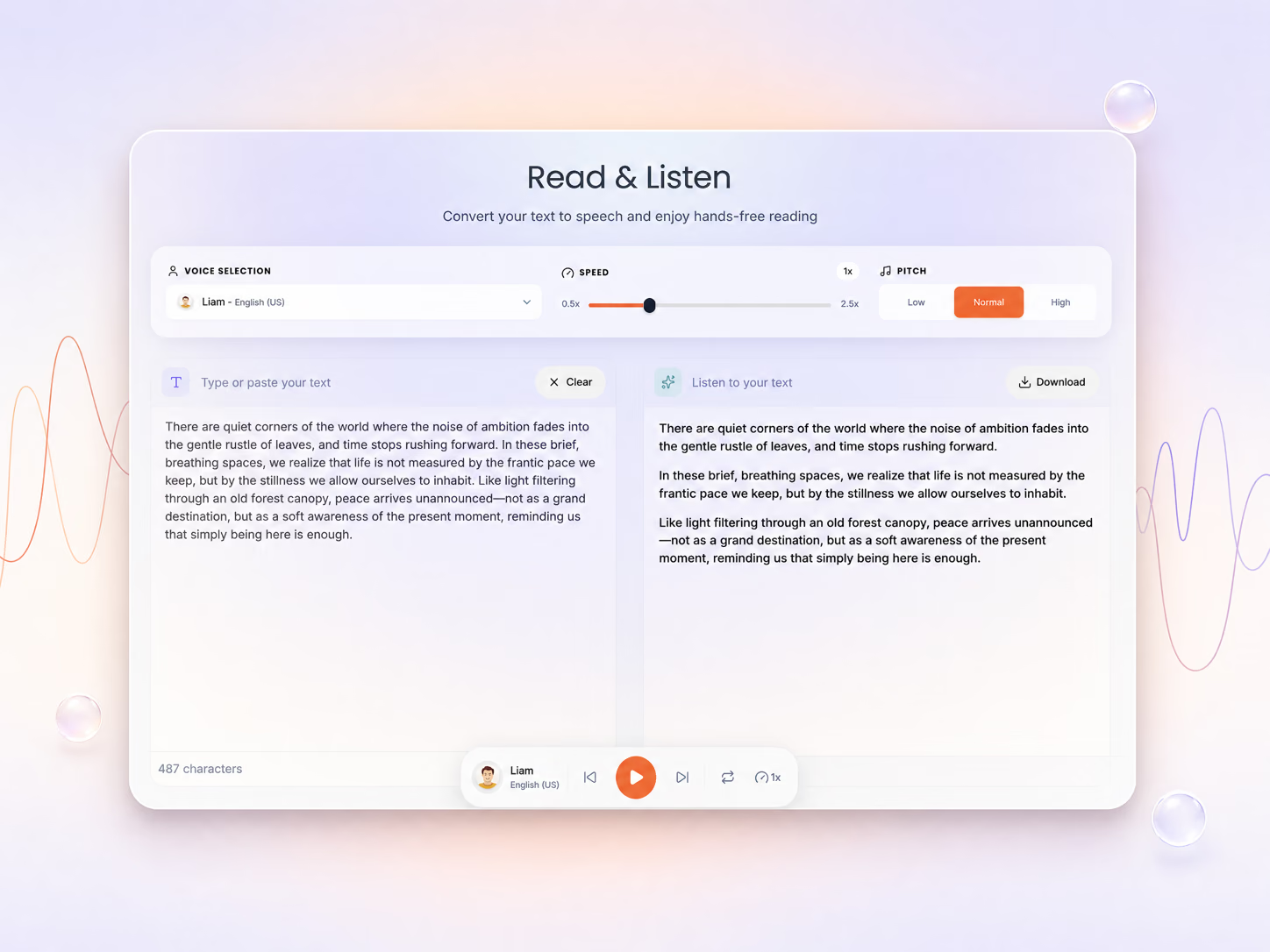
With ReadLoudly.com, you can easily upload any PDF document and read.

Text Highlighting

Customizable Reading Experience

Choose the voice, speed and tone that fit the way you listen.

Tone Control
Share

Share with Ease

Once you're done reading or listening you can easily share.

AI Chat

Multilingual AI Chat

Chat with PDFs, adjust voice, and translate to your language.

No Downloads

No Downloads Required

You don't need to download any software or plugins.

ODP to PDF: trusted by readers worldwide

Students, researchers and professionals use ReadLoudly to listen to PDFs and eBooks, chat with their documents and study faster.

Readers
4M+
Registered users
60K+
Document uploads
5M+
Lines read / month
5M+

ODP to PDF — Frequently Asked Questions

Everything worth knowing before you convert an ODP file to PDF.

Upload your ODP above, adjust any ODP-to-PDF options you need, and press Convert. The finished PDF is ready to download as soon as processing completes — no software to install and no account required.

Yes. ODP to PDF conversion is free with no signup, and there is no watermark on the output. A paid plan raises the 50 MB file size limit.

Guests can convert an ODP of up to 50 MB into PDF. Paid plans get higher ceilings — 200 MB on Core, 350 MB on Plus and 500 MB on Pro — which matters most when the source ODP is image-heavy or book-length.

Your ODP upload is encrypted in transit, converted, and then deleted automatically along with the PDF output. ReadLoudly does not read, retain long-term, train on, or share the contents of an ODP file you convert here.

Most ODP files finish in under 30 seconds. A large, image-heavy or multi-hundred-page ODP can take a minute or two before the PDF is ready — the page updates on its own, so there is no need to refresh or resubmit.

Yes. Open the converted PDF in ReadLoudly's PDF reader and it can be narrated with 1,892 AI voices across 52 languages.

No. ReadLoudly converts ODP to PDF on its own servers with LibreOffice, the free office suite, so it works the same on Windows, macOS, Linux, iOS and Android straight from the browser, with no Office licence.