


PDF Editor Online
Edit text, images and pages
Open a PDF and change what is in it: retype a text block, move or delete an image, add a link, and insert, replace, delete or reorder pages. Create a free account to download the PDF. No signup needed to start.



Opens in the ReadLoudly reader. Free, no signup.
Hear the voices before you listen
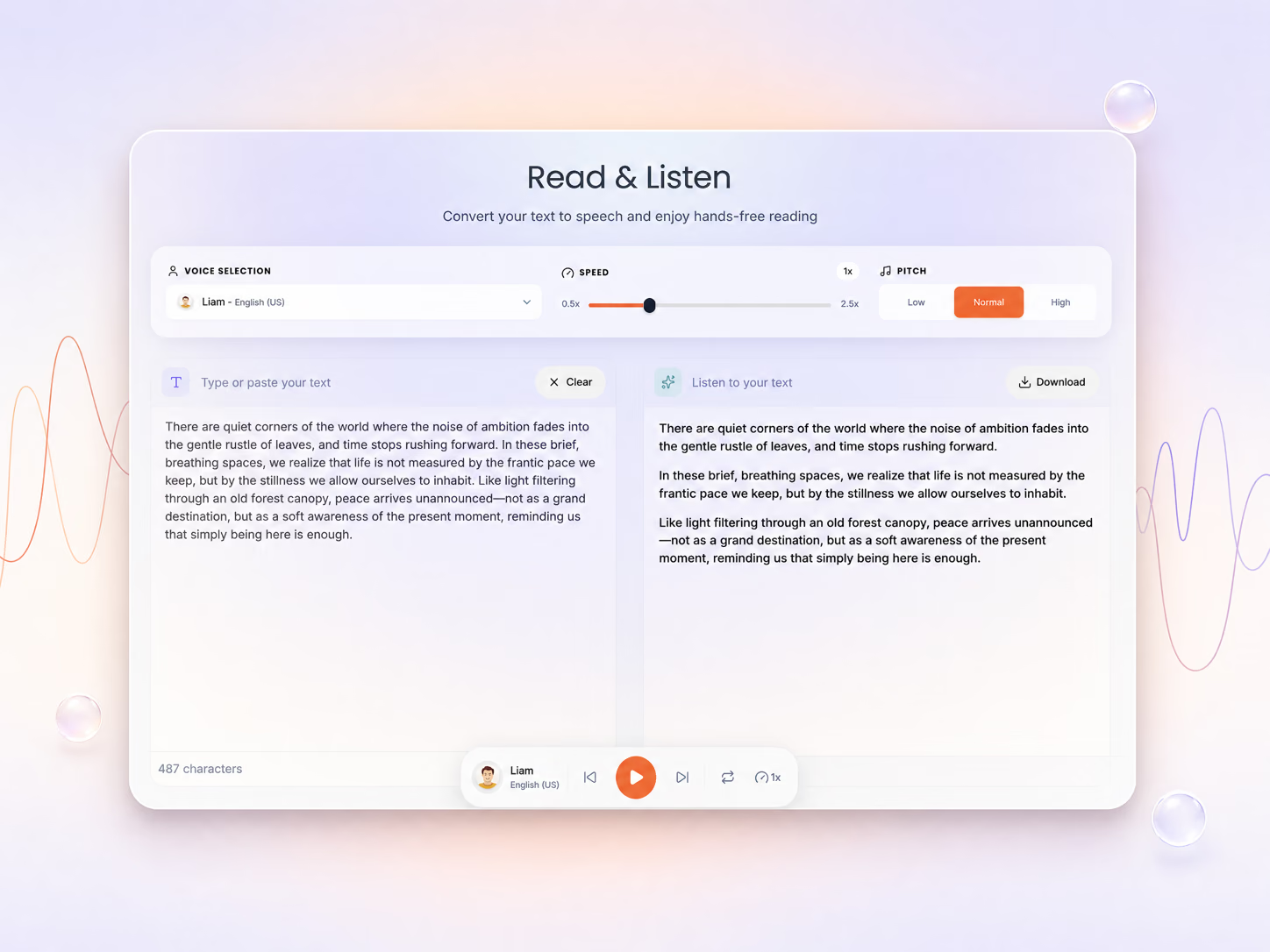
- Read PDF aloud free
- PDF to audio online
- 1,892 AI voices
How to edit a PDF online
Three steps in your browser.
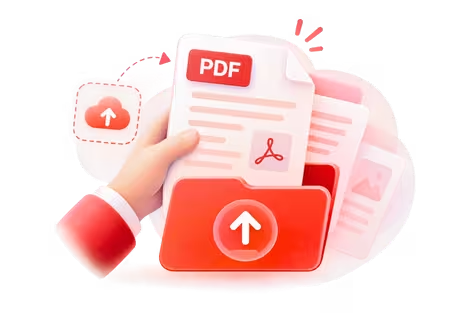
Upload your PDF
Choose a file or drag it onto the page. Files up to 50 MB when you are not signed in.
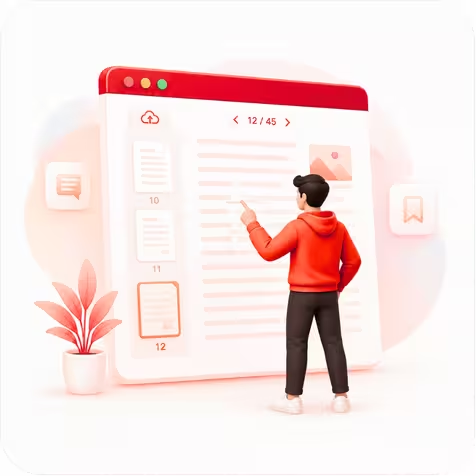
Change pages, text, images and links
Select a block or an image, then move it, delete it or retype it. Add text, an image or a link. Use Undo and Redo.

Download or listen
Create a free account to download the edited PDF, or open it in the reader and hear the new text.
What you can edit in a PDF
Pages, text, images and links, in one editor.
- Pages. Insert a page from another PDF or a blank page. Replace a page, delete it, or drag pages to reorder them.
- Text. Select a text block. Move it, delete it or type new text.
- Images. Move or delete an image. Add your own image.
- Links. Add a link to a web address, an email address or a phone number.
Your PDF Stays in Your Browser
What happens to the file when you are not signed in.
- Edited on your device. The PDF is opened and edited in your browser, so it stays in your browser.
- Not uploaded. If you are not signed in, your PDF is not uploaded.
- Kept for about 24 hours. The open document is kept in this browser for about 24 hours.
- Signed in. Your file is saved to your library. You can edit it again and revert to the original.
- To download. Sign in or create a free account to download the edited PDF. You come back to the same document.
PDF Editor Limits and Specs
What the editor does today.
- Input. A PDF, up to 50 MB when you are not signed in.
- Fonts. New and retyped text uses a standard font close to Arial, Times or Courier. It can look slightly different from the original.
- Scripts. Retyping works for Latin, Greek and Cyrillic text. Text in other scripts can be moved or deleted.
- Scanned pages. Text in a scan cannot be retyped. You can still add text, images and links and change pages.
- No reflow. Text does not reflow. A longer text shrinks or runs past its box.
Edit a PDF on Your Phone
Page tools work on a small screen. Careful text work is easier on a computer.
- Page tools on a phone. Insert, replace, delete and reorder pages at phone width.
- Fine editing on a computer. Moving and retyping small text blocks is easier with a mouse and keyboard.
- Nothing to install. The editor runs in your browser.
Edit a PDF, Then Listen to It
The edited PDF is read again, so the reader says what the page now says.
- Read again after an edit. After you edit a page, it is read again.
- New text in the reader. Read aloud, search and highlights use the new text.
- One document. Edit and listen to the same document.
PDF Editor Online: trusted by readers worldwide
Students, researchers and professionals use ReadLoudly to listen to PDFs and eBooks, chat with their documents and study faster.
- Readers
- 4M+
Total reach — everyone who has opened a document with ReadLoudly, not accounts created.
- Registered users
- 60K+
- Document uploads
- 5M+
- Lines read / month
- 5M+
Tools to use before or after you edit a PDF
Open another file format, convert a document or tidy up a PDF, all free in your browser.
Guides From the ReadLoudly Blog
Guides, comparisons and product news on listening to your documents with ReadLoudly.

ReadLoudly vs Audeus: Which Reader Fits How You Study?
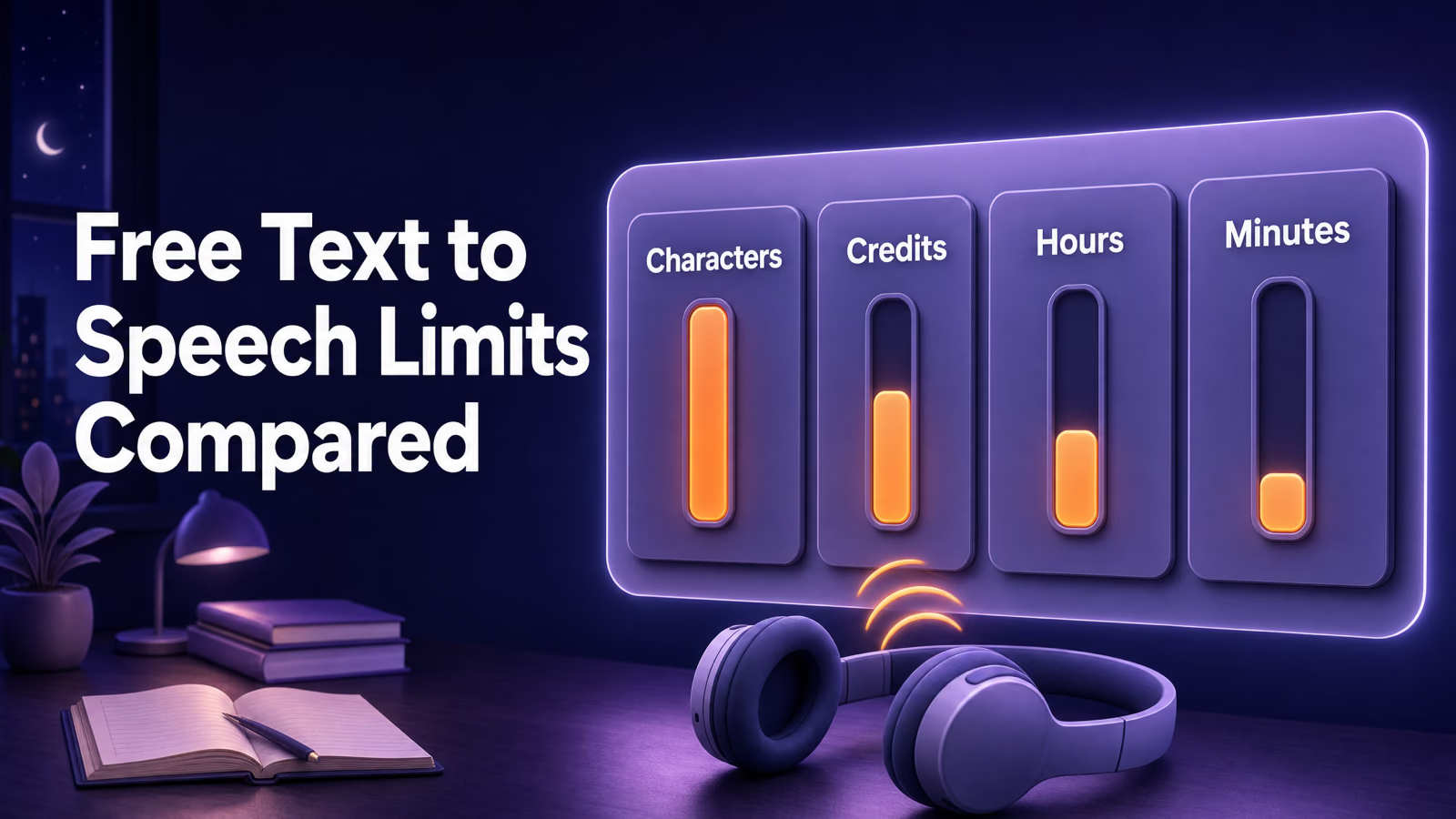
Free Text to Speech Limits Compared: Real Caps, Checked
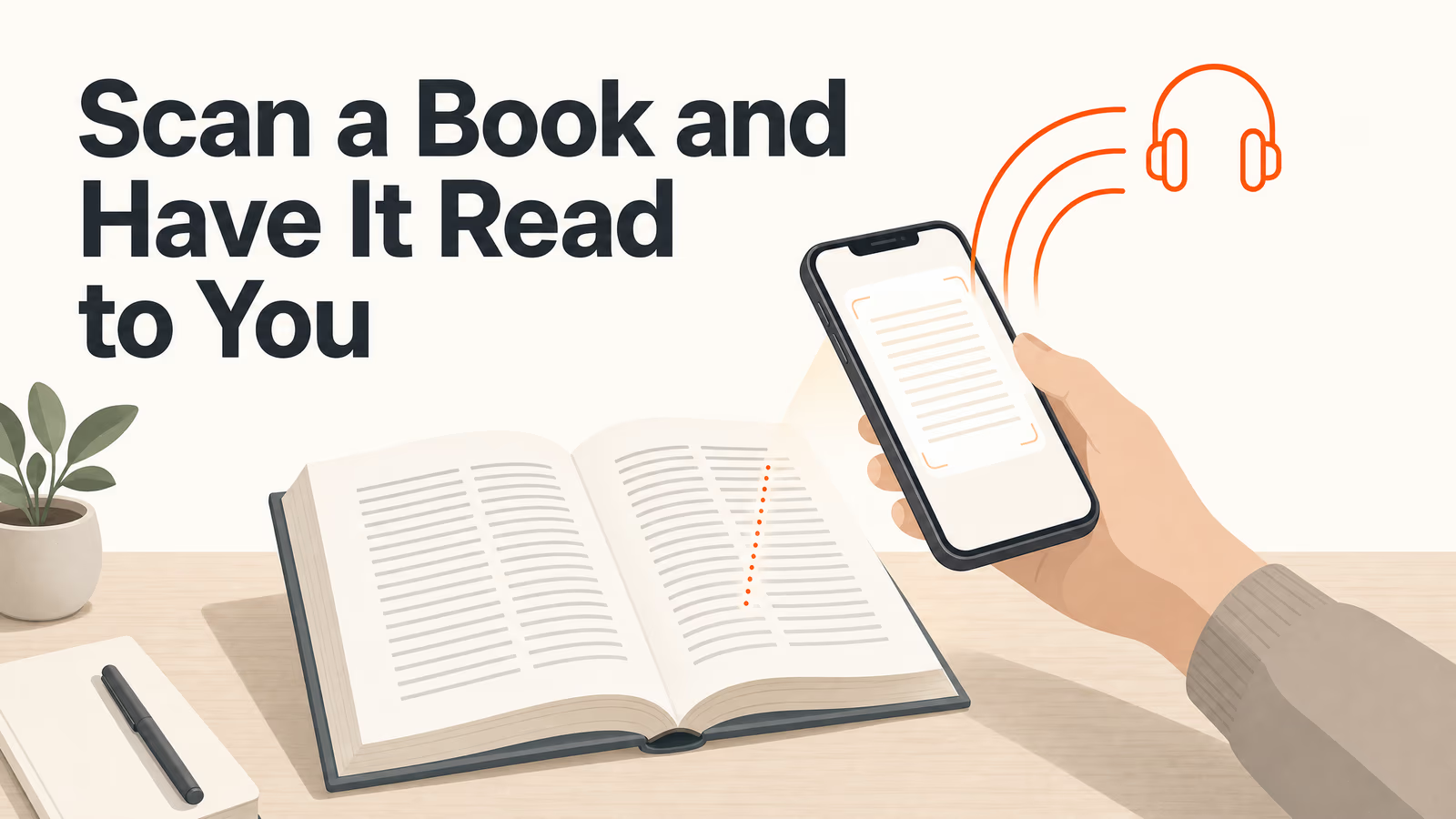
Scan a Book and Have It Read to You Free (2026 Guide)
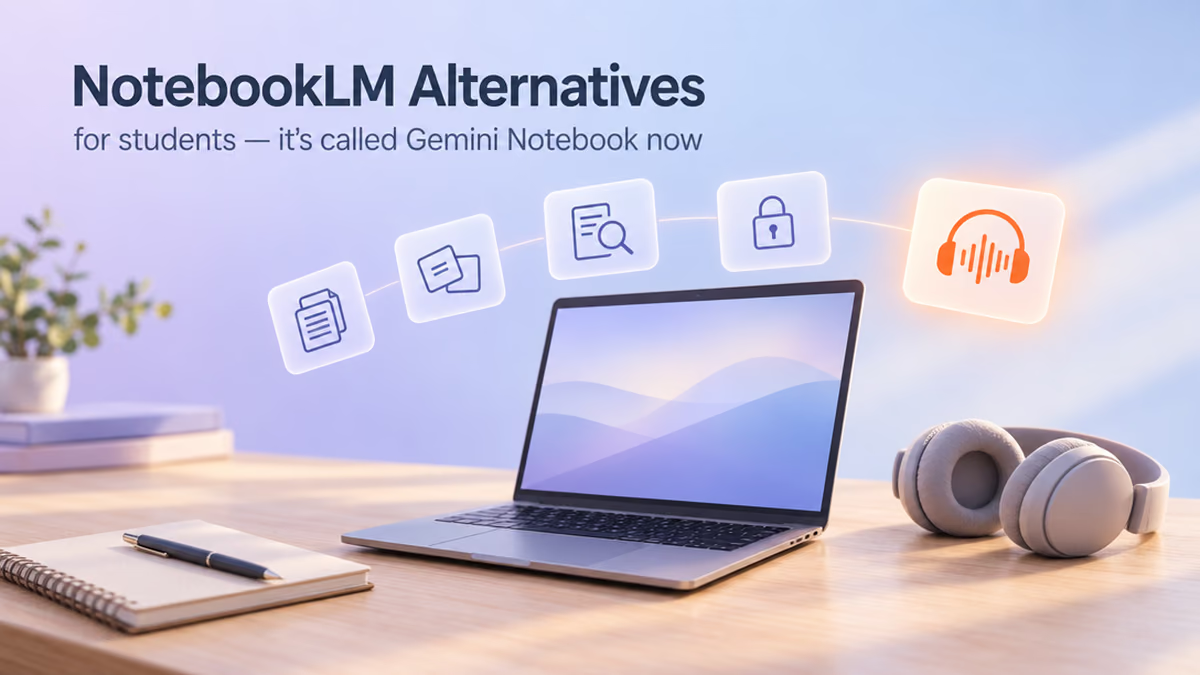
NotebookLM Alternatives for Students in 2026 (It’s Called Gemini Notebook Now)

Text-to-Speech for Dyslexia and ADHD: What the Evidence Actually Shows

AI Homework Solver: How to Use One to Learn, Not Cheat
PDF Editor Online: frequently asked questions
Everything you need to know about PDF Editor Online.
How do I edit a PDF online for free?
Open the PDF on this page. No signup is needed to start. Files up to 50 MB work when you are not signed in. To download the edited PDF you need a free account.
Is my PDF uploaded when I edit it?
Not if you are not signed in. The PDF is edited in your browser and is kept there for about 24 hours. If you sign in, your file is saved to your library so you can edit it again and revert to the original.
Can I change the text in a PDF?
Yes. Select a text block, then move it, delete it or type new text. Retyping works for Latin, Greek and Cyrillic letters. New text uses a standard font close to Arial, Times or Courier, and it does not reflow.
Can I edit a scanned PDF?
Text in a scan cannot be retyped. You can still add text, images and links, and you can insert, replace, delete or reorder pages.
Can I add a link to a PDF?
Yes. Add a link to a web address, an email address or a phone number.
Can I add, delete or reorder pages?
Yes. Insert a page from another PDF or a blank page, replace a page, delete it, or drag pages into a new order. Undo and Redo are there if you change your mind.
Does the PDF editor work on my phone?
Yes. The page tools work on a small screen and nothing needs to be installed. Careful text work is easier on a computer.
Can I listen to the PDF after I edit it?
Yes. Open the edited PDF in the reader. The page is read again, so read aloud, search and highlights use the new text.