


PDF to PNG
lossless page images, in your browser
Convert PDF to PNG free. Sharp, lossless PNG images of the pages you pick; several pages save as a ZIP. Runs in your browser, nothing is uploaded.



Opens in the ReadLoudly reader. Free, no signup.
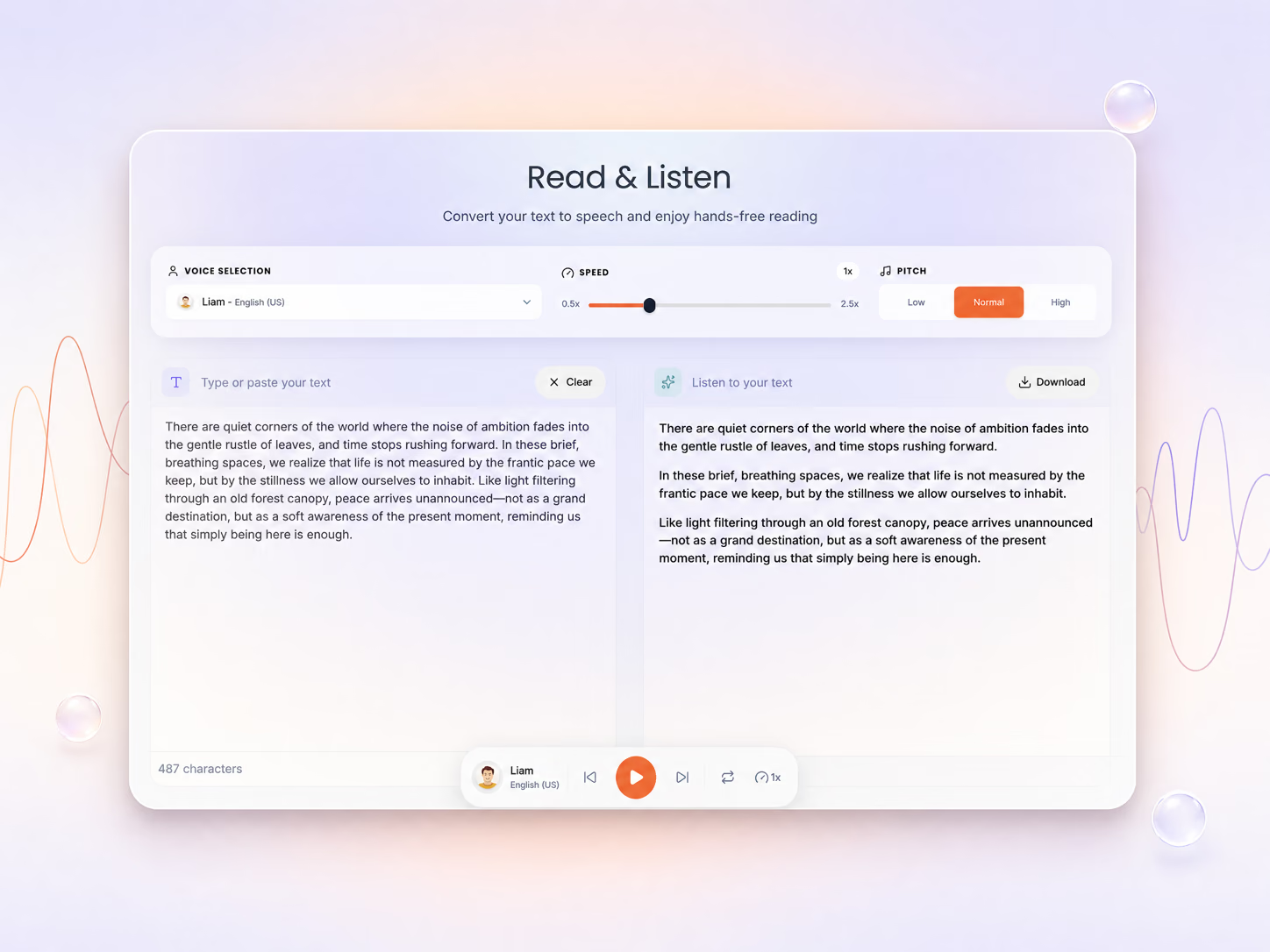
Hear the voices before you listen
- Free to use
- Your file never leaves your browser
- Works in any browser
Image Options
Your images are ready
Your PDF never leaves this browser; the images are made on your device.
How To Convert a PDF to PNG
Turn PDF pages into PNG images in seconds, right in your browser.
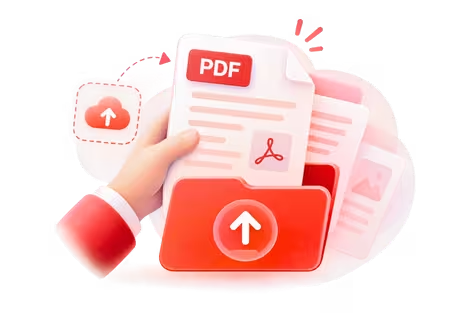
Choose Your PDF
Pick a PDF from your device. It is opened in this browser tab and is not sent anywhere.
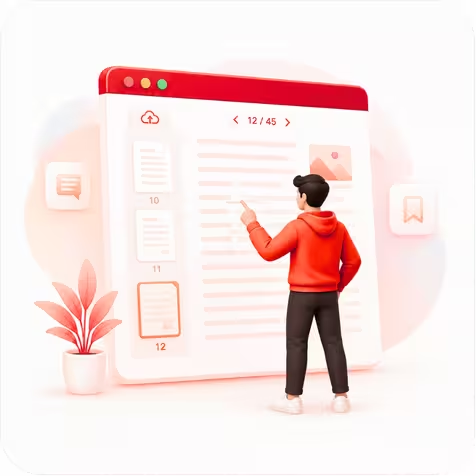
Pick Size and Pages
Choose JPG or PNG, the image size and which pages you need.
Download the Images
One page saves as an image; several pages save together in a ZIP file.
PDF to PNG – Convert PDF Pages to PNG Free: trusted by readers worldwide
Students, researchers and professionals use ReadLoudly to listen to PDFs and eBooks, chat with their documents and study faster.
- Readers
- 4M+
Total reach — everyone who has opened a document with ReadLoudly, not accounts created.
- Registered users
- 60K+
- Document uploads
- 5M+
- Lines read / month
- 5M+
Related Tools
More PDF tools to speed up your workflow.
PDF to PNG: more on working with PDFs
Guides and comparisons from the ReadLoudly blog on getting more out of listening to your documents.
Guides From the ReadLoudly Blog
Guides, comparisons and product news on listening to your documents with ReadLoudly.

ReadLoudly vs Audeus: Which Reader Fits How You Study?
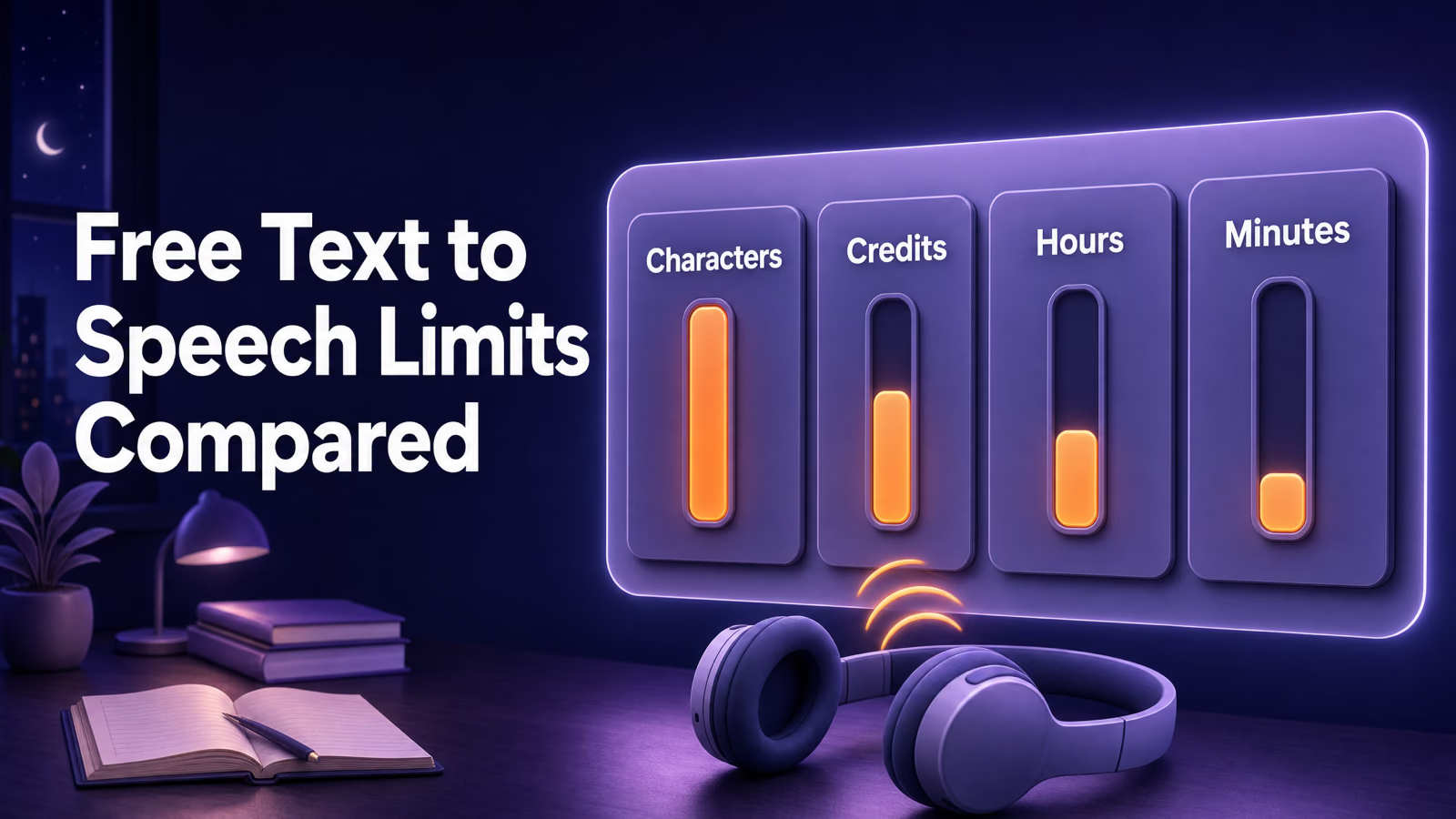
Free Text to Speech Limits Compared: Real Caps, Checked
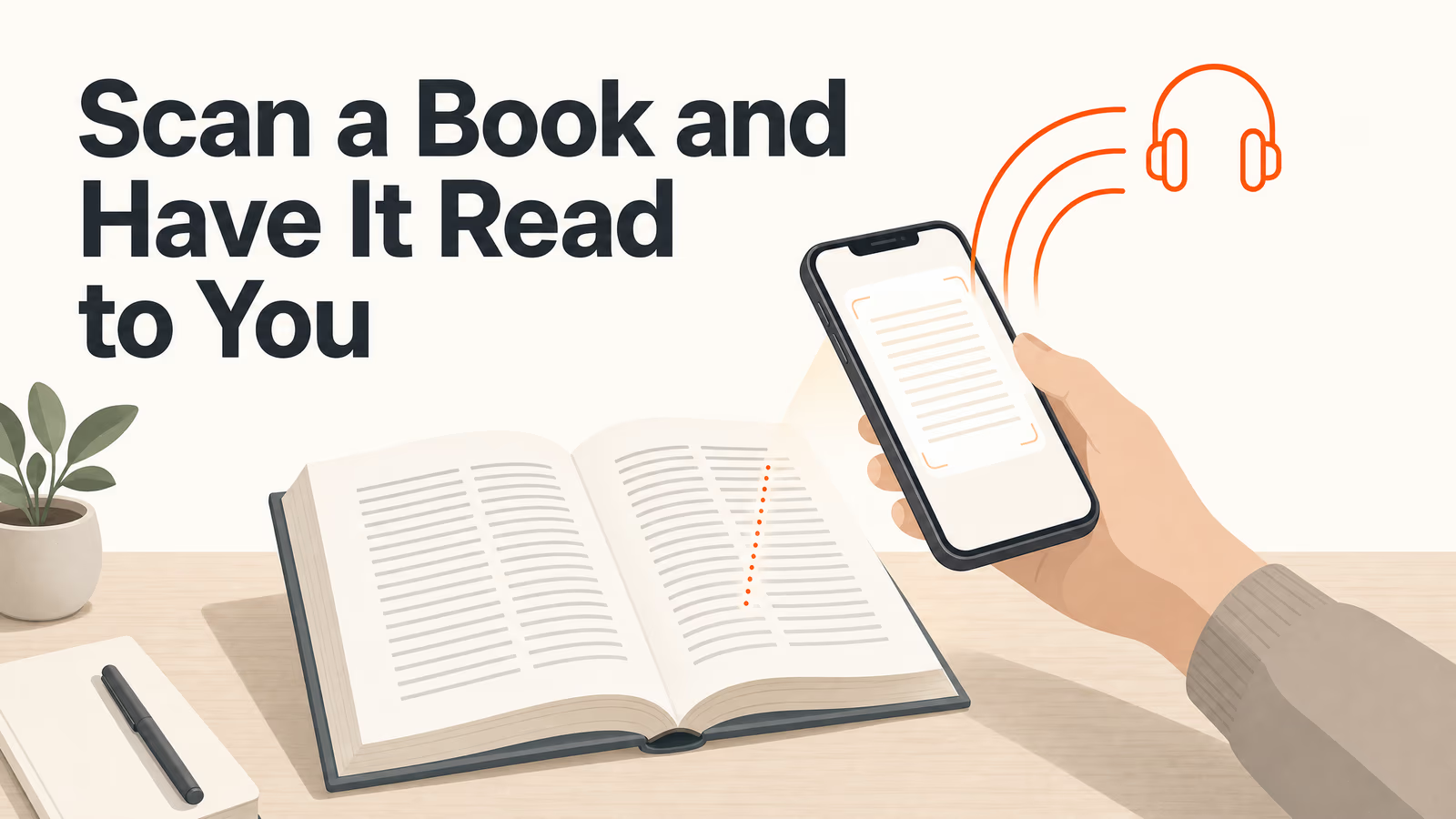
Scan a Book and Have It Read to You Free (2026 Guide)
NotebookLM Alternatives for Students in 2026 (It’s Called Gemini Notebook Now)
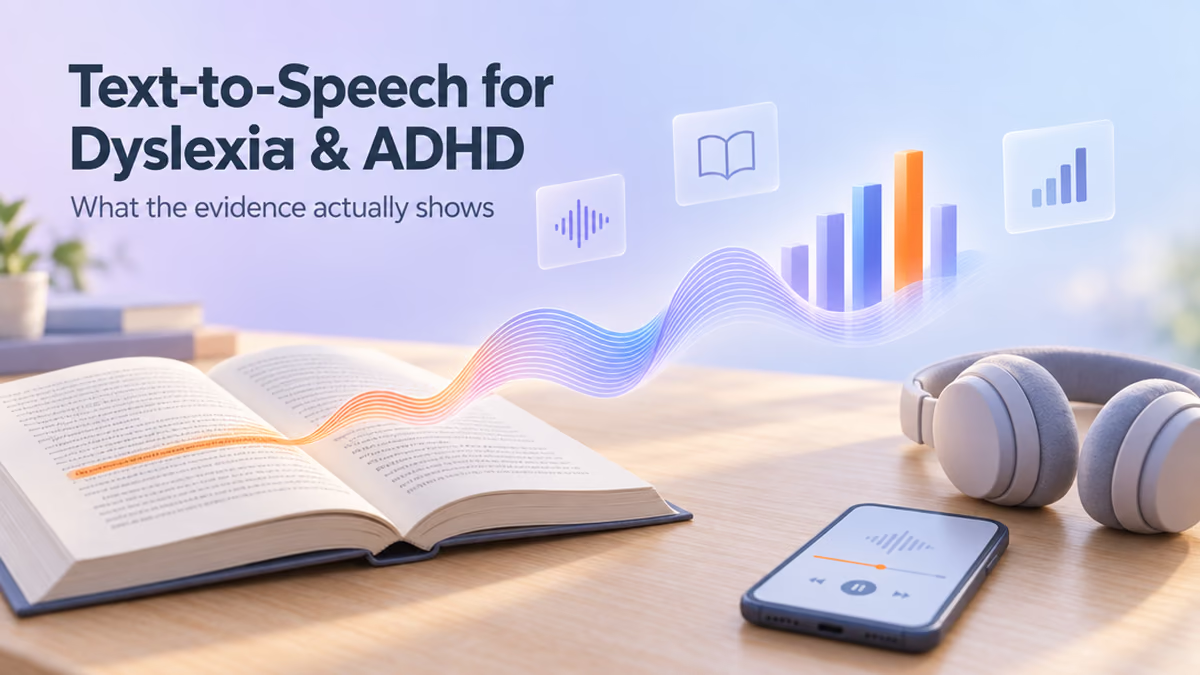
Text-to-Speech for Dyslexia and ADHD: What the Evidence Actually Shows
AI Homework Solver: How to Use One to Learn, Not Cheat
Frequently Asked Questions
Everything you need to know about PDF to PNG – Convert PDF Pages to PNG Free | ReadLoudly.
Yes — PDF to PNG – Convert PDF Pages to PNG Free is free, with no signup required to start and no watermark on the output. Core ($5/month), Plus ($10/month) and Pro ($19/month) raise the file size limit, unlock all 1,892 AI voices, and add MP3 download of pasted text read with a premium voice, and priority processing.
ReadLoudly reads 24 file formats aloud: documents (PDF, DOCX, ODT, RTF), ebooks (EPUB, MOBI, AZW, FB2, CHM, LRF, LIT, PDB, RB), text and web files (TXT, HTML), comics (CBR, CBZ), and images (via OCR) (JPG, PNG, GIF, BMP, WEBP, TIFF, SVG). Each format has its own dedicated reader page, and all of them use the same 1,892 AI voices.
ReadLoudly has 1,892 natural AI voices across 52 languages, with several accents and male, female and neutral options in most languages. Speed runs from 0.5x to 2.5x, and pitch control is available on Pro.
Yes. PDF to PNG – Convert PDF Pages to PNG Free runs in the mobile browser on iOS and Android with nothing to install, so you can work from a file in your phone's Files app, an email attachment or a cloud drive. Signed-in users get their library and position saved to their account, available on any browser.
Files are processed and then removed. ReadLoudly does not train models on your documents, does not share them with third parties, and does not make them visible to anyone else. Signed-in users can choose to keep a file in their own private library; a guest upload is removed after about 24 hours.